

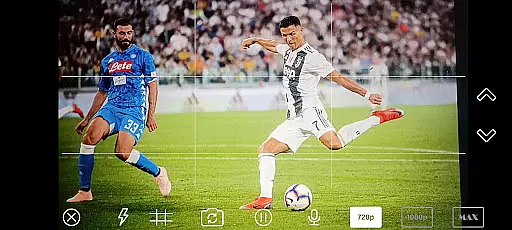
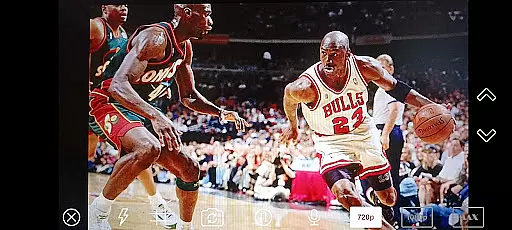
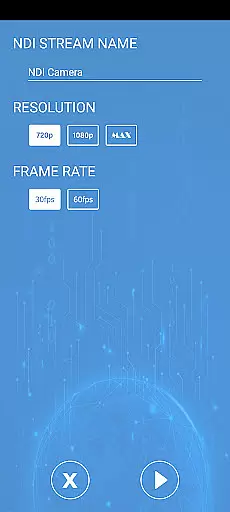


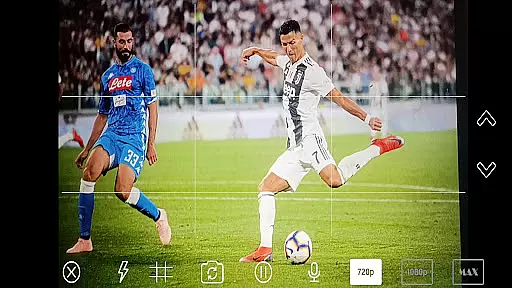
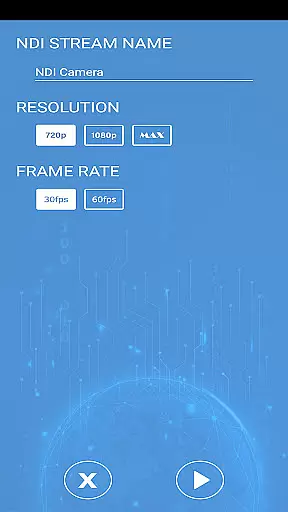

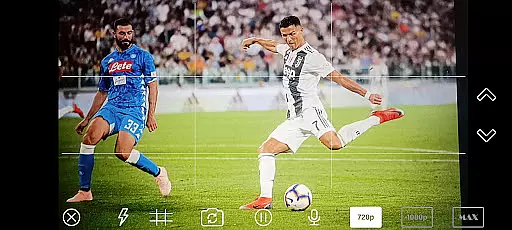
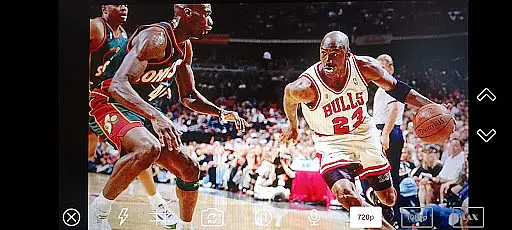
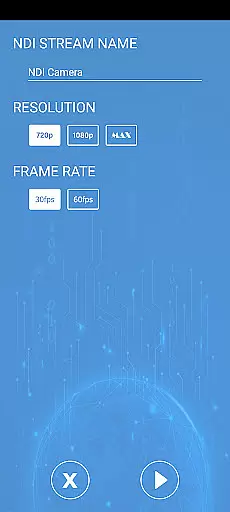

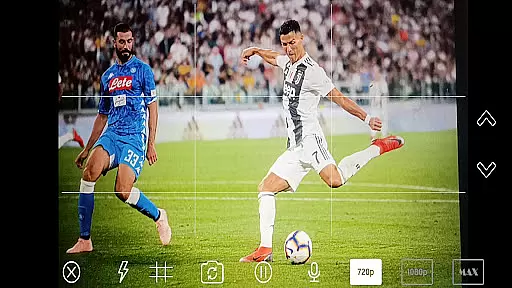

NDI Camera PRO is a powerful video streaming application designed for professional broadcasting needs. The app allows users to send high-quality NDI video streams directly from their device's camera over the NDI protocol. This makes it an ideal tool for live video production, especially when integrated with broadcasting software like OBS Studio.
With its low-latency IP video transmission capabilities, NDI Camera PRO ensures seamless and reliable video streaming. Whether you're producing live events, conducting virtual meetings, or creating dynamic content for online platforms, this app provides the performance and flexibility needed for professional-grade results.
NDI Camera PRO offers a range of advanced features tailored for professional video production. One of its standout capabilities is the support for the NDI protocol, which enables low-latency video streaming across networks. This feature is crucial for broadcasters who require real-time video feeds without noticeable delays.
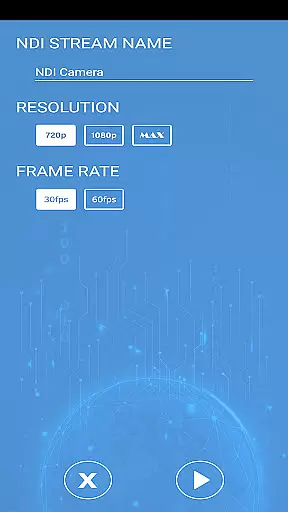
In addition to its core functionality, the app integrates seamlessly with popular broadcasting tools such as OBS Studio. Users can easily incorporate their mobile camera feed into complex production setups, expanding creative possibilities. The app also supports various video settings, allowing users to customize resolution and frame rates to suit specific project requirements.
NDI Camera PRO excels in video format compatibility, ensuring seamless integration with various broadcasting applications. The app supports the NDI protocol, a low-latency IP video standard designed for professional live video production.
This compatibility allows users to stream high-quality video from their camera directly into software like OBS Studio without any additional conversions. The NDI protocol is widely recognized and supported by numerous transmission systems, making it an industry-standard choice.
Users benefit from the ability to work with a wide range of video formats and resolutions, maintaining the original quality throughout the streaming process. This ensures that content creators can focus on their production without worrying about format limitations.
The app's robust compatibility features make it an essential tool for professional broadcasters who require reliable and high-performance video streaming solutions.
While NDI Camera PRO focuses primarily on video streaming, it also incorporates AI-powered features that enhance the overall video production process. These intelligent tools assist users in optimizing their video streams for different platforms and use cases.
The application's AI capabilities help in automatically adjusting video settings based on environmental conditions and network parameters. This ensures optimal video quality while maintaining stable transmission rates during live broadcasts.
Additionally, the app provides smart recommendations for improving video composition and framing, helping content creators produce more professional-looking streams. These AI-driven suggestions are particularly valuable for users who may be new to live video production.
Although not its primary function, these AI-powered features add significant value to the video production workflow, making NDI Camera PRO a versatile tool for both novice and experienced broadcasters.
User-friendly interface
High-quality video streaming
Low-latency transmission
Wide compatibility with broadcasting tools
Customizable video settings
Requires stable network connection
Premium features may need subscription
Limited free version capabilities
Advanced settings may overwhelm beginners
Specific hardware requirements

Online Videos Player
 3.90
3.90
Video Player - Unlimited features, 30 days money back guarantee.
4.60
IPTV-Smarters Player Pro M3U - Watch Live Stream TV Channels with Chromecast
4.00
Video Downloader is an utility that can save videos and music from web sites
4.20
Snaptubè Video Downloader app allows to download videos and music in Snaptube. .
4.60
Video Downloader, Multiple Resolution Options, Video Player
4.50
The essential companion to your Blue Iris PC software
2.50
Enjoy your favorite videos and channels with the official YouTube app.
3.90
Capture the moment and Cut
3.40
#1 Torrent App on Android ** No Ads Ever + Battery Saver **
4.80
A Quick and Pro Video Editor
4.70
Create & edit videos with AI
4.30
KMPlayer Plus (Divx Codec) officially support Divx codec.
4.30
Turn your phone into a wireless camera!
4.20
Powerful, professional, versatile teleprompter. Developed by an active film crew
4.00
Make your own Animations, Video and Photo Edits, Visual Effects, and more!
4.00
AirMirror is Receiver for Screen Mirroring and Casting from Apple Devices.
3.60
Powerful HD video player with support for all formats & subtitles.
4.5
Play and download HD videos from all sources — fast, simple, and all-in-one.
4.3


User Reviews