




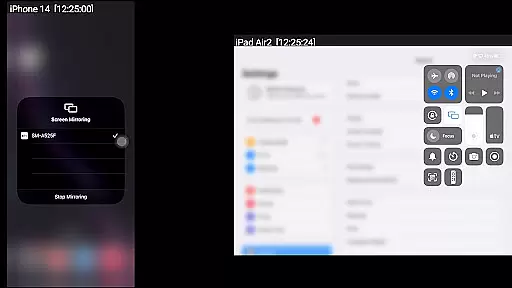
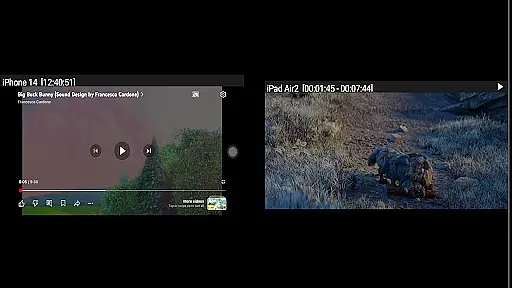
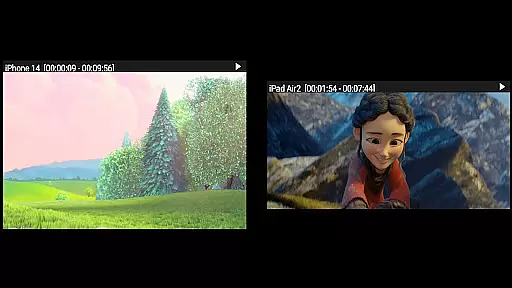

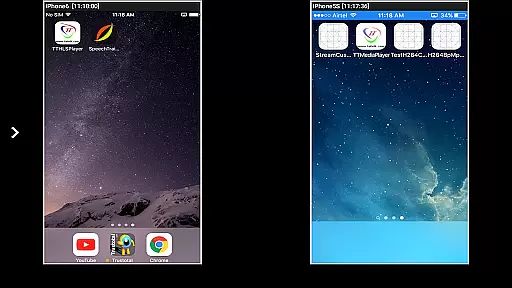

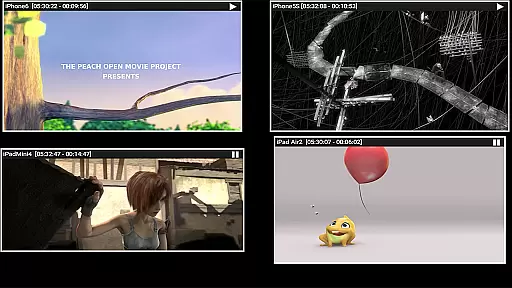
AirMirror is a specialized receiver application designed for Android devices, enabling seamless screen mirroring and casting from Apple devices such as iPhones, iPads, MacBooks, and iMacs. This app facilitates the sharing of screens and multimedia content over a local network, making it an ideal tool for presentations, entertainment, and collaborative work.
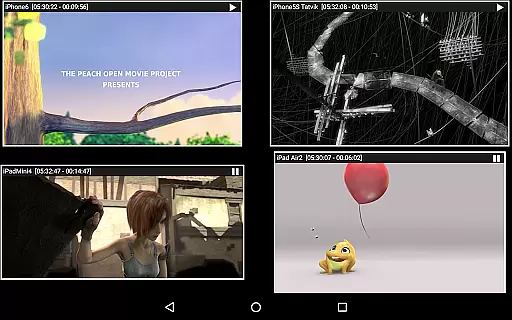
With support for iOS versions 9 to 15, AirMirror allows users to mirror or cast from up to four Apple devices simultaneously. It also supports media playback, including photos, images, and videos, and features passcode protection to restrict unauthorized access. The app's flexible window resizing and movement options enhance user experience, while its Bluetooth Low Energy advertising extends its reach across different subnets.
AirMirror stands out with its robust feature set tailored for efficient screen sharing and media playback. One of its key capabilities is the simultaneous mirroring from multiple Apple devices, allowing users to share content from up to four devices at once. This makes it highly suitable for group presentations or collaborative sessions.
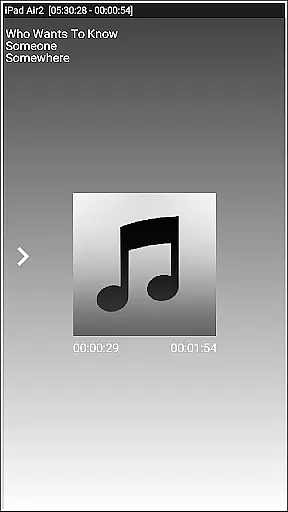
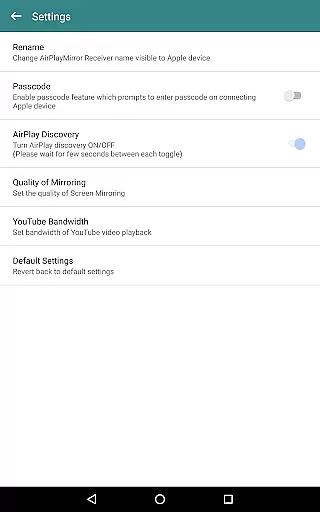
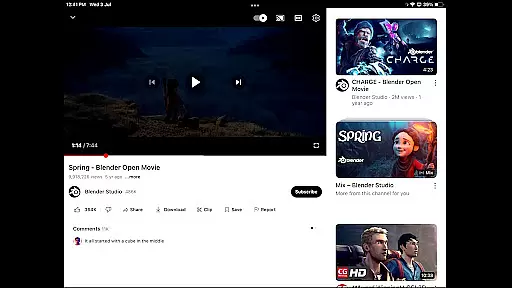
The app also excels in media handling, supporting the playback of audio, video, and photos stored on Apple devices. Additionally, it can stream YouTube content directly to the AirMirror receiver. Advanced functionalities include a passcode feature to prevent unauthorized sharing, adjustable mirroring quality settings, and the ability to resize and move the mirroring window within the app interface. These features collectively ensure a versatile and secure user experience.
Video format compatibility is a crucial feature for any video player or editor, ensuring that users can access and manipulate their media files without restrictions. AirMirror supports screen mirroring from Apple devices, allowing playback of various media content including audio, video, and photos stored on these devices.
The application facilitates the casting of YouTube videos from an Apple device to an Android device over the local network. This means that users are not limited by the native capabilities of their Android device but can leverage the extensive media libraries available on iOS platforms.
AirMirror's ability to mirror screens and play back media from Apple devices ensures that whether you're sharing family photos, presenting business materials, or enjoying entertainment, your content will display correctly without concern for format support.
AI-powered editing features represent the cutting edge of video editing technology, enabling users to enhance their content with minimal effort. While AirMirror focuses primarily on screen mirroring, it incorporates intelligent functionalities that improve user interaction and content management.
One such feature is the capability to resize and move the mirroring/casting window within the app view. This flexibility allows users to multitask or adjust the viewing area according to their preference, enhancing the overall experience when sharing games or presentations from an Apple device.
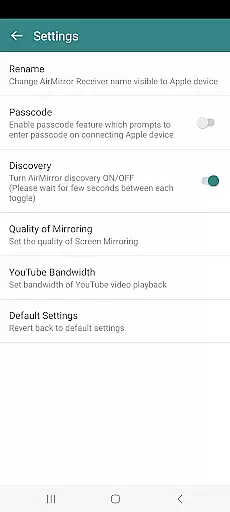
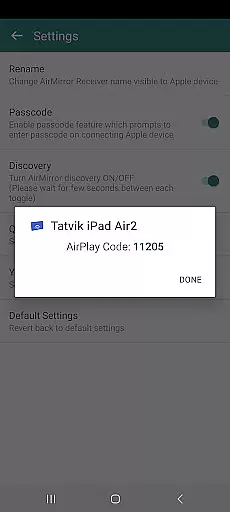
Additionally, AirMirror includes a passcode feature that restricts unauthorized users from sharing content, adding a layer of security and personalization. These smart features ensure that the mirrored content remains secure and tailored to individual needs, making collaborative work or leisure activities more enjoyable and efficient.
User-friendly interface
Multi-device support
Passcode security
YouTube streaming
Flexible window control
No DRM content support
Limited live TV capability
Network dependency
iOS version limited
Occasional connectivity issues

Fast, private downloading, video saving, social media
 4.50
4.50
Save photos and videos from social apps in one tap.
3.60
Full HD Video mp3 Player, MP4 player play 1080p, File manager, Video Downloader
4.40
Video player with powerful streaming playback and various convenient features.
2.10
High-Quality USB Camera Viewer & HDMI Display
4.70
KMPlayer Plus (Divx Codec) officially support Divx codec.
4.30
Turn your phone into a wireless camera!
4.20
Movie maker & video editing app with AI effects and green screen
4.30
Browser + Remote for Roku to stream webvideos, online movies and livestreams
4.60
Play ALL formats in 4K & HD. Video downloader, MP3 player, Chromecast & more.
4.80
Screen recorder with audio to take live videos & Screenshot in high quality!
4.70
Video Downloader, Multiple Resolution Options, Video Player
4.50
KineMaster, Your Ultimate Video Editor!
4.40
Viddo: Generate Action Figure, AI Anime, AI kiss, AI hug Video from image & text
4.40
Powerful, professional, versatile teleprompter. Developed by an active film crew
4.00
IPTV-Smarters Player Pro M3U - Watch Live Stream TV Channels with Chromecast
4.00
Connect 2 UVC devices for recording and broadcast video/audio stream
3.90
Live TV, anywhere in your home
3.80
Play and download HD videos from all sources — fast, simple, and all-in-one.
4.2


User Reviews