
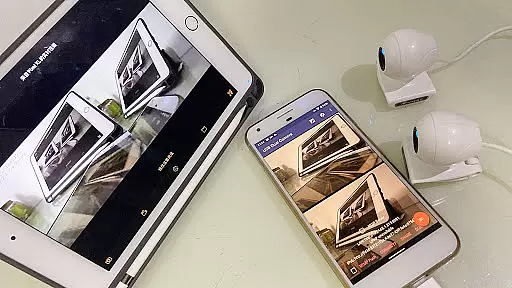
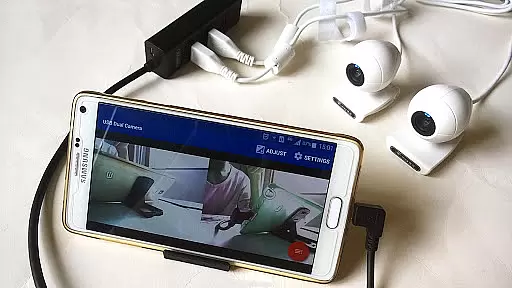
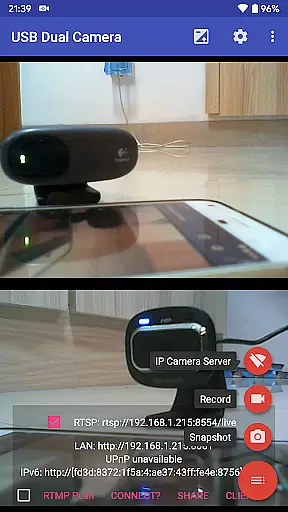
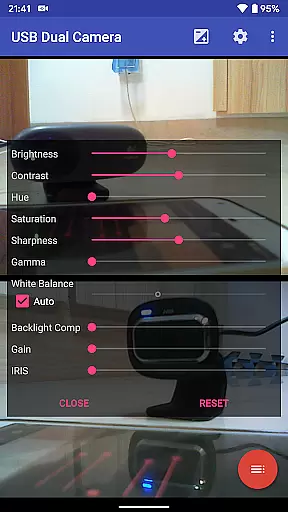
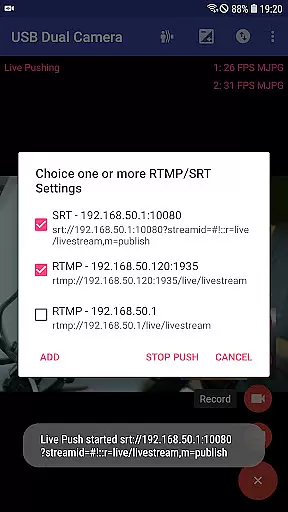
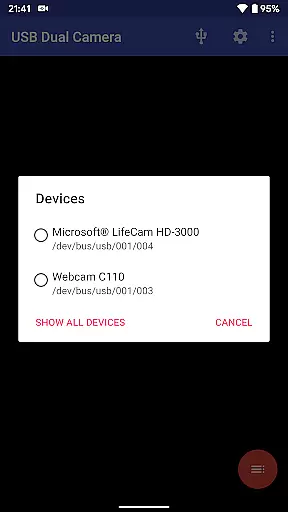
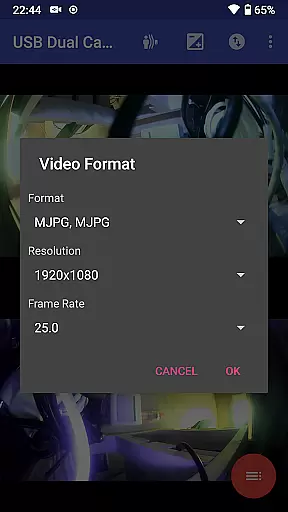
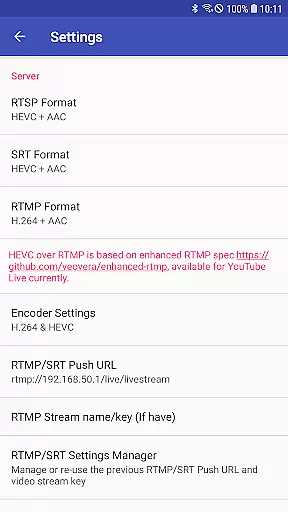

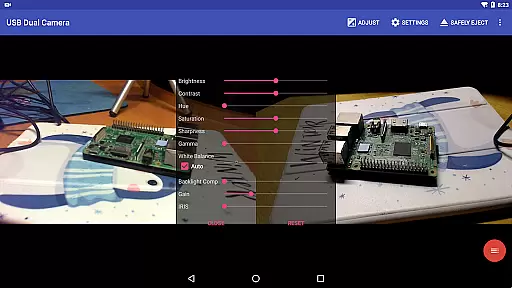
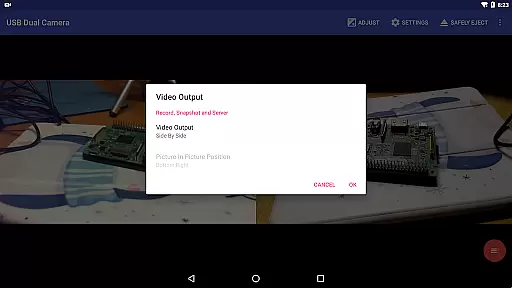
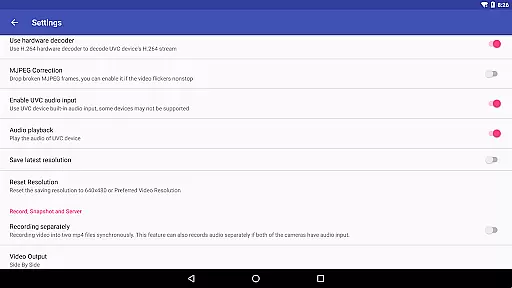
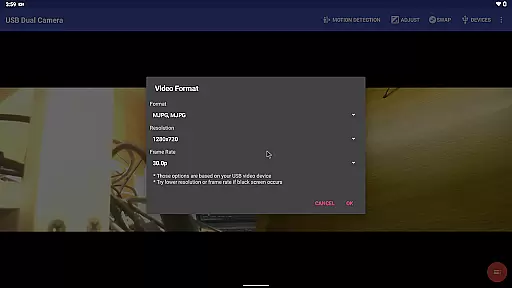
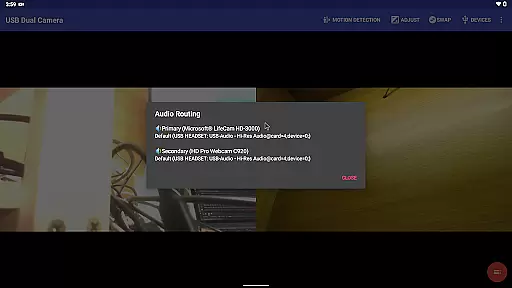
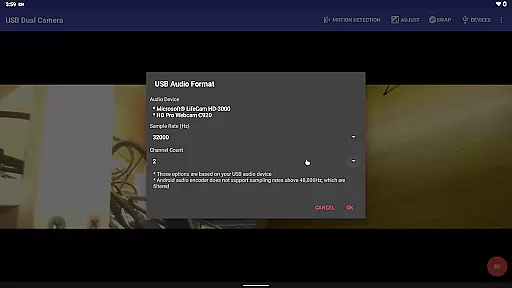
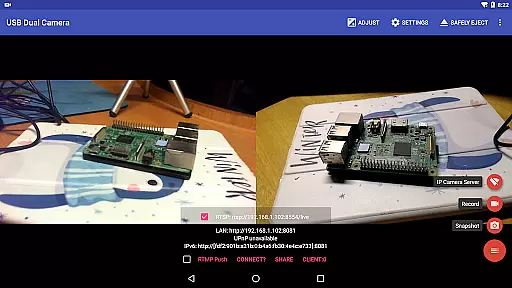
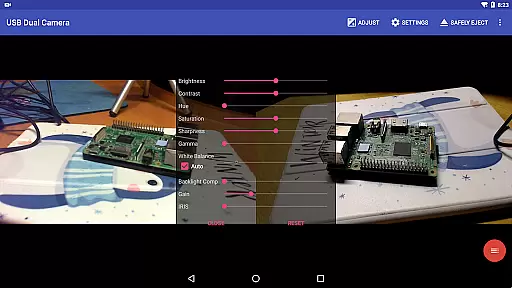
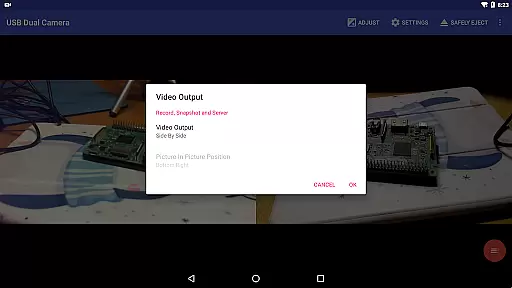
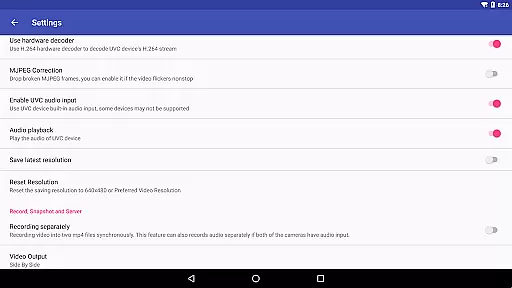
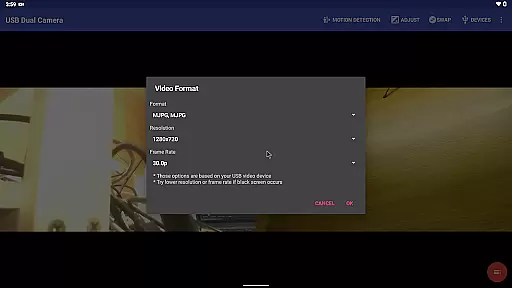
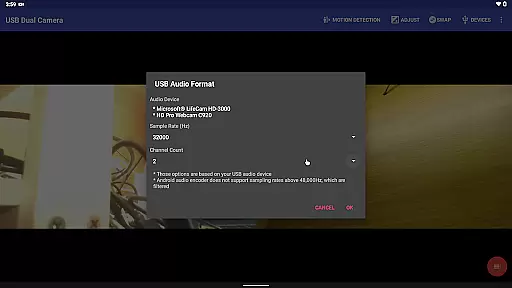
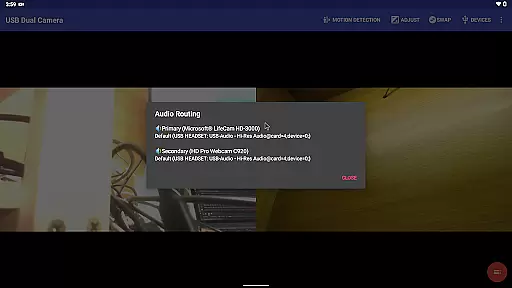
USB Dual Camera Pro is a versatile video application that allows Android devices to connect to two USB webcams or video capture cards simultaneously via USB-OTG. The app supports UVC WebCams with microphones and video grabbers with audio input, enabling high-quality video recording up to 4K resolution. It also features MJPEG, H.264, H.265, and HEVC formats for dual camera usage, making it ideal for professional video production.
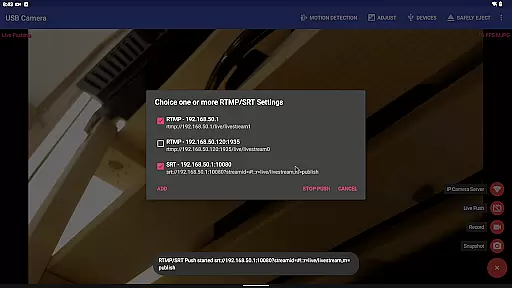
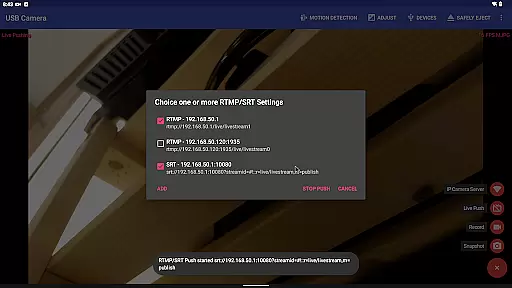
Beyond basic video recording, the app transforms your phone into a wireless IP camera through an integrated RTSP and HTTP server, perfect for security monitoring with bi-directional audio support. Users can view the stream on their browsers or through the dedicated IP Camera app. Additionally, the app supports advanced features like video pushing to RTMP/SRT live media servers, network broadcasting, and even YouTube Live streaming using HEVC/AV1 over RTMP.
The app's ability to mix USB audio with built-in microphones or system audio, overlay internal camera footage onto external video, and record synchronized dual MP4 files makes it a powerful tool for content creators. With added functionalities such as timestamping, GPS data embedding, speed information, and loop-recording, USB Dual Camera Pro is suitable for dashcam use and automated motion detection-based recordings.
USB Dual Camera Pro stands out with its comprehensive feature set tailored for both amateur and professional videographers. One of its key features is the ability to connect two USB cameras simultaneously, supporting resolutions up to 4K via HDMI. This functionality is enhanced by compatibility with progressive and interlaced video formats, ensuring smooth and high-quality video capture.
The app includes an integrated RTSP and HTTP server, allowing users to turn their Android devices into wireless IP cameras. This feature is particularly useful for security monitoring, as it supports bi-directional audio and seamless integration with browsers and the IP Camera app. Furthermore, the app facilitates live broadcasting by pushing video and audio streams to RTMP/SRT media servers, supporting multiple protocols including rtmps and SRT.
Additional notable features include audio mixing capabilities, where the app overlays built-in microphone audio onto external camera feeds, and synchronized dual video recording into separate MP4 files. These files can be further processed into full Side-by-Side (SBS) 3D videos. The app also offers advanced video analytics, such as timestamping, GPS data embedding, and speed information overlay, alongside practical functionalities like loop-recording and motion detection-based auto-recording.
USB Dual Camera Pro demonstrates exceptional versatility in video format compatibility, ensuring smooth performance across various codecs and resolutions. The application supports industry-standard formats including MJPEG, H.264, H.265, HEVC, and even the emerging AV1 codec.
This flexibility allows users to connect up to two USB webcams or video capture devices simultaneously, with each camera capable of streaming in resolutions up to 4K via HDMI. When operating dual cameras, the app intelligently manages format requirements, automatically selecting optimal encoding methods based on device capabilities.
The application's advanced codec support extends to professional use cases, enabling seamless integration with modern broadcasting standards. Users can record in MP4 format while maintaining separate audio tracks, making it suitable for both casual and professional video production needs.
Notably, the app's compatibility with HEVC and AV1 codecs represents a significant advantage, as these modern compression technologies maintain high video quality while minimizing storage requirements. This feature set ensures that users can work with cutting-edge video technology while maintaining broad compatibility with current Android devices running version 5.0 and above.
While primarily focused on video capture, USB Dual Camera Pro incorporates several intelligent features that enhance the video editing process through AI-powered functionality. The application's most notable capability is its automatic video processing system, which uses motion detection algorithms to trigger recordings and manage file storage efficiently.
The app's AI implementation extends to its sophisticated timestamping system, which automatically overlays GPS coordinates, speed information, and temporal data onto video frames during recording. This feature proves particularly valuable for security monitoring and dashcam applications, where precise documentation of events is crucial.
USB Dual Camera Pro also includes an intelligent loop-recording function that automatically segments video files and manages storage space. The system can delete oldest recordings when storage capacity reaches its limit, ensuring continuous operation without manual intervention.
Additionally, the application features automated FTP upload capabilities, where captured footage triggers email notifications to designated recipients. This smart workflow automation streamlines security monitoring processes, making it an efficient solution for both personal and professional surveillance needs.
Supports 4K resolution
Dual camera connectivity
Advanced audio mixing
Live broadcasting capabilities
Motion detection recording
Requires good OTG cables
High power consumption
Complex setup process
Limited third-party app support
Needs specific Android version

HD Video player all format, HD Videos, Cast & Subtitle. No annoying ads.
 4.60
4.60
Video Player - Unlimited features, 30 days money back guarantee.
4.60
Save photos and videos from social apps in one tap.
3.60
All format media Player, no need video converter any more!
4.00
Video player with powerful streaming playback and various convenient features.
2.10
Download videos easily & play them all in one smart, powerful video manager.
3.40
AI Video Editor:AI Music, Text to Video,Text to Speech,Auto Caption,Video Effect
4.00
LumaFusion: The Ultimate Storytelling Experience for Video Editing
4.10
AI Video Editor with Music, Filter, Slideshow, Effect, Merge & Trim Video.
4.80
Flud is a simple and beautiful BitTorrent client for Android.
4.80
High-Quality USB Camera Viewer & HDMI Display
4.70
Search & download videos from net with all video downloader, auto-detect & safe.
4.60
IPTV Loader, loads your own Playlist. DOES NOT CONTAIN ANY LIST OR CHANNELS
4.60
Fast, private downloading, video saving, social media
4.50
Cast to Chromecast, Xbox, Fire Stick, Roku, DLNA, Smart TV & No Feature Limited!
4.50
Video player, file manager for all formats, 4K/HD media player supports subtitle
4.30
Powerful Video Editor & Photo Editing App —— Quick Edits & Stunning Effects!
4.30
Stream Web Videos to Chromecast, Samsung, LG, Sony, Roku, Fire TV, DLNA + more
4.00
Online Videos Player
3.90


User Reviews