

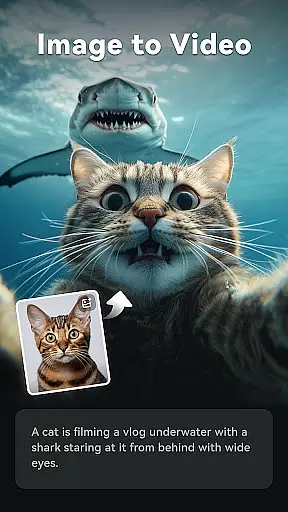
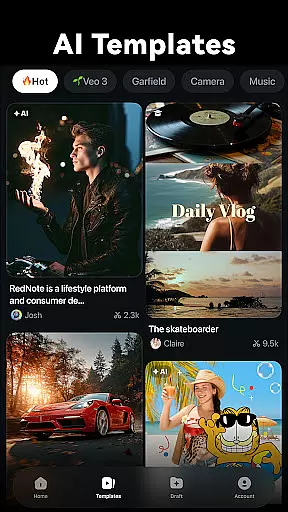
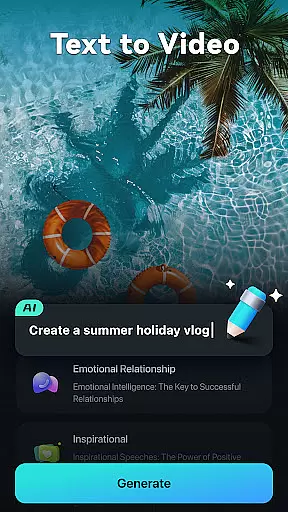
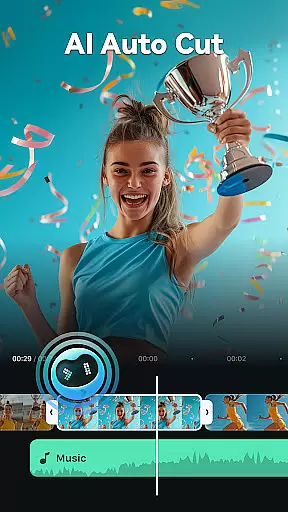
Filmora is an AI-powered video editor tailored for social creators, offering a balance between professional-grade tools and user-friendly basic apps. It enables users to transform clips, photos, or scripts into engaging videos suitable for platforms like TikTok, Reels, and YouTube without prior editing experience. The app's standout feature is its suite of AI-powered tools that streamline the video creation process.
With Filmora, users can leverage powerful AI features such as Image to Video, Dynamic Captions, Text to Video, AI Remover, AI Auto Cut, AI Beats, VideoGen, Text to Speech, and AI Music & Sound Effects. These tools cater to both beginners and professionals by providing stunning templates, royalty-free music, advanced editing capabilities, and customizable options. Whether you're looking to create simple social media content or complex video projects, Filmora offers a comprehensive solution.
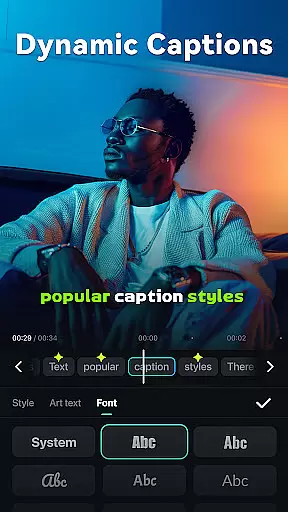
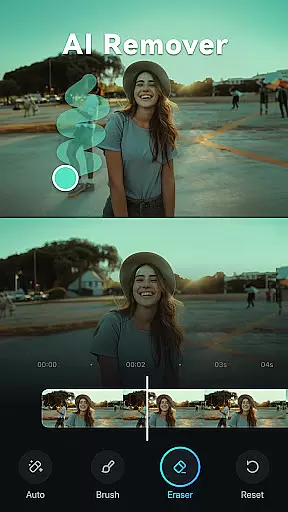
Filmora stands out with its innovative AI features designed to simplify video creation. The Image to Video function allows users to animate photos based on creative text prompts, while Dynamic Captions automatically generate word-by-word subtitles from spoken content. The Text to Video tool lets users visualize ideas through AI-generated movies, and the AI Remover effortlessly eliminates unwanted elements from footage.
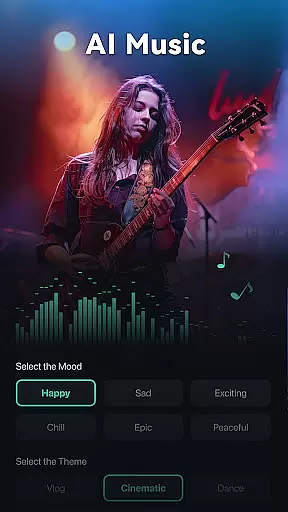
Additional features include AI Auto Cut, which stitches together highlight moments into cinematic narratives, and AI Beats, which synchronizes video highlights with rhythmic music. The VideoGen capability enables seamless element swapping or addition within videos, and Text to Speech transforms written content into professional voiceovers. With AI Music & Sound Effects, users can produce royalty-free, high-quality audio tracks.
The app also provides extensive editing options for all skill levels. Beginners benefit from one-click templates, trimming, splitting, merging, text overlays, emoji, stickers, and royalty-free music. Advanced users have access to keyframing, speed curves, PIP (Picture in Picture), masking, and smart tracking functionalities. Filmora Pro subscriptions unlock unlimited access to premium features and materials across multiple platforms.
Video format compatibility is a crucial feature for any video editor, ensuring that users can work with a wide range of file types without conversion hassles. Filmora supports an extensive array of video formats, allowing creators to import and export videos in their desired resolutions and codecs.
The application's robust compatibility covers popular formats such as MP4, AVI, MOV, and more, catering to both amateur and professional needs. This versatility means you can effortlessly edit footage from different devices, including smartphones, DSLRs, and action cameras, streamlining your workflow.
For content creators focused on social media platforms like TikTok, Reels, and YouTube, this flexibility ensures that final outputs meet platform specifications. Whether it's adjusting aspect ratios or optimizing file sizes, Filmora provides the necessary tools to produce high-quality content ready for immediate sharing.
Moreover, advanced users benefit from support for high-resolution formats up to 4K, preserving exceptional detail and clarity throughout the editing process. With Filmora's comprehensive format support, every creator can focus on storytelling rather than technical limitations.
AI-powered editing features revolutionize the video creation process by automating complex tasks and enhancing creativity. Filmora incorporates cutting-edge AI tools that simplify video production, making it accessible even to beginners while offering powerful options for seasoned editors.
One standout feature is the AI Auto Cut, which intelligently identifies and stitches together highlight moments from raw footage, crafting engaging narratives with minimal effort. Additionally, Dynamic Captions automatically transcribe audio into text, generating precise, frame-by-frame subtitles that boost accessibility and viewer engagement.
Filmora also includes AI Beats, which synchronizes video highlights with rhythmic music beats, creating dynamic, visually appealing sequences. The AI Remover effortlessly eliminates unwanted elements from clips, saving hours of manual editing time. These innovations not only speed up the editing process but also elevate the overall quality of the final product.
By integrating these intelligent features, Filmora empowers creators to produce polished, professional-grade videos efficiently. This blend of automation and creative control allows users to focus on refining their artistic vision, confident that the technical aspects are handled seamlessly.
User-friendly interface
Extensive AI features
Versatile editing tools
Cross-platform compatibility
Professional-grade results
Paid subscription required
Advanced features may overwhelm beginners
Occasional performance issues
Limited free trial period
Resource-intensive on older devices

Your media, on your terms.
 4.10
4.10
Watch a large amount of high-definition short drama content
4.60
Explore the largest library of free GIFs, Stickers & Memes - or create your own!
3.90
Fast & Private Video Downloader App. Save all videos easily from the Internet.
4.40
Add date and time watermark to photos and videos
4.50
Mix with Virtual DJ directly from your phone or tablet !
3.10
Browser for Sony TV to stream web videos, online movies and live tv
3.20
Download Hub, easy and private way to download and enjoy your videos offline
4.80
Screen recorder with audio to take live videos & Screenshot in high quality!
4.70
AI Video Editor with Music, Filter, Slideshow, Effect, Merge & Trim Video.
4.80
#1 Torrent App on Android ** No Ads Ever + Battery Saver **
4.80
GENRAL PRO - General Pro is the best video player that fully supports all formats.
4.70
VLC Remote lets you control your VLC Media Player on Mac, PC or Linux.
4.60
Fast & Private HD Video Downloader with Built-in Proxy Browser and Video Player.
4.50
Photo and Music Video Creator into Stunning Videos—Effortlessly
4.40
Browser for Samsung TV to stream webvideos, online movies and livestreams in HD
4.10
A full editing room to accompany your Insta360 cameras and handheld gimbals.
3.30
The smartest M3U IPTV Player your playlists have ever seen.
4.1
Play and download HD videos from all sources — fast, simple, and all-in-one.
4.1


User Reviews