
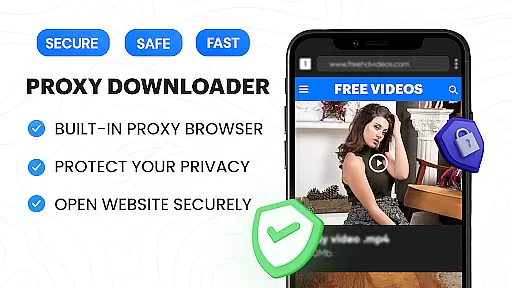
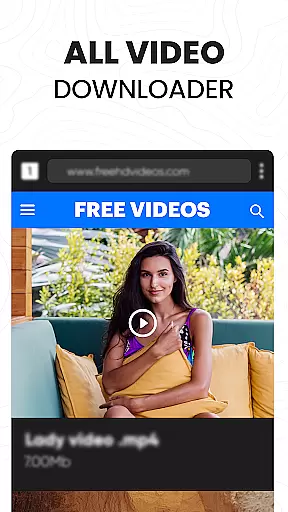
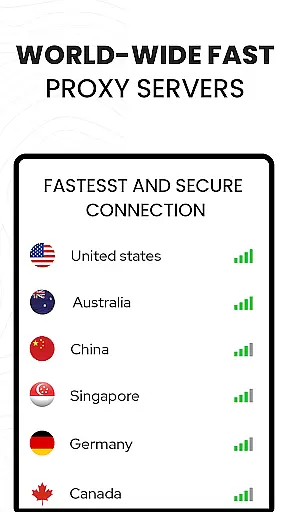

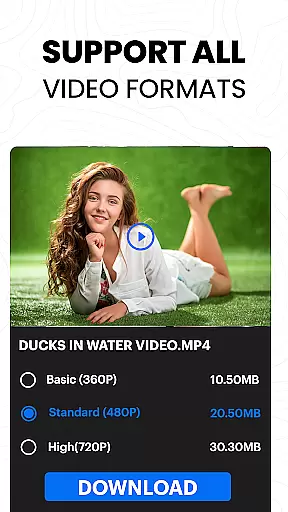

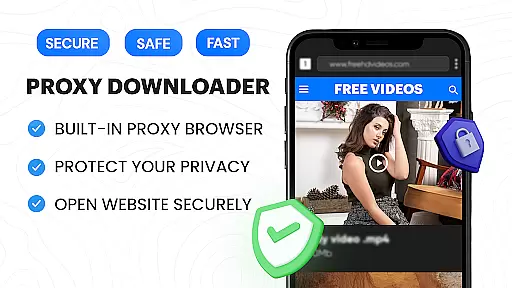
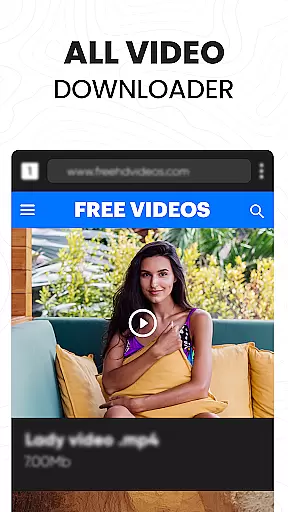
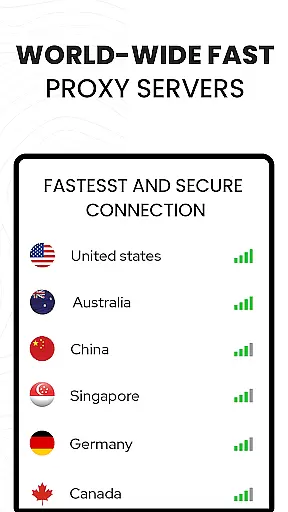

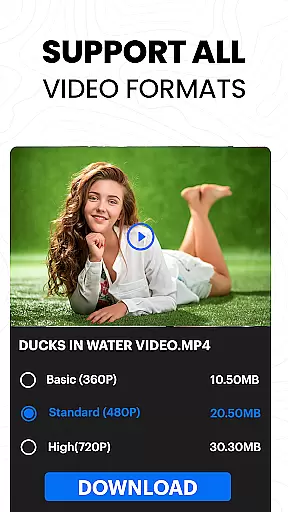
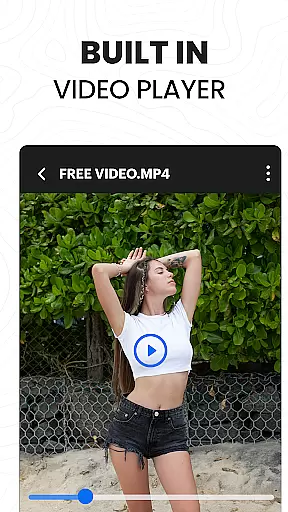
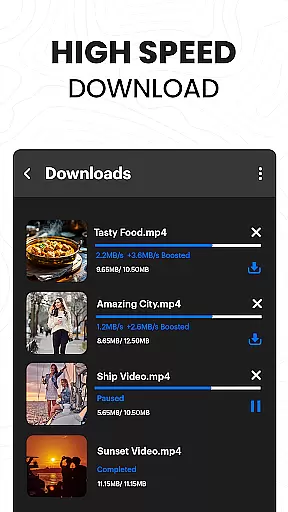
Video Downloader Proxy Browser is a versatile application designed for Android users who need a secure and efficient way to browse, download, and manage videos. This app combines a fast HD video downloader, a built-in proxy browser, and an advanced video player, making it a comprehensive tool for accessing multimedia content.
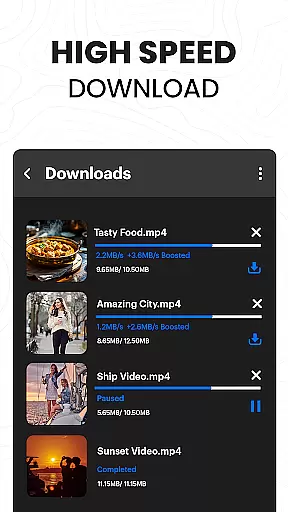
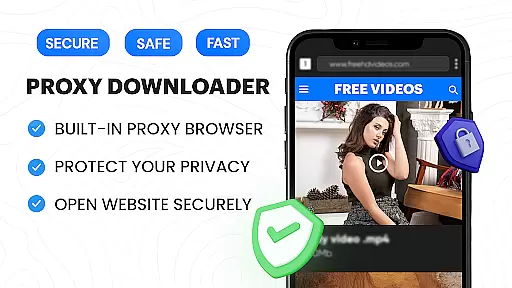
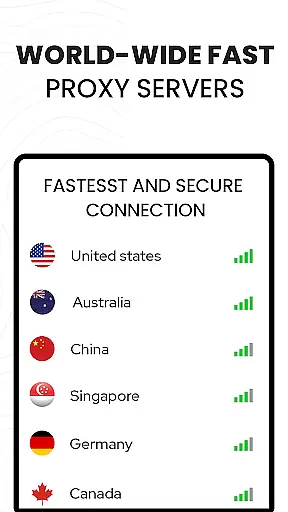
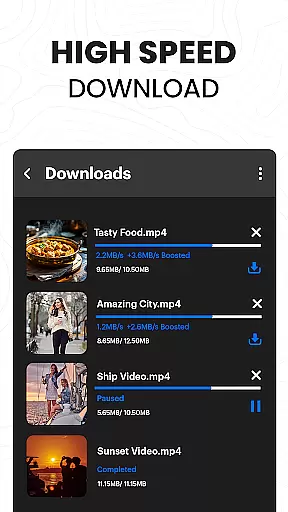
The integrated proxy browser ensures privacy and security, even on public WiFi, while enabling unlimited access to websites. With its ad and tracker blocker, browsing becomes faster and safer. The app's powerful download manager supports simultaneous downloads, background mode, and interrupted task resumption, ensuring 4X faster download speeds without compromising quality.
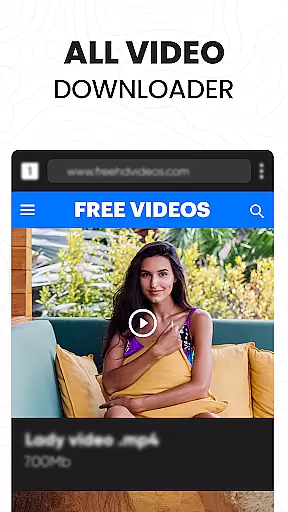
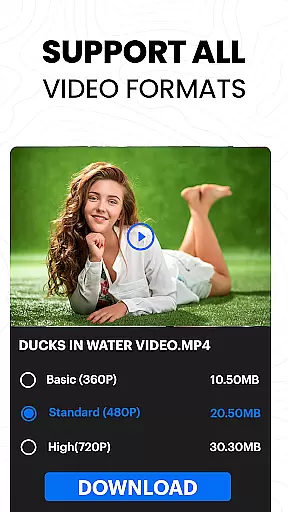
Ideal for users who want to watch and save videos from various platforms, Video Downloader Proxy Browser allows downloading in multiple formats and resolutions, including Ultra HD and 4K. Its intuitive interface and one-tap download feature make it accessible to users of all technical levels.
Video Downloader Proxy Browser stands out with its comprehensive set of features tailored for video enthusiasts. One of the key highlights is the built-in proxy browser that not only enhances user protection but also blocks ads and trackers, resulting in faster and safer browsing experiences.
The app's download capabilities are powered by an advanced download manager that supports multiple simultaneous downloads, background downloading, and resume options. This ensures that users can efficiently manage their downloads, even when dealing with large video files. Additionally, the one-click HD video download feature simplifies the process of saving online videos.
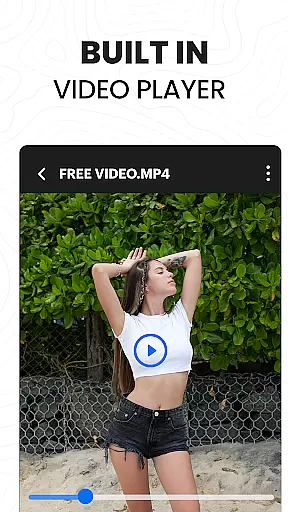
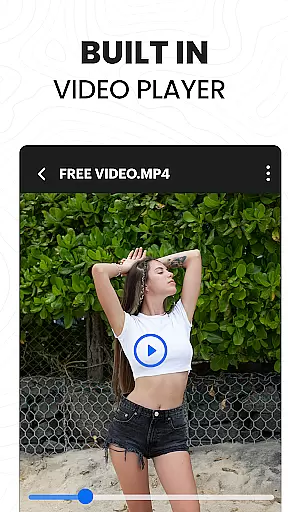
Another notable feature is the Ultra HD video player, which supports various formats and resolutions up to 4K. Users can enjoy smooth playback of downloaded videos, while the password-protected folder option adds an extra layer of security for saved files. These features collectively provide a seamless experience for watching, downloading, and managing video content.
Video format compatibility is a crucial feature for any video player and editor, ensuring that users can enjoy a wide range of video content without worrying about format restrictions. The Video Downloader Proxy Browser app excels in this area by supporting multiple video formats, including ultra HD and 4K quality videos.
This application's built-in video player is designed to handle various file types, providing smooth playback for both common and less frequently used formats. Whether you're downloading videos from websites or playing files stored locally on your device, the app ensures high-quality viewing experiences across different formats.
For users, this means unparalleled flexibility. You can download videos from numerous sources and be confident that they will play seamlessly within the app. Additionally, the ability to save downloaded files in a password-protected folder adds an extra layer of security, protecting your content from unauthorized access.
The comprehensive format support extends to the downloader functionality as well. With one-click HD video downloads and smart auto-detect features, users can easily save videos in their original quality. This makes the Video Downloader Proxy Browser not just a tool for watching but also for managing an extensive library of video content with ease.
AI-powered editing features represent the cutting edge of video player and editor technology, offering users advanced tools to enhance their video content effortlessly. The Video Downloader Proxy Browser app incorporates several AI-driven functionalities that streamline the video management process while delivering professional-grade results.
One standout feature is the app's ability to automatically detect and download videos from websites with minimal user input. This intelligent system recognizes video content and optimizes the download settings based on the source material, ensuring the best possible quality is maintained during the transfer process.
Beyond downloading, the app's AI capabilities extend to its built-in proxy browser. The browser not only blocks ads and trackers for faster, safer browsing but also intelligently manages data usage. This combination of smart features creates a seamless experience for users who want to discover, download, and watch videos without compromising their device's performance or their personal privacy.
Furthermore, the integration of AI beauty and enhancement tools allows users to improve video quality directly within the app. These features ensure that even amateur content creators can produce visually stunning results, making the Video Downloader Proxy Browser a versatile solution for both consuming and creating video content.
User-friendly interface
Fast download speeds
Secure proxy browsing
Ad-free experience
Multiple format support
Limited to supported sites
No YouTube support
Requires stable internet
Storage-intensive
Privacy concerns

Kodi media center, a free and open source cross-platform entertainment hub
 3.60
3.60
Save photos and videos from social apps in one tap.
3.60
Capture images & record videos for USB Camera, Webcam, Microscopes, Endoscopes
3.80
KMPlayer Plus (Divx Codec) officially support Divx codec.
4.30
An easy-to-use and all-round screen recorder with audio
4.80
Movie maker & video editing app with AI effects and green screen
4.30
Powerful Video Editor & Photo Editing App —— Quick Edits & Stunning Effects!
4.30
Browser + Remote for Roku to stream webvideos, online movies and livestreams
4.60
Fast private browser with secure, seamless access & supported video downloads!
4.00
Tik & Story Saver-Download ALL social media videos, photos & reels no watermark.
4.80
Find, download, and play torrents with the official BitTorrent® Pro app
4.70
Create photo video with music & template. AI video maker for stunning slideshow.
4.60
Support 1000+ Video Format, Subtitle Download, mp3 & Background Play, Cast On TV
4.60
Watch IPTV on your Android device
4.60
Photo and Music Video Creator into Stunning Videos—Effortlessly
4.40
Viddo: Generate Action Figure, AI Anime, AI kiss, AI hug Video from image & text
4.40
Video player, file manager for all formats, 4K/HD media player supports subtitle
4.30
Video player with 4K & 1080P support, popup play, background play and subtitle.
4.20
Connect EasyCap or UVC devices for recording and broadcast video/audio stream
3.60


User Reviews