
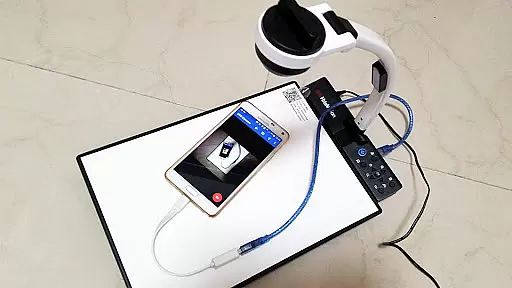
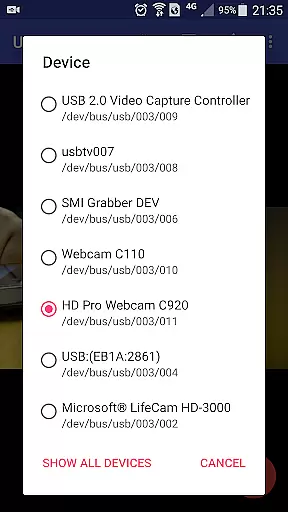
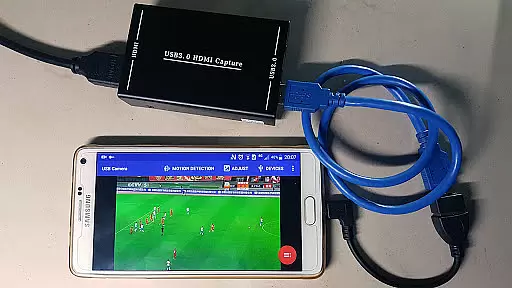
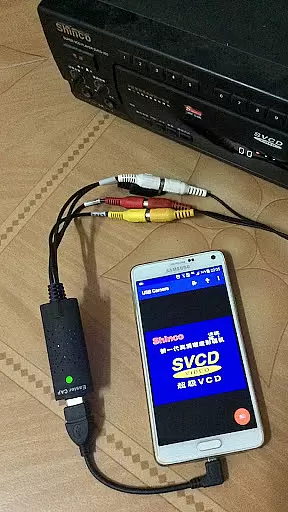
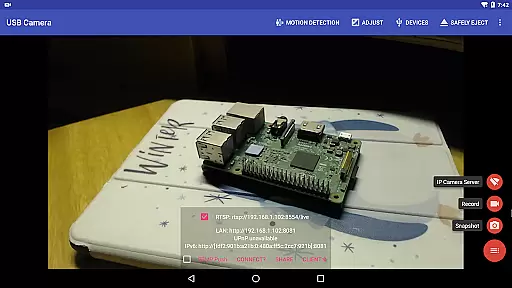
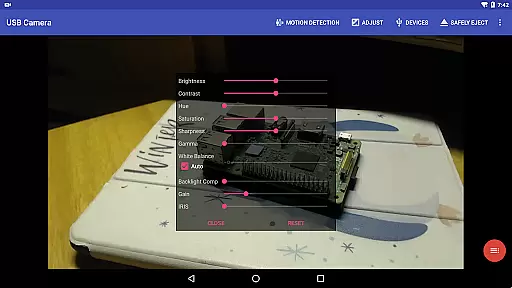
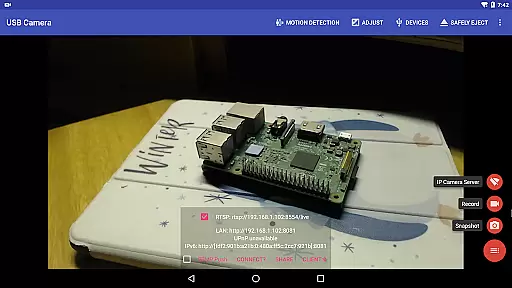
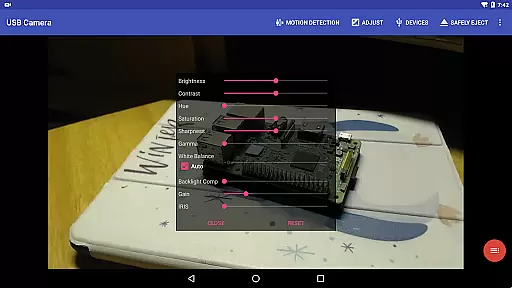
USB Camera Pro is a versatile application designed for Android users who wish to connect their devices to USB webcams or video capture cards via USB-OTG. This app allows you to record videos, take snapshots, and even transform your phone into a wireless IP camera through its built-in RTSP and HTTP server capabilities, ideal for security monitoring with bi-directional audio support. Whether you're looking to enhance your content creation setup or secure your surroundings, USB Camera Pro offers the functionality needed to achieve professional results.
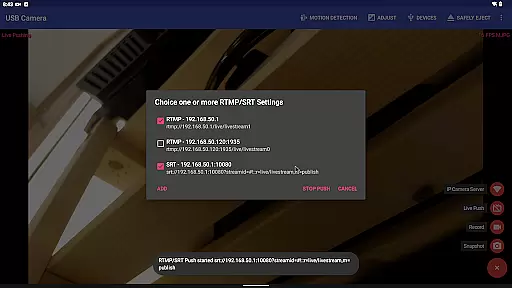
The app supports a wide range of devices including UVC WebCams, video grabbers, Windows Hello Cameras, IR Cameras, and various non-UVC devices like USB Endoscopes. It also features advanced functionalities such as HEVC/AV1 video streaming, RTMP/SRT live media server pushing, and Side by Side (SBS) view for FPV goggles. With options for overlaying internal camera footage onto external sources and adding timestamps or GPS data to recordings, this app caters to both hobbyists and professionals alike.
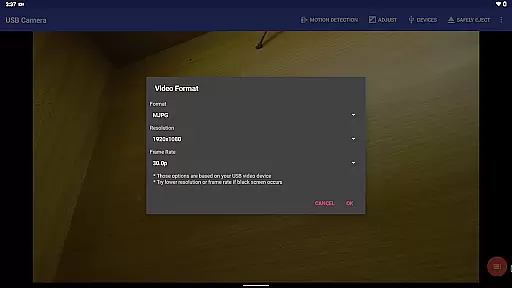
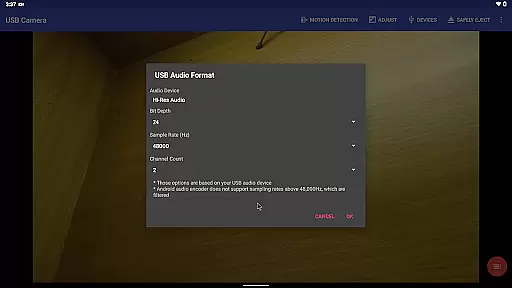
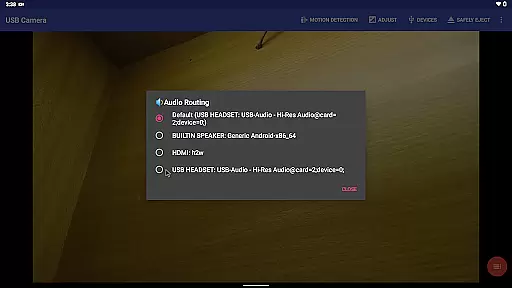
USB Camera Pro boasts an array of features that cater to diverse user needs. One standout feature is its ability to mix USB audio with built-in microphones or system audio, providing flexibility in sound management. Additionally, it can overlay internal camera or screen video onto external camera feeds, allowing creative freedom in video production. The app's support for multiple codecs including H.264, H.265, HEVC, MJPG, YUY2, P010, NV12 ensures compatibility across different devices and scenarios.
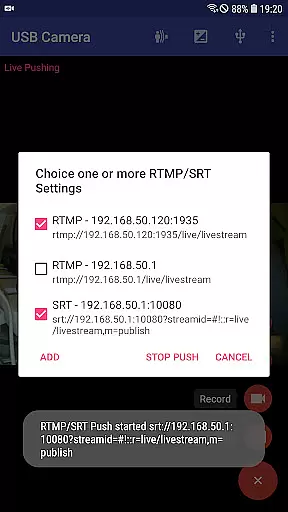
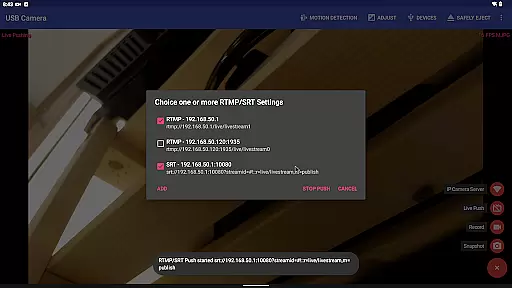
Another remarkable aspect is its seamless integration with live broadcasting platforms. By supporting RTMP/SRT protocols and enabling simultaneous streaming to multiple servers, users can effortlessly broadcast their content online. Furthermore, the inclusion of loop-recording, motion detection-based auto-recording, and FTP upload capabilities make it an excellent choice for surveillance purposes. These comprehensive features ensure that whether you're capturing high-quality videos or monitoring your environment, USB Camera Pro has got you covered.
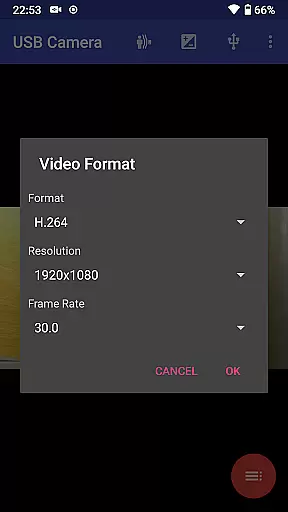
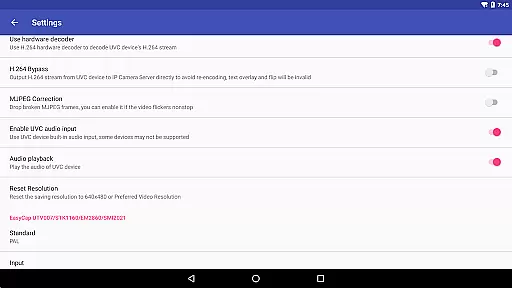
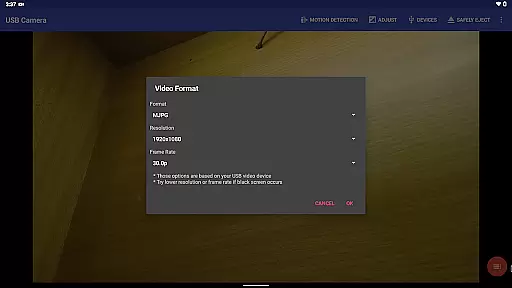
USB Camera Pro demonstrates exceptional versatility in video format compatibility, making it a powerful tool for various professional and casual use cases. The application supports an extensive range of video formats including H.264, H.265, HEVC, MJPG, YUY2, P010, and NV12 among others. This ensures that users can connect a multitude of devices such as UVC WebCams, video grabbers, and non-UVC devices without worrying about format support limitations.
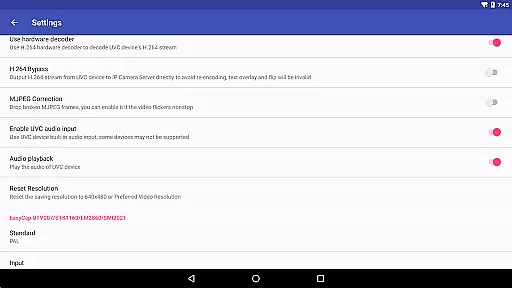
The app's ability to handle progressive and interlaced video up to 4K resolution via HDMI is particularly noteworthy. Whether you're working with high-end capture cards or older EasyCap devices, USB Camera Pro provides reliable performance across different hardware configurations. The inclusion of support for Windows Hello Cameras and IR Cameras further expands its utility in security monitoring and biometric applications.
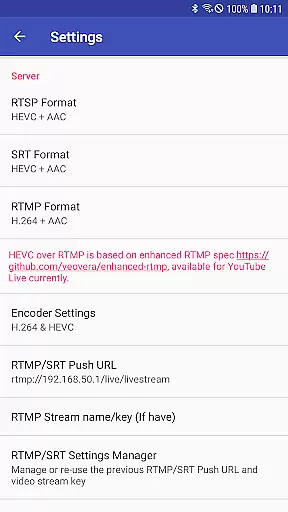
For users seeking to future-proof their video solutions, the app also facilitates HEVC and AV1 codec usage on compatible Android devices. This forward-thinking approach to format compatibility ensures that users can take advantage of the latest advancements in video compression technology while maintaining backward compatibility with established standards.
While primarily focused on video capture and streaming capabilities, USB Camera Pro incorporates several AI-powered editing features that enhance the overall user experience. The application's intelligent motion detection system automatically triggers video recording when movement is detected within the camera's field of view. This smart feature not only saves storage space but also ensures that important events are captured without manual intervention.
The app's advanced timestamping functionality goes beyond basic date and time overlays by incorporating GPS coordinates, speed information, and other metadata directly into video frames during recording. This automated data enrichment process creates valuable contextual information for security footage, dashcam recordings, and professional videography projects.
USB Camera Pro's intelligent background processing enables seamless switching between foreground and background operations without interrupting ongoing recordings. The application's sophisticated algorithms manage system resources efficiently, allowing for continuous operation even when running in the background. Additionally, the automatic FTP upload feature with email notifications demonstrates the app's capability to handle post-production tasks intelligently, streamlining the workflow for security professionals and content creators alike.
User-friendly interface
Wide device compatibility
Advanced codec support
Bi-directional audio capability
Robust live streaming options
Requires good quality OTG cable
Some features need specific hardware
Background operation may drain battery
Limited third-party app integration
Higher end features demand newer Android versions

Save photos and videos from social apps in one tap.
 3.60
3.60
Create photo video with music & template. AI video maker for stunning slideshow.
4.60
HD video maker with no watermark, no ads & vlog maker with music, PIP, text
4.50
Seamlessly connect and control your smart devices, anytime, anywhere with ease.
4.60
IPTV Player - Watch live TV from m3m & m3u8 playlist, stream IPTV on mobile
3.30
Fast & Private Video Downloader App. Save all videos easily from the Internet.
4.40
Download videos and play them offline
4.70
Livestream, news, & gaming content. Watch, chat, and upload. Join Rumble today!
3.80
Fast private browser with secure, seamless access & supported video downloads!
4.00
All in one HD video downloader & player for multiple formats with full privacy
4.70
Watch a large amount of high-definition short drama content
4.60
Search & download videos from net with all video downloader, auto-detect & safe.
4.60
VLC Remote lets you control your VLC Media Player on Mac, PC or Linux.
4.60
Support 1000+ Video Format, Subtitle Download, mp3 & Background Play, Cast On TV
4.60
IPTV Loader, loads your own Playlist. DOES NOT CONTAIN ANY LIST OR CHANNELS
4.60
Turn your phone into a wireless camera!
4.20
LumaFusion: The Ultimate Storytelling Experience for Video Editing
4.10
1)AirPlay/DLNA Mirroring/Streaming, up to 4 connections; 2)Samba/NAS/DMS Player.
4.00
Stream high quality video from your camera over NDI protocol
4.3


User Reviews