
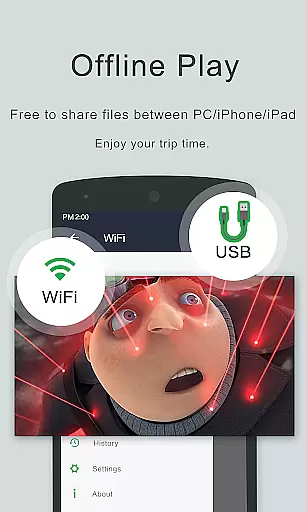
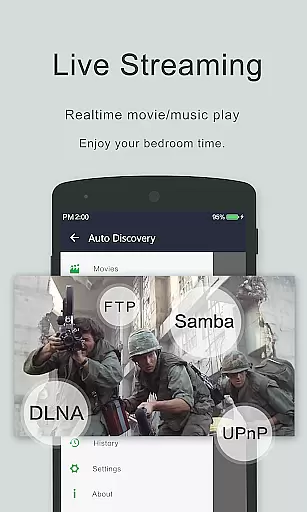
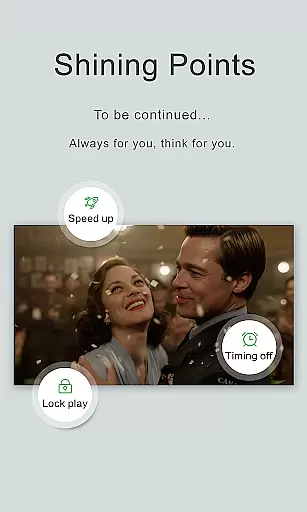
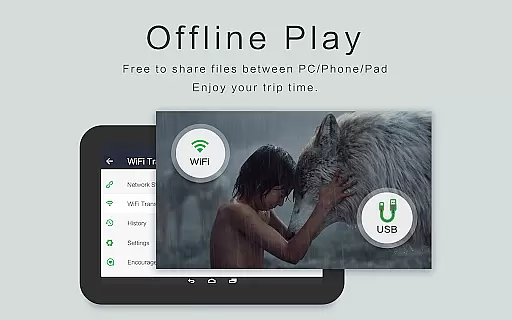
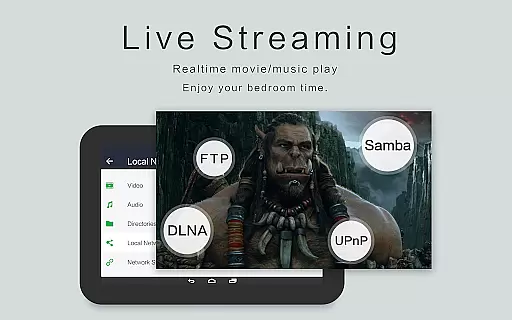
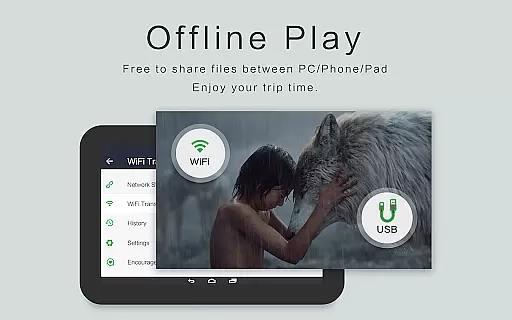
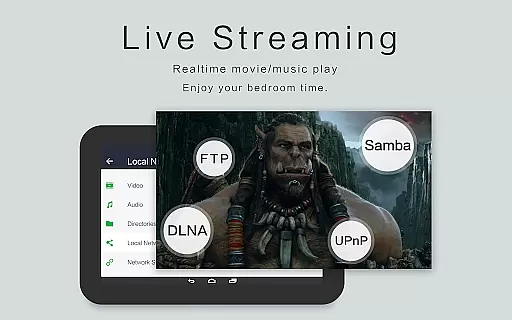
OPlayer is a professional-grade media playback application that has been meticulously developed over 12 years, offering support for DTS and DivX formats. As one of the premier HD video players available for Android devices, it supports an extensive range of video formats including MKV, MP4, AVI, and more, making it versatile for various user needs.
With features like 4K Ultra HD video playback, hardware acceleration, and Chromecast support, OPlayer ensures high-quality viewing experiences. Its unique capabilities such as pop-up video, split-screen mode, and background play extend its utility beyond just a video player, catering to multitaskers and power users who demand efficiency and performance.
OPlayer distinguishes itself through advanced functionalities tailored for media enthusiasts. The app's support for almost all video formats, including high-resolution 4K content, positions it as an all-in-one solution for video playback needs. Additionally, its capability to manage files directly within the app enhances user convenience.
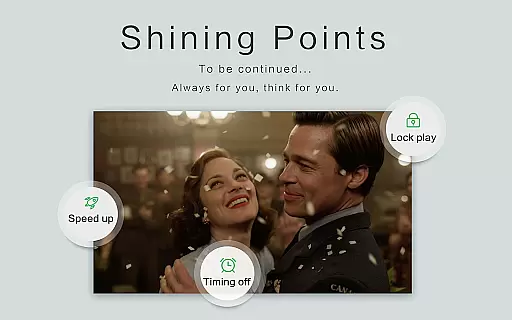
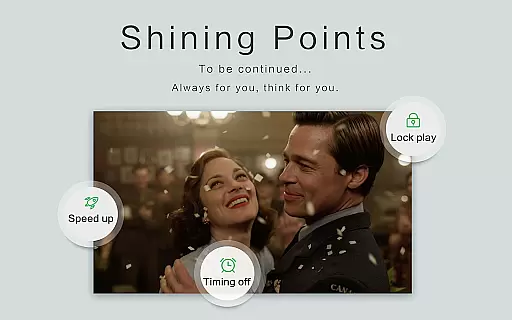
Innovative features such as gesture-based security for video protection, automatic subtitle downloading, and comprehensive file management tools underscore OPlayer's commitment to providing a secure, customizable, and user-friendly experience. Furthermore, options like night mode, quick mute, and adjustable playback speed cater to diverse viewing preferences, ensuring comfort and personalization.
Video format compatibility is a crucial feature for any video player application, determining its ability to play various types of video files. OPlayer excels in this area by supporting an extensive range of formats including MKV, MP4, AVI, and many others.
The app's comprehensive codec support ensures that users can enjoy Ultra HD and 4K videos without worrying about format restrictions. This versatility makes it suitable for both casual viewers and professionals who work with different video standards.
With hardware acceleration, OPlayer delivers smooth playback even for high-resolution content. Users benefit from a seamless viewing experience across Android tablets and phones, regardless of the video source or quality.
While primarily a video player, OPlayer incorporates AI-powered editing features that enhance user interaction with media content. The intelligent subtitle downloader and automatic file identification system demonstrate the app's capability to streamline video management tasks.
The built-in file manager functions as an advanced organizer, allowing users to manipulate their media library through move, cut, and paste operations. These features are augmented by AI algorithms that ensure all video files on the device and SD card are accurately cataloged.
Furthermore, OPlayer facilitates easy sharing and multitasking capabilities such as pop-up video and background playback. Although not traditional editing tools, these AI-driven enhancements significantly improve the overall utility and flexibility of media handling within the application.
User-friendly interface
Extensive format support
Advanced playback options
Efficient file management
Chromecast compatibility
Premium version costs
Occasional bugs reported
Heavy on system resources
Interface may feel cluttered
Limited free features

Kodi media center, a free and open source cross-platform entertainment hub
 3.60
3.60
Client application for NextPVR software
3.00
Save photos and videos from social apps in one tap.
3.60
IPTV-Smarters Player Pro M3U - Watch Live Stream TV Channels with Chromecast
4.00
Watch a large amount of high-definition short drama content
4.60
Tik & Story Saver-Download ALL social media videos, photos & reels no watermark.
4.80
1)AirPlay/DLNA Mirroring/Streaming, up to 4 connections; 2)Samba/NAS/DMS Player.
4.00
Flud is a simple and beautiful BitTorrent client for Android.
4.80
Download Hub, easy and private way to download and enjoy your videos offline
4.80
?100% FREE! Download & save videos? safely in this app. All formats supported.
4.60
Search & download videos from net with all video downloader, auto-detect & safe.
4.60
Fast & easy HD video downloader for all formats, support 4K playback & download.
4.60
Download website videos fast&privacy
4.40
Fast & Private Video Downloader App. Save all videos easily from the Internet.
4.40
Your media, on your terms.
4.10
Stream Web Videos to Chromecast, Samsung, LG, Sony, Roku, Fire TV, DLNA + more
4.00
Connect 2 UVC devices for recording and broadcast video/audio stream
3.90
Capture images & record videos for USB Camera, Webcam, Microscopes, Endoscopes
3.80
A full editing room to accompany your Insta360 cameras and handheld gimbals.
3.30


User Reviews