
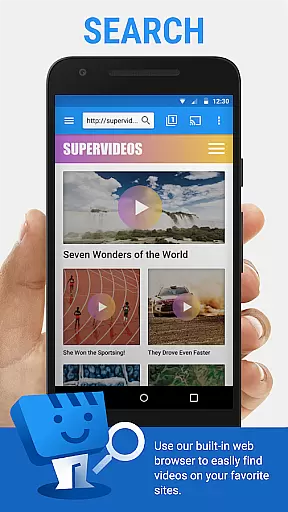
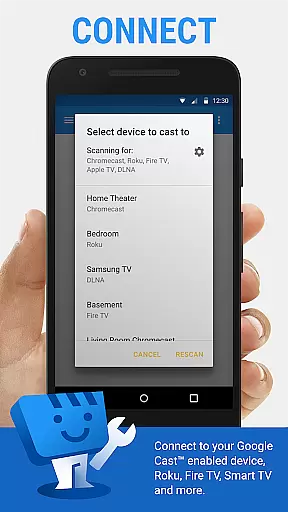
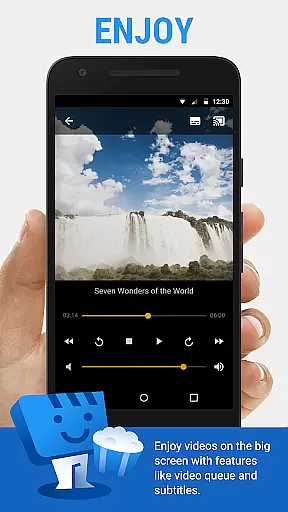
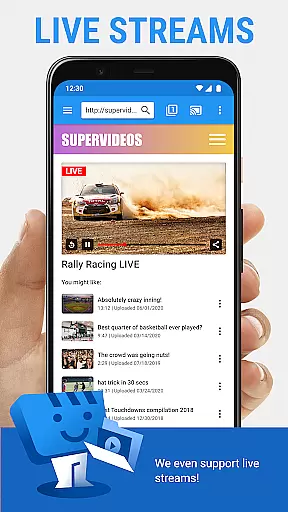
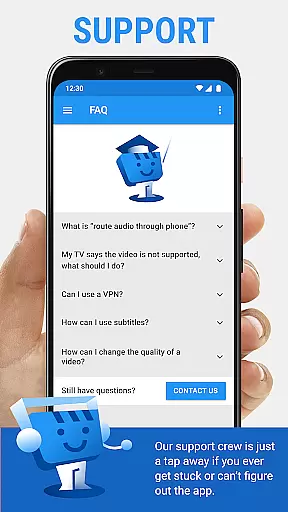
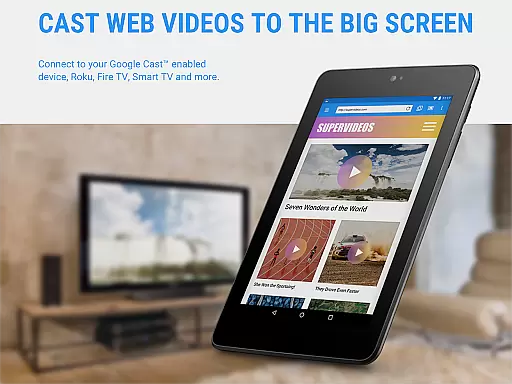
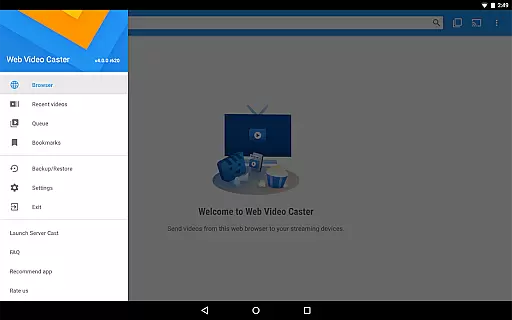
Web Video Cast is a versatile streaming application that enables users to cast videos, photos, and audio files from their mobile devices or favorite websites directly to their TVs. The app supports popular streaming devices such as Chromecast, Roku, DLNA receivers, Amazon Fire TV, and more, making it easy to enjoy content on a larger screen. With support for HLS live streams in M3U8 format, MP4 videos, and HTML5 videos, Web Video Cast ensures compatibility with various media types.
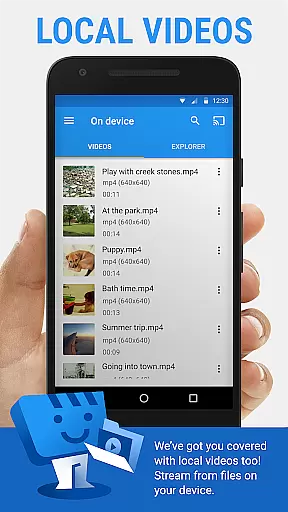
In addition to streaming online content, the app allows users to cast local files stored on their phones, providing flexibility in media consumption. Subtitles are automatically detected on web pages, and users can also upload their own subtitles or search for them via OpenSubtitles.org. Whether you want to watch movies, TV shows, live news, or sports, Web Video Cast offers a seamless experience across different platforms.
The app's premium version unlocks additional features like bookmarks, video history, and a customizable home page, enhancing user convenience. However, it's important to note that some functionalities may not be universally supported across all devices. Overall, Web Video Cast is an excellent tool for transforming your smartphone into a powerful streaming device, offering both entertainment and practical utility.
Web Video Cast stands out with its comprehensive feature set tailored for seamless media streaming. One of its key strengths is the wide range of supported streaming devices, including Chromecast, Roku, and Amazon Fire TV, which ensures broad compatibility with most modern smart TVs and consoles. This versatility allows users to stream content effortlessly from their mobile devices to larger screens without worrying about device limitations.
The app also excels in supporting various media formats, such as HLS live streams, MP4 videos, and HTML5 content, while enabling users to cast both online and locally stored files. Its integrated subtitle support further enhances accessibility, allowing automatic detection of subtitles on web pages or manual uploads. Additionally, the premium version introduces advanced features like bookmarks, video history tracking, and queue management, giving users greater control over their viewing experience.
Another notable aspect is the app's intuitive interface, which simplifies navigation and setup. By following straightforward instructions—browsing for content, playing it within the app, and connecting to a streaming device—users can start casting in minutes. While certain limitations exist, such as the lack of tab casting and reliance on server-side performance, these do not detract significantly from the overall functionality and value provided by Web Video Cast.
Web Video Cast offers extensive video format compatibility, ensuring users can cast a wide range of media to their TV. The app supports popular formats like MP4 and HLS live streams in M3U8 format, provided the streaming device can decode them.
The application's strength lies in its ability to cast local videos stored on your phone, including movies, TV shows, live news, sports, photos, and audio files. This versatility allows users to enjoy content from their favorite websites directly on their TV without worrying about format restrictions.
While Web Video Cast does not perform any video or audio decoding or transcoding, it maximizes compatibility by working with devices that support HTML5 video playback. This approach ensures a smooth casting experience across various streaming devices such as Chromecast, Roku, and Amazon Fire TV.
Users benefit from this broad format support as they can seamlessly stream different types of media without conversion hassles. Whether it's personal media collections or online content, Web Video Cast provides reliable playback for diverse file types.
Although Web Video Cast primarily focuses on media streaming, it incorporates basic AI-powered features that enhance the user experience. The app automatically detects subtitles on web pages, saving users time when watching foreign language content or videos with hard-to-understand audio.
The integrated OpenSubtitles.org search function demonstrates the app's intelligent approach to content enhancement. Users can easily find and apply appropriate subtitles to their videos, improving accessibility and viewing enjoyment. Additionally, the app allows manual subtitle loading for greater flexibility.
While not a traditional video editor, Web Video Cast implements smart features like automatic video detection within web pages and long-press photo casting. These AI-driven capabilities streamline the content selection process, making it more intuitive for users to choose and cast their desired media.
The premium version further enhances these features with advanced functionality such as video history tracking and queue management. These intelligent organizational tools help users maintain their preferred content library and manage their viewing schedule more effectively.
User-friendly interface
Wide device compatibility
Supports multiple media formats
Integrated subtitle options
Premium customization features
No tab casting support
Limited server-side control
Premium features cost extra
Device-specific limitations
Requires stable internet

Video Player - Unlimited features, 30 days money back guarantee.
 4.60
4.60
HD video & music player - All format support with floating & PIP mode!
3.80
A Quick and Pro Video Editor
4.70
VLC Remote lets you control your VLC Media Player on Mac, PC or Linux.
4.60
This app was created to edit the metadata of music files.
4.20
Cast to Smart TV, Fire TV. Cast video, photo - Fast & Stable!
3.90
Livestream, news, & gaming content. Watch, chat, and upload. Join Rumble today!
3.80
Video player with 4K & 1080P support, popup play, background play and subtitle.
4.20
Manage your YouTube channel on the go
4.40
Video Trimmer, Video to MP3 Converter. Extract music from video, Easy & Fast.
4.80
An easy-to-use and all-round screen recorder with audio
4.80
Flud is a simple and beautiful BitTorrent client for Android.
4.80
#1 Torrent App on Android ** No Ads Ever + Battery Saver **
4.80
Fast & Private HD Video Downloader with Built-in Proxy Browser and Video Player.
4.50
Fast private browser with secure, seamless access & supported video downloads!
4.00
Kodi media center, a free and open source cross-platform entertainment hub
3.60
Client application for NextPVR software
3.00
You can play SWF format file!
2.50
The essential companion to your Blue Iris PC software
2.50


User Reviews