
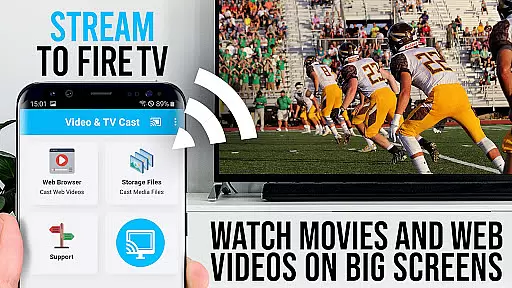
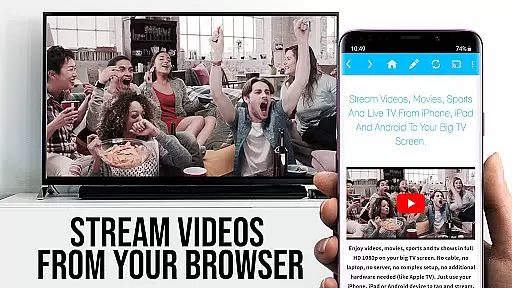
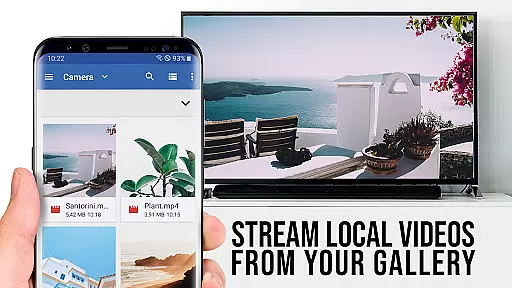
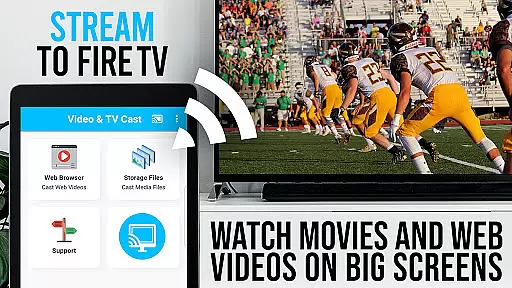
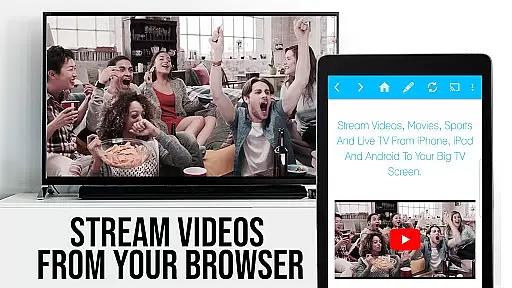
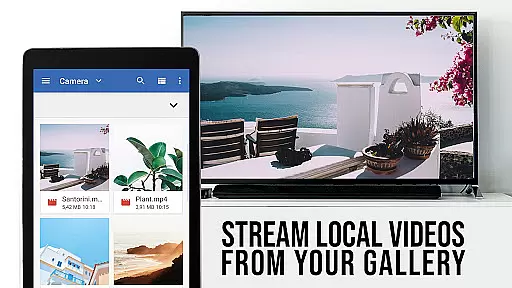
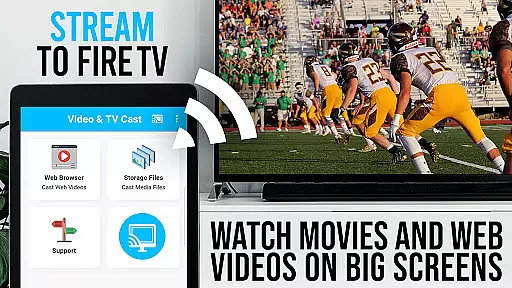
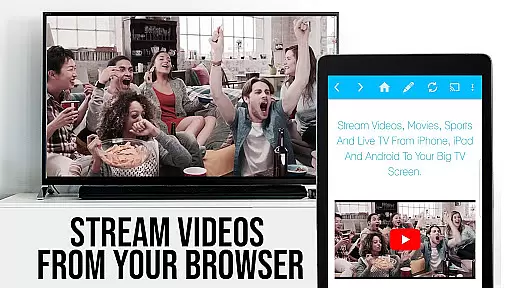
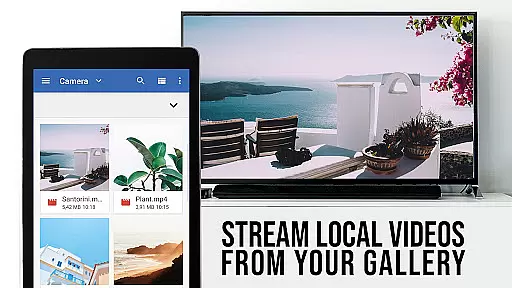
TV Cast Pro for Fire TV is the premier solution for streaming web videos, online movies, livestreams, and live TV shows directly to your largest screen. This application supports a wide range of video formats including mp4, m3u8, hls livestreams, and Full HD content over https, eliminating the need for complex media servers. Designed exclusively for Amazon Fire TV and Fire TV Stick users, it offers an intuitive platform to browse the web and cast any desired video with ease.
The app's functionality extends beyond basic casting by allowing users to navigate their favorite websites and send embedded videos to their Fire TV with a single tap. The discovered video appears below the browser, ready for immediate casting. It also provides advanced features such as remote playbar control, ad-blocking, bookmarks management, desktop mode, and customizable homepage settings. These capabilities ensure a seamless and enriched viewing experience on the big screen.
Whether you're looking to enjoy personal media collections or stream online content, TV Cast Pro for Fire TV transforms your living room into an entertainment hub. By focusing on user-friendly interaction and supporting high-quality video formats, this app delivers exceptional value for those seeking to maximize their Fire TV's potential.
TV Cast Pro for Fire TV distinguishes itself through a suite of powerful features tailored for seamless media streaming. One standout feature is the Remote Playbar, which allows users to control video playback with precision—offering functions like scrubbing, forward, rewind, play, pause, and stop. This synchronized control works across all Android and iOS devices running Video & TV Cast, providing a versatile and integrated user experience.
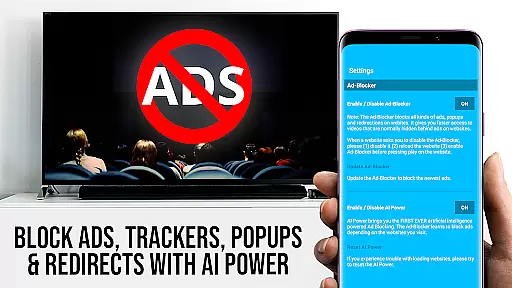
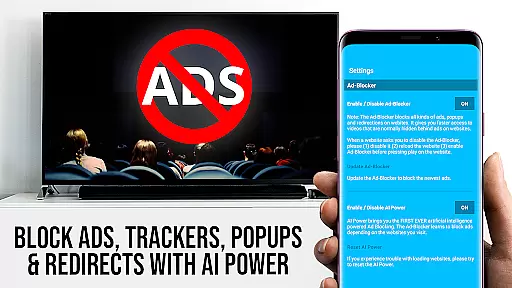
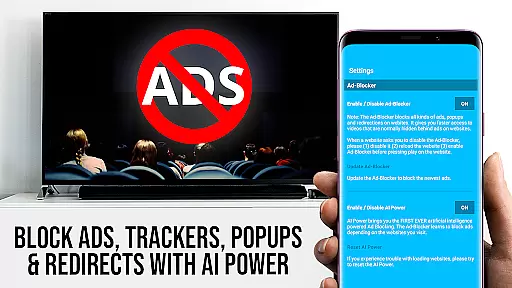
In addition to its robust control options, the app includes an Ad-Blocker that enhances browsing by removing ads and popups from most websites. Users can toggle this feature at will within the settings menu. Another significant advantage is the ability to manage unlimited bookmarks, either through the dedicated bookmarks menu or directly in the browser interface. This ensures quick access to frequently visited sites without hassle.
For those who prefer desktop versions of websites, the Desktop Mode feature cloaks your Android device as a PC, loading full desktop sites instead of mobile versions. Furthermore, users have the flexibility to set a personalized homepage post-purchase. With these comprehensive tools, TV Cast Pro for Fire TV empowers users to tailor their streaming environment precisely to their preferences while maintaining high performance standards.
TV Cast Pro for Fire TV offers extensive video format compatibility, ensuring users can enjoy a wide range of content without technical hindrances. The app supports popular formats such as Mp4, m3u8, and HLS livestreams, making it versatile for different types of videos.
With the capability to handle video over https and Full HD content, this application guarantees high-quality streaming directly to your biggest screen. This means whether you're watching web videos, online movies, or live TV shows, you'll experience them in clear, vivid detail.
The app simplifies the process by allowing users to enter or paste the full video URL into the browser address bar, which then streams directly on Fire TV. This seamless integration ensures that users can access their desired content without the need for complicated media servers or additional devices.
By focusing on compatibility and ease of use, TV Cast Pro enhances the viewing experience, providing flexibility and convenience for users who want to enjoy their favorite videos on a larger display.
Although TV Cast Pro for Fire TV does not offer traditional AI-powered editing features found in video editing software, it provides advanced functionalities that enhance the viewing and streaming experience. One standout feature is the Remote Playbar, which allows for sophisticated video control while browsing.
The Remote Playbar enables users to scrub through videos, as well as play, pause, stop, forward, and rewind content with ease. This feature is synchronized across all Android and iOS devices running Video & TV Cast, offering a seamless control experience regardless of the device you are using.
In addition to the Remote Playbar, the app includes an Ad-Blocker that removes ads and popups on most websites, creating a cleaner and uninterrupted viewing session. Users have the option to enable or disable this feature at any time through the settings menu.
These innovative features collectively ensure that users have a smooth, controlled, and enjoyable streaming experience, setting TV Cast Pro apart from other video players in terms of functionality and user engagement.
User-friendly interface
Wide format support
Remote playbar control
Effective ad-blocking
Customizable homepage
No DRM video support
Limited to Fire TV
Occasional connectivity issues
Advanced features require purchase
Not a full device mirror

Video player, file manager for all formats, 4K/HD media player supports subtitle
 4.30
4.30
IPTV-Smarters Player Pro M3U - Watch Live Stream TV Channels with Chromecast
4.00
Video Downloader is an utility that can save videos and music from web sites
4.20
Tik & Story Saver-Download ALL social media videos, photos & reels no watermark.
4.80
Live TV, anywhere in your home
3.80
Download videos easily & play them all in one smart, powerful video manager.
3.40
Download website videos fast&privacy
4.40
Movie maker & video editing app with AI effects and green screen
4.30
Add date and time watermark to photos and videos
4.50
Pro video editor app for Instagram, edit video with song, AI, effect & slowmo.
4.80
Download Hub, easy and private way to download and enjoy your videos offline
4.80
?100% FREE! Download & save videos? safely in this app. All formats supported.
4.60
IPTV Loader, loads your own Playlist. DOES NOT CONTAIN ANY LIST OR CHANNELS
4.60
HD video maker with no watermark, no ads & vlog maker with music, PIP, text
4.50
Powerful Video Editor & Photo Editing App —— Quick Edits & Stunning Effects!
4.30
Powerful video player with advanced hardware acceleration and subtitle supports
4.20
Browser for Samsung TV to stream webvideos, online movies and livestreams in HD
4.10
Connect 2 UVC devices for recording and broadcast video/audio stream
3.90
Mix with Virtual DJ directly from your phone or tablet !
3.10


User Reviews