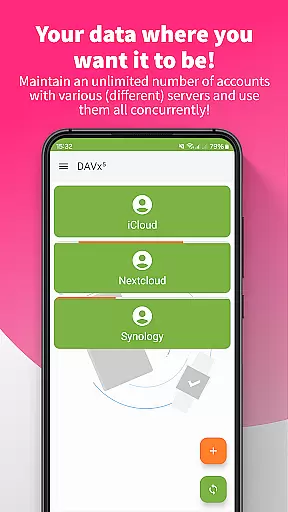
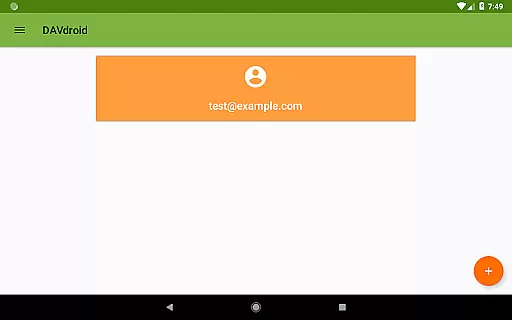
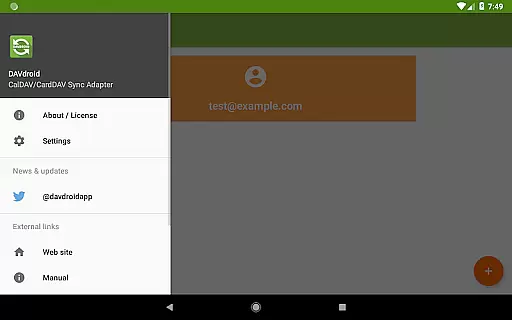
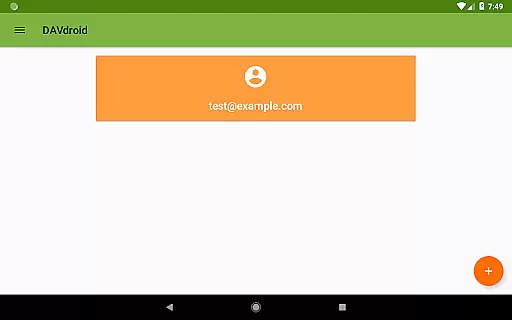
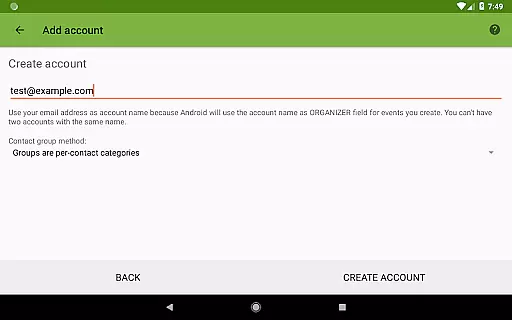
DAVx⁵ is a comprehensive productivity app designed for seamless synchronization of contacts, calendars, and tasks across devices. This all-in-one solution supports CalDAV, CardDAV, and WebDAV protocols, making it compatible with numerous servers including Nextcloud, iCloud, and Synology.
The app offers two-way synchronization, ensuring your data is consistently updated between the server and client. With easy setup options, resource auto-detection, and support for self-signed certificates, DAVx⁵ provides a user-friendly experience while maintaining high performance through optimized algorithms.
Whether you're managing personal tasks or integrating with corporate systems, DAVx⁵ ensures secure and private synchronization. Its open-source nature and absence of ads make it an ideal choice for users seeking a reliable, transparent productivity tool.
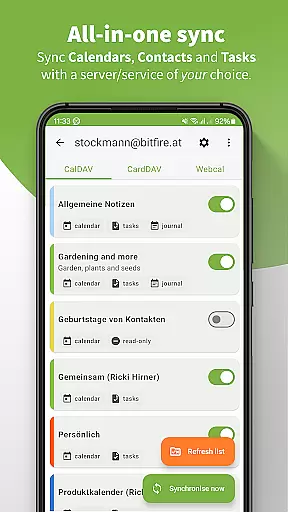
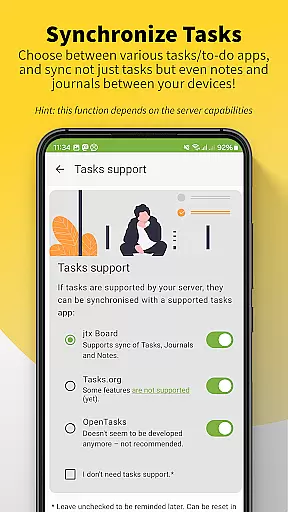
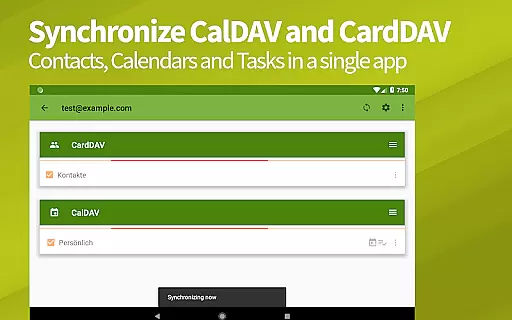
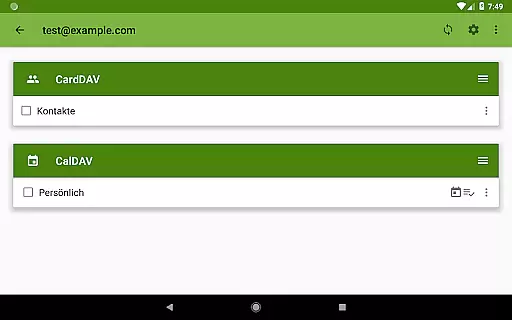
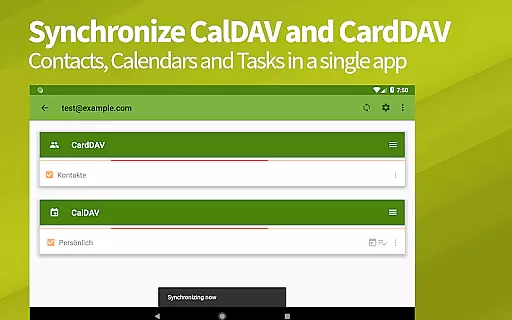
DAVx⁵ stands out with its extensive feature set tailored for productivity enthusiasts. The app allows synchronization of calendars, address books, and task lists in one place, streamlining personal and professional organization.
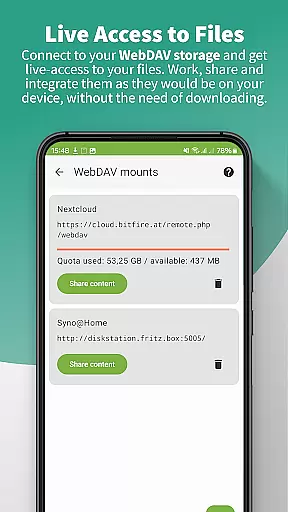
One of the key highlights is its ability to access WebDAV files, enabling users to work with remote storage as if it were local. The app also boasts fast sync algorithms, multi-threaded synchronization, and backward compatibility with older Android versions, ensuring smooth performance on various devices.
Additional management features include the ability to create and delete calendars, address books, and to-do lists directly within the app. These capabilities, combined with its security-focused design and GDPR compliance, make DAVx⁵ a top choice for users prioritizing privacy and functionality.
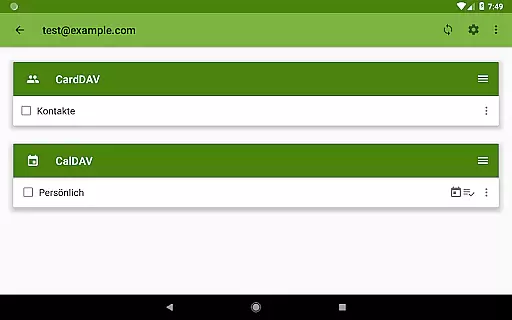
DAVxu2075 offers a comprehensive solution for managing core tasks, including calendar events, contacts, and to-do lists. This all-in-one app supports CalDAV for calendars, CardDAV for contacts, and VTODO for task management, ensuring seamless synchronization across devices.
The application provides two-way synchronization, allowing users to make changes on either the server or client side with updates reflected instantly. This ensures that your data is always up-to-date, whether you're using DAVxu2075 on your mobile device or accessing it via a desktop client like Thunderbird.
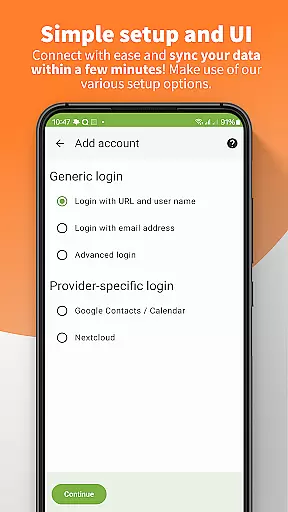
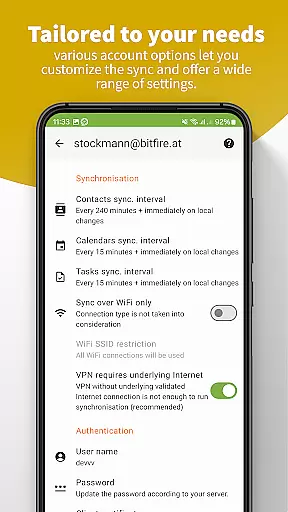
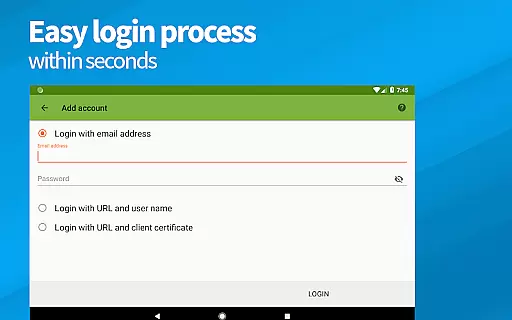
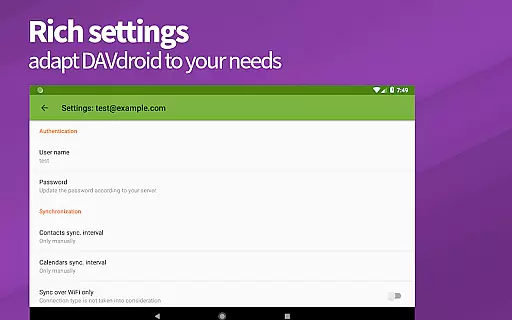
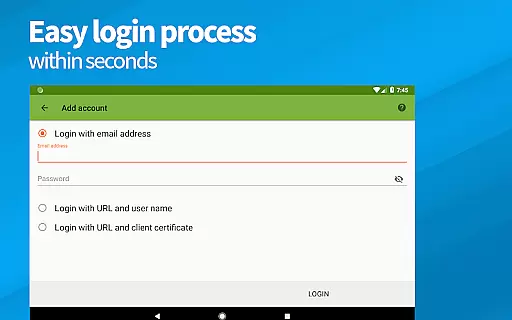
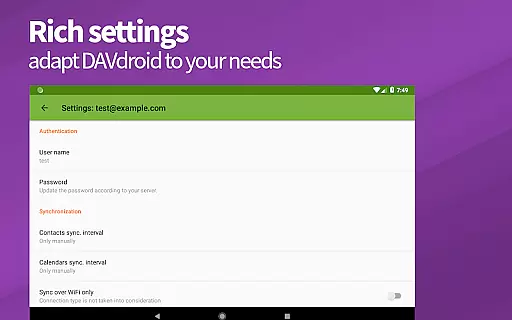
With easy setup options, DAVxu2075 auto-detects resources and supports various authentication methods, including self-signed certificates and client certificates. This makes it versatile and adaptable to different server environments, enhancing its utility for both personal and professional use.
One of DAVxu2075's standout features is its reliable cross-device synchronization. The app ensures that all your important data, such as contacts, calendars, and tasks, are consistently updated across all your devices. This reliability is crucial for maintaining productivity and ensuring you have access to your data wherever you are.
DAVxu2075 employs fast algorithms to optimize performance, utilizing CTag/ETag technology and limiting sync time ranges for past events. These features contribute to a high-performance sync experience, minimizing delays and maximizing efficiency.
Furthermore, DAVxu2075 is designed to be compatible with a wide range of CalDAV/CardDAV servers, including popular services like Nextcloud, iCloud, and Synology. This compatibility ensures that users can integrate DAVxu2075 into their existing workflows without worrying about potential sync issues, providing peace of mind and a dependable user experience.
Easy setup process
Two-way sync capability
High compatibility
Privacy-focused design
No ads or tracking
Limited server support
No built-in editor
Premium price tag
Complex for beginners
Occasional sync issues

Ads Free App! Editor, Hide File, Copy, Move, Delete and Rename.. all facility av
 1.70
1.70
Total remote control for your Android device, PC and cloud services (IFTTT)!
4.20
Send files, sync SMS, notifications & clipboard across devices via local network
4.40
All document reader, all in one file viewer read PDF, DOCX, XLS, PPT, TXT files.
4.60
* block pre-roll ads, pop-up and forced redirect ads * Samsung certification app
4.00
The ultimate file manager for rooted devices. The original and still the best.
4.00
Quickly and easily keep track of your work shifts
4.70
Share files & memories safely. Keep your photos and videos secure.
4.40
Okta MFA
4.70
Seamlessly integrate data and reports to build your presentation to impress
4.80
Secure, fast, open-source, VNC and SSH Remote Desktop for Windows, Linux and Mac
4.70
App lock - lock apps with fingerprint, password, pin or pattern, protect privacy
4.70
To do list widget with a notebook organizer, checklist, simple shopping list
4.60
This small app MUST BE INSTALLED after purchase, else license won't work
4.40
When you Focus, so will your Bean in this cozy focus timer
4.30
Professional calendar app for Google Calendar, MS Outlook & Exchange
4.20
Cloud storage, automatic phone backup, and more.
4.10
Mega cloud explorer plugin for Solid Explorer
3.80
Experience and share your SolidWorks designs on your Android® phone and tablet.
2.50


User Reviews