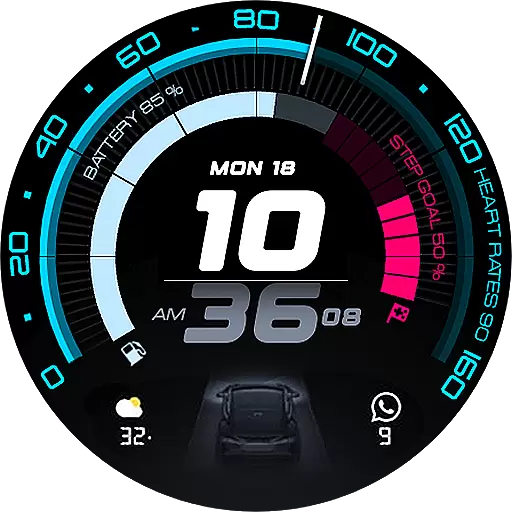
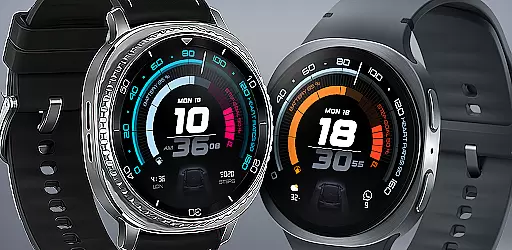
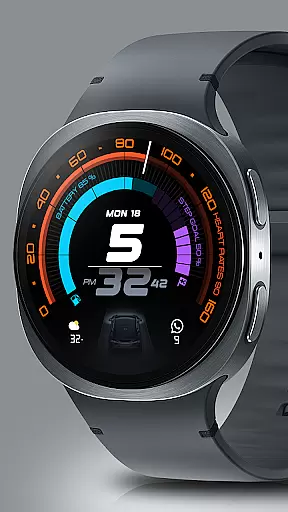
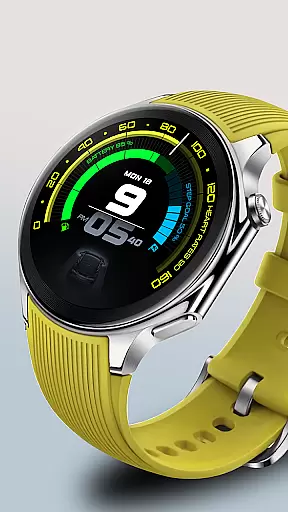
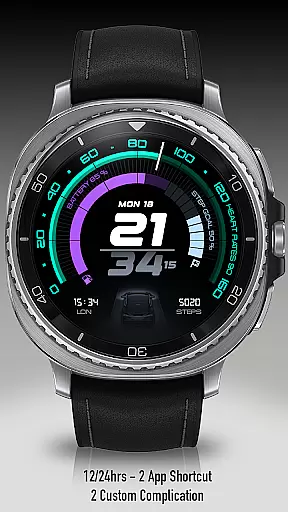
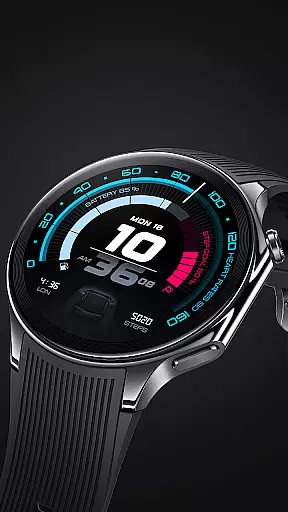
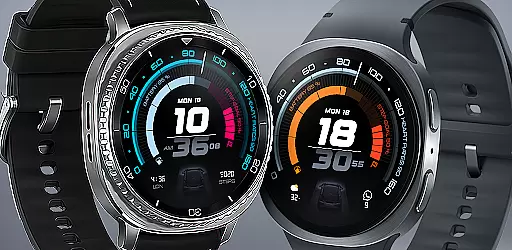
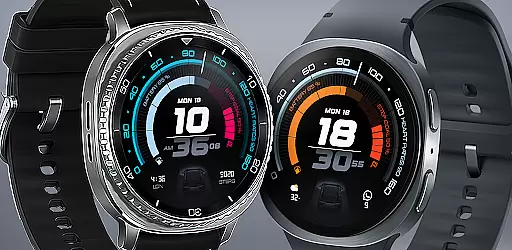
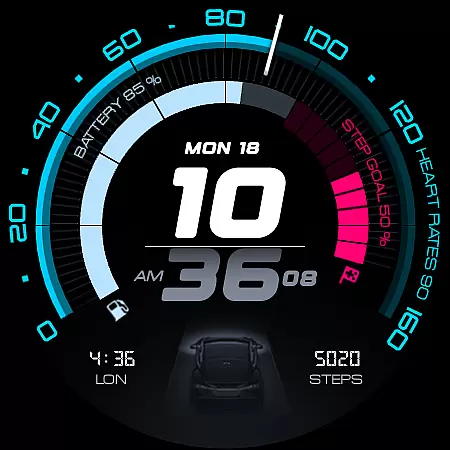
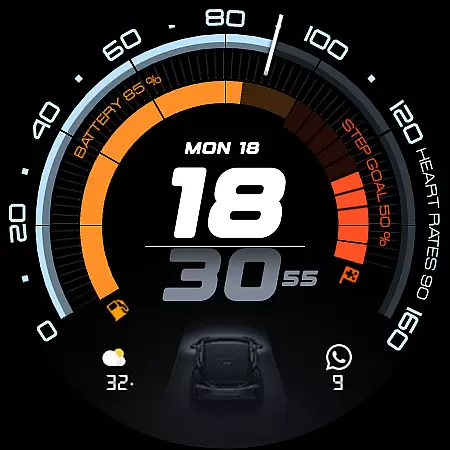
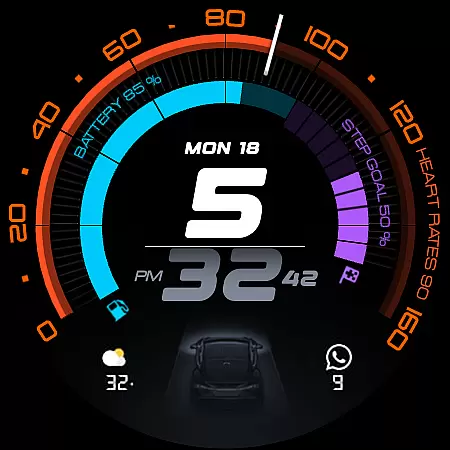
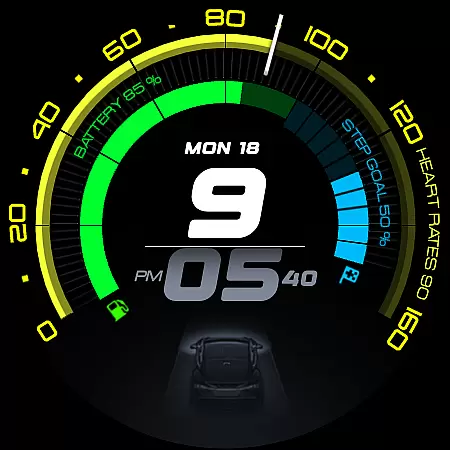
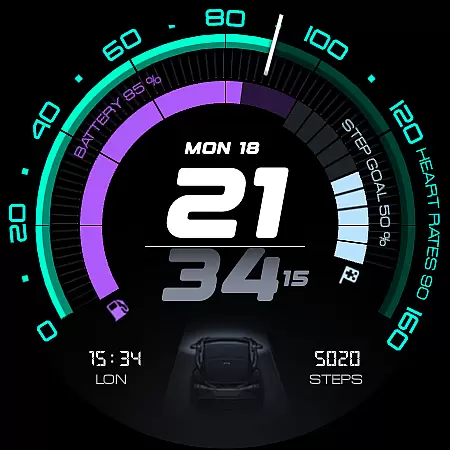
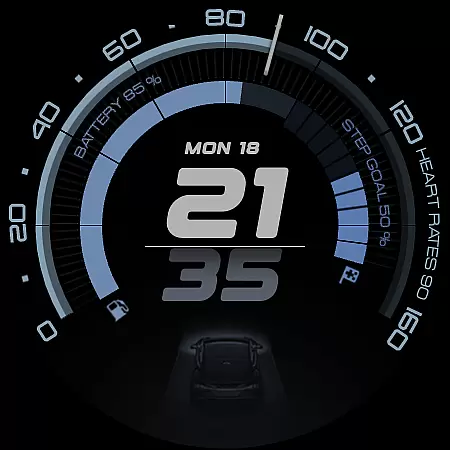
ARS Acceleration is a high-performance watch face designed for users who need quick access to essential information. It features a bold digital time display, vibrant activity arcs, and real-time health tracking metrics.
The interface combines style with functionality, offering customizable complications, dual app shortcuts, and weather updates. Its automotive-inspired design ensures both aesthetic appeal and practical usability.
This watch face stands out with its vibrant color-coded activity arcs and essential fitness tracking. Users can monitor heart rate, battery level, step count, and weather updates in real time.
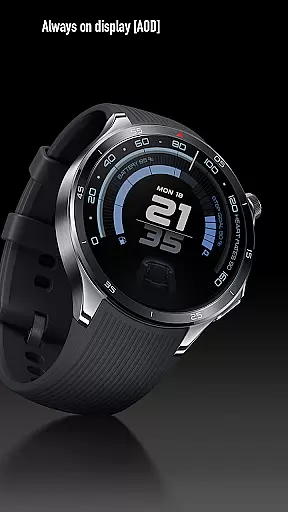
Customization options include dual app shortcuts, Always-On Display modes, and 12/24-hour time formats. These features ensure the watch face adapts seamlessly to different lifestyles and preferences.
Companion app integration is essential for a seamless smartwatch experience. ARS Acceleration excels in this area by offering users real-time synchronization with their smartphone apps. This ensures that all health and fitness data, weather updates, and other essential information are always up-to-date on the watch face.
The watch face provides effortless access to key features through customizable complications and dual app shortcuts. Users can personalize their experience by choosing which apps they want quick access to, enhancing both convenience and efficiency. Whether it's tracking steps or checking the weather, everything is accessible at a glance.
ARS Acceleration also supports both 12-hour and 24-hour time formats, catering to user preferences worldwide. The dynamic interface adapts seamlessly between bold daytime looks and subtle Always-On Displays, ensuring functionality without compromising style. This adaptability makes it an ideal choice for those who demand performance and aesthetics in one package.
Ensuring broad device compatibility is crucial for any Wear OS application. ARS Acceleration is designed to work flawlessly across a wide range of Wear OS devices, providing users with a consistent experience regardless of their hardware choice. This compatibility extends to various screen sizes and resolutions, maintaining the integrity of its vibrant color-coded activity arcs and bold digital time display.
The application leverages the full potential of Wear OS, integrating advanced features like real-time heart rate monitoring, battery level indicators, and step counters directly into the watch face. These elements are elegantly incorporated into an automotive-inspired design, making it not only functional but also visually appealing.
Furthermore, ARS Acceleration offers extensive customization options, allowing users to tailor the watch face to their specific needs. From adjustable complications to dual app shortcuts, every aspect is crafted to enhance usability while preserving the sleek and modern aesthetic. This commitment to both form and function ensures that ARS Acceleration stands out as a top-tier option for smartwatch enthusiasts.
High-performance design
Vibrant activity arcs
Real-time health tracking
Customizable interface
Automotive-inspired aesthetics
Limited to Android Wear
Requires smartwatch
Premium features may cost extra
Complex for beginners
Battery consumption may increase

Wear Os Watch Face - Animated Snow Effect & Christmas Lights
 4.3
4.3
Animated Watch Face and Customizable with 24 Backgrounds. Perfect for Christmas!
3.90
Christmas is near, let's count together the days left until Santa comes
4.0
Artistic Digital Watchface
4.1
Find EV charging stations
4.30
Real-time weather radar with temperatures, warnings, hurricanes, and widgets
4.80
Your music, your playlists, and more—offline and unlimited.
4.20
Your local weather forecast, storm tracker, radar maps & live weather news
3.40
Simple, helpful messaging by Google
4.60
Christmas Theme Watch Face for Wear Os
5.00
Christmas - Festive - Christmas Village - Winter - Christmas lights
5.00
Highly customizable hybrid watch face for Wear OS, perfect for everyday use.
4.60
Beautiful artistic animated digital watch face, with a customizable layout!
4.40
Digital watch face with big numbers and many customization for Wear OS devices
4.40
Christmas watch face. For Wear OS devices.
4.30
Animated video-game inspired “secret agent” simulation, right on your wrist!
4.20
Stay in touch with your friends and family using LINE!
3.40
Stunning modern digital watch face with 7 complications and strong contrast
4.5
3 Complications. All shadow on/off. 30 Themes color palette...
4.4


User Reviews