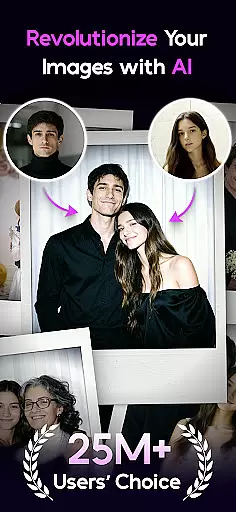

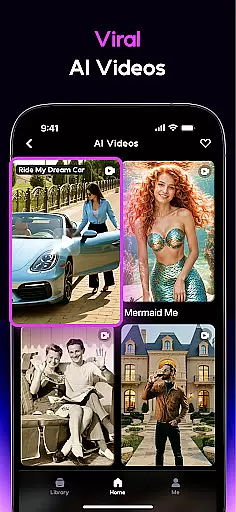
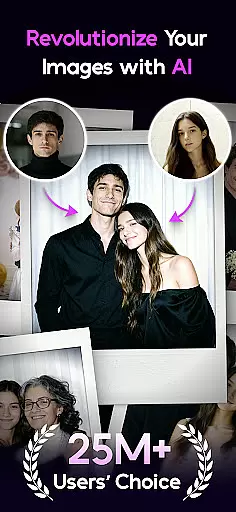

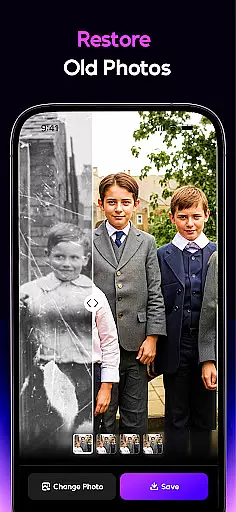
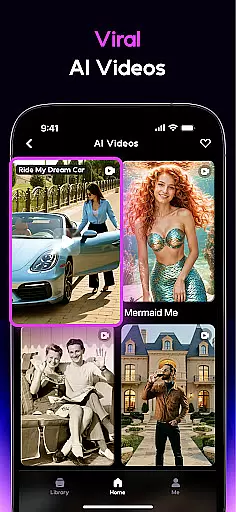
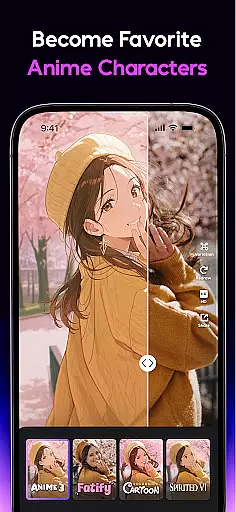
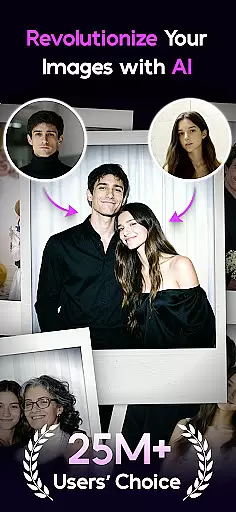

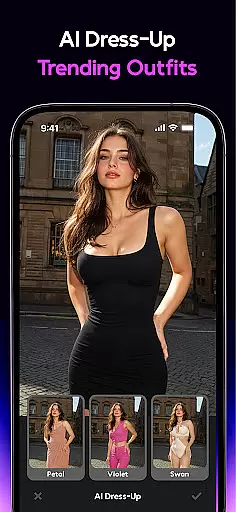
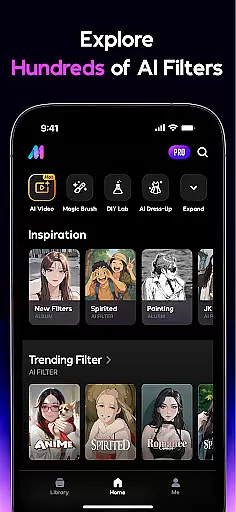
AI Mirror is a cutting-edge photography app that leverages artificial intelligence to revolutionize photo and video editing. With its powerful suite of AI-driven tools, users can effortlessly transform their images and videos into creative masterpieces. The app offers an extensive range of features including anime transformations, cartoon filters, and personalized avatars, alongside practical utilities like old photo restoration and AI-powered hugging effects.
Designed for both casual users and professional creators, AI Mirror caters to various platforms such as TikTok, Instagram, and Facebook. Whether you're crafting viral content or preserving cherished memories, the app delivers studio-quality results with minimal effort. Its innovative Image-to-Video feature and weekly filter updates ensure users stay ahead of social media trends while enjoying a seamless editing experience across both Android and iOS devices.
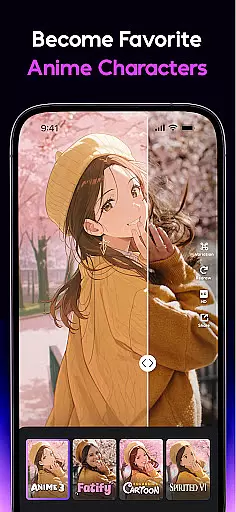
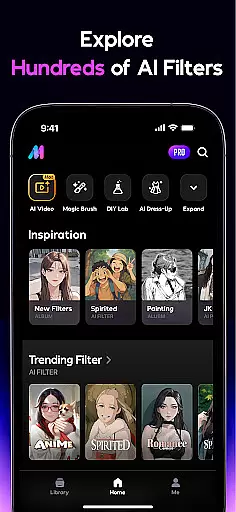
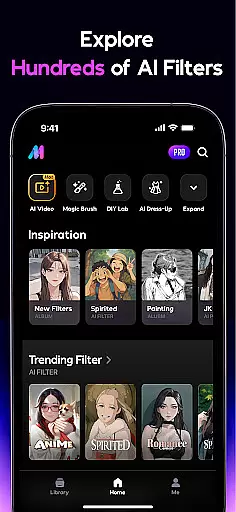
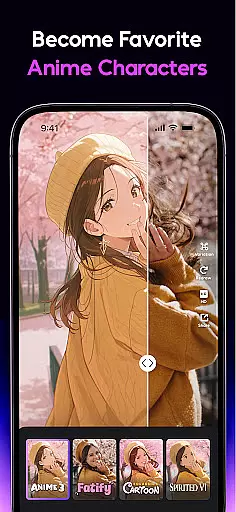
AI Mirror distinguishes itself through its comprehensive and innovative feature set tailored for modern content creators. The app's AI Filter collection includes Cosplay Creator, Anime Generator, and Cartoon Filters, allowing users to experiment with dynamic transformations ranging from iconic characters to artistic sketches. These features are powered by advanced algorithms that maintain image quality while applying complex style transfers.
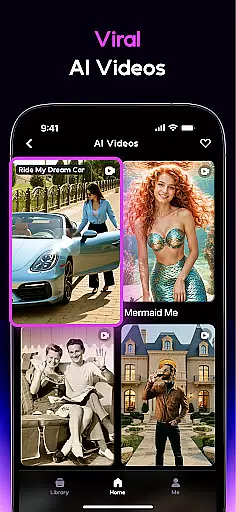
Beyond static image editing, AI Mirror excels in video creation with its Magic Live Photo and Stylized Video capabilities. Users can convert still images into animated clips or apply artistic filters to existing footage. The app's AI Editor toolkit further enhances creativity through features like AI Magic Brush, AI Photo Enhancer, and Chat Edit functionality, enabling precise modifications using natural language commands. This combination of powerful editing tools positions AI Mirror as a leader in AI-powered visual content creation.
Real-time capture and preview functionality is essential for any photography app, allowing users to see exactly what their final image will look like before taking the shot. AI Mirror excels in this area by providing instantaneous feedback on applied filters and effects, ensuring that users can make real-time adjustments to achieve their desired outcome.
The app's advanced AI algorithms analyze the scene and optimize settings such as lighting, contrast, and color balance automatically. This feature empowers users to focus on creativity rather than technical details, making professional-quality photography accessible to everyone.
With AI Mirror, photographers can experiment with various styles and transformations, from anime characters to action figures, all visible in the live preview. This immediate visualization not only enhances the user experience but also significantly reduces the time spent on post-processing.
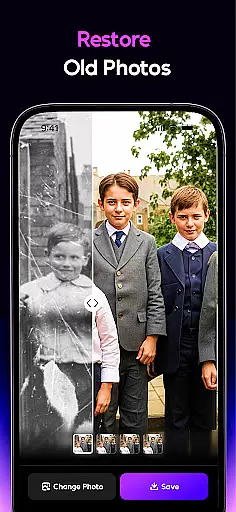
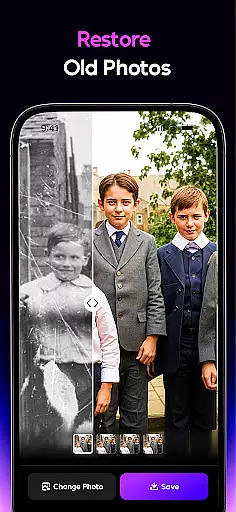
AI Beauty and Enhancement features are crucial for modern photo editing apps, aiming to improve images while maintaining a natural look. AI Mirror offers top-tier old photo restoration technology that brings cherished memories back to life by enhancing details and repairing damage without over-processing.
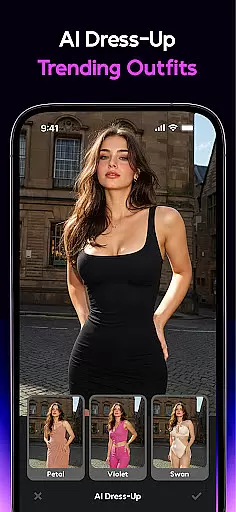
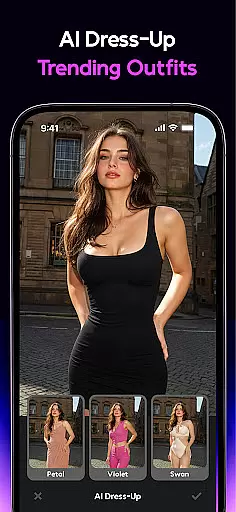
The app's AI Photo Enhancer sharpens details and improves clarity, ensuring every shot looks its best. Additionally, the AI-powered tools allow for realistic virtual try-ons and background replacements, which adapt seamlessly to the original photo's style and lighting conditions.
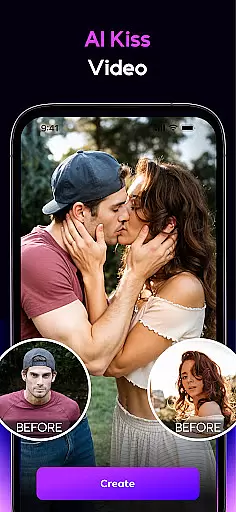
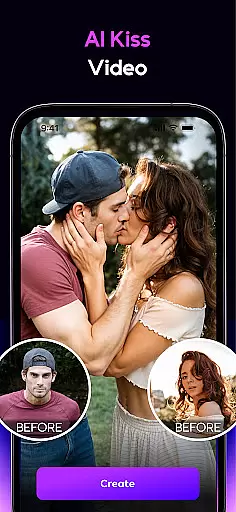
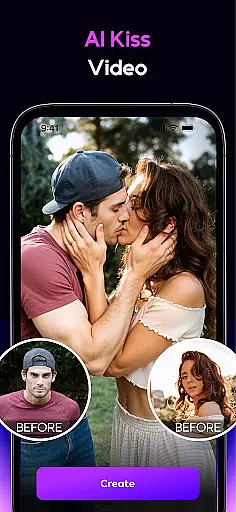
AI Mirror's commitment to natural enhancement extends to its AI Hugging and Kissing features, where uploaded photos are animated into lifelike interactions. These capabilities ensure that edits enhance the photo's original charm, preserving authenticity while adding creative flair.
User-friendly interface
Extensive filter library
Advanced AI technology
Regular feature updates
Cross-platform compatibility
Premium features require subscription
Some filters need improvement
Occasional processing delays
Limited free trial options
High system requirements

Effortlessly organize, view and share your photos & videos with Gallery app!
 4.40
4.40
Photo Album Watch Face shows your favorite pictures as a Watchface.
1.90
Photo Exif Editor allows to view, add and modify EXIF data of multiple photos
4.50
Gallery Slideshow is slideshow maker app for slideshow from your gallery photos.
3.90
A reflected light meter with spot metering and incident light metering.
4.40
live datamoshing
4.00
Professional camera app that brings DSLR manual photography controls to Android.
4.20
Unlock the full potential of your DJI drone with Litchi
4.50
Your Family Calendar + Photos. Manage your Skylight Calendar and Skylight Frame.
4.40
Create funny photos and videos with the popular Time Warp Scan filter.
4.90
A collection of tools and reference tables for DPs, ACs, DITs and Operators.
4.70
PhotoSync Bundle Add-On License. Enables all features and services in PhotoSync.
4.60
Safe & smart flight with Go Fly drone controller for 40+ drone camera, zone map
4.50
Transform photos into videos! Create realistic or anime-style images easily!
4.50
Luminar: Photo Editor - easy picture editing with AI
4.20
Photo editor: face & body editor, beauty cam, filters and quality enhancer.
4.00
GCamera allows all GCam features on all phone models! Better photos with GCamera
3.30
Raw Image Viewer. Gallery with support of raw images (.cr3, .cr2, .nef, .raf).
2.00
Snap photos remotely using your Garmin watch as the camera trigger
4.1


User Reviews