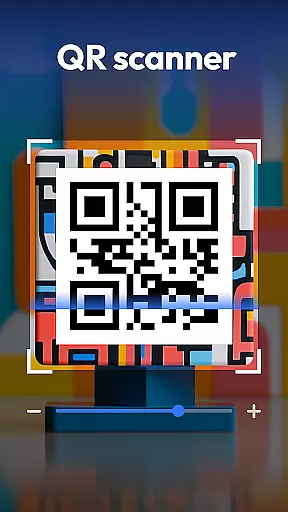
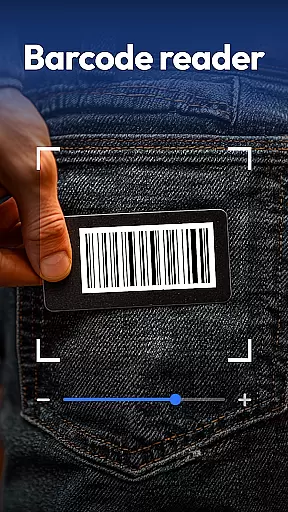
QR & Barcode Scanner is a versatile productivity tool designed to streamline various scanning tasks on Android devices. This all-in-one application combines multiple scanning capabilities in a single, user-friendly interface.
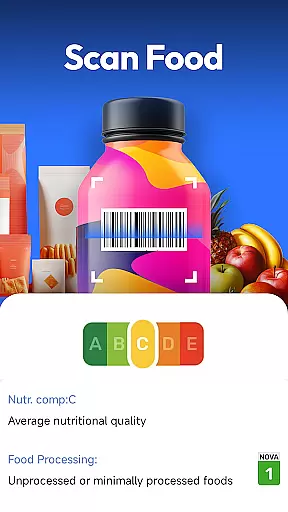
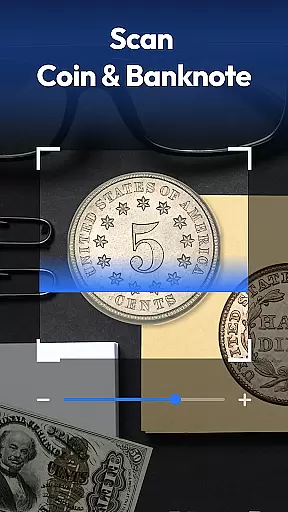
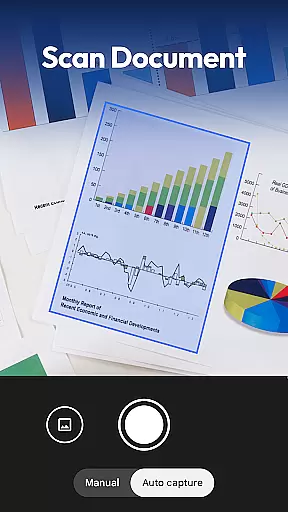
The app's core functionality includes fast and accurate scanning of QR codes and barcodes across all major formats. It goes beyond basic scanning by incorporating specialized recognition features for coins, banknotes, food labels, and documents. The built-in document scanner can convert physical papers into searchable PDF files, while the food scanner provides detailed nutritional information for health-conscious users.
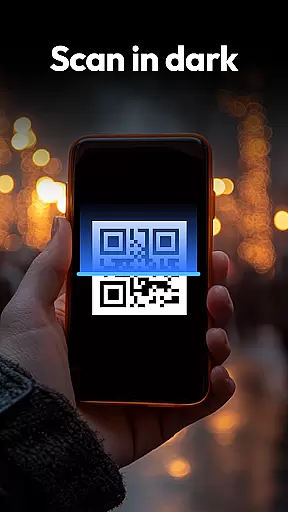
Whether you're managing inventory, collecting currency, tracking nutrition, or digitizing paperwork, this application proves invaluable. Its automatic zoom feature and flashlight support ensure reliable performance even in challenging lighting conditions, making it suitable for both personal and professional use.
QR & Barcode Scanner distinguishes itself through its comprehensive feature set and innovative capabilities. The application supports all standard QR and barcode formats including QR, Data Matrix, UPC, EAN, and Code 39, ensuring compatibility with various scanning needs.
One of the app's standout features is its specialized scanning modes. The coin and banknote identifier helps collectors and travelers recognize currency from around the world. The food health scanner provides instant access to nutritional information, additives, and health ratings, empowering users to make informed dietary choices. The document scanner transforms paper documents into high-quality PDFs, complete with text recognition capabilities.
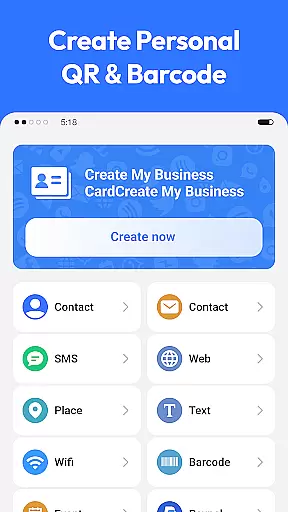
Additional features include a built-in QR code generator that creates Wi-Fi, contact, and URL codes instantly. The app maintains a scan history for easy reference and operates with minimal permissions, protecting user privacy. These features are implemented through an intuitive interface that makes advanced scanning capabilities accessible to all users.
Task management is essential for productivity applications, and QR & Barcode Scanner excels in this area by offering a comprehensive suite of scanning tools. This app allows users to manage various tasks such as scanning QR codes, barcodes, coins, banknotes, food labels, and documents, all within a single platform.
The application's design emphasizes efficiency and ease of use. With features like auto-zoom, flashlight activation for low-light conditions, and an organized scan history, users can effortlessly handle multiple scanning tasks without the need for additional apps or tools.
By integrating advanced functionalities such as Coin & Currency Recognition and Food Scanner for Healthier Choices, the app ensures that users can complete complex tasks with precision and speed. These capabilities not only save time but also enhance the overall user experience by providing valuable insights and information directly through the scanning process.
Cross-device synchronization is crucial for users who rely on consistent access to their data across multiple devices. QR & Barcode Scanner addresses this need by ensuring reliable synchronization of scan histories and generated QR codes, allowing seamless transitions between different Android devices.
The app employs robust cloud-based technology to maintain up-to-date records of all scanned items and generated codes. This means that whether you're switching from your tablet to your smartphone or sharing information with colleagues, the data remains accessible and current.
Moreover, the privacy-first approach of QR & Barcode Scanner guarantees that your synchronized data is protected. With minimal permissions required and a focus on security, users can trust that their information is safe while enjoying the convenience of cross-device functionality.
Fast scanning speed
All-in-one solution
Privacy-focused design
Free to use
Multi-format support
Limited iOS availability
Occasional ads
Advanced features locked
Requires internet
Interface clutter

Seamlessly integrate data and reports to build your presentation to impress
 4.80
4.80
Experience real multitasking on your Android!
4.00
Auto-shutoff Alarm with Sunrise, Sunset & Fixed Options.
3.50
Wake up & get tasks done! Add alarms & reminders on the Clock Launcher.
4.00
Automates browsing any website and notifies you of important changes or events
4.30
Functional QR scanner and barcode reader that requires little storage space.
4.60
Translate text/voice/photos in 150+ languages. Offline & fast translator app.
4.50
Code on-the-go with VScode for Android. Edit,debug and collaborate from mobile!!
3.10
Experience and share your SolidWorks designs on your Android® phone and tablet.
2.50
Great calculator for Android named one of USA TODAY's "25 Essential Apps".
4.90
Understand anything with a personalized AI research assistant
4.80
Tally and goal counter for Wear OS & mobile
4.50
Subscribe to Webcal & .ics calendars and keep them up-to-date!
4.50
Enjoy classic gameplay with customizable features and retro-style graphics.
4.30
Professional calendar app for Google Calendar, MS Outlook & Exchange
4.20
Make apps & sites with natural language prompts
4.10
Font maker keyboard with your own handwriting
4.10
Unlock AutoNotification
4.00
* block pre-roll ads, pop-up and forced redirect ads * Samsung certification app
4.00


User Reviews