
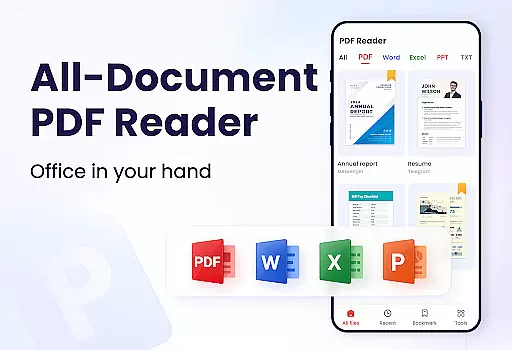
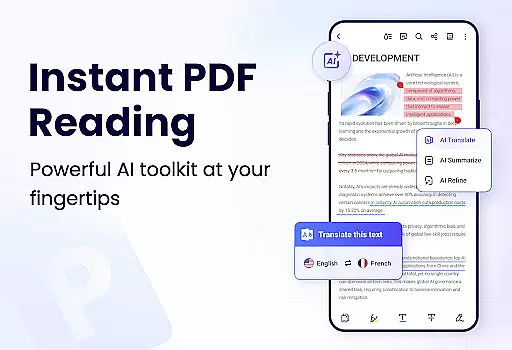
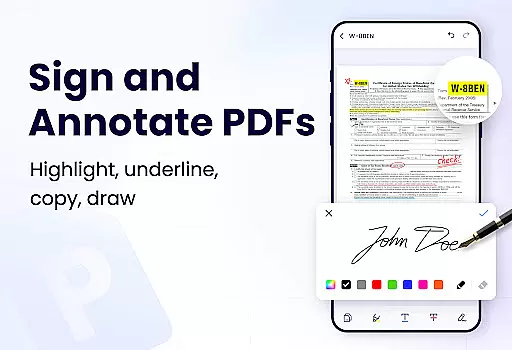
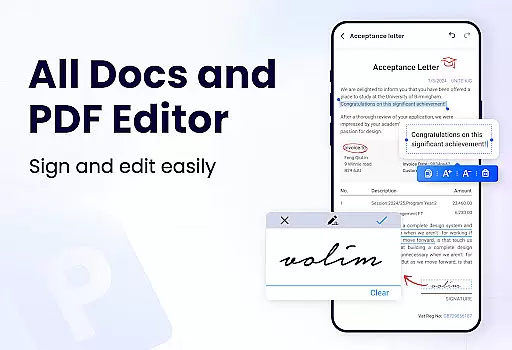
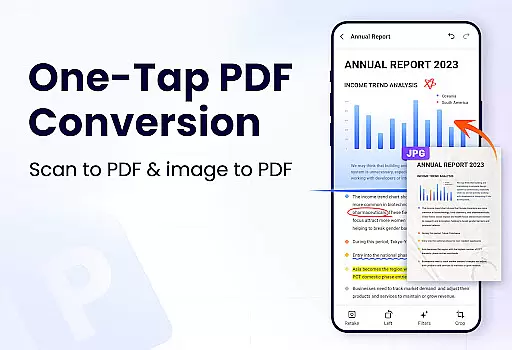
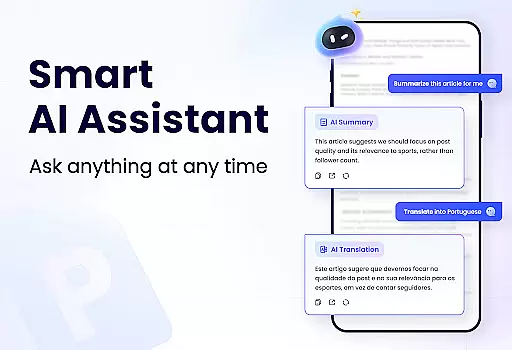
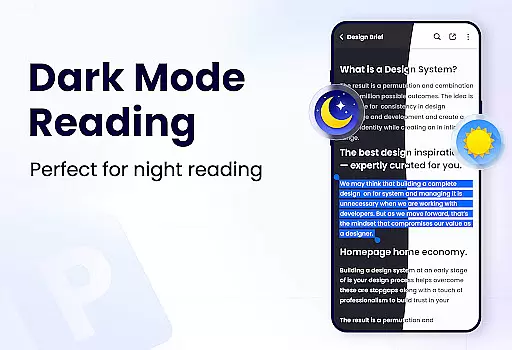
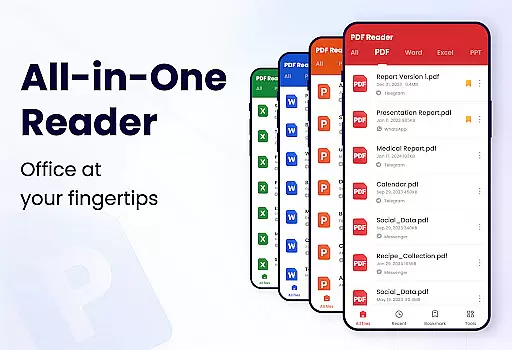
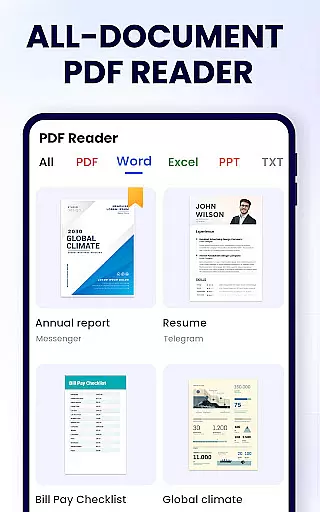
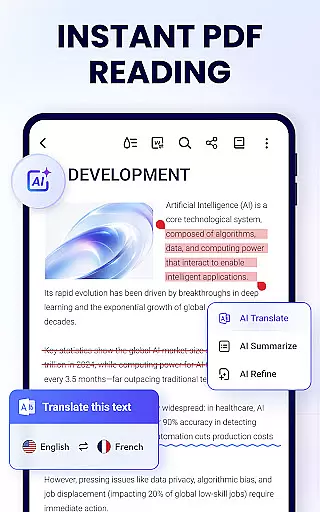
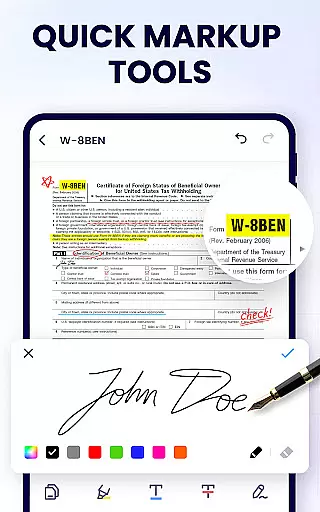
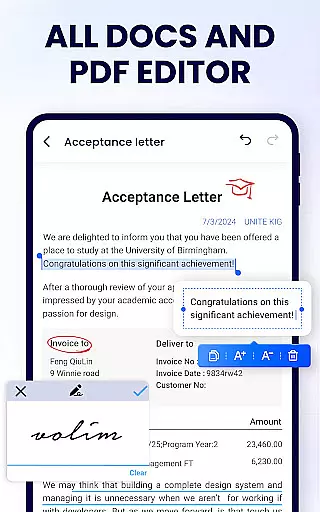
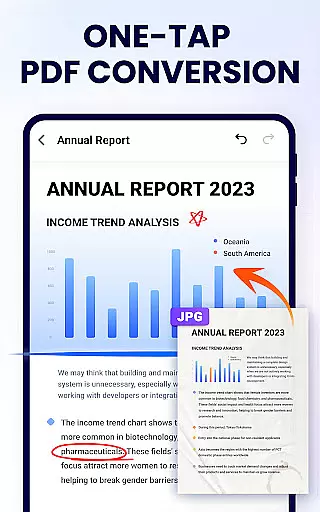
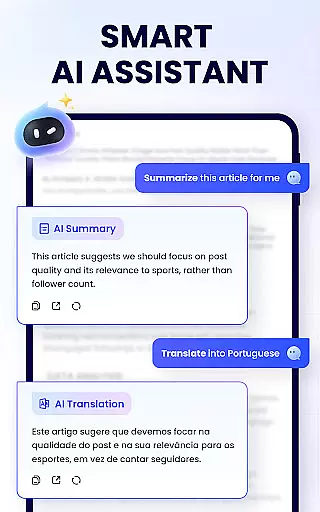
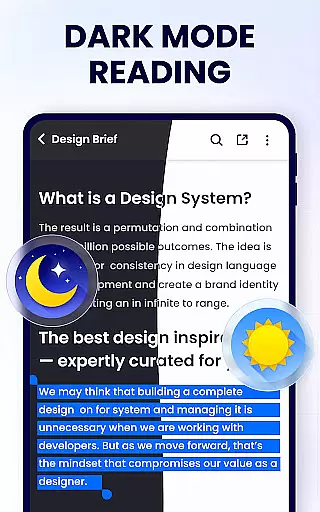
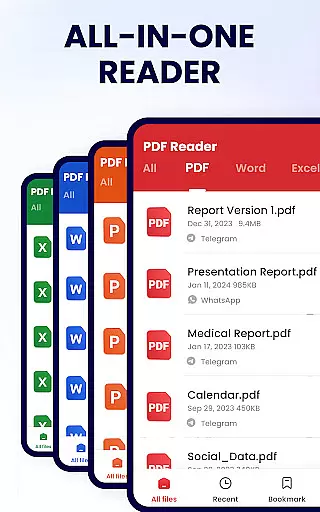
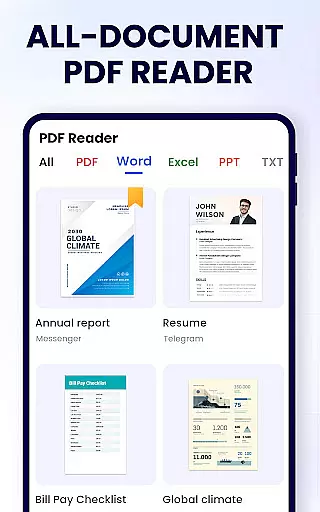
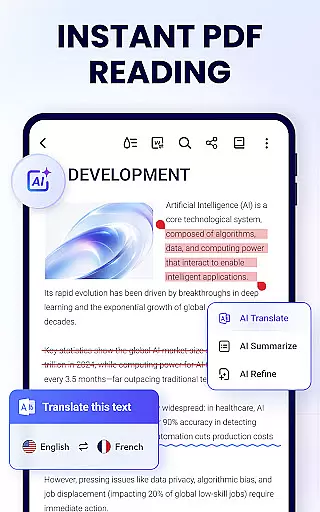
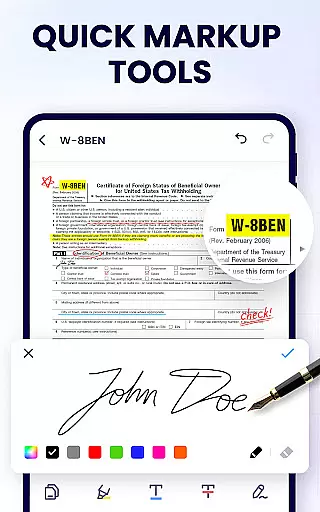
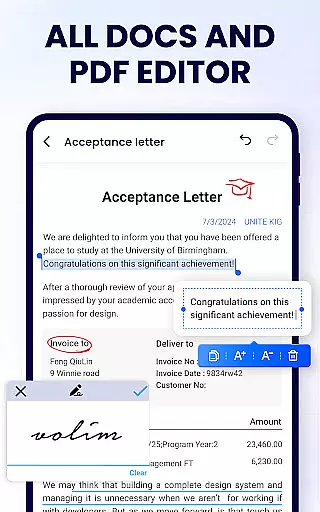
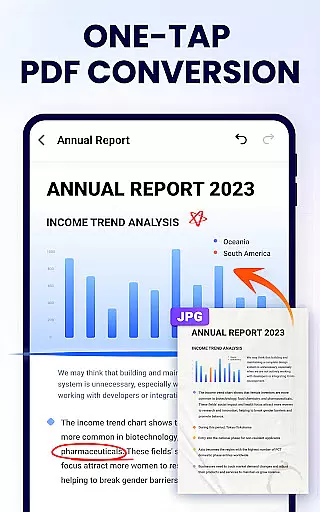
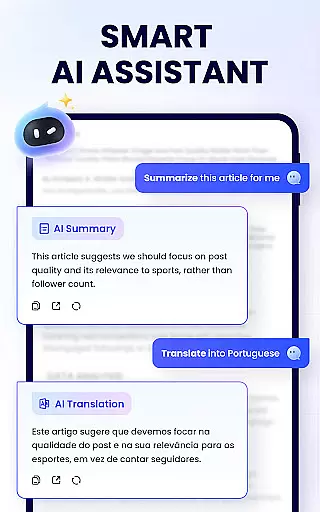
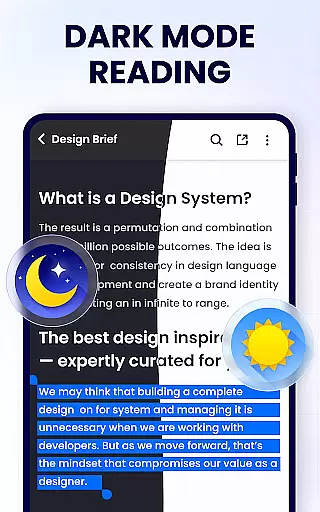
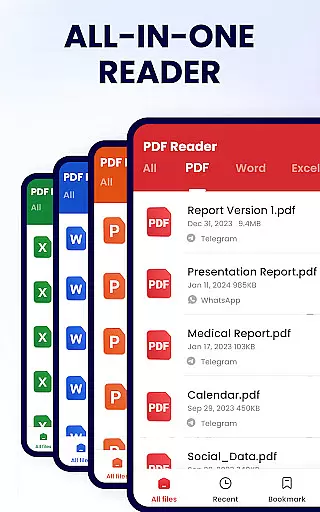
PDF Reader - PDF Viewer is a comprehensive productivity tool designed for Android users who need to manage, edit, and view PDF documents efficiently. This free app, A+ Read, offers an extensive range of features including reading, editing, merging, splitting, and securing PDF files with passwords. It stands out as not just a viewer but also a capable editor and manager, making it indispensable for work and study.
The app's interface is crafted for simplicity and ease of use, allowing users to auto-search for PDF files, add bookmarks, and quickly open documents. Its efficient file management system supports operations like renaming, printing, and sharing via social media platforms. With additional capabilities such as annotation, text highlighting, underlining, and strikethrough, users can modify PDFs to suit their needs while enjoying a seamless reading experience.
Whether you're a student needing to annotate lecture notes or a professional managing reports, PDF Reader - PDF Viewer provides the tools necessary to handle PDF documents effectively. Its lightweight design ensures that it won't burden your device's resources, offering swift access and manipulation of files without compromising performance.
PDF Reader - PDF Viewer boasts an array of features that cater to diverse user requirements. The convenient PDF viewer function automatically searches and displays all PDF files on your device, providing quick access and a clear file list. Users can enjoy both page-by-page and continuous scrolling modes, switch between horizontal and vertical viewing, and utilize full-screen mode for an optimal reading experience.
As a smart PDF reader, it allows precise control over document navigation with zoom functionality and direct page number entry. The efficient PDF editor empowers users to annotate documents, highlight text, underline, or strikethrough important information, and even doodle on PDFs. These features ensure that users can personalize their documents while retaining the integrity of the original content.
Moreover, the full-featured PDF manager enables advanced file operations such as merging and splitting documents, setting protective passwords, and maintaining a list of recently opened files for easy access. Sharing options are versatile, supporting various social media platforms. With ongoing updates promising dark mode, compression tools, form filling, e-signatures, and conversion utilities, this app continues to evolve, meeting the dynamic needs of its users.
In the realm of productivity, effective task management is crucial for maintaining workflow and achieving goals efficiently. The PDF Reader - PDF Viewer app excels in this area by offering a comprehensive suite of tools designed to streamline your document handling tasks.
This application allows users to not only view PDFs but also to actively engage with them through editing features such as annotating, highlighting, underlining, and striking through text. These capabilities ensure that any necessary modifications or notes can be made directly within the document, centralizing task management within a single platform.
Moreover, the app provides functionalities for merging and splitting PDF files, adding bookmarks for easy navigation, and setting passwords to safeguard sensitive information. Such features contribute significantly to a user's ability to organize and secure their documents effectively.
By integrating these robust task management solutions, PDF Reader - PDF Viewer empowers users to handle their PDF-related tasks with greater efficiency and control, ultimately enhancing productivity and streamlining workflows.
Cross-device synchronization is an essential feature for users who operate across multiple platforms and need reliable access to their documents at all times. The PDF Reader - PDF Viewer app addresses this need by ensuring that users can seamlessly synchronize their PDF files and associated data across different devices.
With its cloud-based infrastructure, the app enables real-time updates and backups of your PDF library. This means that any changes made on one device are instantly reflected on all others, providing a consistent and up-to-date experience regardless of the device being used.
Furthermore, the app supports quick sharing options via social media or other communication channels, allowing for effortless collaboration and distribution of documents. This level of connectivity ensures that teams and individuals can work together efficiently, without being hindered by device limitations.
By prioritizing cross-device synchronization reliability, PDF Reader - PDF Viewer guarantees that users will always have access to their most current files, fostering a productive environment where document management is both flexible and dependable.
User-friendly interface
Comprehensive editing tools
Efficient file management
Secure document handling
Versatile sharing options
Limited format compatibility
Advanced features may require learning
Some features still in development
Occasional performance lags
External storage permission needed

Take control of your clipboard with Clipper!
 3.90
3.90
Auto-shutoff Alarm with Sunrise, Sunset & Fixed Options.
3.50
The upgraded version of Name Wheel with AI and the power to add your own wheels.
4.4
Remotely view listen control and record cameras.
3.70
Secure, fast, open-source, Remote Desktop Client for Windows and Linux with SSH
4.60
App lock - lock apps with fingerprint, password, pin or pattern, protect privacy
4.70
Font maker keyboard with your own handwriting
4.10
A comprehensive suite of tools designed specifically for Lactation Consultants
4.4
Lightweight PDF, Word, Excel reader.
4.60
Mind Map and brainstorm, note taking and idea collection
4.80
Stay on top of your to-dos with Google Tasks, part of Google Workspace.
4.60
Calendar 2023 widget for Android. Appointment scheduler, planner, and reminder
4.60
A simple Whisper AI keyboard for reliable speech transcription and rewording
4.60
This small app MUST BE INSTALLED after purchase, else license won't work
4.40 4.20
4.20
All in One PDF Reader: Manage, Read and Edit your Documents
4.20
Customizable calendar widget for seamless event sync, planning & scheduling.
4.00
Secure, open-source, SPICE and SSH Remote Desktop for QEMU KVM virtual machines
4.00
Easiest event planning, volunteer signups & parent teacher conference scheduling
2.20


User Reviews