
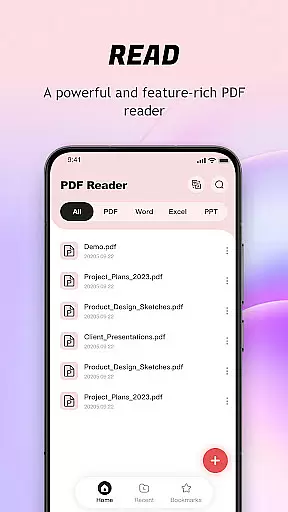
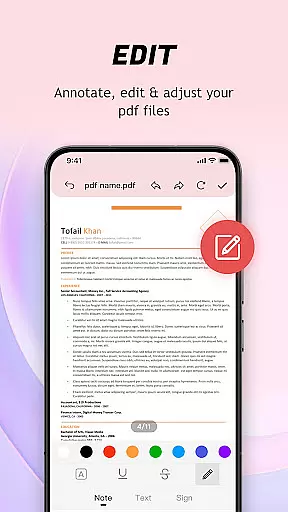
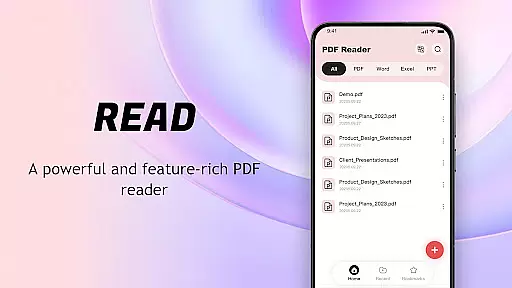
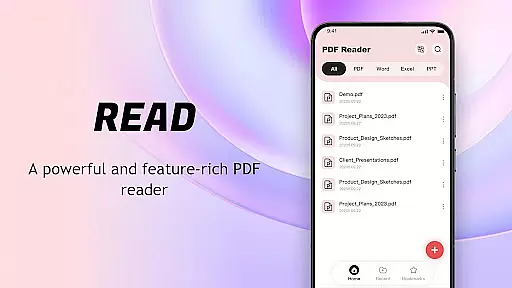
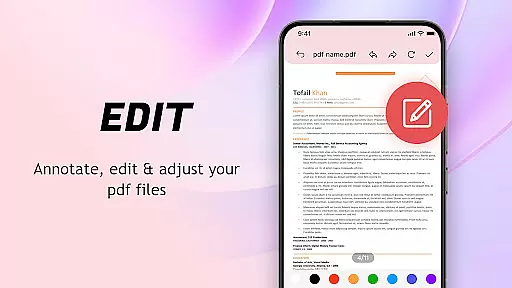
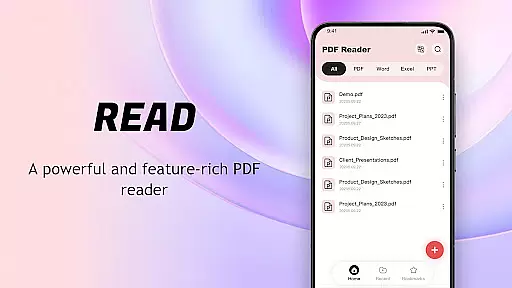
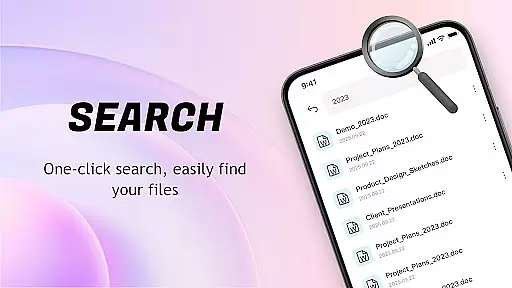
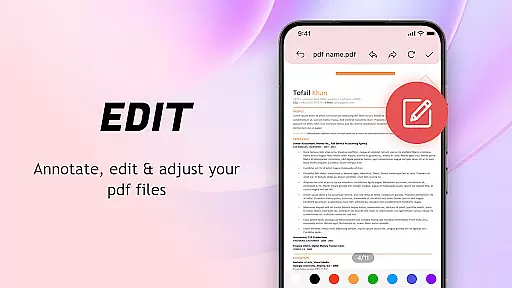
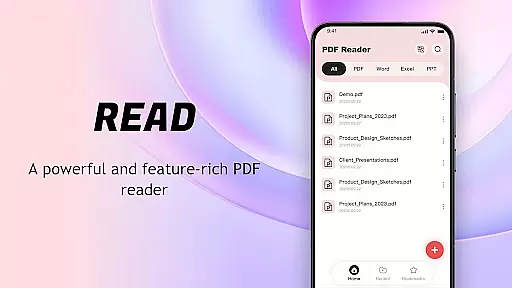
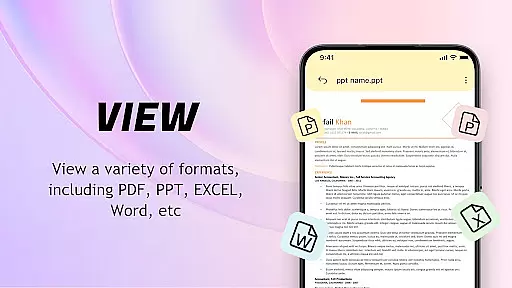
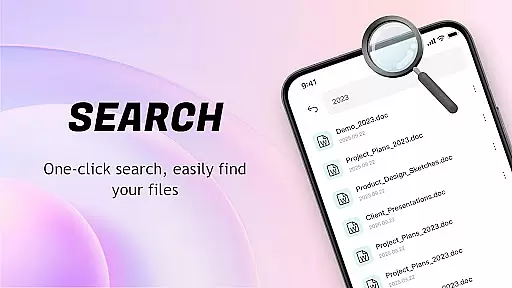
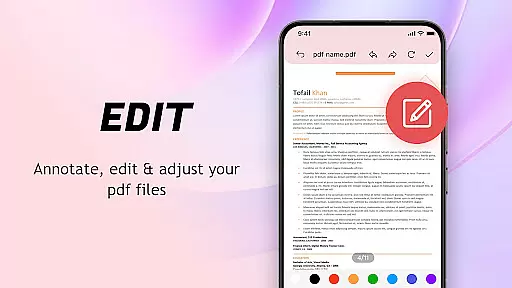
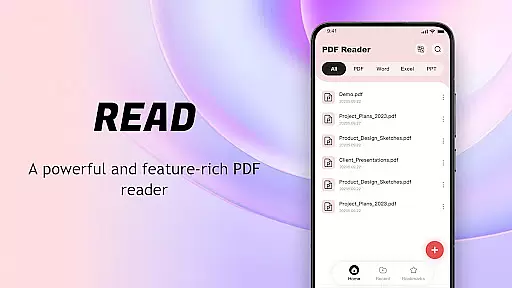
PDF Reader: Easy Fast Viewer is a versatile document management tool designed for efficient PDF handling. This application automatically scans and organizes PDF files on your mobile device, presenting them in an easily accessible format. With its intuitive interface, users can quickly open and read documents while enjoying features like smooth page scrolling and clear text rendering.
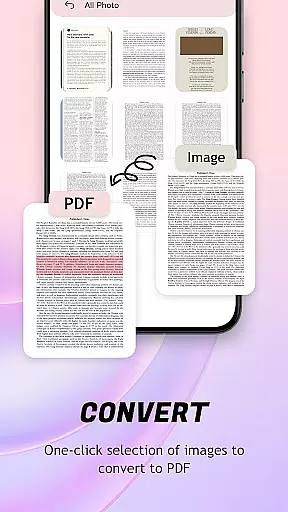
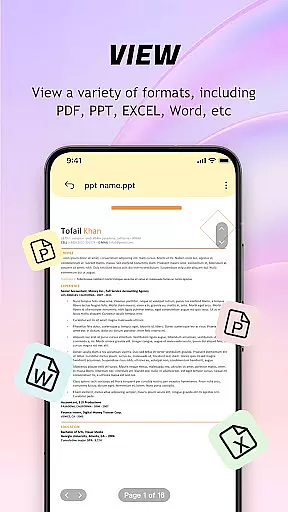
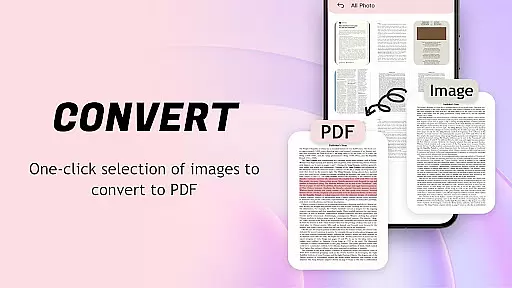
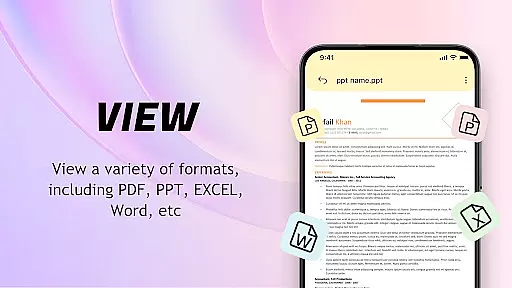
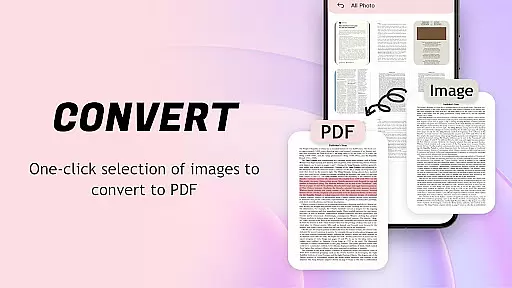
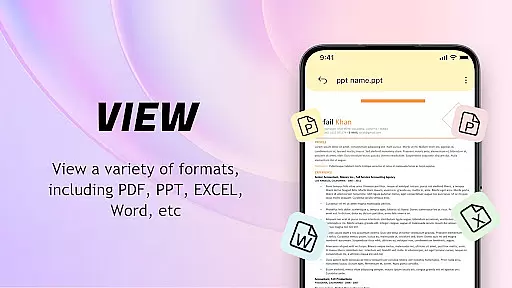
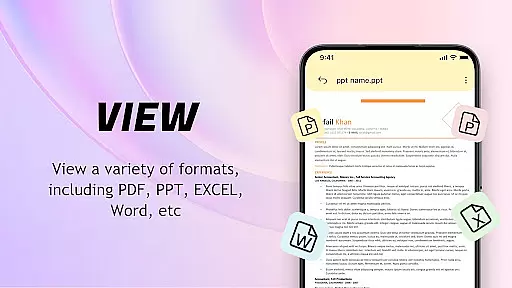
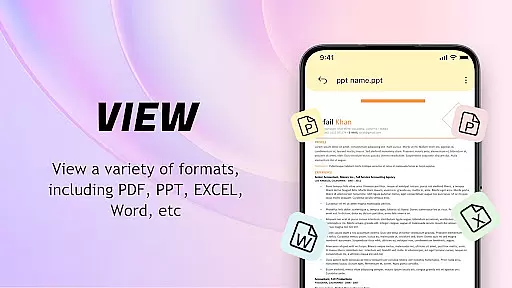
The app supports multiple file formats and offers advanced functionalities such as image-to-PDF conversion with automatic layout optimization. Its powerful file management system allows users to delete, bookmark, and share files effortlessly. Whether you need to print documents directly from your phone or collaborate with others by sharing files, this PDF Reader provides a complete solution for all your document needs.
Ideal for professionals and students alike, the app ensures uninterrupted reading by running essential background processes. The permission requests are designed to enhance file search and classification while maintaining user privacy. With regular performance updates, this reader guarantees a consistently improving experience tailored to various document management requirements.
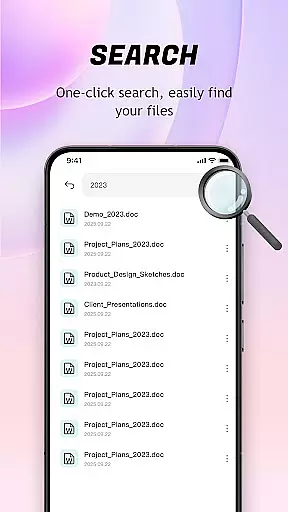
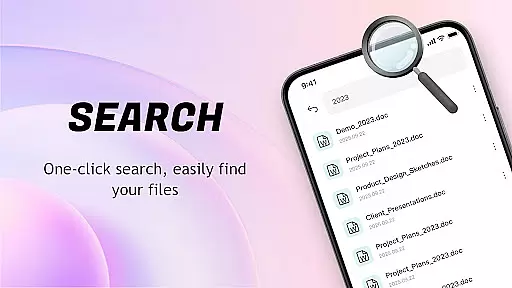
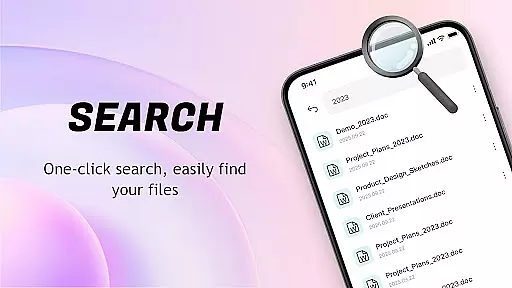
PDF Reader: Easy Fast Viewer stands out with its comprehensive feature set tailored for document management. The app's automatic document recognition system scans all PDF files stored on the device, presenting them in a well-organized list that facilitates easy searching and access. It supports multiple scrolling modes, enabling users to choose their preferred method of document navigation while maintaining smooth page transitions and crisp text/image display.
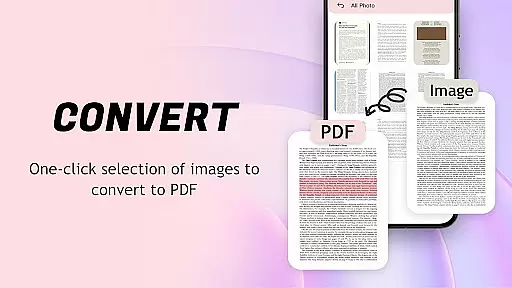
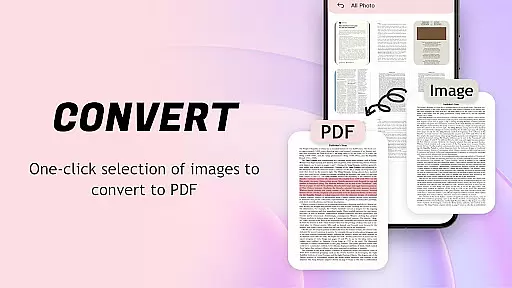
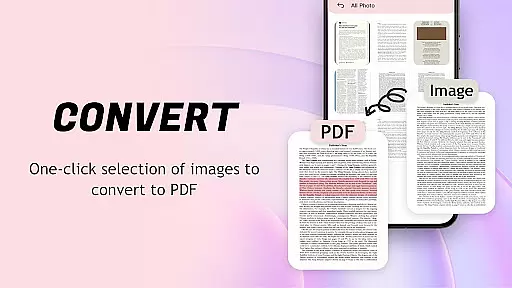
One of the key highlights is its image-to-PDF conversion capability. This feature automatically optimizes layouts when converting images to PDF format, producing professional-quality documents with just one click. The app also excels in file management, displaying recently opened files for quick access and allowing users to delete unnecessary documents or mark important ones as favorites.
Collaboration features include seamless file sharing options and mobile printing capabilities. The app requests specific permissions to ensure smooth operation - MANAGE_EXTERNAL_STORAGE helps with file search and classification while FOREGROUND_SERVICE_SPECIAL_USE maintains uninterrupted reading sessions. These features collectively create a robust document management solution that caters to both individual and professional needs.
For a PDF reader application, core function accuracy and effectiveness are crucial to providing users with a seamless document viewing experience. The app achieves this by implementing advanced rendering technologies that ensure all PDF files, images, and tables are displayed with precision.
The software automatically identifies and displays all documents on the device, presenting document content smoothly and allowing for easy navigation through different scrolling modes. This feature ensures that users can access their files quickly and view them without any distortions or delays.
Additionally, the app supports converting images to PDF format with one-click generation, which optimizes layout automatically. This not only facilitates file management but also enhances sharing capabilities, making it an effective tool for both personal use and professional collaboration.
A simple and intuitive interface is essential for a positive user experience in any tool-based application. The PDF Reader: Easy Fast Viewer boasts a lightweight design with straightforward operations that make it easy to get started without a steep learning curve.
Users can enjoy convenient reading experiences as the app provides smooth page turning, clear display of text and images, and easy viewing of content details. Its minimalistic approach eliminates unnecessary clutter, focusing on delivering core functionalities efficiently.
Moreover, recent files are displayed in order of access, allowing quick retrieval. With options to delete or collect files, plus effortless sharing features, users have full control over their document management while enjoying an unobtrusive yet powerful interface.
User-friendly interface
Multi-format compatibility
Efficient file management
Seamless image conversion
Convenient sharing options
Requires storage permission
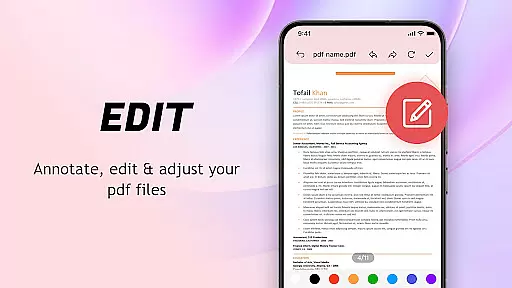
Limited advanced editing
Basic annotation tools
No cloud integration
Occasional ads

Carry a FTP server in your pocket and avoid USB cables for file transfer
 4.20
4.20
card-reader app
2.20
An easy-to-use calculator designed to save time calculating and bending conduit
4.30
Navigate with Ease and Style
4.90
WiFi Signal Strength Meter help you detect WiFi Signal Strength in real time.
4.80
Connect wirelessly to your computer to watch movies, browse the web, play games
5.00
Download any file easily and quickly with Downloader
4.2
NFC Tools can read and write NFC tags.
4.70
Screen recorder with audio to record high-quality videos and take screenshots.
4.40
The ultimate tool for network analysis, wifi scanning and problem detection.
4.90
Learn the vast amount of system information about device and monitor it's state
4.70
Fast Video Downloader, Movie Downloader, Torrent Downloader & Adblock Browser
4.70
Creation, Learning, Entertainment & More — The All-in-One AI Search Engine
4.70
Canon PRINT is a companion app for your Canon printer.
4.60
Button mapper, mouse toggle, sleep timer and a lot of another features
4.50
Pro Emulator is an easy to use game console emulator for a range of consoles.
4.40
Making emulation easy for everyone!
4.30
Quickly check the frequency of the Earth
4.30
Screen Mirroring with sound for Samsung TV, LG TV, Sony TV, Smart TV and Browser
4.20


User Reviews