
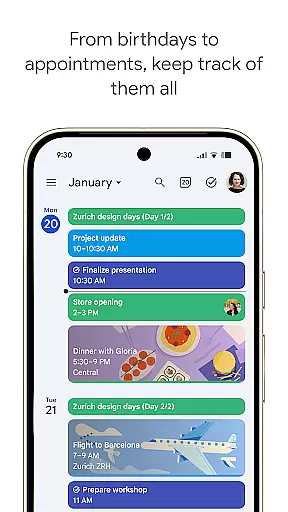
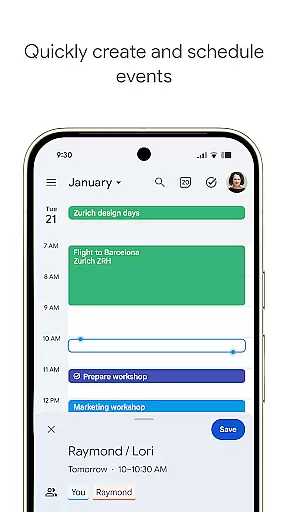
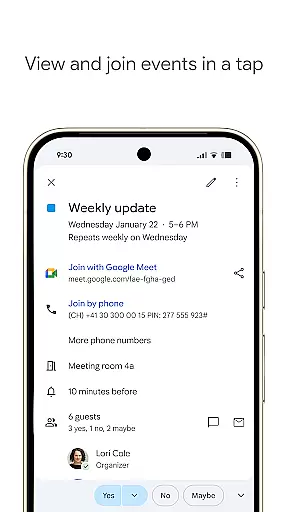
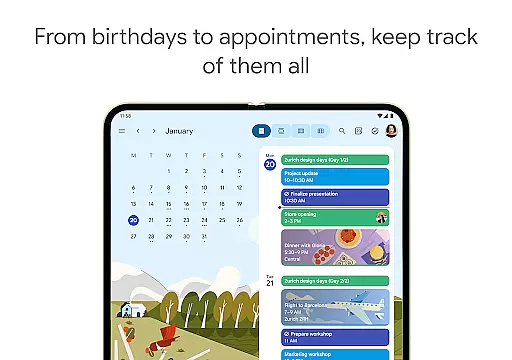
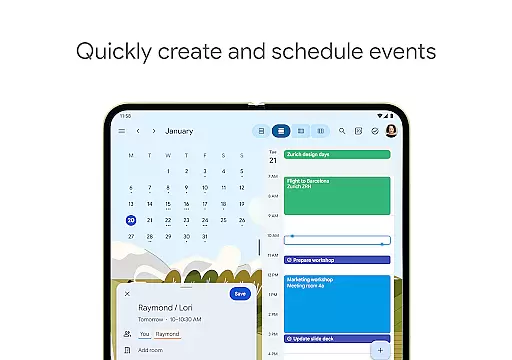
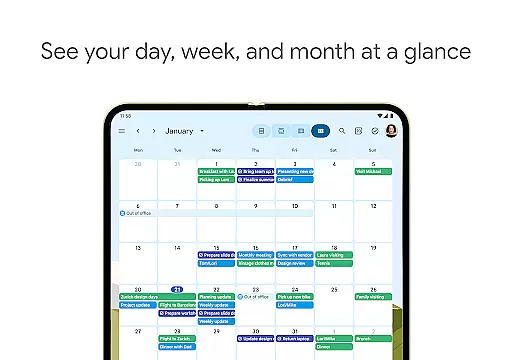
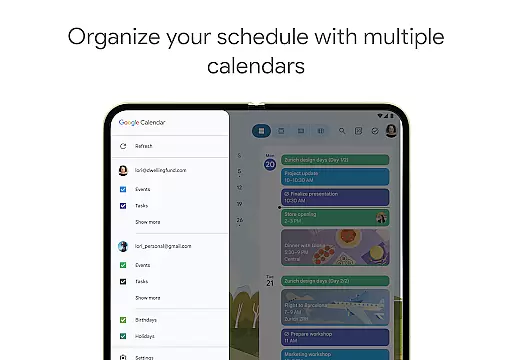
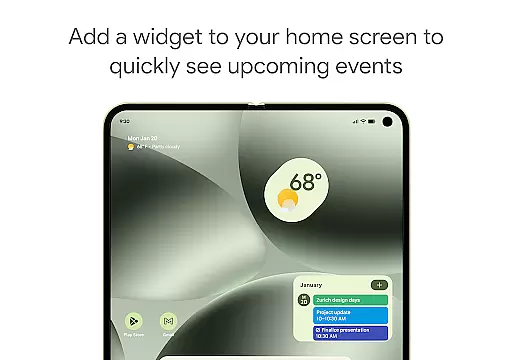
Google Calendar is the official calendar app designed for Android phones, tablets, and Wear OS devices. It helps users stay organized and plan their day efficiently. The app offers easy event creation, supports multiple calendars, and provides customizable views to suit individual preferences. With features like widgets and task management, it ensures you never miss an important event or deadline.
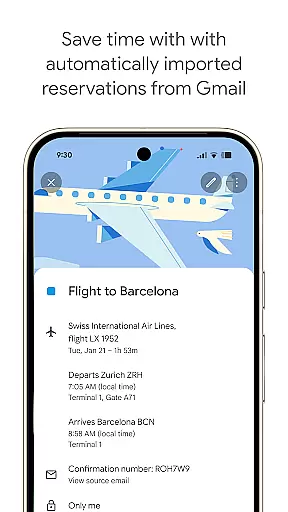
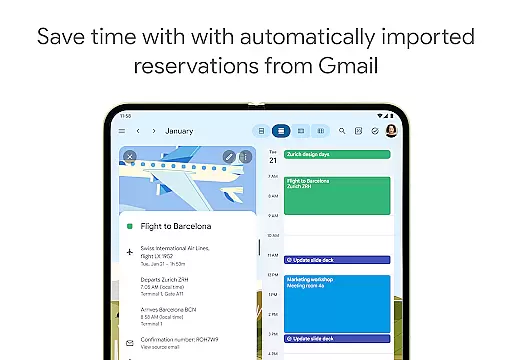
The app automatically integrates events from Gmail, such as flight details, hotel bookings, and restaurant reservations, streamlining your planning process. Whether you're switching between devices or using Google Calendar on your computer, seamless synchronization ensures that all your data is up-to-date. Additionally, shared calendars allow for effortless collaboration with family, friends, and colleagues, making group planning straightforward and efficient.
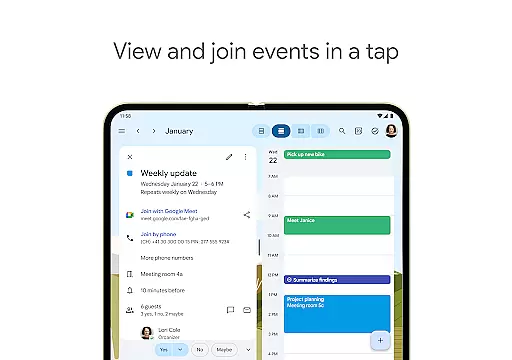
For professionals, Google Calendar is part of Google Workspace, enhancing team connectivity and collaboration. You can schedule meetings with integrated Google Meet video calls, check teammate availability, and attach relevant documents directly to calendar events. This makes coordinating in a hybrid work environment more manageable and productive. With enterprise-level privacy and security, Google Calendar is a reliable tool for both personal and professional use.
Google Calendar boasts a variety of features designed to enhance productivity and organization. One standout feature is the automatic addition of events from Gmail, which includes travel, accommodation, and reservation details. This automation saves time and reduces manual input errors, ensuring your calendar is always accurate and up-to-date.
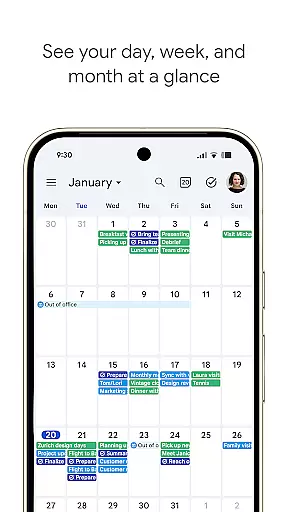
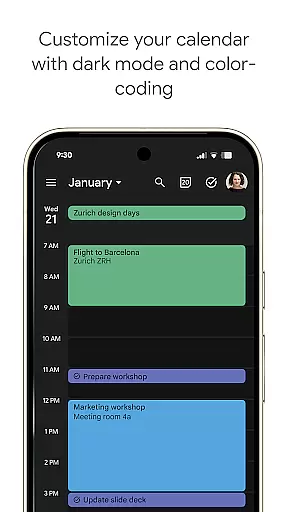
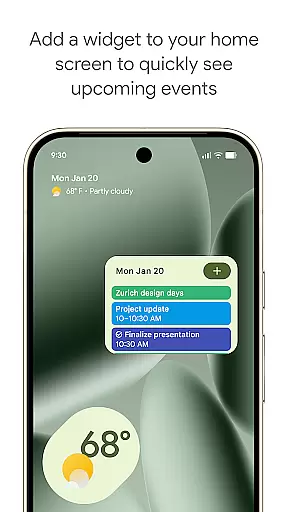
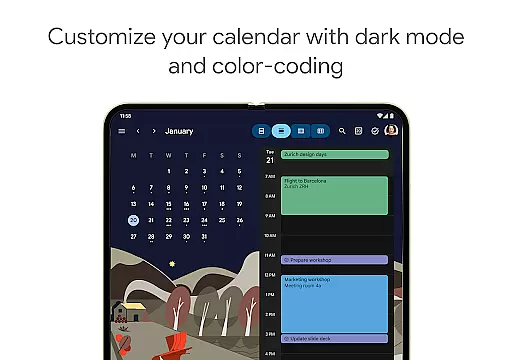
The app offers multiple viewing options, including month, week, and day views, allowing users to manage their schedules flexibly. Customizable views and color-coded events help personalize the user experience, while widgets provide quick access to essential features right from the home screen. Task management is seamlessly integrated, enabling users to handle to-dos alongside their events, thus keeping them on top of their responsibilities.
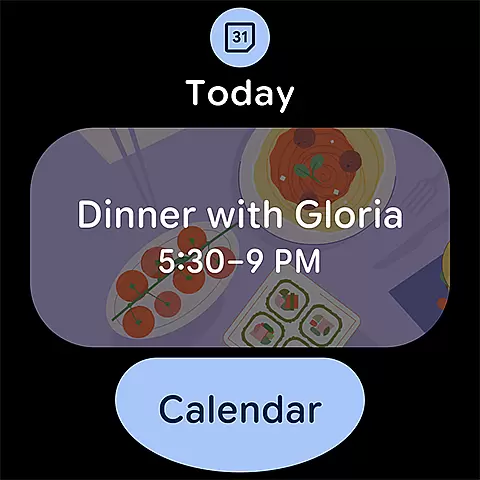
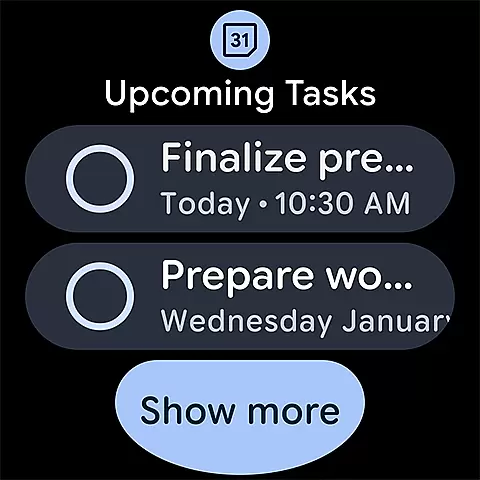
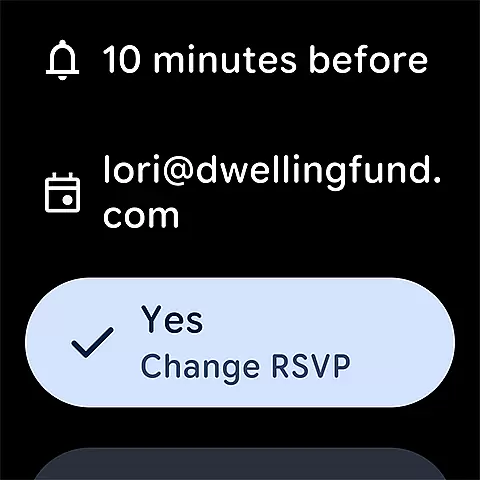
For those using Wear OS devices, Google Calendar supports tiles and complications, making it convenient to track events on the go. As part of Google Workspace, the app also facilitates hybrid work environments by integrating Google Meet video calls and offering professional booking pages. These features ensure that teams can collaborate effectively, whether they are working remotely or in the office, thereby boosting overall productivity and efficiency.
Companion app integration is essential for users who want a seamless experience across multiple devices. Google Calendar excels in this area by providing consistent functionality whether you're using it on your Android phone, tablet, or Wear OS device.
The app ensures that all your events, tasks, and calendar views are synchronized in real-time. This means you can start planning your day on your phone during the commute and continue right where you left off when you get to your computer at work.
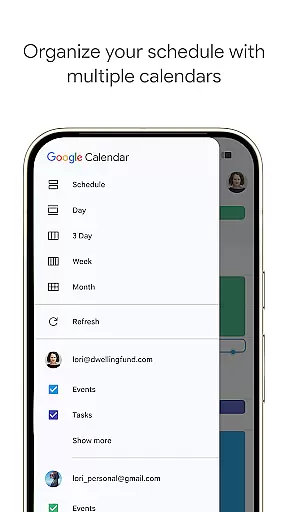
Google Calendar also supports shared calendars, allowing family, friends, and colleagues to stay informed about each other's schedules. This feature makes collaboration effortless, as everyone can view, add, or modify events from their respective devices.
Moreover, the integration with Google Workspace tools enhances productivity. You can attach meeting notes and pre-read materials directly to calendar events, ensuring everyone is prepared and on track for upcoming meetings.
For users with Wear OS devices, Google Calendar offers excellent compatibility and functionality. The app supports tiles and complications, making it easy to keep track of events or tasks while on the go.
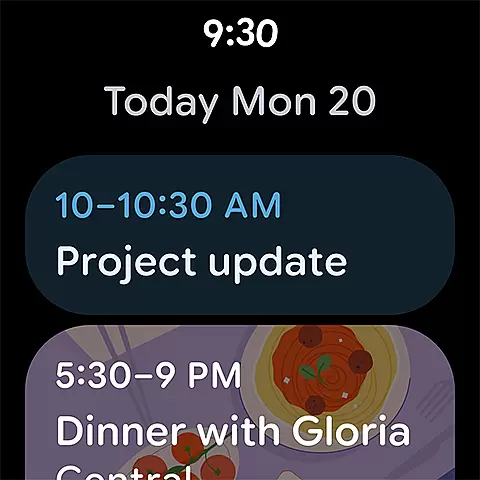
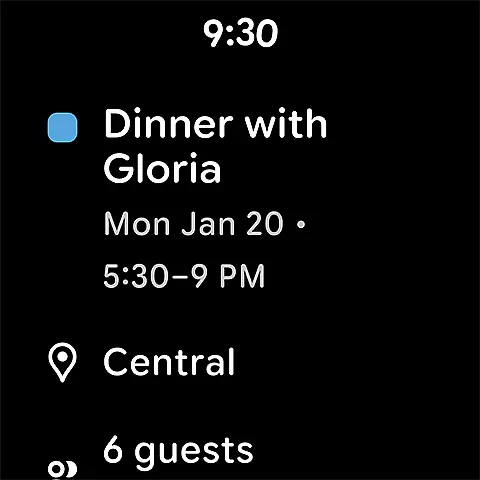
With Wear OS, you can quickly glance at your schedule without needing to take out your phone. The intuitive interface allows you to navigate through your calendar effortlessly, ensuring you never miss an important event.
Google Calendar on Wear OS maintains all the core features available on other platforms. This includes automatic event additions from Gmail, customizable views, and the ability to manage tasks alongside your events.
In addition to its standalone capabilities, Google Calendar on Wear OS integrates smoothly with the mobile and desktop versions. This ensures that any updates or changes you make on your wearable device are instantly reflected across all your devices, providing a cohesive and reliable user experience.
User-friendly interface
Seamless device sync
Robust task management
Integrated Google Meet
Enterprise-level security
Limited offline functionality
Occasional sync issues
Basic customization options
No built-in reminders
Heavy on battery

Embrace the holiday spirit with this magical animated watch face!
 4.40
4.40
Elegant animated Christmas tree with multiple customization options
4.20
Digital watch face. For Wear OS devices.
4.40
Nutrition, Macro tracker: Food, fitness & healthy diet tracking for weight loss
4.60
Bold weather Digital watchface with forecast & optional animated background
4.40
Minimalistic design modern digital watch face.
4.2
Hybrid watch face for Wear OS with customizable complications by Matteo Dini MD
4.70
A white realistic classic analog watch face with many customization options.
4.40
Back up your contacts & access them anywhere
4.30
Beautiful, colorful and practical watch face. For Wear OS devices.
5.00
Walking app for weight loss: walk & step tracker, pedometer, indoor treadmill
4.60
To-Do List: daily schedule planner, task organizer, to do reminder app, calendar
4.60
Snowflake Rose Gold Watch Face - Digital, modern, & sleek with GYRO effect.
4.10
Structured watch face with seven complications and modular UI elements
3.90
Stunning modern digital watch face with 7 complications and strong contrast
4.0
Simple Analog-Digital Watchface For Wear OS 3.0 and Up Smartwatches
4.1
Sleek, highly customizable watch face inspired by Galaxy Watch Circle Dashboard.
4.1
3 Complications. All shadow on/off. 30 Themes color palette...
4.3
Funny animated watch face for Thanksgiving
4.0


User Reviews