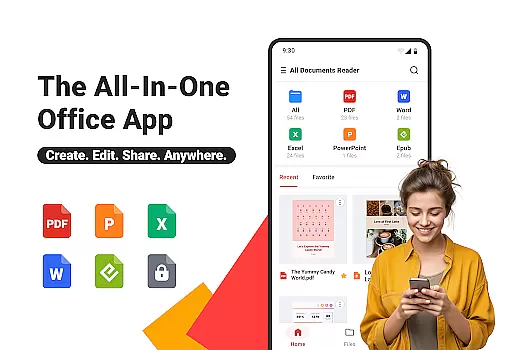
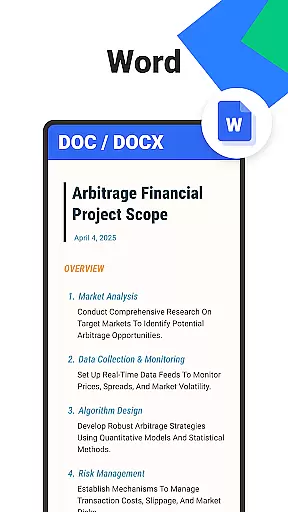
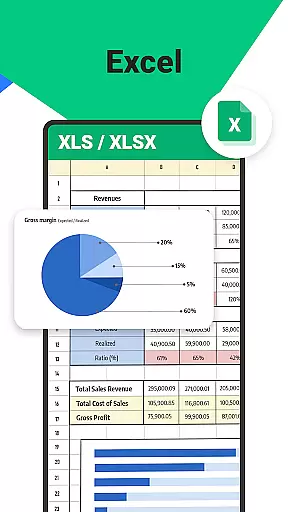

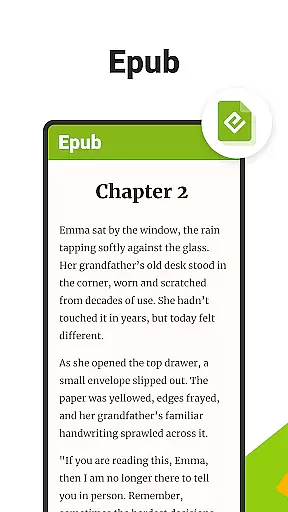
All Documents Reader is a versatile document management tool designed to streamline how you view, edit, and organize digital files. Supporting an extensive range of formats including PDF, Word, Excel, PowerPoint, and EPUB, this app serves as your all-in-one solution for document handling.
With its centralized access feature, users can gather all their files in one place for quick browsing and instant previews. The app also includes smart search functionality, allowing you to effortlessly locate any document, thus saving time and boosting productivity. Whether for work, study, or personal use, All Documents Reader provides a reliable and efficient experience.
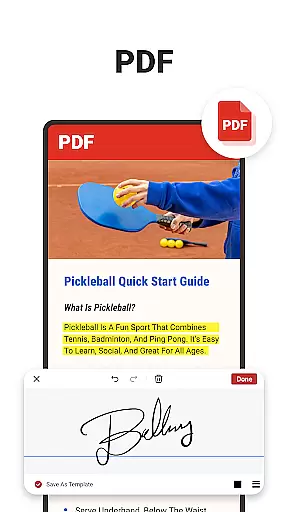
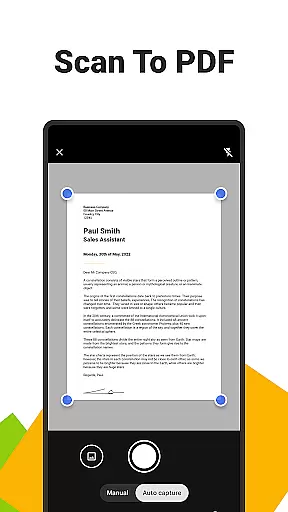
All Documents Reader stands out with its comprehensive PDF tools. It allows users to read, highlight, annotate, merge, split, fill forms, and sign documents easily. The built-in pdf scanner app lets you convert photos into high-quality PDFs with a single tap.
The app also features AI summarization, which extracts and summarizes key points from complex documents instantly. With flexible PDF management options, users can merge or split PDFs at will and protect their files with fast encryption. Additionally, the seamless format conversion feature meets all your sharing and display needs by converting between PDFs and images.
When it comes to document management tools, the accuracy and effectiveness of core functions are paramount. Ora All Documents Reader excels in this area by offering reliable support for a wide range of file formats including PDF, Word, Excel, PowerPoint, and EPUB. This ensures that users can open and view their files without distortion or missing elements, providing a dependable experience across different document types.
The app's comprehensive PDF tools further enhance its functional accuracy. With features like scanning to PDF, merging, splitting, form filling, and signing documents, users can perform complex tasks with ease. The inclusion of AI-powered summarization demonstrates the app's commitment to not only reading but also extracting meaningful insights from documents, making it an indispensable tool for professionals and students alike.
What sets Ora All Documents Reader apart is its offline functionality and privacy-focused design. Users can manage their files without an internet connection while maintaining complete control over their data. This reliability and attention to user security ensure that the app remains effective in various scenarios, whether at work, school, or home.
A user-friendly interface is essential for productivity tools, and Ora All Documents Reader delivers an intuitive experience through smart design choices. The app organizes files by format automatically, allowing users to quickly locate and access their documents without hassle. This logical categorization reduces the time spent searching and increases overall efficiency.
The reading experience itself is highly customizable, catering to individual preferences. Whether switching between horizontal and vertical viewing modes or adjusting display settings for PDFs and EPUBs, users have full control over how they interact with their files. Such flexibility ensures that both detailed reports and leisure reading materials are presented optimally.
Additionally, Ora All Documents Reader simplifies navigation with features like recent file tracking and multi-format previews. These thoughtful touches make the app accessible even to those who may not be tech-savvy, ensuring that everyone can take advantage of its powerful capabilities without a steep learning curve.
User-friendly interface
Multi-format support
Offline functionality
AI-powered summarization
Privacy-focused design
Limited advanced editing
No cloud sync
Occasional bugs
Heavy on storage
Premium features locked

 4.50
4.50
Head tracking for PC sim games such as MSFS 2024 or Elite:Dangerous. No headset!
4.50
Use your phone as a webcam on your computer over WiFi or USB.
4.40
Canon PRINT is a companion app for your Canon printer.
4.60
Create your own live wallpaper or check out thousands already made presets
3.90
Quickly check the frequency of the Earth
4.30
Screen Mirroring for Roku Sticks, Roku TCL TV and Roku Hisense TV
4.50
Button mapper, mouse toggle, sleep timer and a lot of another features
4.50
fast and easy mp3 music downloader
4.80
Enjoy smooth gameplay with Game Booster
4.90
FV File Manager Pro, Fast and powerful file manager for Android
4.60
Planner and Tracker for Stardew Valley
4.60
Play your X-Box games remotely in 1080p with any controller and zero latency
4.60
Pro Emulator is an easy to use game console emulator for a range of consoles.
4.40
Complete kernel toolbox with features to manage and tweak your rooted device
4.30
App that Recover your pictures, videos or files after you delete them.
4.20
Detect hidden spy camera with advanced scanning {{ Premium version }}
4.00
Fun lie-detection pranks for friends and parties.
3.80
A recovery soft,it features photo recovery, video recovery, file recovery.
3.40


User Reviews