
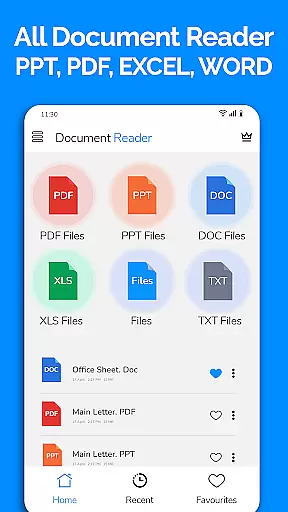
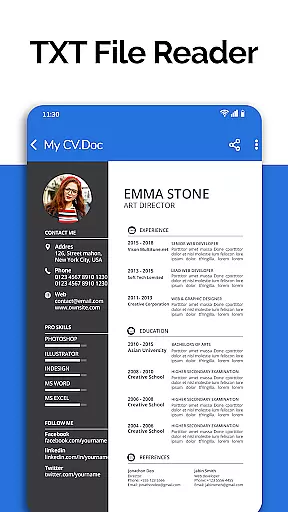
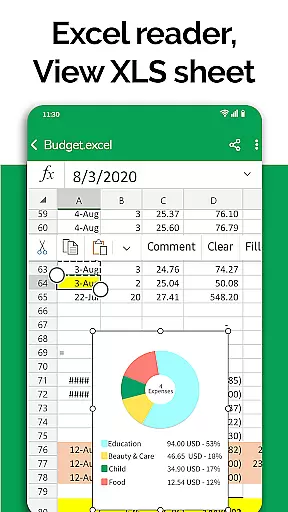
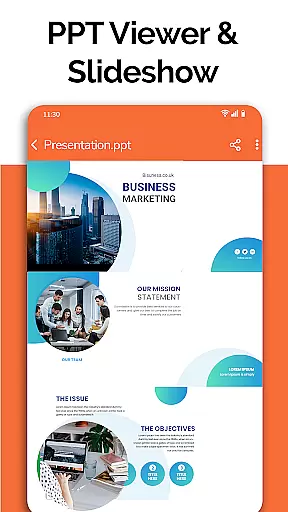
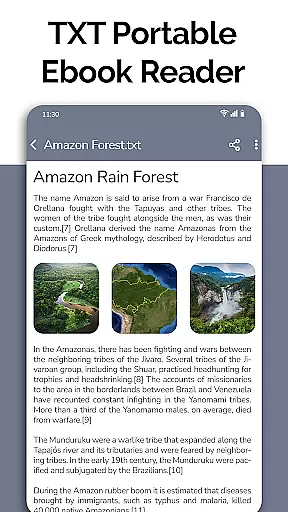
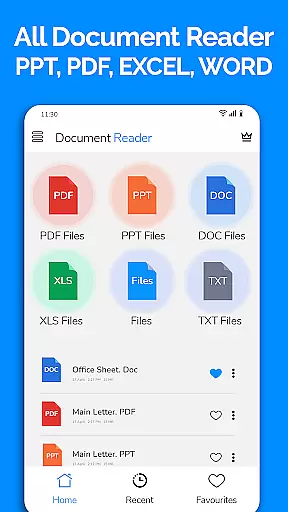
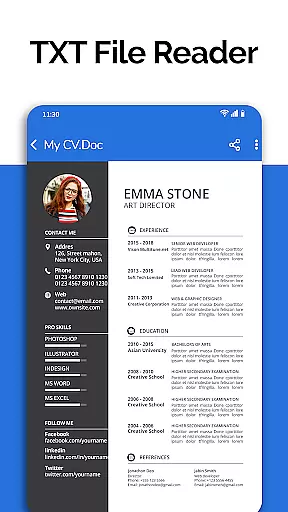
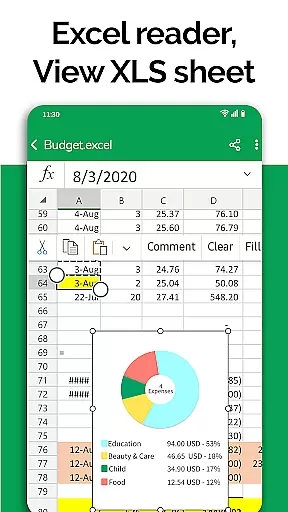
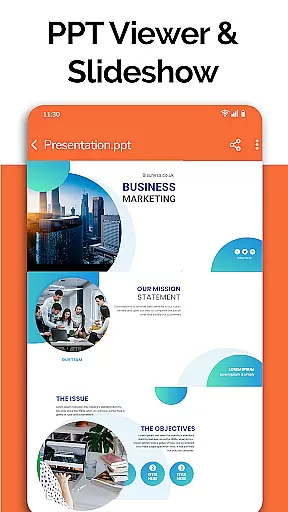
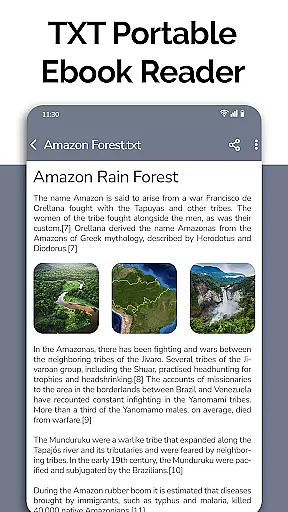
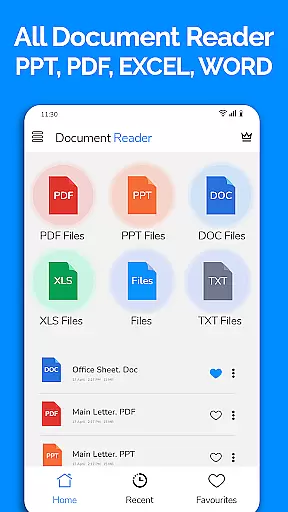
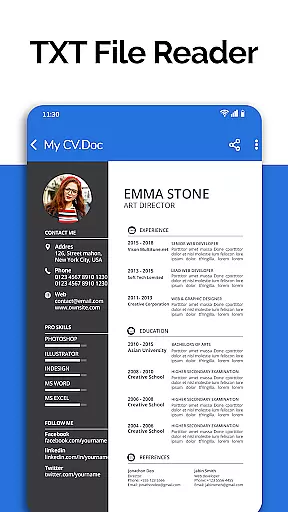
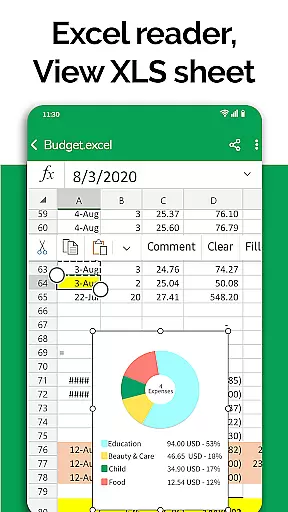
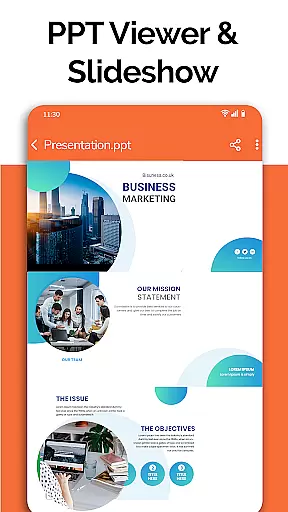
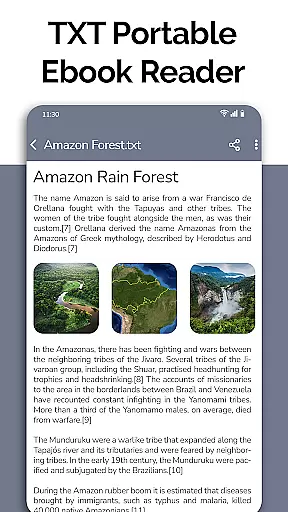
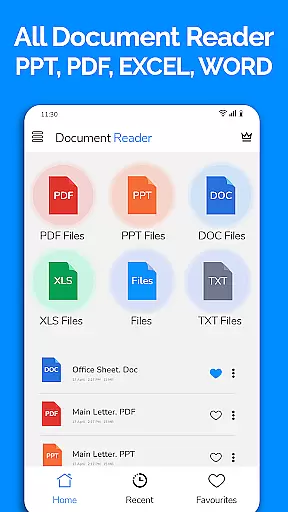
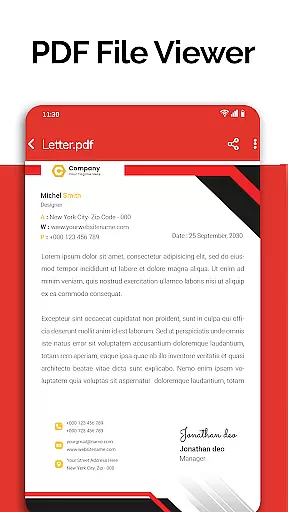
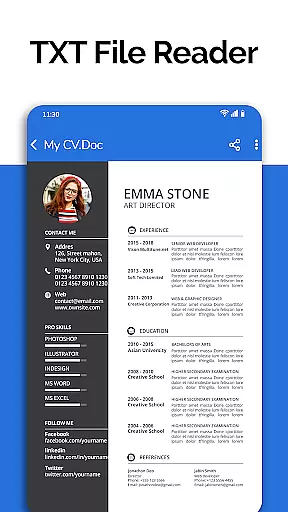
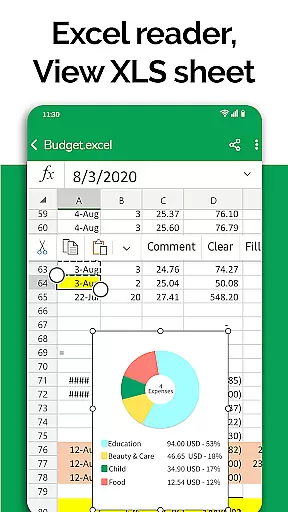
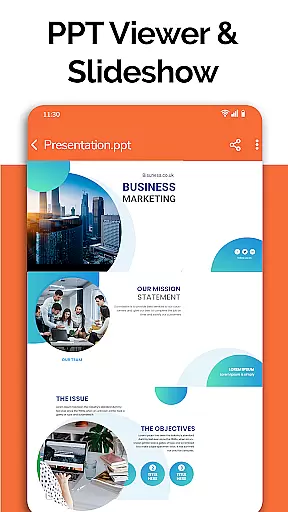
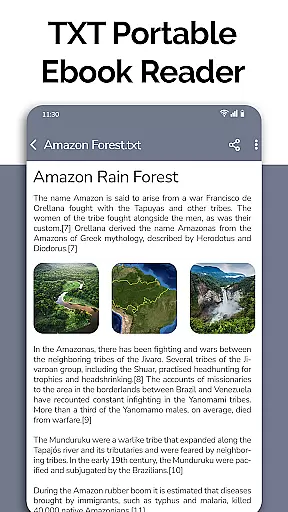
All Document Reader is a comprehensive document management solution that allows users to open, view, and manage various office file formats within a single application. This includes Word documents, PDFs, Excel sheets, PowerPoint presentations, and TXT files, eliminating the need for multiple apps or a computer.
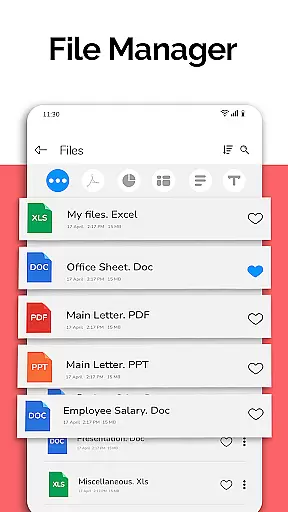
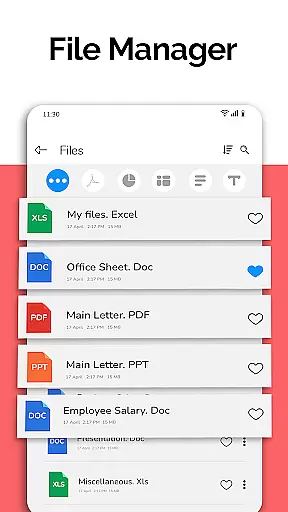
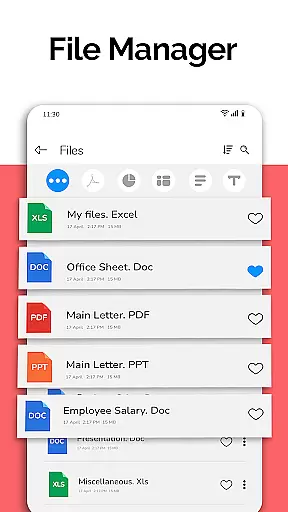
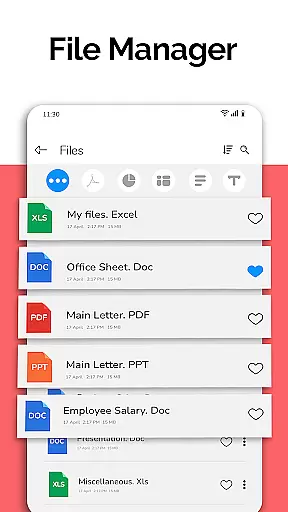
The app features an intuitive file manager that organizes documents automatically, simplifying navigation and access. With capabilities such as document editing, sharing, and advanced viewing options like night mode and voice search on the horizon, it ensures an optimal user experience. Whether you're reviewing business invoices, preparing presentations, or studying classroom notes, All Document Reader provides a seamless and efficient way to handle your digital documents.
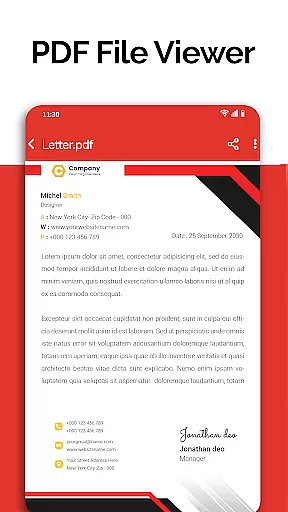
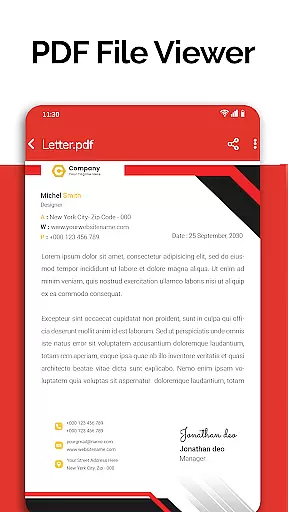
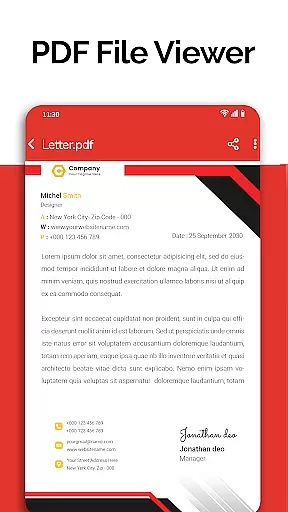
All Document Reader stands out with its extensive format support, covering DOC, XLSX, PPT, PDF, CSV, and TXT files. The app's PDF reader functionality is particularly robust, catering to everyday needs such as reading newspapers, viewing tickets, or going through college notes. Its user-friendly interface makes document management smooth and hassle-free.
Beyond just viewing, the app offers practical tools like a file manager for organizing and deleting files, a text editor for TXT files, and even a document scanner. These features are designed to enhance productivity by allowing users to edit and share their files directly from their mobile devices. Upcoming features such as dark mode, image-to-PDF conversion, and doodling on documents further demonstrate the app's commitment to providing a complete document handling solution.
In today's fast-paced business environment, the ability to collaborate effectively is essential. All Document Reader offers a comprehensive suite of tools that facilitate seamless teamwork. With its integrated file manager, teams can access, sort, and organize documents effortlessly, ensuring everyone is on the same page.
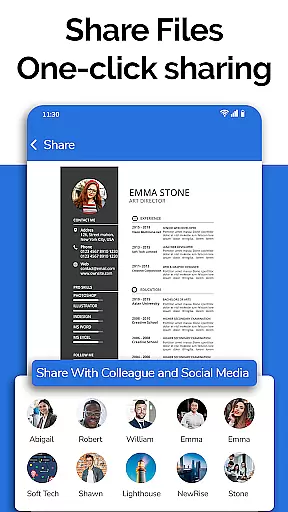
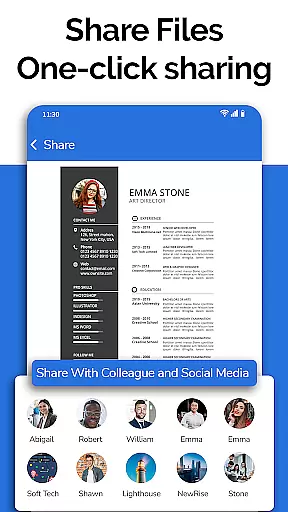
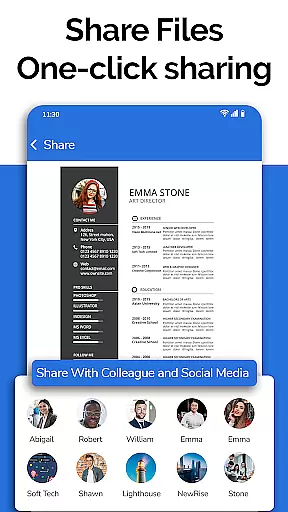
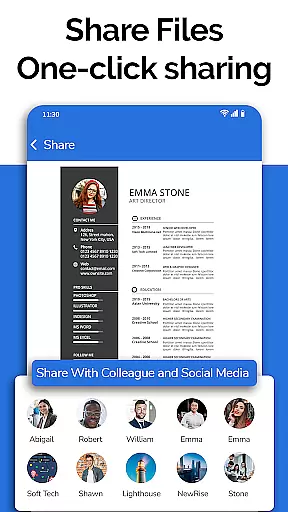
The app supports viewing, editing, and sharing various document formats including XLSX, Docx, PPT, TXT, and PDF files. This versatility ensures that team members can make necessary updates and share insights without being hindered by file type limitations. The automatic organization feature further streamlines workflow by keeping all related documents in order.
Moreover, the inclusion of a document scanner and editor within the app means users can prepare presentations or compile exam papers directly from their mobile devices. This level of flexibility empowers teams to work efficiently, regardless of location. By centralizing these capabilities, All Document Reader enhances productivity and fosters a more dynamic collaborative environment.
Effective task management is crucial for maintaining productivity and meeting deadlines. All Document Reader provides robust features that simplify task tracking and organization. Its intuitive interface allows users to easily navigate through different document types, making it simple to locate and manage tasks embedded within various files.
With capabilities such as deleting, renaming, and sharing documents, users have full control over their task lists. The app also delivers comprehensive file information, including file paths, sizes, and modification dates, which helps in prioritizing tasks based on urgency and importance. These functionalities ensure that users can keep track of their responsibilities with precision.
Additionally, upcoming features like dark mode and voice search promise to further enhance usability. Users will soon be able to convert images to PDFs and create new documents directly within the app, adding another layer of convenience to task management. Overall, All Document Reader equips users with the tools needed to stay organized and efficient in their daily operations.
User-friendly interface
Multi-format support
Comprehensive file management
Advanced PDF functionalities
Document editing and sharing
Limited advanced editing
No cloud integration
Ads in free version
Large app size
Occasional bugs

Completed Course Lectures on how to use IBM Maximo in Maintenance issues
 4.1
4.1
TurboScan turns your phone into a full-featured PDF document scanner.
4.80
The MyWalmart App is available for all associates in stores.
4.70
Paychex Flex - Save Time and Stay Connected
4.60
A secure, all-in-one team collaboration app
4.30
Deliver and earn money
4.30
Grow your business and connect with more people with Meta Business Suite.
4.60
Build a store in minutes with our full suite of AI tools. Start for free!
4.20
Chat, meet, and collaborate to achieve more together, all in one place on Teams
4.60
Create curriculum vitae, a professional cover letter creator and resume designer
4.80
Employee Management Made Easy
4.80
Recover what matters — quickly and easily.
4.70
Use Generative Summary to understand your rental or insurance docs in seconds.
4.70
Access to Paylocity, empowering employees with information they need 24/7.
4.70
AI-powered document scanner with auto enhance for perfect PDFs.
4.60
No more passwords, easier sign-in, and greater protection for your accounts.
4.60
Drive and earn extra money
4.50
Measure distances, surfaces and draw plans in seconds with CamToPlan!
4.40
Access All PDF Files
3.40


User Reviews