
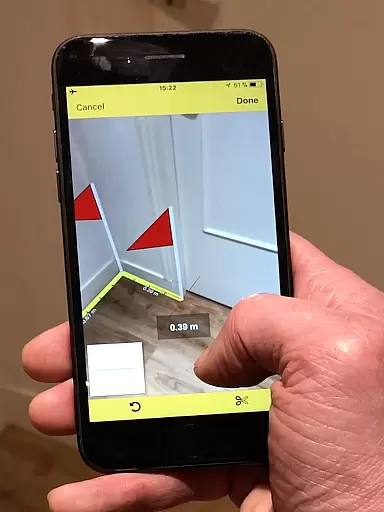
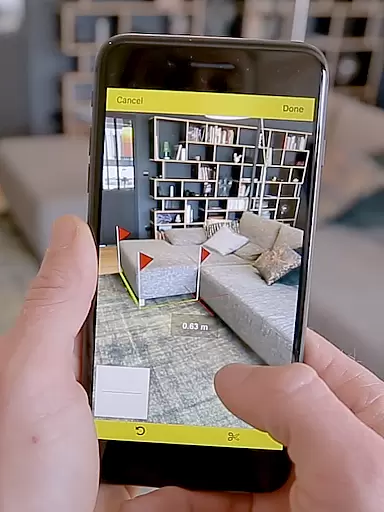
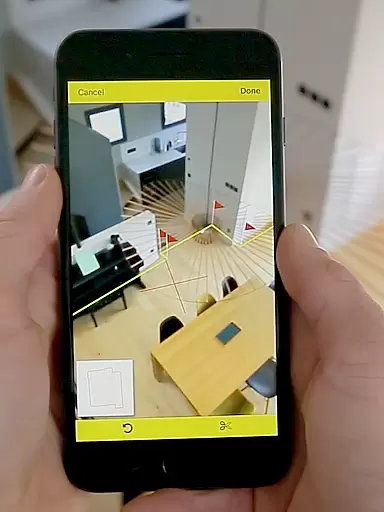
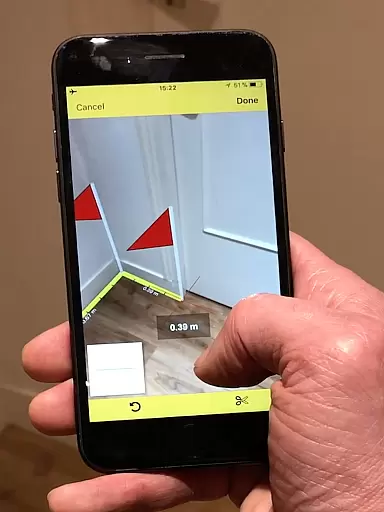
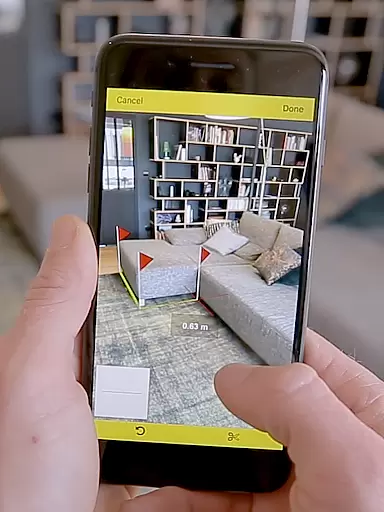
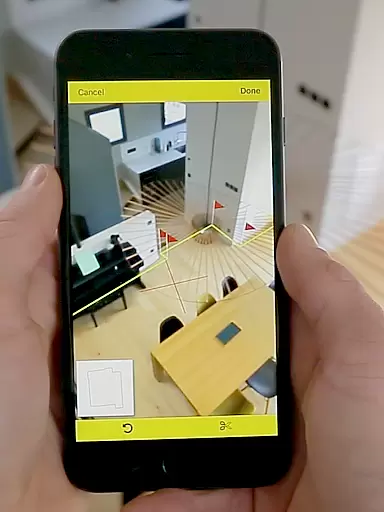
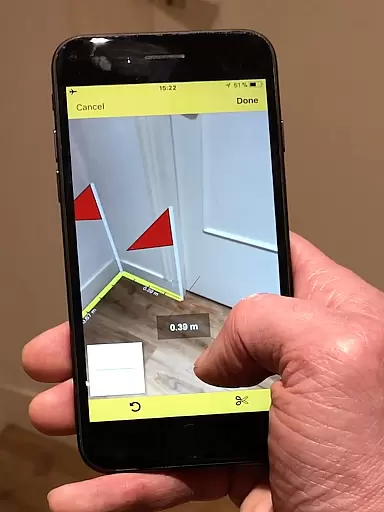
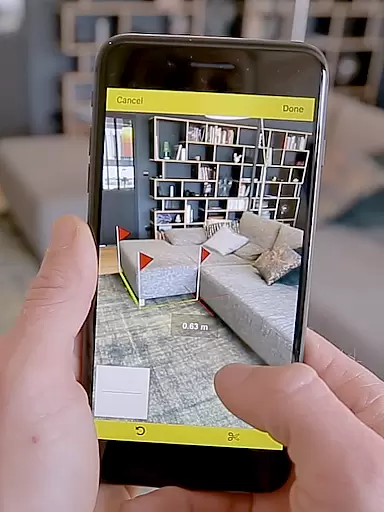
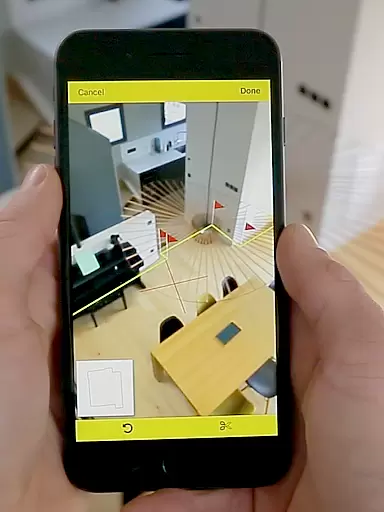
CamToPlan is a revolutionary business application that leverages augmented reality to provide effortless measurement solutions. With this app, users can measure distances both horizontally and vertically, draw plans, and export data in PNG or DXF formats. The app's standout feature is its ability to hold a virtual tape measure on the screen as if it were real, allowing for seamless measurements of baseboards, walls, furniture dimensions, and more without the need to kneel or manually mark points.
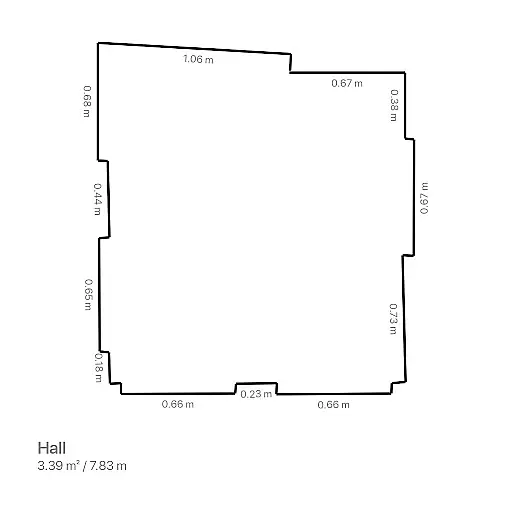
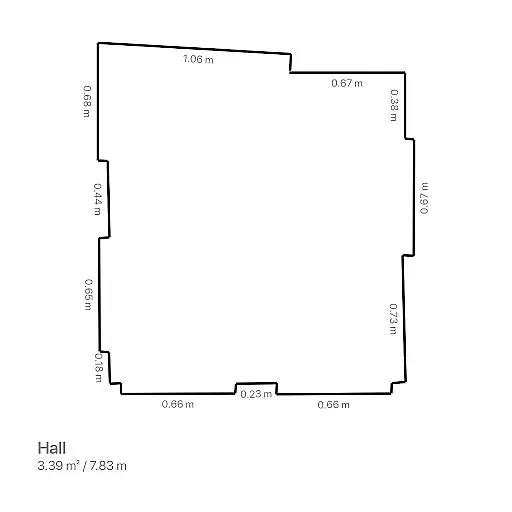
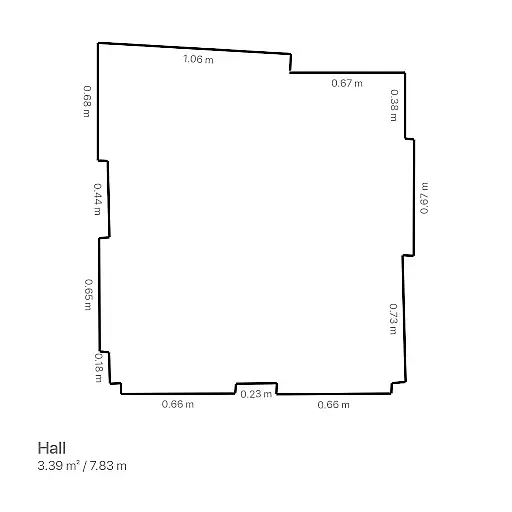
The app instantly calculates areas and generates room plans with all measured dimensions, making it an essential tool for professionals like architects and decorators, as well as DIY enthusiasts. CamToPlan works efficiently under good lighting conditions and textured floors, though accuracy may vary depending on environmental factors. Its innovative approach eliminates the need to clear furniture for measurements, automatically determining intersection points between the floor and target points.
CamToPlan offers a rich set of features designed to enhance productivity and precision in measurement tasks. One of its key capabilities is the instant calculation of areas in square meters or feet, coupled with the automatic generation of room plans. This functionality allows users to share plans via email, messages, or social media with just one click. Additionally, the app supports both Metric and Imperial units, catering to a global audience.
Another notable feature is the app's reliance on augmented reality, which enables safe movement during measurements while maintaining precision, even for hidden points calculated by extrapolation. Users can confidently measure dimensions without worrying about reflections or uniform flooring hindering accuracy. These features collectively make CamToPlan an indispensable tool for professionals seeking efficient and reliable measurement solutions.
CamToPlan revolutionizes collaborative work in the field of measurements and planning through its innovative augmented reality technology. This app allows multiple users to independently measure distances, surfaces, and create plans that can be shared effortlessly among team members.
The application supports real-time sharing of plans via email, messages, or social media platforms, ensuring that all stakeholders have immediate access to the latest data. This feature is particularly beneficial for architects, decorators, and other professionals who rely on precise measurements and efficient communication.
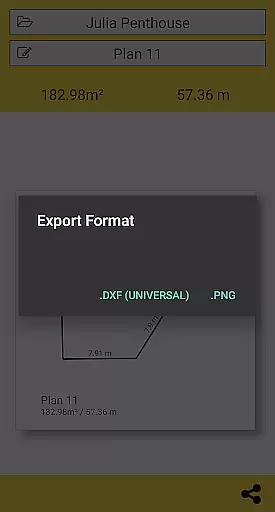
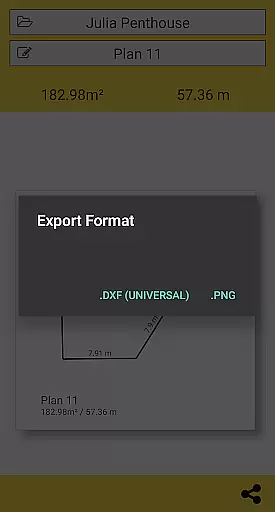
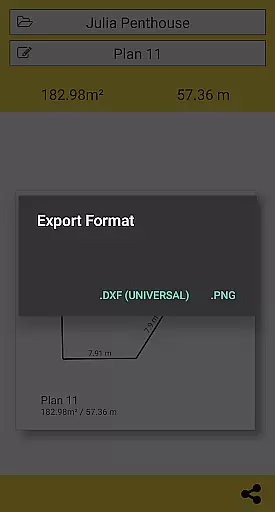
By enabling users to export their data in PNG or DXF formats, CamToPlan facilitates seamless integration with professional design software. This ensures that teams can incorporate accurate measurements into their projects without compatibility issues.
Moreover, CamToPlan's ability to automatically determine intersection points and calculate areas in square meters or feet enhances productivity by reducing manual calculations and potential errors. The app's intuitive interface allows users to focus on their tasks rather than struggling with complex tools.
Task management within CamToPlan is designed to streamline the measurement and planning process for various projects. The app offers an organized approach to handling different tasks by allowing users to measure both horizontally and vertically, catering to diverse project requirements.
With its revolutionary augmented reality feature, CamToPlan simplifies task execution by providing a virtual tape measure on the screen. Users can effortlessly take measurements of baseboards, walls, furniture dimensions, and more without the need for physical tools like rulers or laser rangefinders.
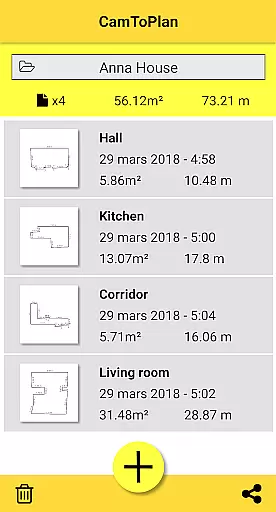
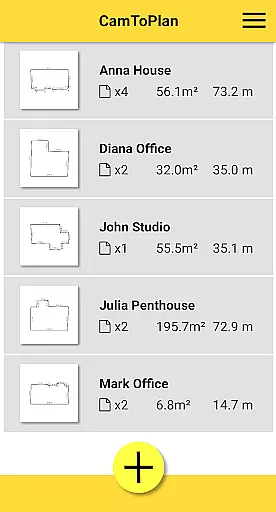
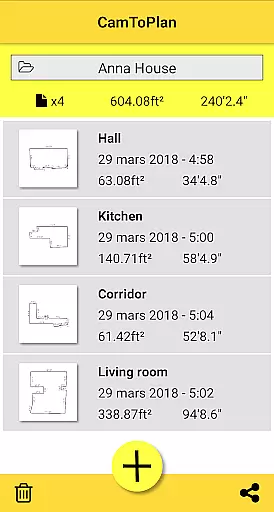
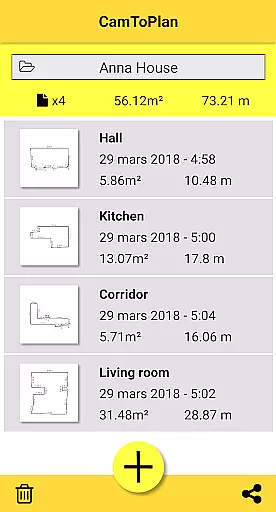
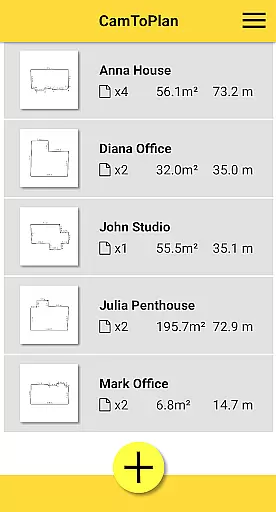
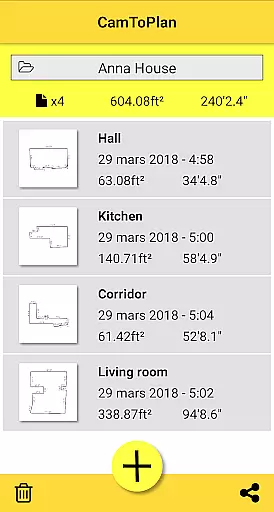
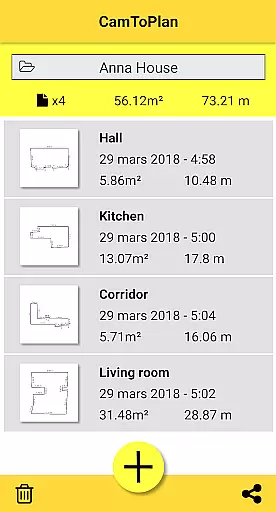
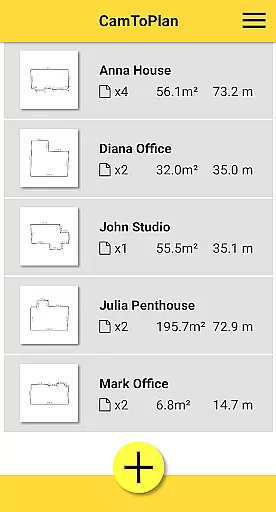
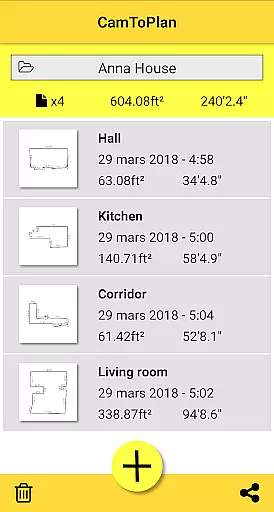
CamToPlan also excels in managing folders and exporting data efficiently. Users can maintain structured folders for different projects and export their plans in widely-used formats such as PNG or DXF, making it easy to manage and share project details.
The app's capability to instantly calculate areas and draw room plans with all measured dimensions significantly enhances task management efficiency. By offering both Metric and Imperial units, CamToPlan caters to a global audience, ensuring that users can work comfortably within their preferred measurement system.
User-friendly interface
Augmented reality integration
Instant area calculations
Supports Metric and Imperial
Export options in PNG and DXF
Accuracy depends on lighting
May struggle with uniform floors
No guaranteed precision
Limited to device camera quality
Requires careful environmental setup

The All-in-One File Manager for Phone, TV, Watch, Cars, XR / VR, Chromebook
 4.10
4.10
Employee Management Made Easy
4.80
Find work, shifts and gigs near you. Jobs lasting a few hours to a few months.
4.30
Delivery Track App - Tracking with Fedex, USPS, UPS, DHL. Monitor your Orders.
3.20
All your team communication in one place
4.70
Mobile POS for any business: sales, invoices, retail, restaurants & appointments
4.60
Find jobs near you and temp work in minutes, from your phone.
4.50
Access to Paylocity, empowering employees with information they need 24/7.
4.70
Say hello to the mobile work experience built to help you thrive at work.
4.30
Manage Your Shop
4.70
Find jobs and make money fast with JobStack.
4.60
Finance, Investing, Stocks, Trading and Stock news
4.60
Master crypto trading with real-time simulations and exciting challenges!
4.50
The revolutionary flexible staffing platform
4.40
All Your Gig Work. One App.
4.30
Work happy with AI Companion
4.10
Take the stress out of storage with the all-in-one app to manage your space.
3.70
Access All PDF Files
3.40
Convert Your Lovable.dev Website into a Mobile App Instantly!
4.0


User Reviews