

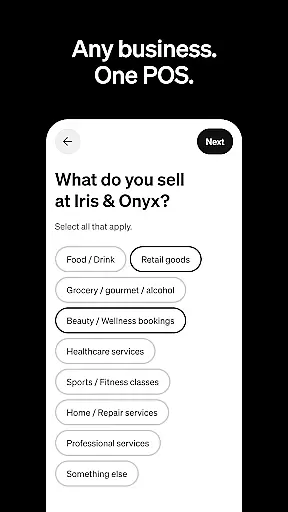
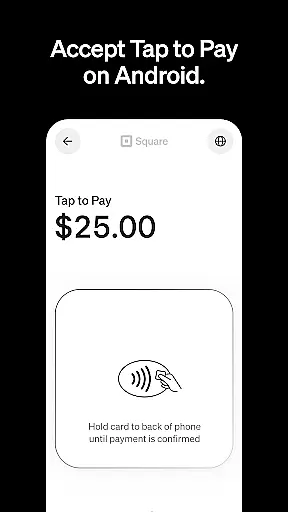
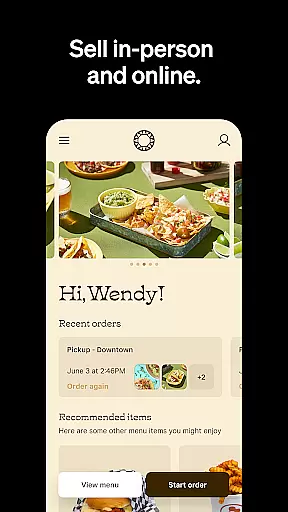


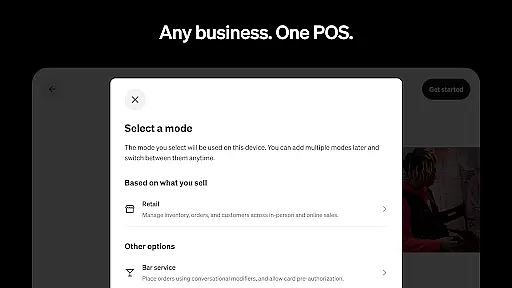
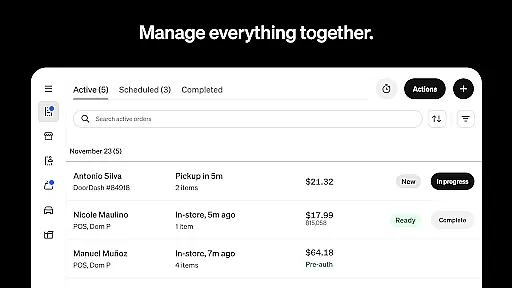
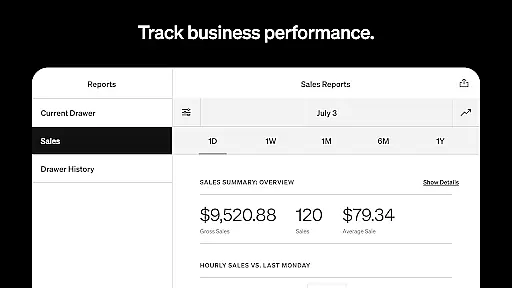

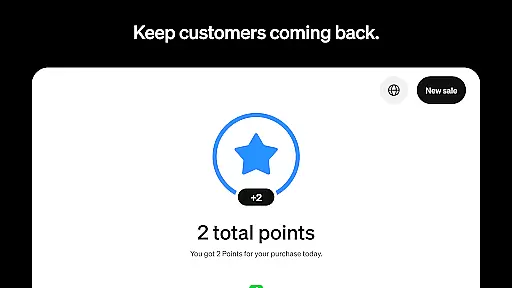

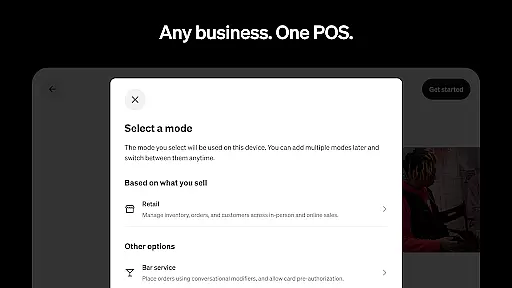
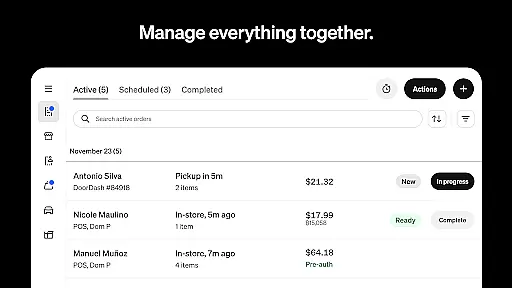
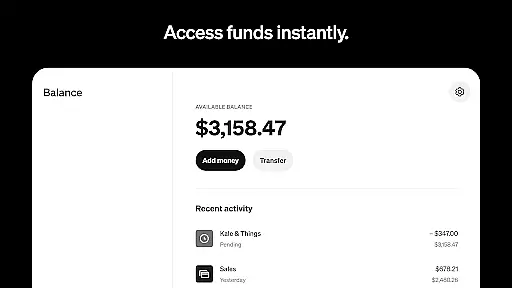
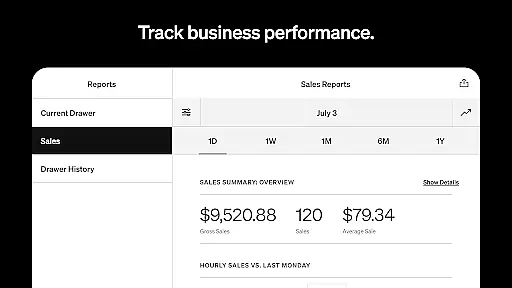

Square Point of Sale (POS) is a versatile payment processing app designed for businesses across various industries. It offers tailored modes for retail, restaurants, bookings, and services, simplifying operations and enhancing customer experiences. The app supports multiple payment methods including credit cards, digital wallets, and Cash App Pay, ensuring smooth transactions.
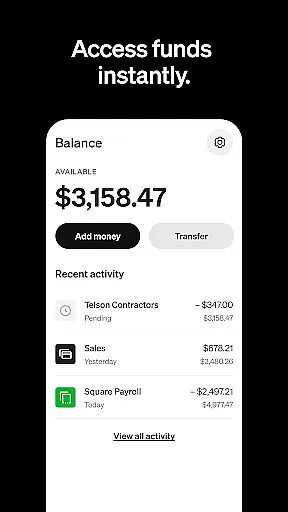
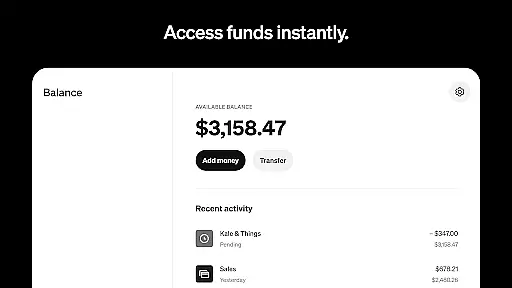
With features like offline transaction processing, instant fund transfers, and detailed sales analytics, Square POS provides essential tools for business growth. Retailers benefit from real-time inventory management, while beauty businesses can manage appointments and reduce no-shows. Restaurants can streamline order entry, and service providers can send professional invoices with e-signature support.
This all-in-one solution helps businesses foster customer relationships, manage staff, and access advanced reporting. Suitable for both new and established businesses, Square POS offers a free setup option and integrates essential functionalities to optimize daily operations and improve overall efficiency.
Square POS stands out with its industry-specific modes that cater to different business needs. The retail mode offers real-time stock updates and automated restocking alerts, while the beauty mode provides 24/7 appointment booking and SMS reminders. Restaurant operators can quickly enter orders and create menu items with modifiers in just a few clicks.
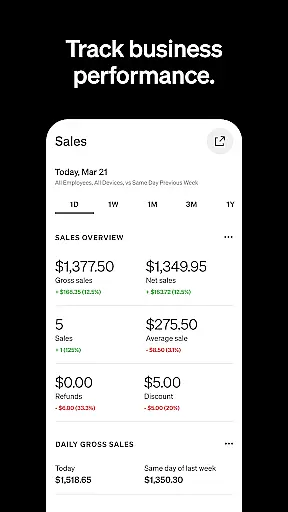
The service mode enables sending professional invoices with attached appointment details and securing commitments through e-signatures. All modes support offline transaction processing and instant fund transfers. The app's comprehensive dashboard allows users to review daily sales, payment methods, and itemized transaction details.
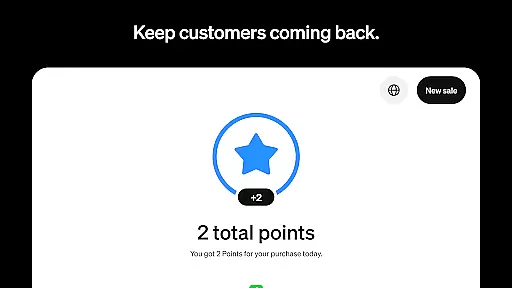
Additional features include integration with Square Online for inventory synchronization, customer profile building for enhanced engagement, and centralized transaction management. These capabilities help businesses maintain accurate records, improve operational efficiency, and make data-driven decisions to support sustainable growth.
Collaborative work features are essential for businesses that require seamless teamwork and communication. Square Point of Sale (POS) excels in providing tools that facilitate smooth collaboration among team members. The app offers multiple POS modes tailored to different industries, ensuring that each business can operate efficiently with industry-specific settings and functionalities.
The app allows users to manage transactions, send invoices, and book appointments, all from a centralized platform. This ensures that every team member has access to the necessary tools to perform their tasks effectively. For instance, retail businesses can sync online and in-store inventory, while restaurants can manage orders in one place, whether for dining in or takeout.
Furthermore, Square POS supports real-time updates and automated processes such as restocking alerts and detailed customer profiles. These features not only streamline operations but also enhance customer engagement and loyalty. By integrating these collaborative tools, Square POS helps businesses deliver exceptional customer experiences while boosting their bottom line.
Effective task management is crucial for maintaining operational efficiency and ensuring that all business activities are aligned with strategic goals. Square Point of Sale (POS) provides robust task management capabilities that enable businesses to handle various tasks seamlessly. From processing transactions offline to offering preset tip amounts, the app equips businesses with the right tools to manage every sale efficiently.
For service-oriented businesses, Square POS allows sending professional invoices or detailed estimates via email, SMS, or shareable links. This feature not only secures commitments with e-signatures but also tracks progress and stores essential files in one centralized location. Such comprehensive task management ensures that businesses can focus on delivering high-quality services without administrative hassles.
In addition, the app's ability to review daily sales, payment methods, and itemized details empowers businesses to make informed decisions. With functionalities like low-stock alerts and automated restocking, Square POS simplifies inventory management, allowing businesses to concentrate on growth and customer satisfaction. Overall, Square POS transforms task management into a strategic advantage for businesses across various industries.
User-friendly interface
Multi-industry support
Offline functionality
Instant fund transfers
Detailed analytics
Limited global features
Transaction fees apply
Advanced tools costly
Occasional bugs
Steep learning curve

Quickly open and manage PDF files on your device.
 3.80
3.80
ANDROID'S TOP MOBILE OFFICE - Word, Excel, PowerPoint and PDF at your fingertips
4.50
Scan Business Cards & Conference Badges - Capture Leads at Events & Tradeshows
4.20
FaxCover - Create fax cover pages. Works with any app or fax machine.
4.90
Finance, Investing, Stocks, Trading and Stock news
4.60
Paychex Flex - Save Time and Stay Connected
4.60
All your team communication in one place
4.70
Start earning fast. Apply Today.
4.80
Make invoices, bills, receipts & estimates on the go with Invoice Generator.
4.70
Employee Management Made Easy
4.80
Master crypto trading with real-time simulations and exciting challenges!
4.50
The app that lets you deliver with Amazon.
4.50
All-in-one Mobile solutions for employees & managers to succeed at work
4.30
FX Plus adds media, networking, and cloud capabilities to FX File Explorer.
4.10
The Penny Puss app with DG penny finder
4.10
Shop, deliver, and earn with the Spark Driver™ App
4.10
viewing and sharing of PDFs
3.60
Delivery Track App - Tracking with Fedex, USPS, UPS, DHL. Monitor your Orders.
3.20
Convert Your Lovable.dev Website into a Mobile App Instantly!
4.2


User Reviews