
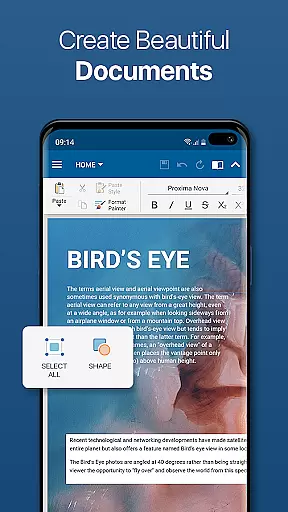
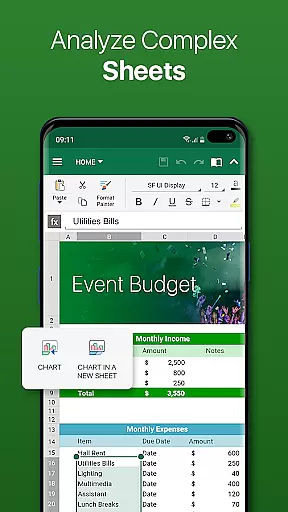
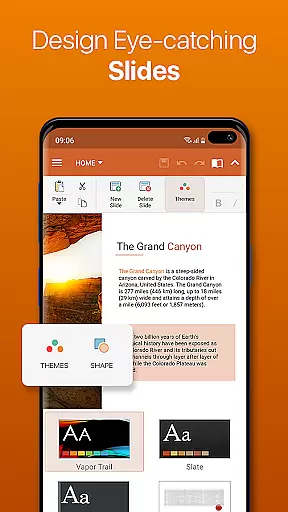
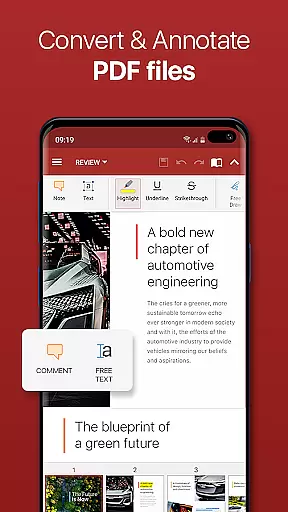

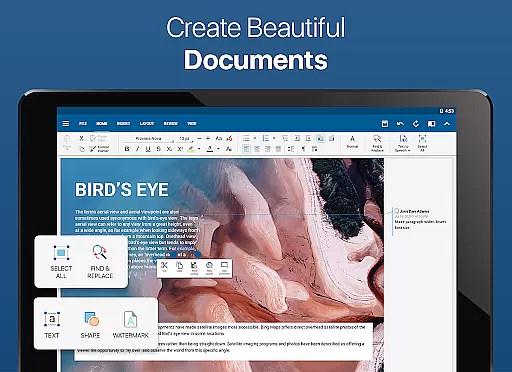
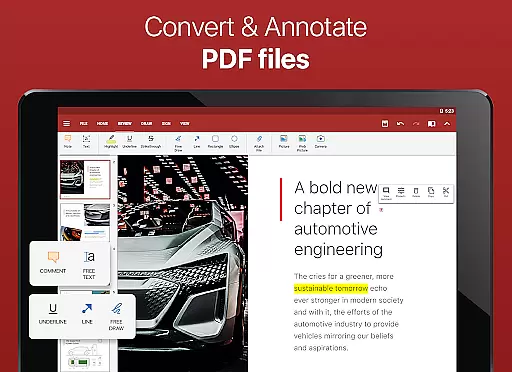

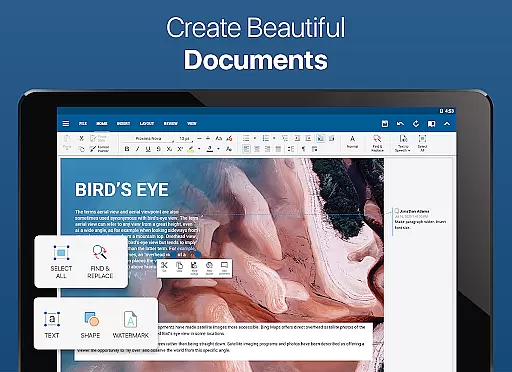
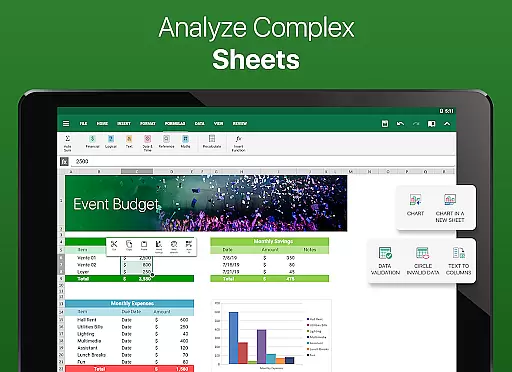
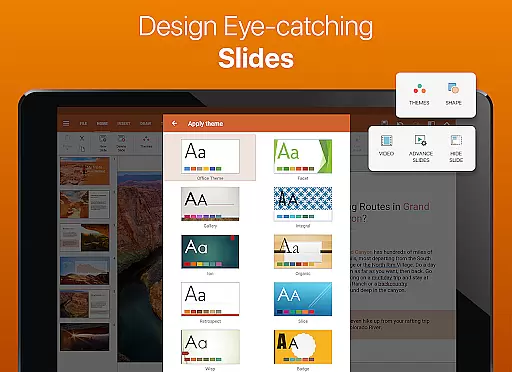
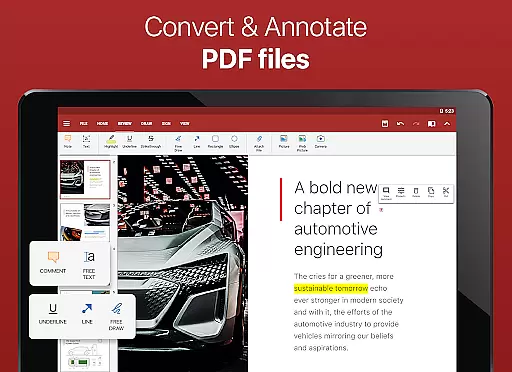

OfficeSuite Pro + PDF is a comprehensive business application designed for seamless document management on the go. This professional-grade office suite allows users to view, edit, and create Word, Excel, and PowerPoint documents with ease. The app stands out with its full compatibility with Microsoft Office formats and advanced PDF handling capabilities, including PDF conversion and fillable forms.
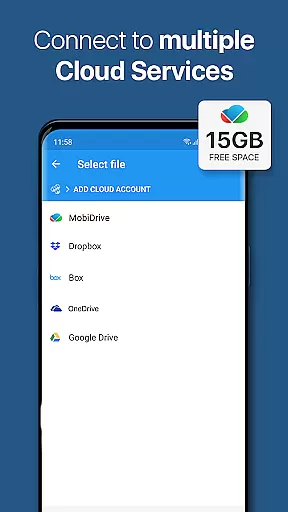
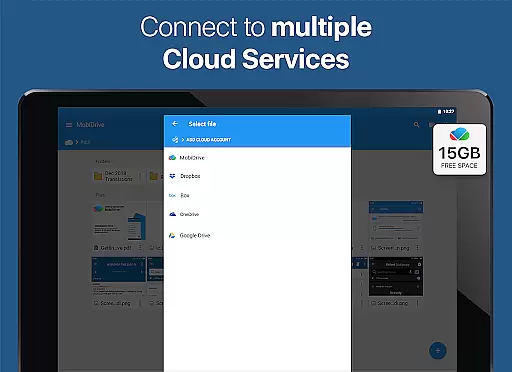
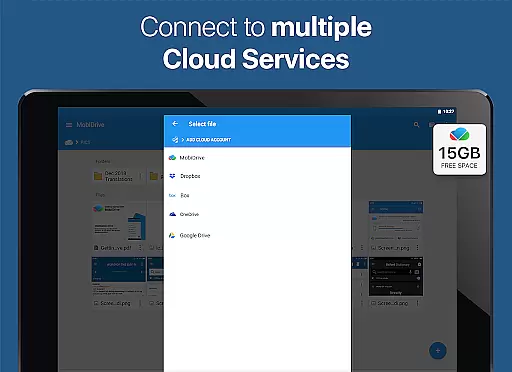
What sets OfficeSuite Pro apart is its desktop-style interface that ensures intuitive document editing. Business professionals can benefit from integrated cloud services, supporting Google Drive, Dropbox, and OneDrive, enabling efficient file synchronization across devices. With over 200 million installations worldwide, this award-winning app is preloaded on devices from top manufacturers like Sony and Amazon.
The application's value extends beyond basic document editing. It offers exclusive features such as OfficeSuite Chats for real-time collaboration, integrated spell checker in 40+ languages, and advanced security options for enterprise use. These capabilities make it an essential tool for mobile professionals who need to maintain productivity while traveling or working remotely.
OfficeSuite Pro + PDF distinguishes itself through its robust feature set tailored for business users. The application supports all major Microsoft Office formats including DOCX, XLSX, and PPTX, while maintaining perfect formatting fidelity. Its PDF functionality goes beyond basic viewing, offering PDF security features, digital signature support, and form filling capabilities.
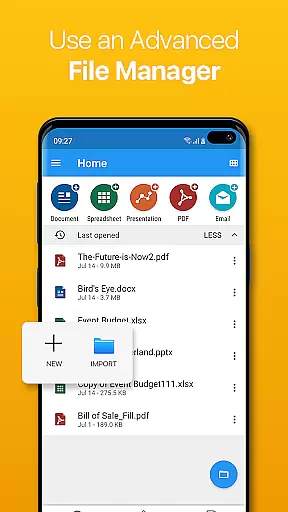
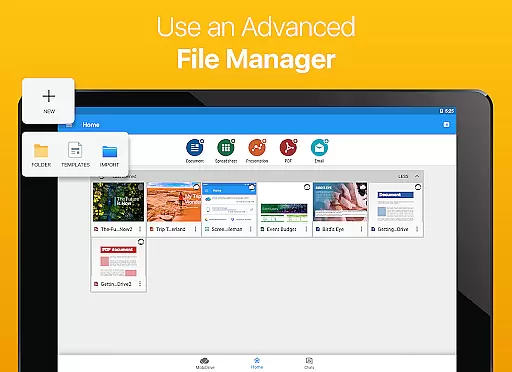
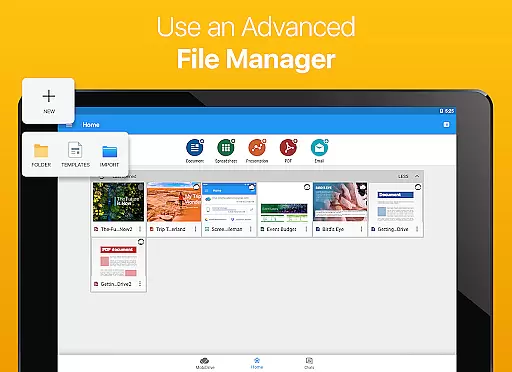
Advanced document management tools include integrated File Commander for file organization, MobiSystems Drive with 15GB cloud storage, and split-screen mode for multitasking on Android devices. The app's text-to-speech capability and Japanese font pack support ensure accessibility and proper document rendering across different languages and use cases.
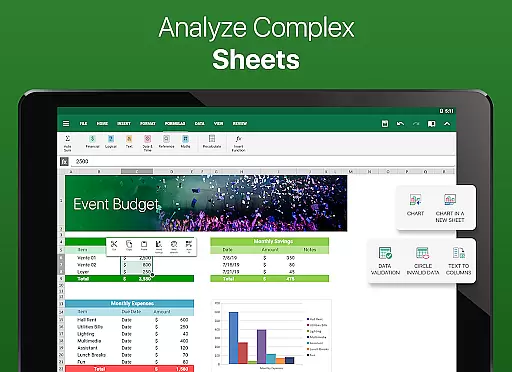
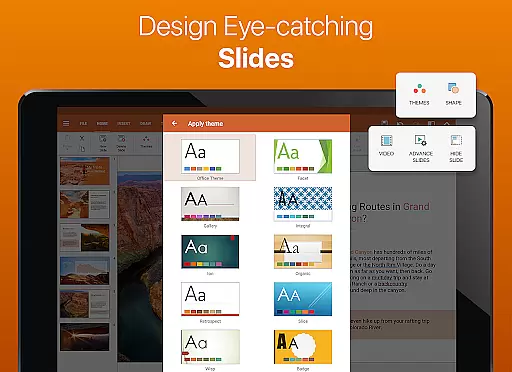
Exclusive PRO features enhance productivity significantly. Users can track changes in documents, protect spreadsheet cells, and utilize format painter tools. The recently added OfficeSuite Chats enables seamless document sharing and collaboration, while Quick Sign facilitates rapid PDF signing. These features, combined with Chromecast support and multiple theme options, create a powerful mobile office solution.
Collaborative work features are essential for modern business applications, enabling teams to work together efficiently regardless of location. OfficeSuite Pro excels in this area by offering real-time document sharing and editing capabilities through integrated cloud services like Google Drive, Dropbox, and OneDrive.
The application allows multiple users to collaborate on Word, Excel, and PowerPoint documents simultaneously. Its Track Changes feature with multiple author support ensures that all modifications are clearly marked and attributable to respective team members, maintaining transparency and accountability in collaborative projects.
OfficeSuite Chats, a new addition, enhances collaboration by allowing users to exchange documents and communicate with colleagues within the app. This built-in chat function streamlines workflow by combining document sharing and communication in one platform, making teamwork more cohesive and efficient.
Furthermore, the ability to protect individual sheets and cells in spreadsheets adds an extra layer of security during collaborative work, ensuring that critical data remains intact and unaltered by unauthorized changes.
Effective task management is crucial for productivity, and OfficeSuite Pro offers several features that help users organize and prioritize their work efficiently. The application provides tools for managing documents and tasks through its intuitive interface and robust functionality.
One standout feature is the integrated spell checker, available in over 40 languages, which ensures error-free document creation and editing. This guarantees that all written content maintains a professional standard, reducing the time spent on revisions and proofreading.
Additionally, OfficeSuite's Quick Access notification drawer allows users to open documents or create new ones faster than ever. This feature helps streamline task initiation and management, making it easier to handle multiple projects simultaneously without losing track of important files or deadlines.
For users who require mobility and flexibility, the ability to convert documents to PDF and use text-to-speech support for documents and PDFs further enhances task management capabilities. These features ensure that users can access and review their work in various formats and settings, promoting productivity on the go.
Comprehensive file format support
Intuitive desktop-like interface
Robust PDF editing capabilities
Integrated cloud services
Advanced security features
Some features require in-app purchases
Occasional performance issues
Complex interface for beginners
Limited free version functionality
High storage requirements

Completed Course Lectures on how to use IBM Maximo in Maintenance issues
 4.5
4.5
Ask Accio anything about business. Alibaba-backed, built by experts, not just AI
4.60
FaxCover - Create fax cover pages. Works with any app or fax machine.
4.90
TurboScan turns your phone into a full-featured PDF document scanner.
4.80
Deliver and earn money
4.30
Master crypto trading with real-time simulations and exciting challenges!
4.50
Find part-time earning opportunities near you that pay within days.
3.20
Smarter career moves start here. AI job alerts, insights & the right tools.
4.20
All-in-one Mobile solutions for employees & managers to succeed at work
4.30
BuildCalc - the easiest AND the most advanced construction calculator app.
4.80
Recover what matters — quickly and easily.
4.70
Mobile POS for any business: sales, invoices, retail, restaurants & appointments
4.60
Drive and earn extra money
4.50
One marketplace. Hundreds of services. Unlimited possibilities. All on Fiverr.
4.40
All Your Gig Work. One App.
4.30
Find work, shifts and gigs near you. Jobs lasting a few hours to a few months.
4.30
Say hello to the mobile work experience built to help you thrive at work.
4.30
FX Plus adds media, networking, and cloud capabilities to FX File Explorer.
4.10
Simple, Fast & Lightweight
3.90


User Reviews