
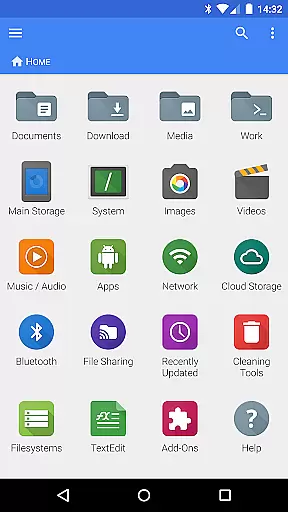
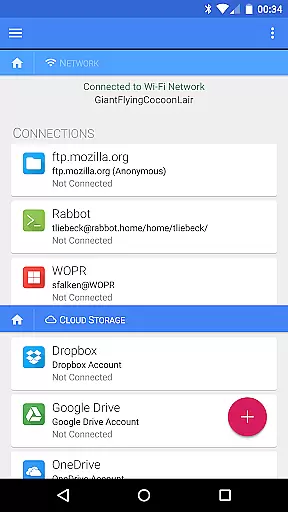
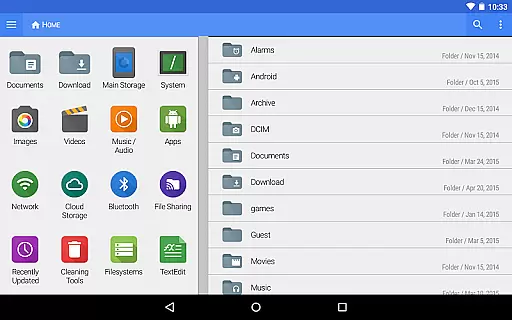
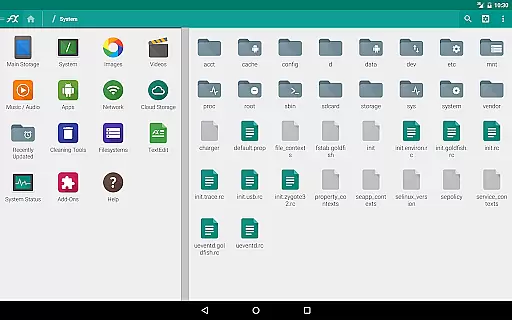
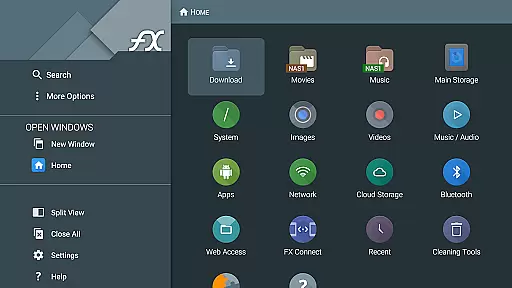
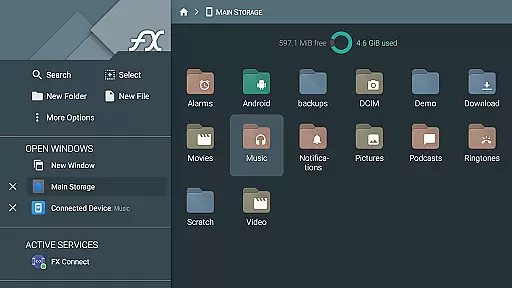
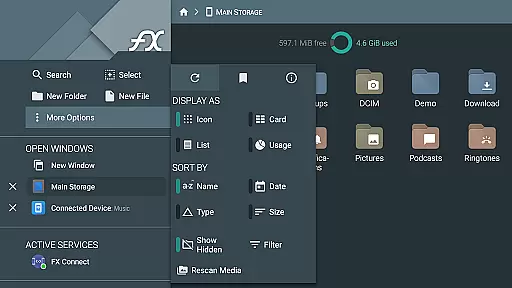
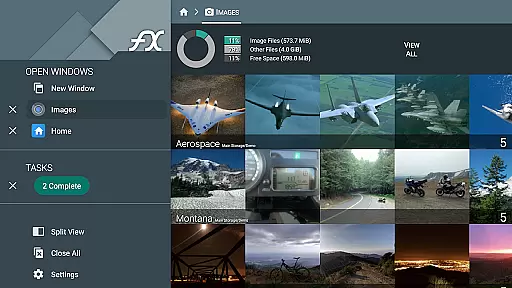
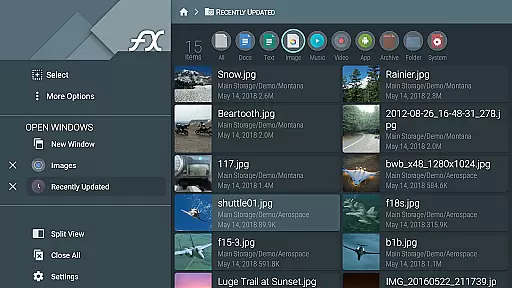
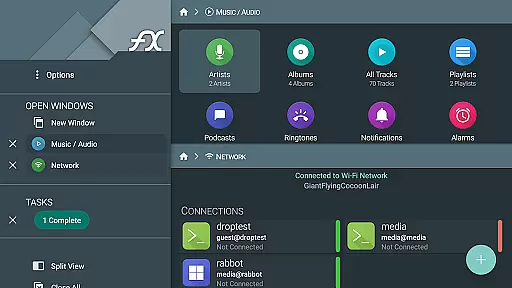


FX File Explorer is a comprehensive file management application tailored for business users who require advanced capabilities in media, networking, and cloud storage. The app offers AES-encrypted zip file creation and extraction, allowing secure browsing without decryption. It also provides extensive network functionalities including Windows networking, FTP, SSH FTP, and WebDAV.
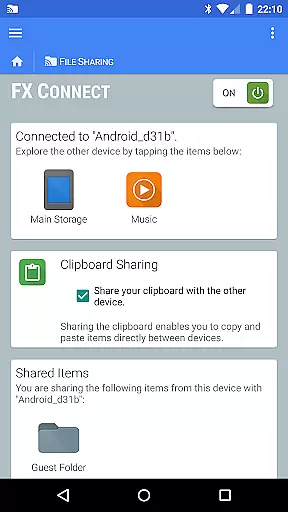
Additionally, FX File Explorer supports multiple cloud storage services such as Google Drive, Dropbox, and Box, enabling seamless file transfers and streaming of media files directly to your device. Its innovative FX Connect feature allows direct file sharing between devices using NFC or Wi-Fi, making it an essential tool for efficient business operations.
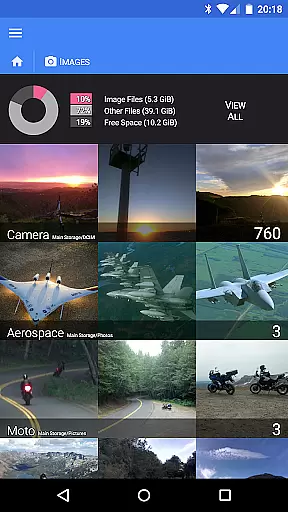
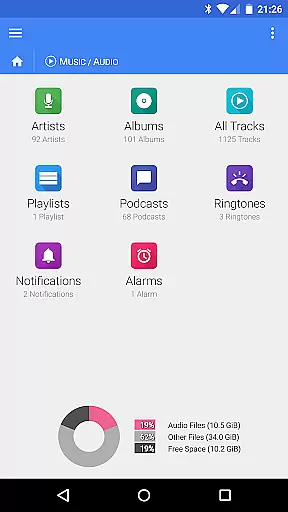
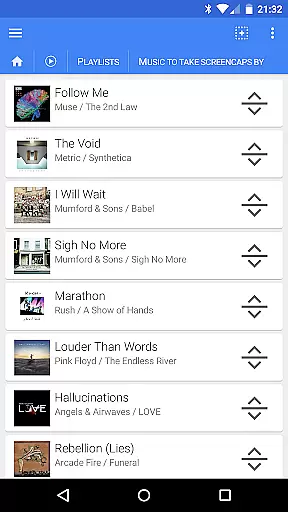
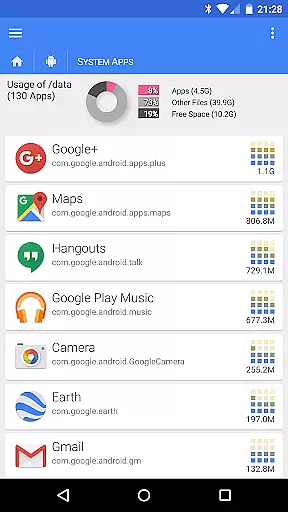
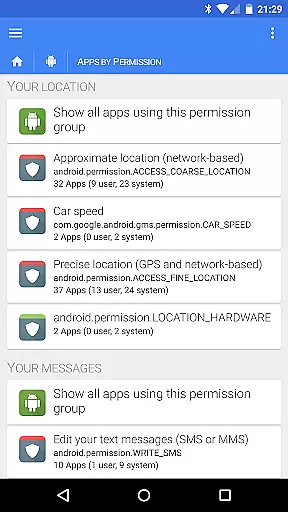
FX File Explorer stands out with its robust feature set designed for power users. The app enables detailed management of installed applications and organizes media files effectively by artist, album, or playlist. Users can rearrange playlists through intuitive drag-and-drop functionality.
Network capabilities are equally impressive, featuring FX Web Access for remote file management via a computer's web browser. Advanced security measures like encrypted keyring ensure sensitive data remains protected. Furthermore, the app facilitates downloading and converting Google Drive files into various formats, enhancing document compatibility across platforms.
FX File Explorer offers robust collaborative work features that are essential for modern business environments. The application supports network and cloud capabilities, allowing teams to seamlessly share and manage files across different platforms such as Google Drive, Dropbox, and SMB. This ensures that all team members have access to the necessary resources, regardless of their location.
The FX Connect feature enables direct file transfers between devices, making it easy to collaborate on projects without the need for internet access. Additionally, FX Web Access allows users to manage files from their computer's web browser, providing a convenient way to handle documents and media files remotely. These features collectively enhance productivity by streamlining file sharing and management processes.
Furthermore, FX File Explorer includes encrypted keyring functionality, which safeguards sensitive information during collaborative efforts. This ensures that confidential data remains protected, even when accessed from multiple devices or locations. By integrating these comprehensive collaborative tools, FX File Explorer significantly boosts team efficiency and data security.
Effective task management is crucial for maintaining productivity, and FX File Explorer excels in this area by offering a variety of features designed to streamline workflows. One notable capability is its support for rearranging playlists with drag and drop functionality, allowing users to organize multimedia content efficiently. This feature is particularly useful for managing large collections of audio and video files, ensuring they are easily accessible when needed.
In addition to media management, FX File Explorer provides extensive file management options. Users can browse and manage installed applications, create and extract AES-encrypted zip files, and view images and media without decrypting them. These functions enable users to maintain an organized digital workspace, reducing the time spent searching for specific files or applications.
Moreover, FX File Explorer supports various network protocols like FTP, SSH FTP, and WebDAV, facilitating efficient task execution across different systems. Whether you're handling local files or accessing remote servers, FX File Explorer equips you with the tools necessary to manage your tasks effectively, enhancing overall productivity and operational efficiency.
User-friendly interface
Advanced encryption options
Comprehensive network support
Cloud service integration
Efficient media management
Paid license required
Complex for beginners
Limited free features
Occasional bugs reported
Heavy on system resources

viewing and sharing of PDFs
 3.60
3.60
Find jobs and make money fast with JobStack.
4.60
Create curriculum vitae, a professional cover letter creator and resume designer
4.80
BuildCalc - the easiest AND the most advanced construction calculator app.
4.80
viewing and sharing PDFs and other files—anytime, anywhere!
4.0
Master crypto trading with real-time simulations and exciting challenges!
4.50
Job search app that finds jobs for you! Takes the work out of looking for a job!
4.90
No more passwords, easier sign-in, and greater protection for your accounts.
4.60
We help people get jobs
4.70
Get instant construction estimates: accurate home repair & material calculator.
4.70
From Gone to Back Again — In Just a Few Taps
4.50
The revolutionary flexible staffing platform
4.40
A secure, all-in-one team collaboration app
4.30
Make money as a delivery driver with DoorDash and work when you want as a Dasher
4.30
Formerly Facebook Ads Manager. Manage and create ads on the go.
4.20
Scan Business Cards & Conference Badges - Capture Leads at Events & Tradeshows
4.20
Find flexible, hourly jobs hiring near you in restaurant, retail & hospitality!
4.00
Simple, Fast & Lightweight
3.90
We are a dynamic team of creatives people of design, marketing, web & apps
3.00


User Reviews