
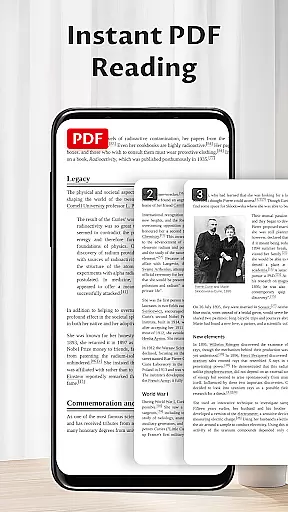
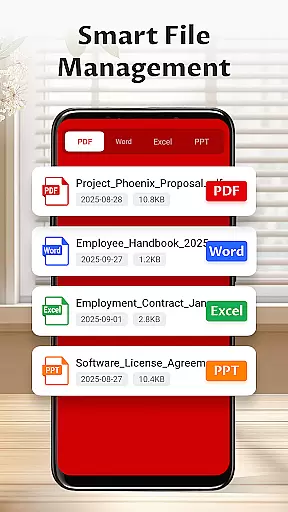
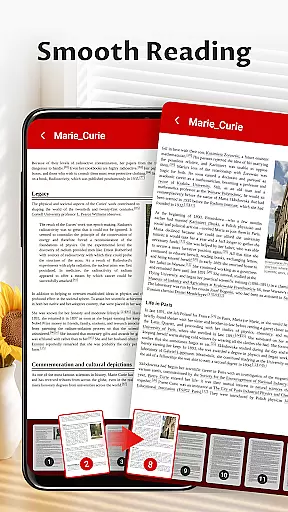
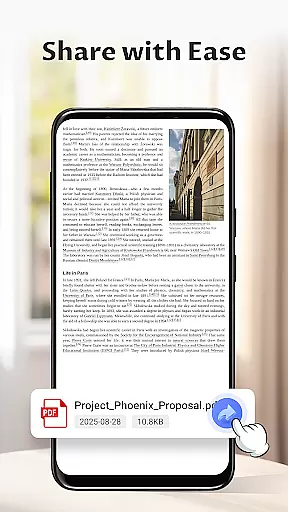
Pocket PDF is a streamlined PDF reader tailored for everyday use, focusing on simplicity and efficiency. The app allows users to open, view, and manage PDF files with ease, eliminating unnecessary complexities. Its minimalist interface ensures a distraction-free experience, making it ideal for users who prioritize performance and clarity.
With features like local file access, easy sharing, and deletion options, Pocket PDF provides essential tools without overwhelming users. Whether you're reviewing documents at work or reading articles on the go, this app offers a reliable solution that combines functionality with an intuitive design.
Pocket PDF stands out with its clean and user-friendly design, offering a range of practical features. The app provides quick access to locally stored PDFs, allowing users to effortlessly retrieve and view their documents. Its clutter-free interface enhances focus, creating an optimal environment for reading and document management.
In addition to its core functionality, Pocket PDF supports convenient file operations such as sharing and deleting directly from the app. For Android 11+ users, the app requests MANAGE_EXTERNAL_STORAGE permission to ensure seamless access to files. These features collectively deliver a dependable tool that simplifies PDF handling while maintaining high performance standards.
Collaborative work features are essential for modern business applications as they enable teams to work together efficiently regardless of location. Pocket PDF offers a streamlined approach to document management that supports collaborative efforts in its own unique way.
While Pocket PDF maintains a minimalist interface focused on simplicity, it provides users with the ability to quickly share PDF documents directly from the app. This feature allows team members to distribute important files without switching between multiple applications, ensuring that everyone has access to the necessary information when needed.
The app's easy sharing functionality is complemented by its straightforward file management system. Users can delete outdated or unnecessary documents, keeping their libraries organized and up-to-date. This helps maintain clarity within shared resources, preventing confusion over which version of a document is current.
Although Pocket PDF does not include complex collaboration tools like real-time editing or commenting, its focus on essential features ensures that document handling remains efficient and distraction-free. For teams prioritizing simplicity and performance in their workflow, this application delivers reliable support for basic collaborative needs.
Effective task management is crucial for productivity in any business environment. While Pocket PDF is primarily designed as a PDF reader, it incorporates several features that contribute to better document-related task management.
The app's minimalist design eliminates unnecessary distractions, allowing users to focus on their documents without being overwhelmed by complex menus or features. This streamlined approach helps professionals manage their reading tasks more efficiently, ensuring that they can quickly open and review important PDFs without delay.
Pocket PDF also includes practical file management capabilities that enhance task organization. The ability to delete files directly from the app enables users to maintain a tidy document library, making it easier to locate and prioritize specific files when working through their tasks.
Furthermore, the app's easy sharing feature facilitates task delegation and communication. Users can quickly distribute relevant documents to team members or clients, streamlining workflows and ensuring that everyone has access to the necessary information to complete their assigned tasks effectively.
User-friendly interface
Quick PDF access
Easy file sharing
Minimalist design
Efficient performance
Limited advanced features
No cloud integration
Basic customization
Restricted format support
Permission required

Zoom built for Chrome OS
 3.90
3.90
Find jobs and make money fast with JobStack.
4.60
The MyWalmart App is available for all associates in stores.
4.70
Your employer must have UKG Ready software configured for Mobile.
4.60
Manage Your Shop
4.70
Use Generative Summary to understand your rental or insurance docs in seconds.
4.70
Master crypto trading with real-time simulations and exciting challenges!
4.50
Find part-time earning opportunities near you that pay within days.
3.20
Access All PDF Files
3.40
FaxCover - Create fax cover pages. Works with any app or fax machine.
4.90
Start earning fast. Apply Today.
4.80 4.70
4.70
We help people get jobs
4.70
Ask Accio anything about business. Alibaba-backed, built by experts, not just AI
4.60
Finance, Investing, Stocks, Trading and Stock news
4.60
Mobile POS for any business: sales, invoices, retail, restaurants & appointments
4.60
Drive and earn extra money
4.50
Find jobs near you and temp work in minutes, from your phone.
4.50
Completed Course Lectures on how to use IBM Maximo in Maintenance issues
4.5


User Reviews