
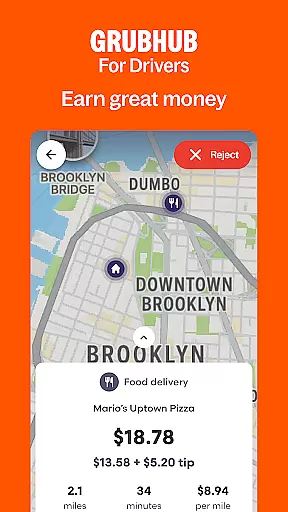
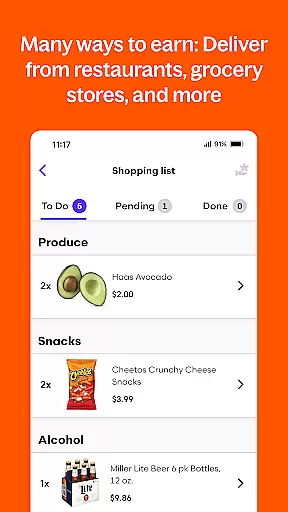
Grubhub for Drivers is a business app designed to help individuals earn income by delivering food from local restaurants to customers. The app offers flexible scheduling options, allowing drivers to work part-time or full-time on their own terms. With the largest restaurant and diner network in the United States, Grubhub provides numerous earning opportunities for drivers across various cities.
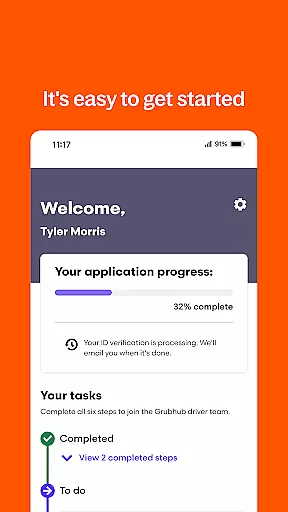
The app supports multiple modes of transportation including cars, bikes, and mopeds, making it accessible to a wide range of potential drivers. It also features an easy sign-up process and tools for managing schedules, tracking hours, and monitoring earnings. By focusing on driver empowerment and convenience, Grubhub for Drivers establishes itself as a valuable platform for those seeking supplemental or primary income.
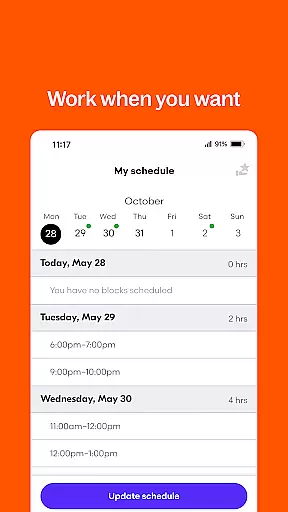
Grubhub for Drivers stands out with its comprehensive suite of features tailored for delivery professionals. One key aspect is the ability to keep 100% of tips earned during deliveries, which enhances overall earning potential. The app's scheduling flexibility allows users to plan work hours in advance or accept gigs spontaneously, catering to different lifestyle needs.
Additional functionalities include real-time order tracking, detailed earnings reports, and access to a vast network of restaurants and customers. These features collectively contribute to maximizing earning opportunities while maintaining operational transparency. Furthermore, the app's user-friendly interface simplifies navigation and management tasks, ensuring that drivers can focus on completing deliveries efficiently.
Collaborative work features are essential for platforms that connect service providers with customers. For Grubhub for Drivers, this means seamless integration between drivers and the restaurants as well as diners who use the platform.
The app provides real-time communication tools that allow drivers to receive orders instantly, ensuring timely deliveries. This feature helps maintain a smooth flow of information between all parties involved in the delivery process.
Drivers benefit from collaborative features by being able to manage their schedules effectively, track their earnings, and optimize their delivery routes. This results in increased efficiency and better service for customers.
Ultimately, these collaborative work features empower drivers to be more productive on their own terms while contributing to the overall success of the Grubhub ecosystem.
Effective task management is crucial for drivers using the Grubhub platform. The Grubhub for Drivers app offers robust tools designed to help drivers organize their work efficiently.
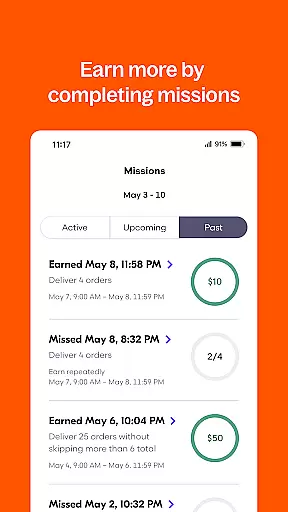
With the ability to schedule hours in advance or on short notice, drivers can create a flexible working plan that suits their lifestyle. They can also track their hours and monitor how much they have earned, which aids in personal financial planning.
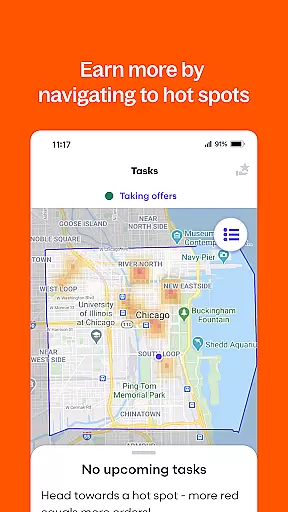
The app's task management system ensures drivers receive the most profitable orders, maximizing earning potential. By prioritizing orders based on location and demand, it streamlines the delivery process.
This focus on task management not only enhances driver satisfaction but also improves the reliability and speed of deliveries, benefiting both drivers and customers alike.
Flexible working hours
Competitive earnings
Easy sign-up process
Wide restaurant network
Supports multiple transport modes
Limited to certain cities
Potential delivery delays
Dependent on restaurant availability
No guaranteed minimum pay
Weather-related challenges

VSD Viewer - Visio Drawings Viewer for Android Preview VSD, VDX, VSDX drawings
 4.10
4.10
BuildCalc - the easiest AND the most advanced construction calculator app.
4.80
Windows App allows you to connect to remote PCs and virtual apps.
3.70
Earn free swag, G-Cards & food • Enter sweepstakes • Find stores • So much more.
4.70
Amazon A to Z is the place to manage your work-life at Amazon.
4.50
enjoy effortless PDF reading anytime, anywhere
3.90
Job search app that finds jobs for you! Takes the work out of looking for a job!
4.90
All-in-one Mobile solutions for employees & managers to succeed at work
4.30
Shop, deliver, and earn with the Spark Driver™ App
4.10
Permission Guard is a security app that helps you manage app permissions.
4.80
Access to Paylocity, empowering employees with information they need 24/7.
4.70
Chat, meet, and collaborate to achieve more together, all in one place on Teams
4.60
Collaborate seamlessly with Google Chat, part of Google Workspace
4.50
The app that lets you deliver with Amazon.
4.50
Make money as a delivery driver with DoorDash and work when you want as a Dasher
4.30
Scan Business Cards & Conference Badges - Capture Leads at Events & Tradeshows
4.20
Zoom built for Chrome OS
3.90
Take the stress out of storage with the all-in-one app to manage your space.
3.70
viewing and sharing of PDFs
3.60


User Reviews