
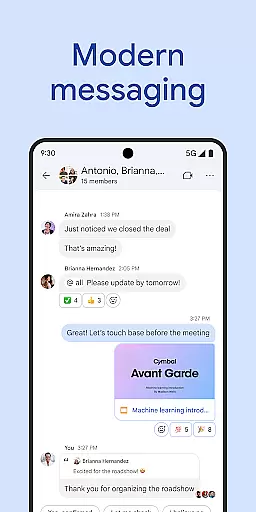
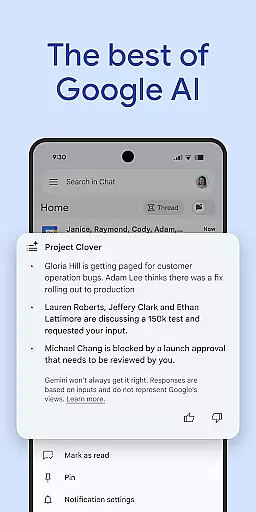

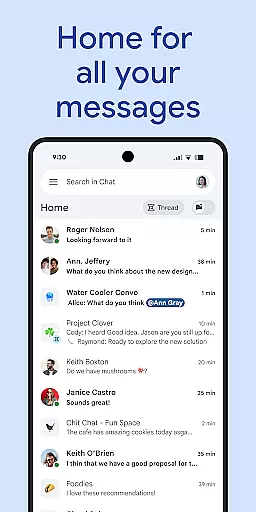
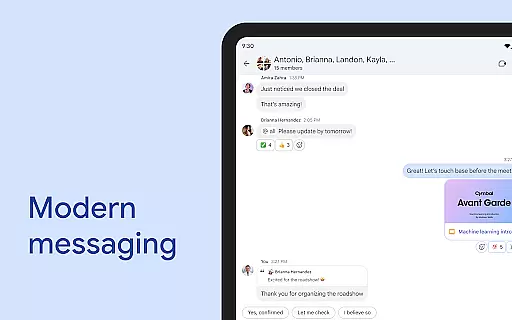
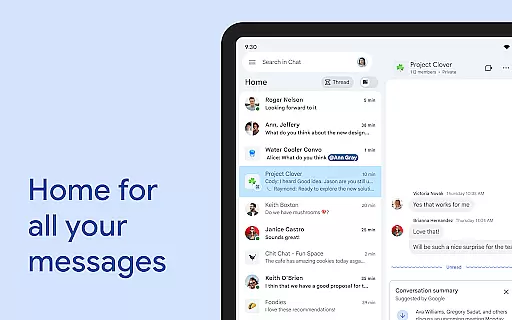
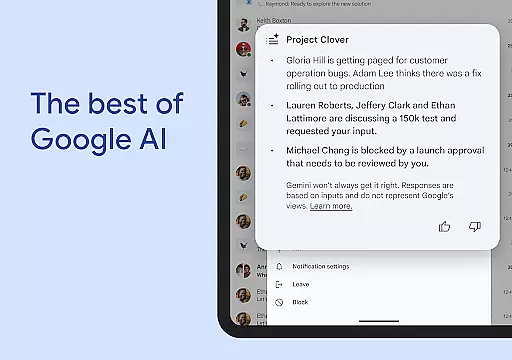
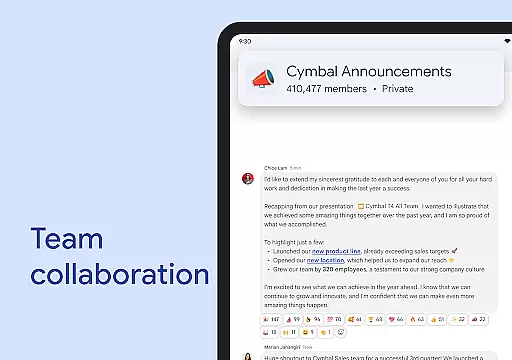
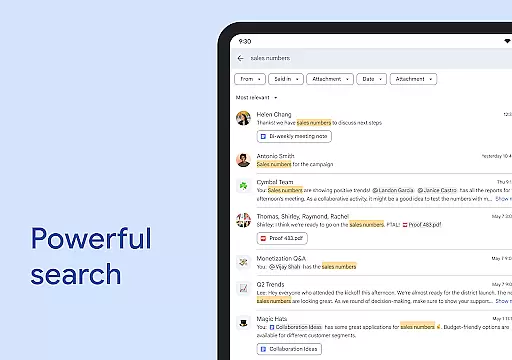
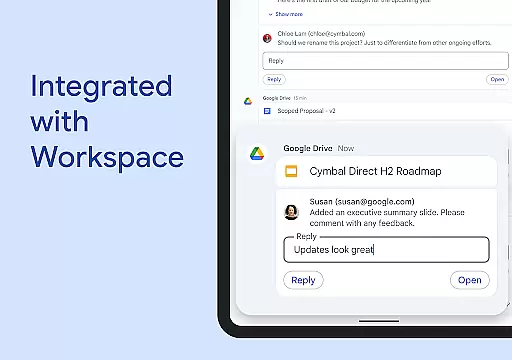
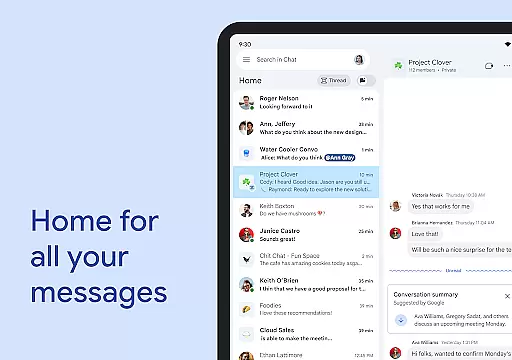
Google Chat is a powerful communication and collaboration tool designed specifically for teams using Google Workspace. This AI-first messaging platform, enhanced by Gemini, offers features like automatic message translation across 120+ languages and AI-powered search to quickly find important information. The app helps teams stay organized through conversation summaries and action item tracking.
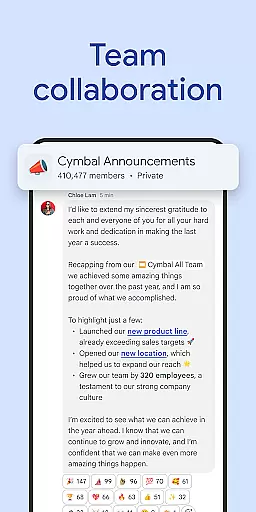
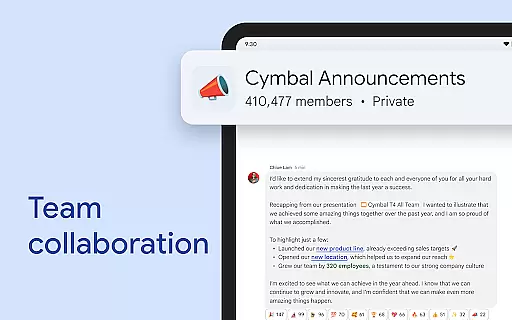
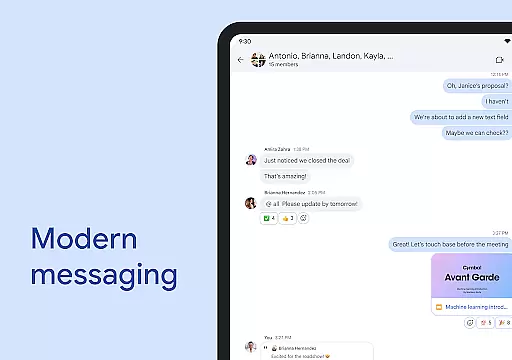
Beyond basic messaging, Google Chat provides comprehensive team management tools. Users can create different chat formats, from one-on-one conversations to group discussions or even company-wide announcements. The integration with other Workspace apps such as Gmail, Calendar, and Drive creates a unified productivity ecosystem that transforms how teams work together.
This business communication solution is particularly valuable for remote and hybrid teams who need real-time collaboration. With features like audio/video messages, status updates, and virtual huddles, it enables seamless communication regardless of team members' locations. The enterprise-grade security, powered by Google's zero-trust architecture, ensures all communications remain protected while maintaining operational efficiency.
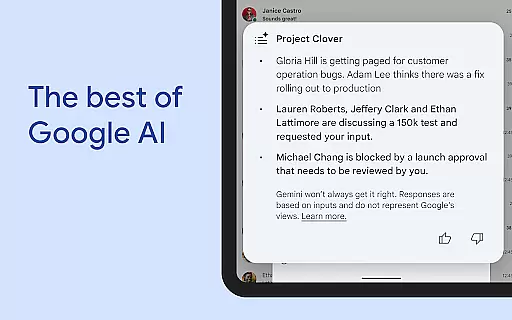
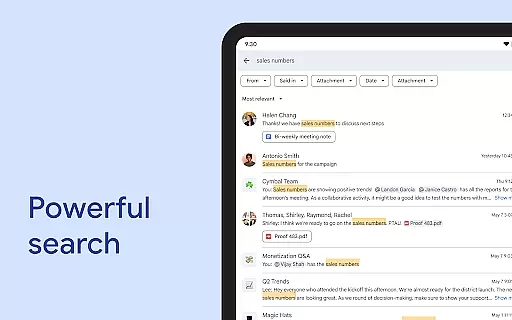
Google Chat distinguishes itself through its innovative AI capabilities and deep integration with Workspace applications. The AI-powered features include smart conversation summaries that automatically extract key points from lengthy discussions, making it easier for team members to catch up on important topics. The advanced search functionality utilizes artificial intelligence to help users quickly locate specific messages, files, or conversations across their entire communication history.
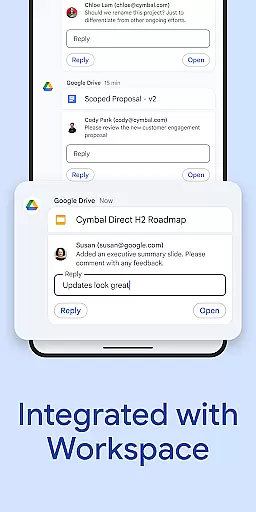
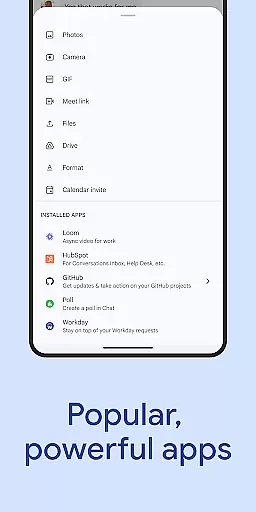
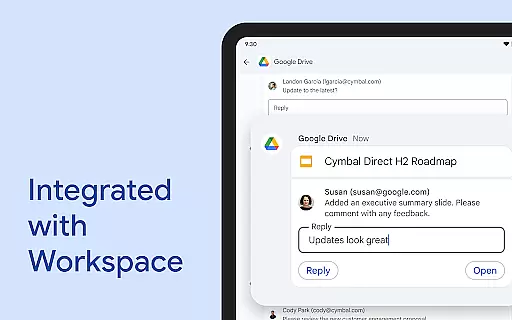
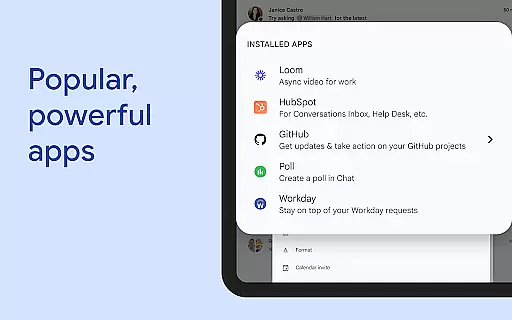
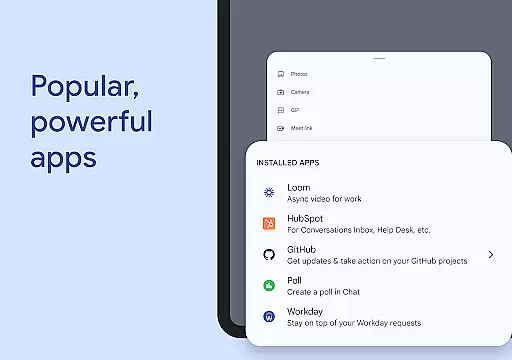
The application's integration capabilities are extensive, featuring smart chips that connect various elements of the Workspace ecosystem. These chips enable users to link directly to files in Google Drive, mention colleagues, or reference specific spaces within the chat interface. The platform also supports powerful third-party integrations, including popular tools like PagerDuty, Jira, GitHub, and Workday, which can be customized through Chat APIs for both no-code and professional development scenarios.
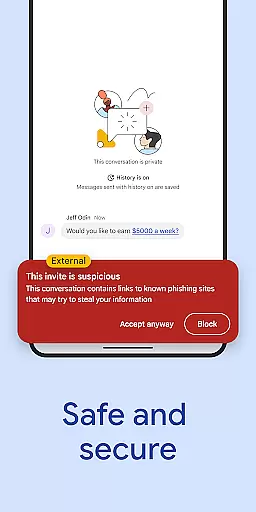
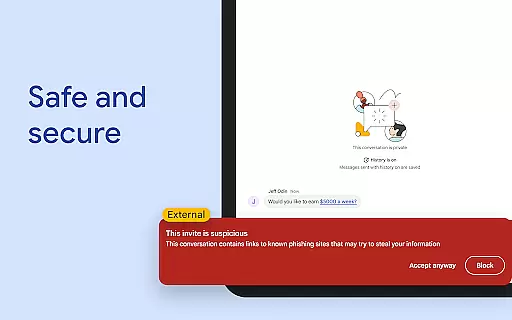
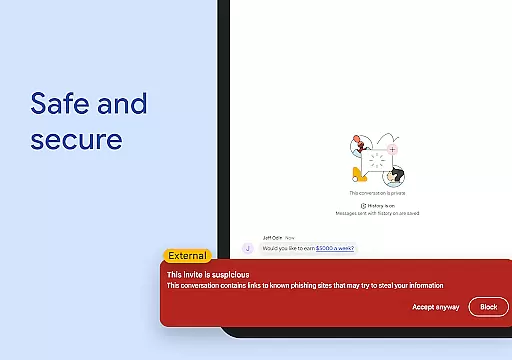
Security features are robust and comprehensive. The platform operates on Google's cloud-native, zero-trust architecture, eliminating the need for desktop applications and preventing data storage on end-user devices. Advanced protection measures include AI-driven data loss prevention (DLP), sophisticated phishing detection, and malware protection. These security features make Google Chat suitable for enterprise-level communication while helping organizations transition away from less secure legacy platforms.
Google Chat revolutionizes team collaboration by integrating seamlessly with Workspace apps like Gmail, Calendar, and Drive. This integration allows teams to connect and collaborate efficiently without switching between multiple platforms.
The app offers smart chips that streamline teamwork by linking files, people, and spaces directly within conversations. This feature ensures that all necessary resources are readily accessible, enhancing productivity and reducing the time spent searching for information.
Real-time communication is facilitated through huddles, enabling spontaneous meetings and discussions. Users can also share detailed updates via audio and video messages, ensuring comprehensive and clear communication across the team.
With AI-powered functionalities such as conversation summaries and automated translations in over 120 languages, Google Chat keeps everyone informed and engaged, regardless of their location or language preference.
Task management in Google Chat is transformed with integrated tools like Google Drive and Tasks, allowing users to stay on top of requests, comments, and approvals without leaving the chat environment. This seamless integration ensures that all task-related communications are centralized and easily accessible.
Users can capture action items during conversations, ensuring the whole team is aligned and aware of their responsibilities. This feature helps maintain clarity and accountability within projects, streamlining workflows and enhancing overall efficiency.
Personalized status updates inform your team when you're focused on work or available for collaboration, optimizing team interactions and planning. These statuses help manage expectations and improve communication dynamics within any group setting.
Additionally, popular third-party apps such as PagerDuty, Jira, GitHub, and Workday can be installed directly into Chat, providing powerful extensions to manage complex tasks effectively. The ability to build custom apps using Chat APIs further enhances its flexibility and adaptability to various business needs.
AI-powered features
Extensive Workspace integration
Enterprise-grade security
Real-time collaboration tools
Multi-language support
Premium features require subscription
Limited offline functionality
Steep learning curve
Dependent on internet connection
Resource-intensive

AI-powered document scanner with auto enhance for perfect PDFs.
 4.60
4.60
Formerly Facebook Ads Manager. Manage and create ads on the go.
4.20
Find flexible, hourly jobs hiring near you in restaurant, retail & hospitality!
4.00
ANDROID'S TOP MOBILE OFFICE - Word, Excel, PowerPoint and PDF at your fingertips
4.50
BuildCalc - the easiest AND the most advanced construction calculator app.
4.80
Amazon A to Z is the place to manage your work-life at Amazon.
4.50
One marketplace. Hundreds of services. Unlimited possibilities. All on Fiverr.
4.40
Master crypto trading with real-time simulations and exciting challenges!
4.50
Access to Paylocity, empowering employees with information they need 24/7.
4.70
All your team communication in one place
4.70
Use Generative Summary to understand your rental or insurance docs in seconds.
4.70
Make invoices, bills, receipts & estimates on the go with Invoice Generator.
4.70
Earn money with the driver & delivery partner app for Uber, UberEats & Postmates
4.60
Drive and earn extra money
4.50
FX Plus adds media, networking, and cloud capabilities to FX File Explorer.
4.10
Simple, Fast & Lightweight
3.90
Quickly open and manage PDF files on your device.
3.80
Take the stress out of storage with the all-in-one app to manage your space.
3.70
Roadie connects people with stuff to send with drivers already going that way.
3.50


User Reviews