
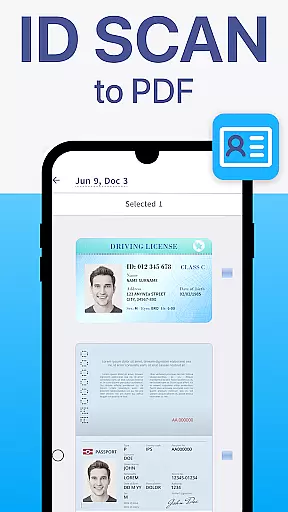
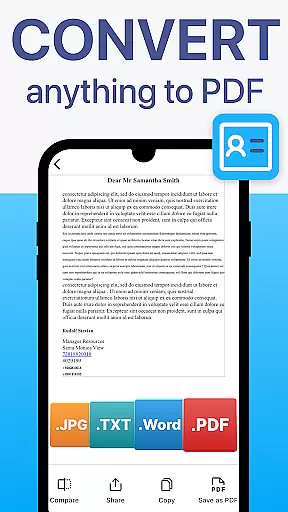
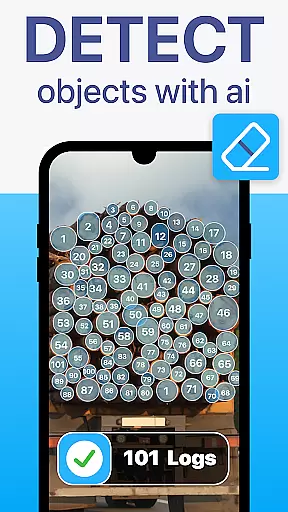
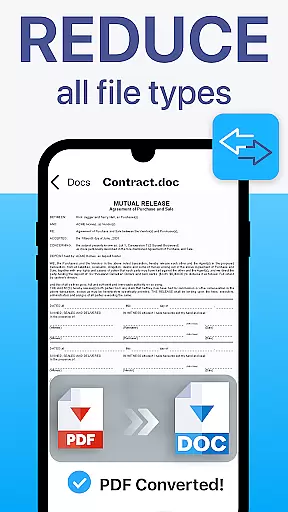
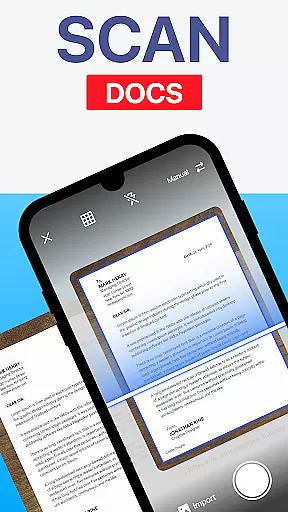
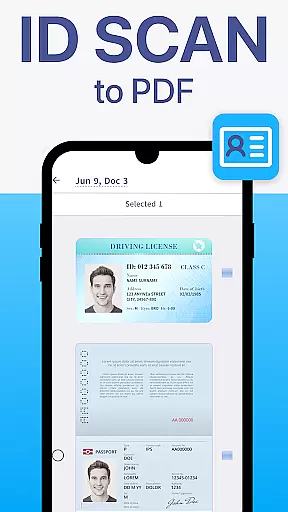
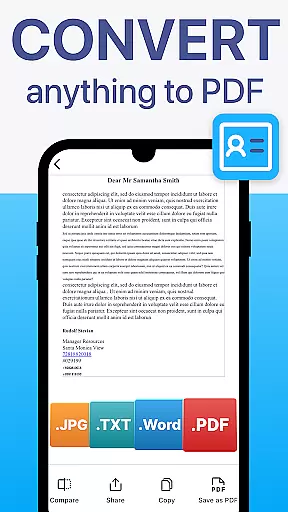
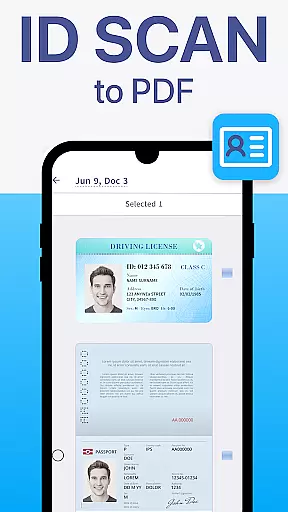
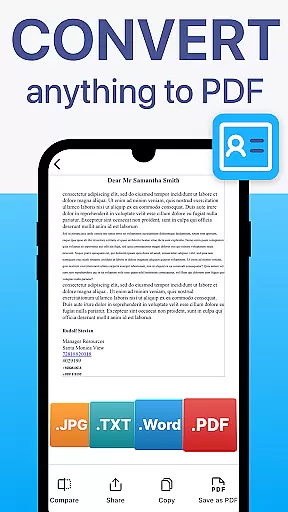
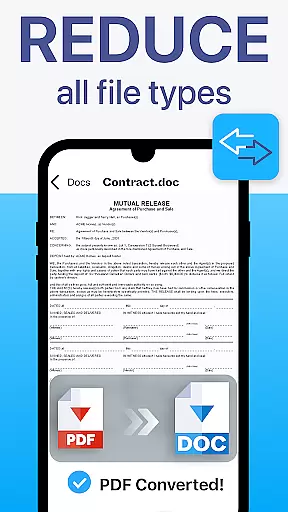
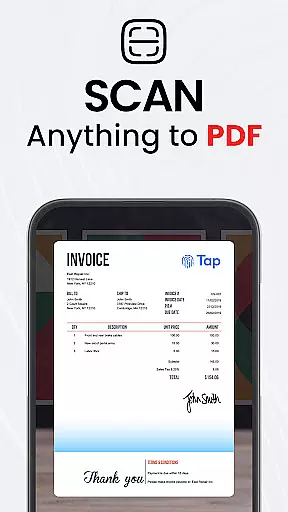
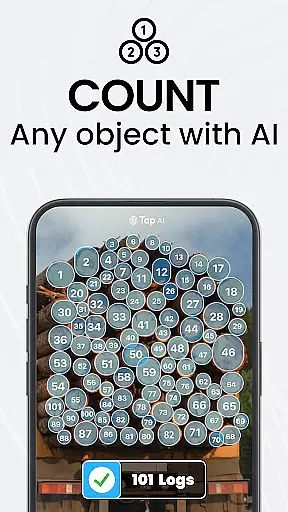
TapScanner is a powerful mobile application that transforms your device into a professional-grade document scanner and comprehensive PDF management tool. Trusted by millions globally, this business-focused app allows users to effortlessly capture, edit, organize, and share various types of documents.
The app's core functionality centers around its high-quality scanning capabilities, complete PDF workspace features, and advanced OCR text recognition in over 110 languages. Whether you need to digitize receipts, contracts, or multi-page documents, TapScanner delivers professional results with automatic edge detection and smart image correction. The app also provides secure cloud backup options and supports multiple storage services like Google Drive and Dropbox.
Business professionals and students alike will appreciate the time-saving productivity features such as batch scanning, one-tap renaming, and automated file organization. With its user-friendly interface and support for password protection of sensitive documents, TapScanner streamlines document management while maintaining security and accessibility.
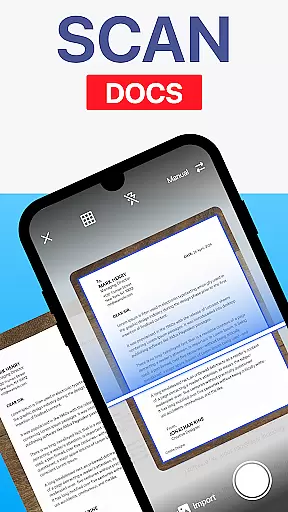
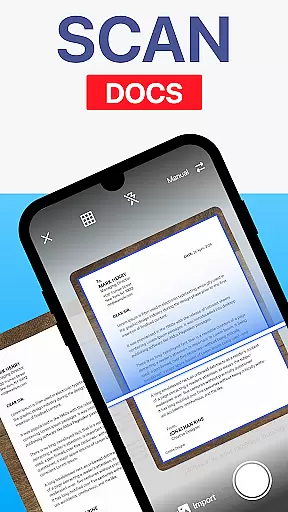
TapScanner distinguishes itself through its comprehensive feature set designed to handle all aspects of document management. The app's scanning capabilities include automatic edge detection, image enhancement tools, and multi-page support, allowing users to create professional-quality scans of various document types.
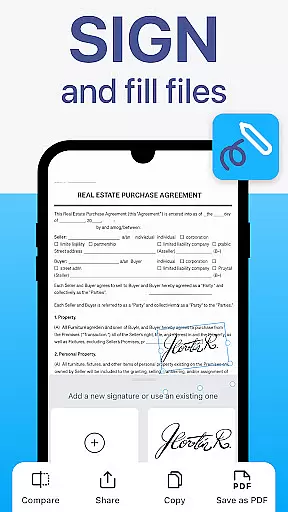
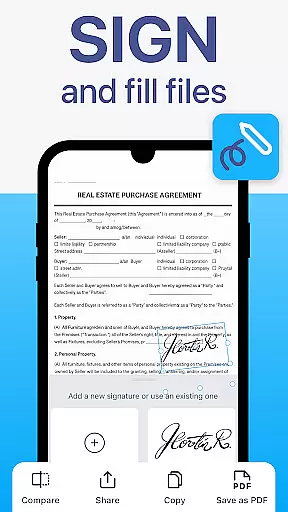
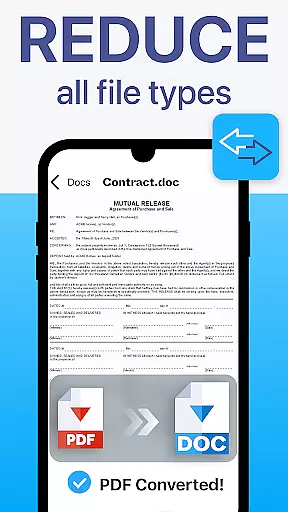
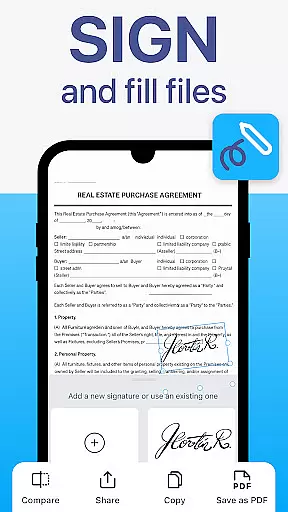
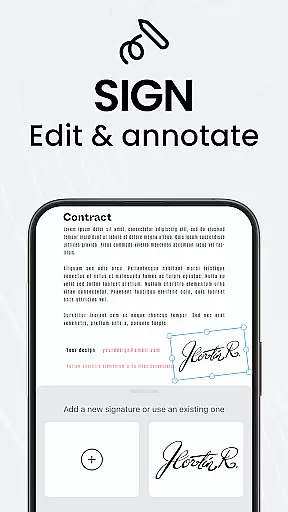
The integrated PDF workspace offers advanced functionality including merging, splitting, reordering, signing, and annotating PDF files directly within the app. The OCR technology supports over 110 languages, converting images into searchable and editable text. Users can enhance their scans with brightness and contrast adjustments, shadow removal, and various filters to optimize document quality.
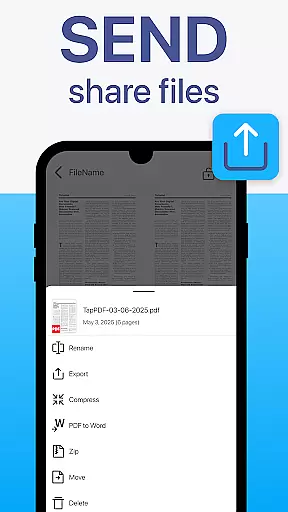
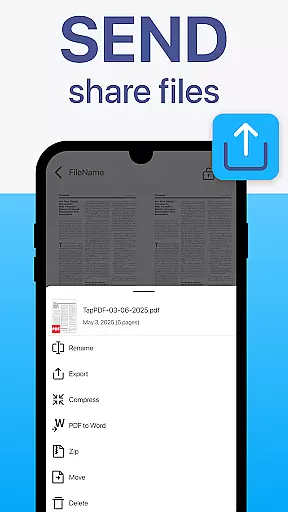
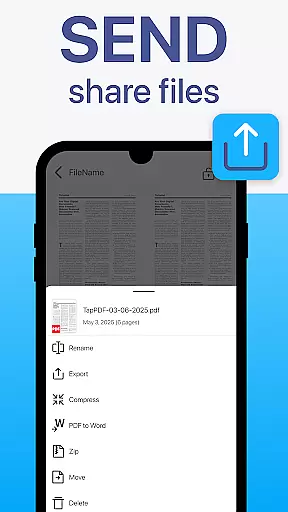
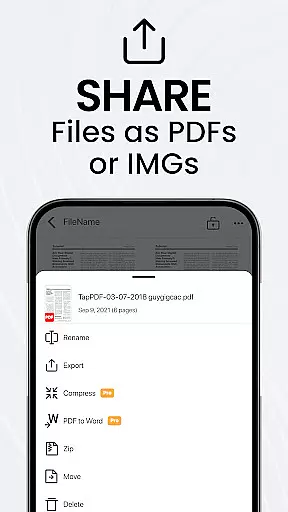
Additional features include instant sharing options through email or messaging apps, direct printing to Wi-Fi printers, and secure cloud synchronization with popular storage services. The app's intuitive interface makes these powerful tools accessible to both professionals and casual users, while the option to add password protection ensures document security. These features collectively create a robust solution for managing digital documents efficiently.
TapScanner offers a comprehensive suite of collaborative work features that streamline document management for teams and professionals. The app allows multiple users to access and manage scanned documents through secure cloud integration with services like Google Drive, Dropbox, and OneDrive.
One of the key collaborative features is the ability to merge, split, reorder, sign, and annotate PDFs directly within the app. This functionality enables teams to work together on projects without needing to switch between different applications, thus maintaining workflow efficiency.
The app also supports multi-page scanning, which is crucial for compiling extensive reports or contracts into a single, organized PDF file. With batch scanning and automated file organization, TapScanner ensures that all team members can quickly locate and utilize necessary documents.
Furthermore, TapScanner's OCR Text Recognition in over 110 languages transforms images into searchable and editable text, facilitating international collaboration. This feature not only enhances productivity but also ensures that language barriers do not impede document processing and sharing.
Effective task management is at the core of TapScanner's design, empowering users to handle their document-related tasks efficiently. The app provides tools such as one-tap renaming and automated file organization, which significantly reduce the time spent on managing scans and PDFs.
With its user-friendly interface, TapScanner makes advanced document handling accessible to everyone. Users can easily capture, organize, and share paperwork, ensuring that each task related to document management is executed swiftly and professionally.
TapScanner also includes image enhancement options, allowing users to adjust brightness, contrast, remove shadows, and apply filters. These features ensure that every scan is clear and professional, which is essential for maintaining high standards in task execution.
Additionally, the app supports instant sharing and printing capabilities, enabling users to send scans via email, messaging apps, or print directly to any Wi-Fi printer. This seamless integration of task management features ensures that users can complete their document tasks promptly and effectively.
User-friendly interface
Advanced OCR technology
Comprehensive PDF tools
Secure cloud integration
Multi-language support
Subscription required
Limited free features
Internet connection needed
Storage space intensive
Occasional bugs

GoTo Mobile is a simple & secure calling, messaging & meetings solution
 4.80
4.80
Find flexible, hourly jobs hiring near you in restaurant, retail & hospitality!
4.00
BuildCalc - the easiest AND the most advanced construction calculator app.
4.80
Start earning fast. Apply Today.
4.80
Build a store in minutes with our full suite of AI tools. Start for free!
4.20
Permission Guard is a security app that helps you manage app permissions.
4.80
The app that lets you deliver with Amazon.
4.50
No more passwords, easier sign-in, and greater protection for your accounts.
4.60
Make money as a delivery driver with DoorDash and work when you want as a Dasher
4.30
All your team communication in one place
4.70
Get instant construction estimates: accurate home repair & material calculator.
4.70
Paychex Flex - Save Time and Stay Connected
4.60
Amazon A to Z is the place to manage your work-life at Amazon.
4.50
All Your Gig Work. One App.
4.30
FX Plus adds media, networking, and cloud capabilities to FX File Explorer.
4.10
VSD Viewer - Visio Drawings Viewer for Android Preview VSD, VDX, VSDX drawings
4.10
Work happy with AI Companion
4.10
Get your benefits on-the-go.
3.80
Completed Course Lectures on how to use IBM Maximo in Maintenance issues
4.3


User Reviews