
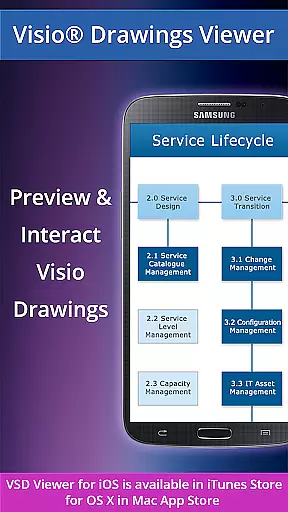
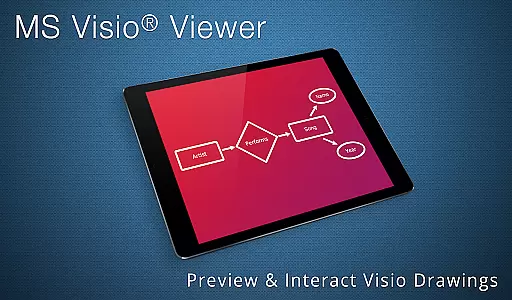
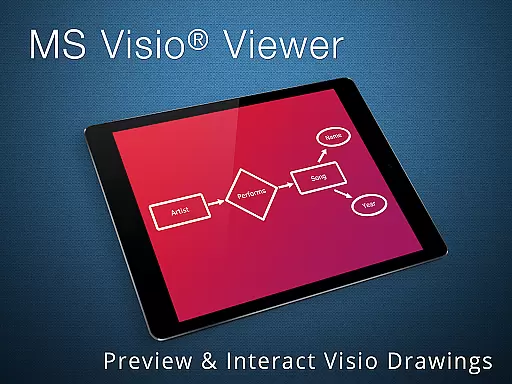
VSD Viewer is a professional Visio drawings viewer designed specifically for Android devices. This application allows users to open, preview, and interact with MS Visio drawings in various formats including VSD, VDX, and VSDX. With support for files from Visio 2000 through 2013, it provides comprehensive compatibility.
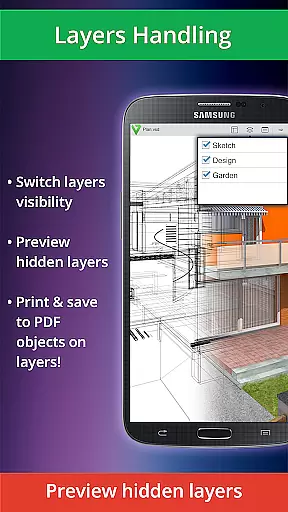
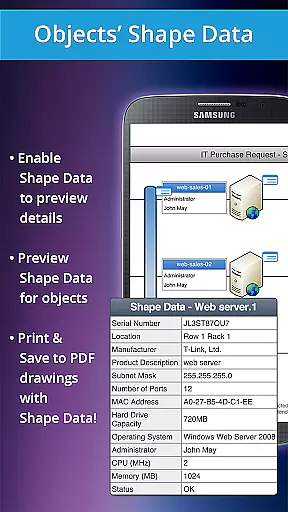
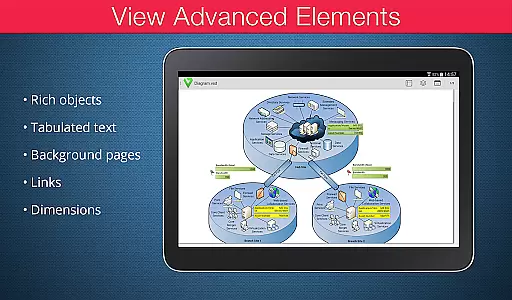
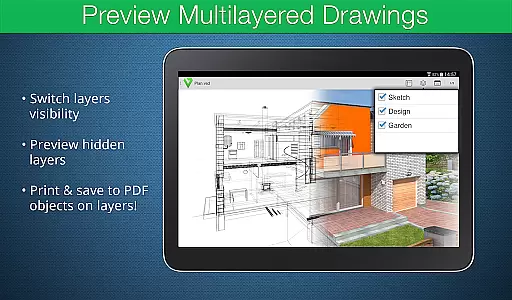
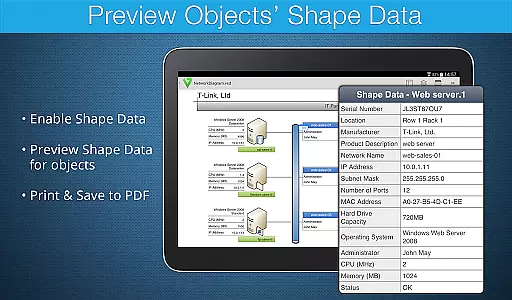
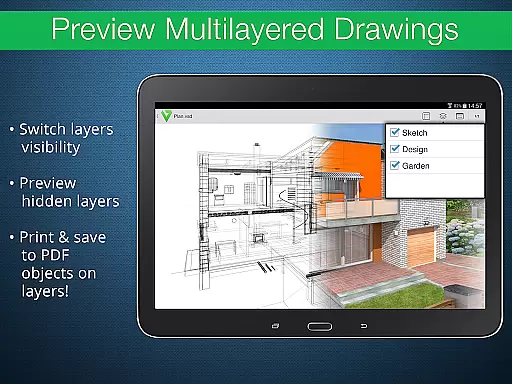
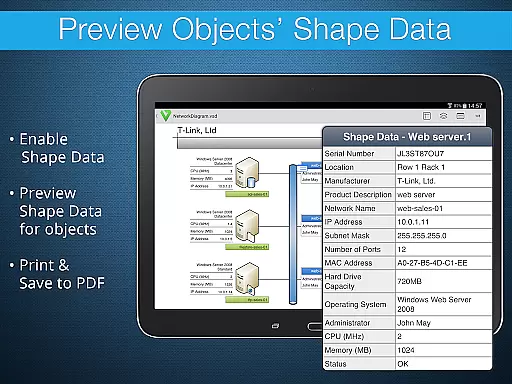
The app offers both basic and advanced viewing options. Users can scroll, zoom, and navigate multipage documents, copy drawing texts, and view complex formatted objects. Advanced features include the ability to preview hidden layers, switch layer visibility, and preview object shape data. These capabilities make it an essential tool for professionals who need to review technical diagrams on the go.
VSD Viewer stands out with its robust feature set tailored for viewing Visio drawings. The app supports opening and rendering of Visio files in multiple formats, ensuring that users can access their documents regardless of the version. Basic functionalities include smooth scrolling, zooming, and navigation within multipage documents, as well as the ability to copy text directly from the drawings.
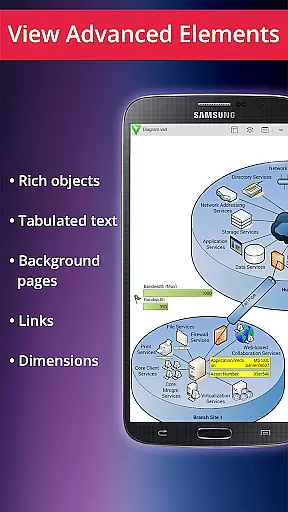
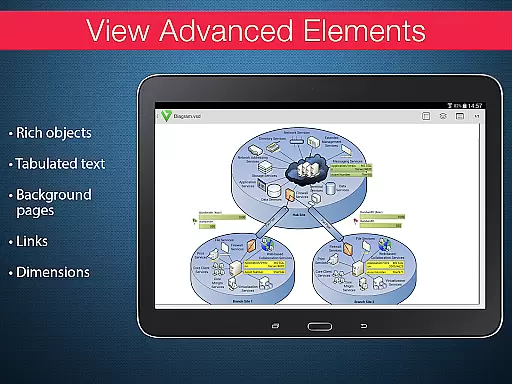
Advanced options enhance the user experience further by allowing the preview of hidden layers and switching layer visibility. Users can also view detailed object shape data, making it easier to understand complex diagrams. Additionally, the app maintains the original dimension units and supports page numbering, which is crucial for accurate document representation. These features collectively ensure that VSD Viewer delivers a reliable and efficient solution for mobile Visio file management.
In today's interconnected work environments, the ability to collaborate effectively is crucial. VSD Viewer for Visio Drawings facilitates this by allowing teams to access and review MS Visio drawings on Android devices. This ensures that all team members, regardless of location, can stay informed and contribute to projects.
The application supports a variety of file formats including VSD, VDX, and VSDX, ensuring compatibility with different versions of MS Visio 2000-2013 drawings. With capabilities such as scrolling, zooming, and navigating through multipage documents, users can interact with detailed diagrams as if they were working on a desktop.
Advanced options like previewing hidden layers and switching layer visibility enhance collaborative efforts. These features allow users to understand complex multilayered drawings and focus on specific aspects relevant to their tasks. The ability to view objects' shape data further enriches the collaborative experience by providing deeper insights into technical diagrams.
Efficient task management is essential for productivity, and VSD Viewer offers tools that aid in organizing and executing tasks related to Visio drawings. Users can copy drawing texts, which is particularly useful when documenting processes or creating reports based on diagrammatic information.
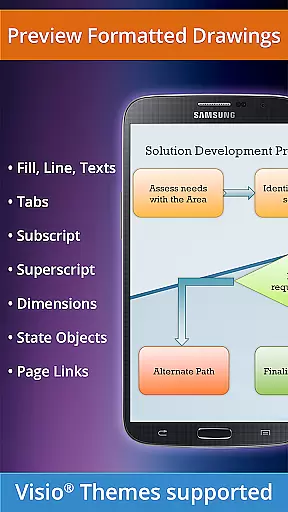
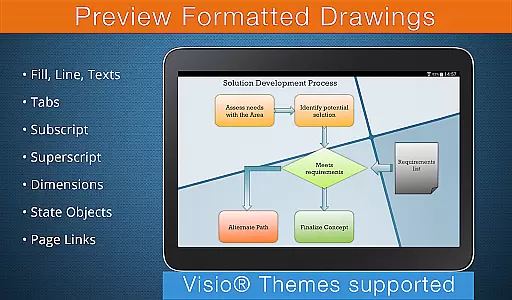
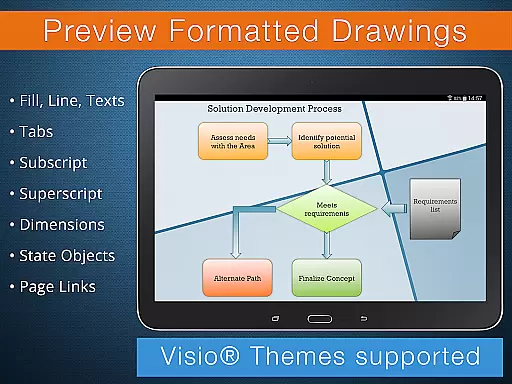
Complex formatted objects such as lines, fills, colors, gradients, and formatted text elements are rendered accurately. This attention to detail ensures that users can rely on the app for precise representation of diagrams, which is vital when managing tasks that depend on visual data accuracy.
Moreover, the viewer supports page numbering and displays original dimension units, aiding in clear communication and understanding within task groups. While there are current version restrictions, such as the need for an internet connection for built-in metafile rendering, these do not detract significantly from the overall utility in a collaborative business setting.
User-friendly interface
Wide format support
Advanced layer management
Accurate text formatting
Comprehensive object viewing
Rendering large files may be slow
Internet required for metafile rendering
Limited editing capabilities
No offline support for all features
Potential compatibility issues

Completed Course Lectures on how to use IBM Maximo in Maintenance issues
 4.0
4.0
The All-in-One File Manager for Phone, TV, Watch, Cars, XR / VR, Chromebook
4.10
Get your benefits on-the-go.
3.80
Windows App allows you to connect to remote PCs and virtual apps.
3.70
Find the right fit, faster.
4.70
Amazon A to Z is the place to manage your work-life at Amazon.
4.50
All your team communication in one place
4.70
We are a dynamic team of creatives people of design, marketing, web & apps
3.00
Collaborate seamlessly with Google Chat, part of Google Workspace
4.50
Find jobs and make money fast with JobStack.
4.60
Mobile POS for any business: sales, invoices, retail, restaurants & appointments
4.60
Drive and earn extra money
4.50
Find jobs near you and temp work in minutes, from your phone.
4.50
Say hello to the mobile work experience built to help you thrive at work.
4.30
Scan Business Cards & Conference Badges - Capture Leads at Events & Tradeshows
4.20
Build a store in minutes with our full suite of AI tools. Start for free!
4.20
On the go? Take FedEx with you.
4.00
Zoom built for Chrome OS
3.90
view, manage, and share every PDF file you have
3.60


User Reviews