
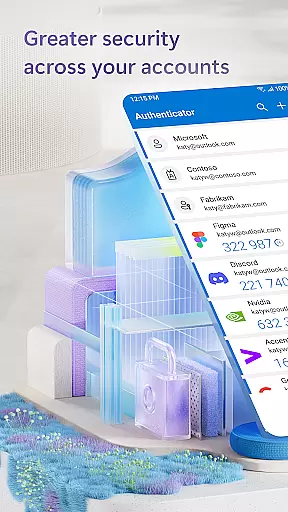
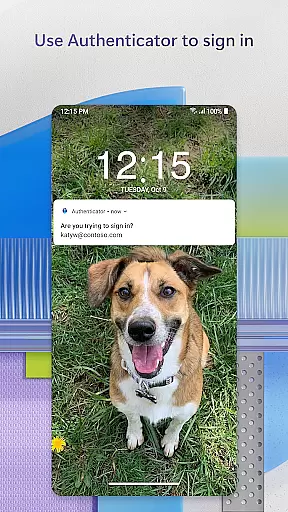
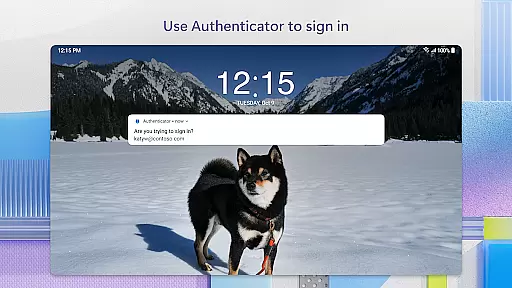
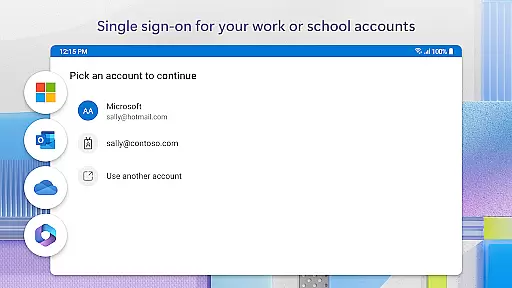
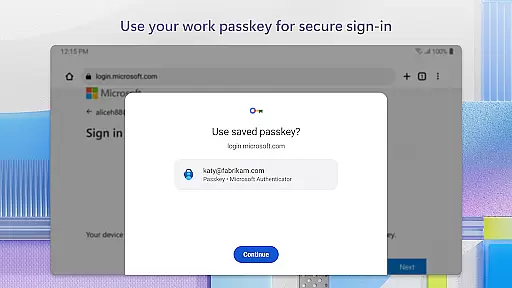
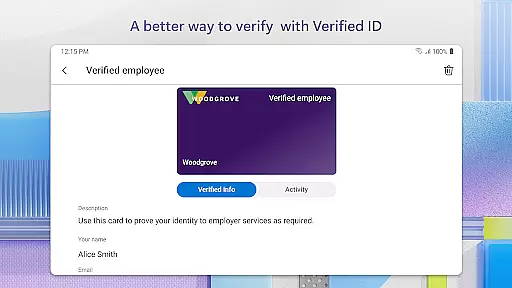
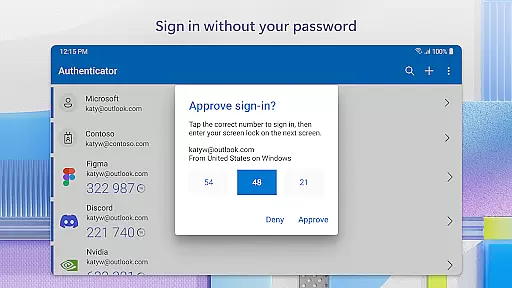
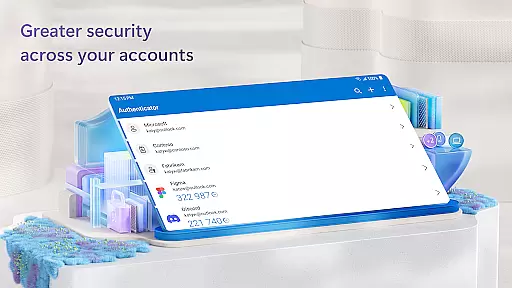
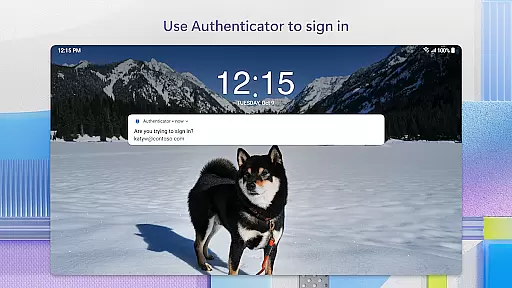
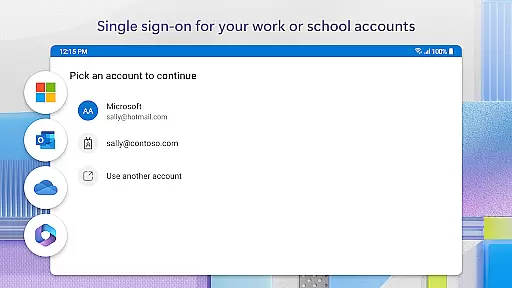
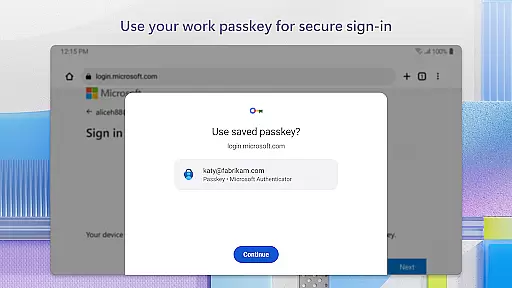
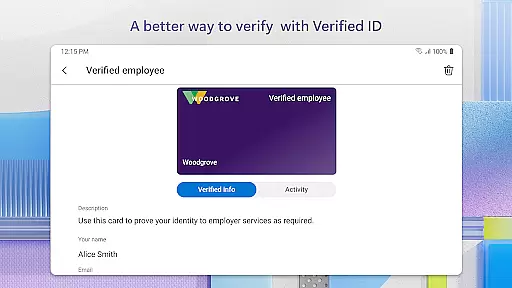
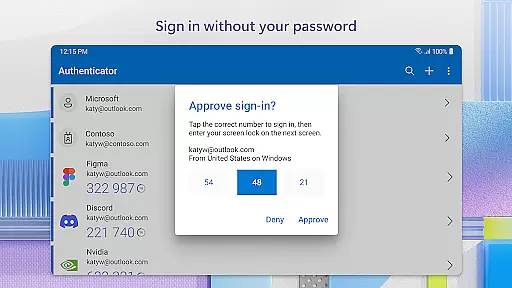
Microsoft Authenticator is a business-focused authentication app that provides secure login options for online accounts through multi-factor authentication (MFA), passwordless login, and traditional passwords. The app supports both personal Microsoft accounts and work or school accounts, offering users a reliable second layer of security when accessing sensitive resources.
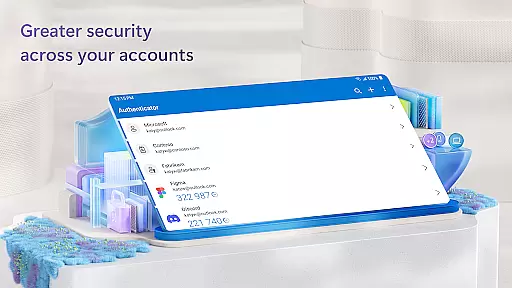
The app's core functionality revolves around two-factor authentication (2FA) and one-time passwords (OTP). Users can approve login requests via push notifications or generate OTP codes within the app itself. These time-based codes refresh every 30 seconds, ensuring enhanced security without requiring network connectivity. Additionally, the app allows users to add multiple accounts, including non-Microsoft services like Facebook, Amazon, and Google.
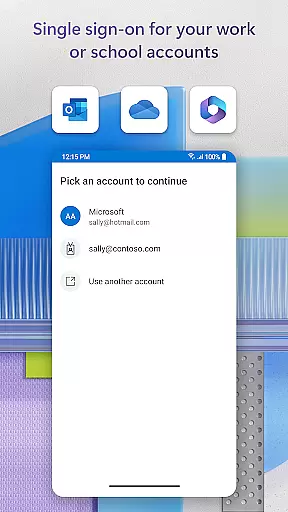
For businesses, Microsoft Authenticator offers advanced features such as cert-based authentication and single sign-on capabilities. This makes it an ideal solution for organizations looking to improve their security protocols while maintaining ease of access for employees. With support for fingerprint, face ID, and PIN verification, the app ensures that only authorized users can access critical systems and data.
Microsoft Authenticator stands out with its comprehensive feature set designed to enhance account security. The app's multi-factor authentication process requires users to provide two forms of verification: their password and an additional factor such as a push notification or one-time code. This dual-layered approach significantly reduces the risk of unauthorized access.
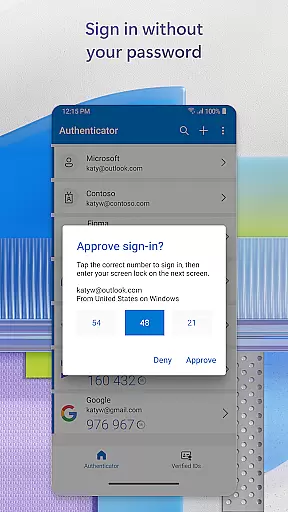
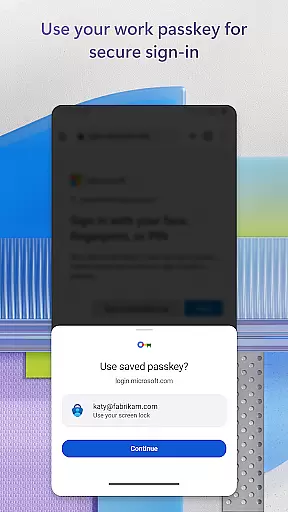
One of the app's key innovations is its support for passwordless login. Users can authenticate their identity using biometric data like fingerprints or facial recognition, followed by approving a push notification sent directly to their device. This streamlined process not only improves security but also enhances user convenience. The app also generates time-based one-time passwords (TOTP) that automatically refresh every 30 seconds, eliminating the need to remember complex codes.
For enterprise users, Microsoft Authenticator offers advanced integration capabilities. The app supports certificate-based authentication, allowing organizations to verify that login attempts are coming from trusted devices. It also enables single sign-on across multiple Microsoft services, reducing the need for repeated authentication. Additional features include QR code scanning for easy account setup and optional location tracking for enhanced organizational security.
Microsoft Authenticator enhances collaborative work environments by providing secure access to shared resources. The app supports cert-based authentication, issuing a certificate on your device that verifies the sign-in request is from a trusted source. This feature allows organizations to grant seamless and secure access to multiple Microsoft apps and services without requiring repeated logins.
The integration with work or school accounts ensures that employees can easily register their devices through the app. Once registered, users gain access to necessary files, emails, and applications specific to their roles within the organization. By streamlining the authentication process, teams can focus more on collaboration and productivity rather than managing multiple credentials.
Additionally, single sign-on capabilities mean that after an initial verification using methods like fingerprint, face ID, or PIN, employees won't need to repeatedly authenticate for other Microsoft services on the same device. This not only simplifies access but also reduces downtime associated with frequent login processes, thereby enhancing overall team efficiency.
Task management in Microsoft Authenticator revolves around simplifying and securing user access across various platforms. With multi-factor authentication (MFA) or two-factor authentication (2FA), users are required to provide additional proof beyond just passwords when logging into accounts. This could involve approving notifications sent directly to the app or entering one-time passwords (OTP) generated every 30 seconds.
This approach significantly bolsters security while maintaining ease of use. Users don't need network connectivity to generate OTPs, ensuring they can always authenticate even under limited connectivity conditions. Furthermore, adding multiple accountsu2014including non-Microsoft ones such as Facebook, Amazon, Googleu2014into a single interface helps manage different tasks efficiently without compromising security standards.
For those opting for passwordless entry, the app leverages biometric data or PINs for secondary verification after username input. This method not only speeds up the login process but also aligns with modern preferences for convenience and enhanced protection against unauthorized access attempts.
Enhanced security
User-friendly interface
Multi-account support
Offline functionality
Enterprise-ready features
Requires device registration
Limited customization
Occasional notification delays
Dependent on server availability
Learning curve for new users

All Your Gig Work. One App.
 4.30
4.30
FX Plus adds media, networking, and cloud capabilities to FX File Explorer.
4.10
The All-in-One File Manager for Phone, TV, Watch, Cars, XR / VR, Chromebook
4.10
Take the stress out of storage with the all-in-one app to manage your space.
3.70
We are a dynamic team of creatives people of design, marketing, web & apps
3.00
Master crypto trading with real-time simulations and exciting challenges!
4.50
Job search app that finds jobs for you! Takes the work out of looking for a job!
4.90
Permission Guard is a security app that helps you manage app permissions.
4.80
Make money as a delivery driver with DoorDash and work when you want as a Dasher
4.30
GoTo Mobile is a simple & secure calling, messaging & meetings solution
4.80
TurboScan turns your phone into a full-featured PDF document scanner.
4.80 4.70
4.70
AI-powered document scanner with auto enhance for perfect PDFs.
4.60
Ask Accio anything about business. Alibaba-backed, built by experts, not just AI
4.60
Chat, meet, and collaborate to achieve more together, all in one place on Teams
4.60
The Penny Puss app with DG penny finder
4.10
Work happy with AI Companion
4.10
Find flexible, hourly jobs hiring near you in restaurant, retail & hospitality!
4.00
Zoom built for Chrome OS
3.90


User Reviews