
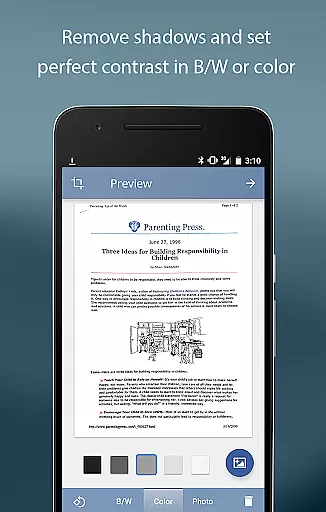
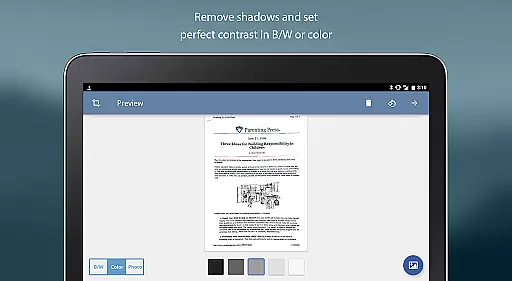
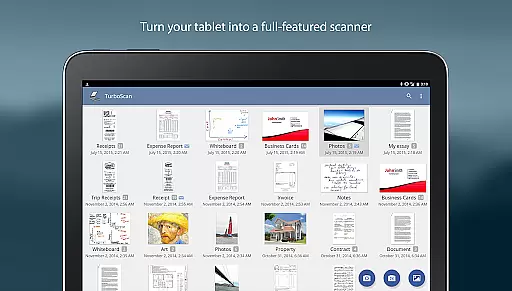
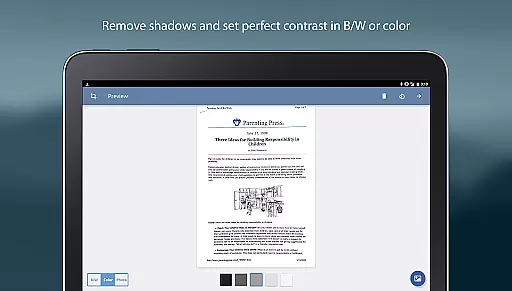
TurboScan Pro is a premier mobile scanning solution that transforms your smartphone into a sophisticated multipage scanner. Designed for business professionals and individuals alike, this app excels in capturing high-quality scans of documents, receipts, notes, whiteboards, and photos. Its advanced algorithms ensure precise edge detection, perspective correction, and optimal contrast, producing sharp black-on-white scans every time.
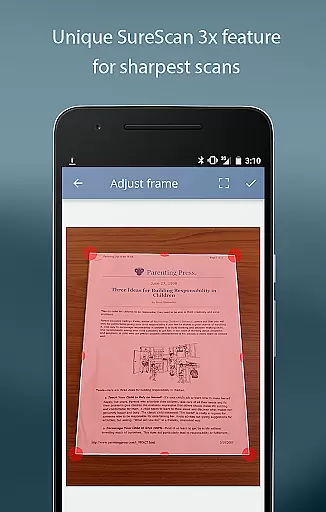
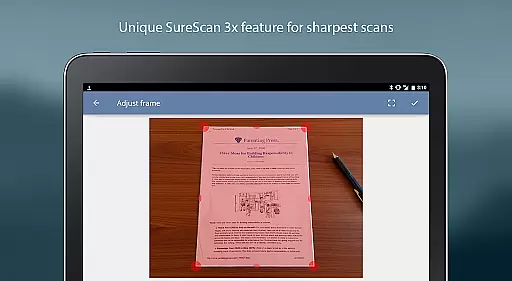
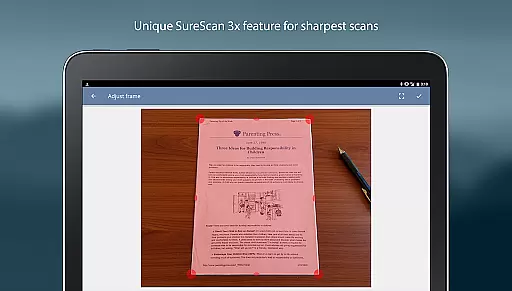
What sets TurboScan Pro apart is its proprietary SureScan mode, which is particularly beneficial in low-light environments by requiring three consecutive shots for enhanced clarity. The app also features an intuitive interface with one-tap controls for brightness, rotation, and color adjustments, streamlining the scanning process. With capabilities to save and send scans as multipage PDF or JPEG files, TurboScan Pro ensures your documents are always organized and readily accessible.
Whether you're digitizing important paperwork or managing expense reports, TurboScan Pro offers a secure and efficient way to handle document management without needing an internet connection. This ensures your data remains confidential while providing the convenience of storing, editing, and sharing documents directly from your device.
TurboScan Pro boasts an impressive array of features designed to enhance productivity and streamline document management. One standout feature is the automatic document edge detection and perspective correction, which ensures every scan is perfectly aligned and free of shadows. The SureScan mode takes this a step further, allowing users to capture exceptionally sharp images even in challenging lighting conditions by taking three successive pictures of the same document.
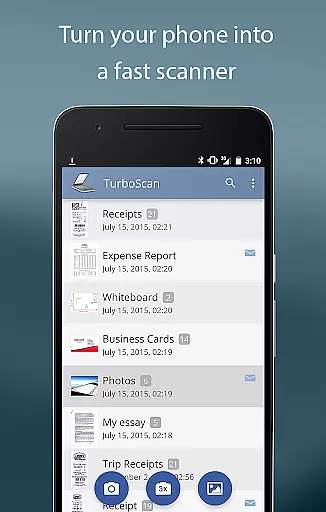
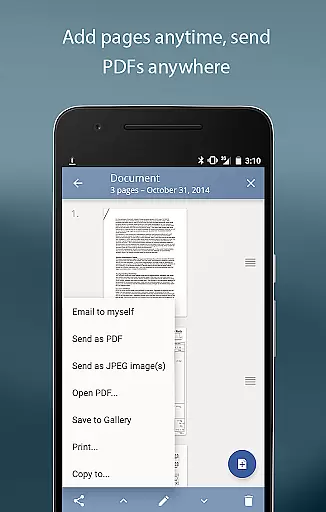
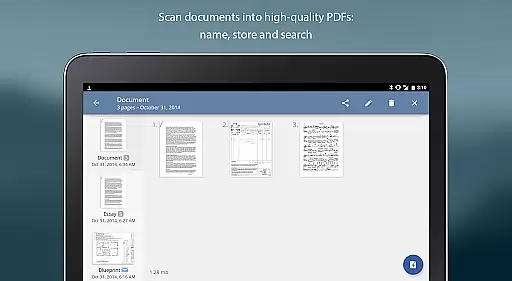
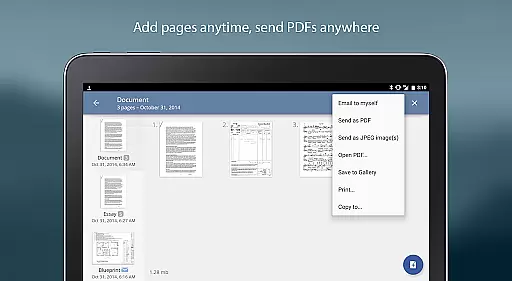
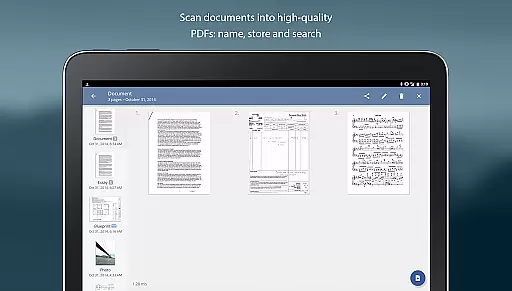
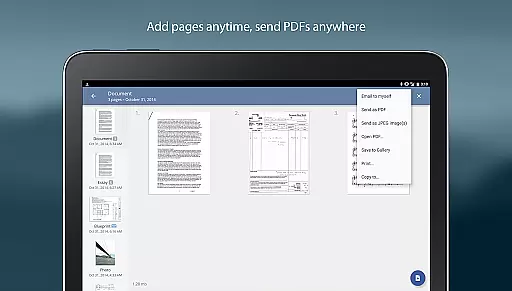
The app's processing speed is remarkable, handling scans in under three seconds per page. It includes robust document management tools such as naming, internal storage, search functionality, and multipage editing options like adding, reordering, and deleting pages. Additionally, TurboScan Pro facilitates seamless integration with cloud services, enabling users to upload scans to platforms like Evernote or Dropbox with a single tap through its 'Email to myself' feature.
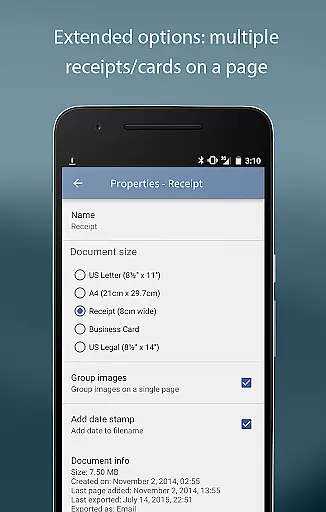
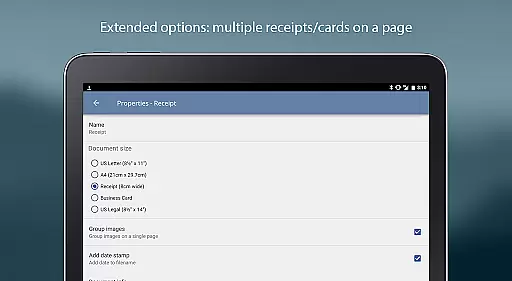
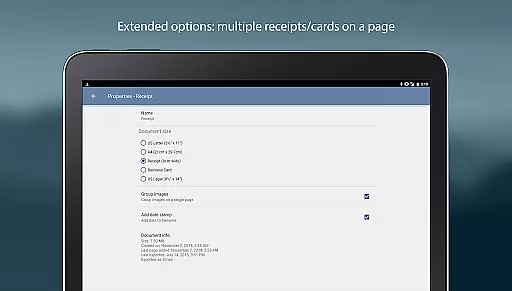
Further enhancing its utility, TurboScan Pro allows users to arrange multiple receipts or business cards on a single PDF page and offers versatile export options including PDF, JPEG, or PNG formats. The app also supports opening files in other applications for cloud storage or printing via compatible apps. Instant one-tap controls for brightness, rotation, and color adjustments provide users with unparalleled ease of use, making TurboScan Pro an indispensable tool for anyone needing reliable document scanning capabilities.
In today's fast-paced business environment, the ability to collaborate effectively is crucial. TurboScan Pro enhances team productivity by offering features that support collaborative work. With its multipage scanning capability, teams can quickly digitize and share important documents in high-quality PDF or JPEG formats.
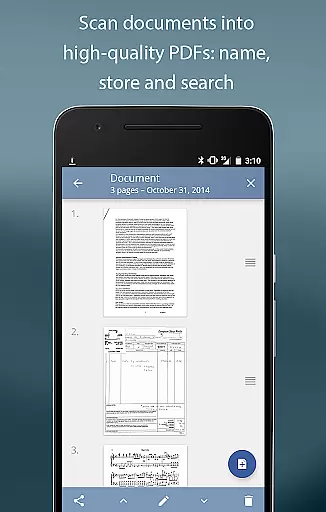
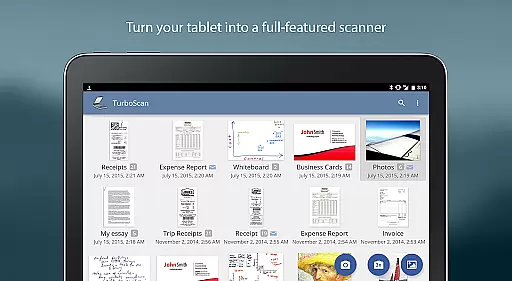
The app allows for easy document management, including naming, storing, and searching scanned files within the app. This ensures that all team members have quick access to necessary documents, streamlining workflows and improving efficiency.
Moreover, TurboScan Pro supports integration with popular cloud services such as Evernote, Google Drive, and Dropbox. This means that scanned documents can be uploaded and shared across platforms with a single tap, facilitating seamless collaboration regardless of team members' locations.
With its powerful yet user-friendly interface, TurboScan Pro makes it simple for teams to adjust brightness, rotation, and color settings on scanned documents. These instant one-tap controls ensure that all shared documents maintain a professional appearance, enhancing communication and project outcomes.
Effective task management is essential for maintaining productivity and meeting deadlines. TurboScan Pro offers robust tools that help users manage their tasks efficiently. By allowing users to scan, store, and organize documents digitally, the app reduces clutter and saves time searching for important papers.
The app's multipage editing feature enables users to add, reorder, and delete pages within stored scans. This flexibility is particularly useful when compiling reports or preparing presentations, as it allows for dynamic document assembly and organization.
TurboScan Pro also includes a handy 'Email to myself' feature, which simplifies the process of sending documents to predefined addresses or uploading them to online storage sites like Evernote with just one tap. This feature ensures that critical documents are always accessible, even when working remotely.
Additionally, the app provides options to email documents as PDF, JPEG, or PNG files, or save them to the camera roll. Users can arrange multiple receipts or business cards on a single PDF page, making expense reporting and contact management more organized and efficient.
Advanced scanning algorithms
Proprietary SureScan mode
Fast processing speed
Comprehensive document management
Secure offline functionality
Premium price point
Feature overload for casual users
Limited free storage
Occasional glitches in edge detection
Requires careful lighting setup

Zoom built for Chrome OS
 3.90
3.90
The revolutionary flexible staffing platform
4.40
All document reader, pdf viewer app, read docs & excel files
3.80
Grow your business and connect with more people with Meta Business Suite.
4.60
USPS Mobile®Access USPS.com’s most popular tools on-the-go.
4.70
Make invoices, bills, receipts & estimates on the go with Invoice Generator.
4.70
Collaborate seamlessly with Google Chat, part of Google Workspace
4.50
Permission Guard is a security app that helps you manage app permissions.
4.80
Say hello to the mobile work experience built to help you thrive at work.
4.30 4.70
4.70
Use Generative Summary to understand your rental or insurance docs in seconds.
4.70
No more passwords, easier sign-in, and greater protection for your accounts.
4.60
All Your Gig Work. One App.
4.30
Build a store in minutes with our full suite of AI tools. Start for free!
4.20
Work happy with AI Companion
4.10
Get your benefits on-the-go.
3.80
Windows App allows you to connect to remote PCs and virtual apps.
3.70
viewing and sharing of PDFs
3.60
view, manage, and share every PDF file you have
3.60


User Reviews