
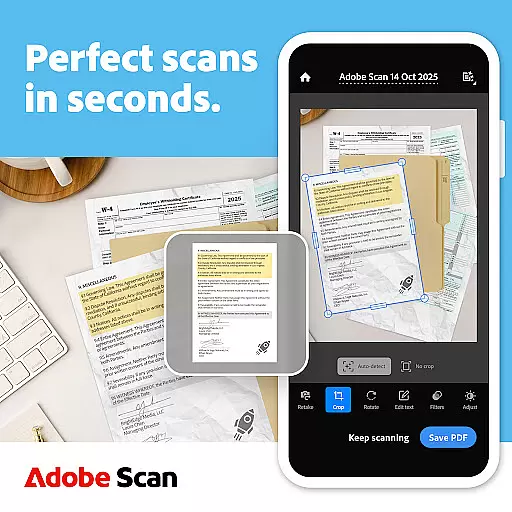
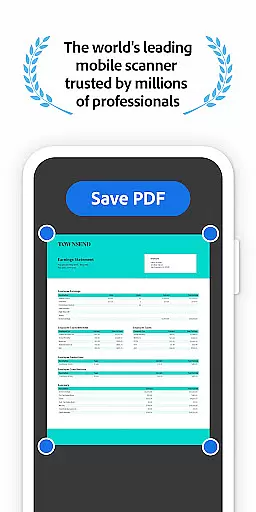
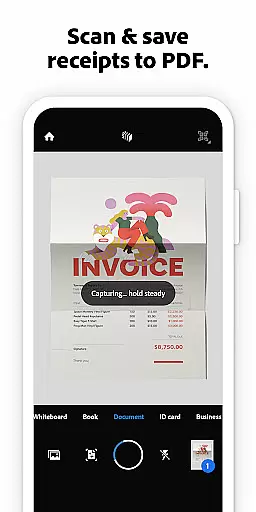
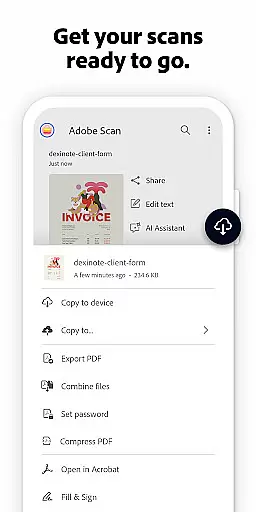


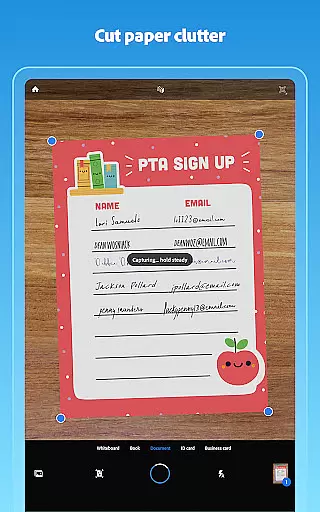
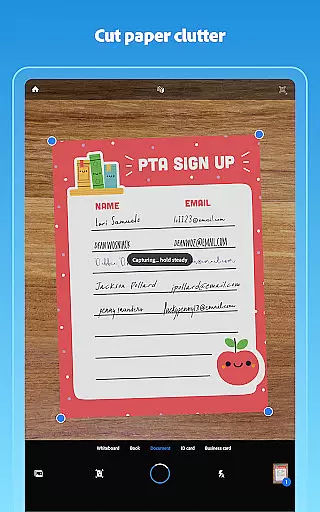
Adobe Scan AI PDF Scanner is a versatile business tool that transforms your mobile device into a powerful document scanner. The app excels in creating high-quality, editable PDFs from physical documents through advanced OCR technology. With features like automatic border detection and image enhancement, it ensures professional-grade scans every time.
The application supports multiple scanning needs, from receipts to whiteboards, while offering AI-powered tools for content summarization and text extraction. Its seamless integration with Adobe Document Cloud and Acrobat Reader provides users with an efficient document management system. This makes Adobe Scan particularly valuable for professionals who need to digitize, organize, and share important documents on the go.
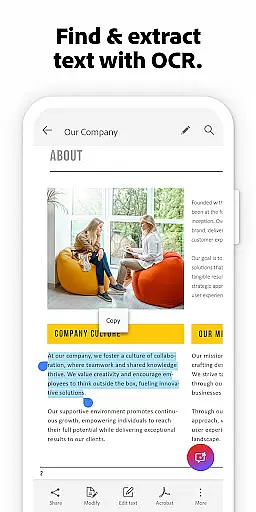
Adobe Scan stands out with its comprehensive feature set tailored for business users. The app's High-speed scan capability allows bulk processing of documents, converting entire stacks into PDFs within seconds. Its OCR functionality goes beyond basic text recognition, enabling users to make scanned words and even handwritten notes fully searchable and editable.
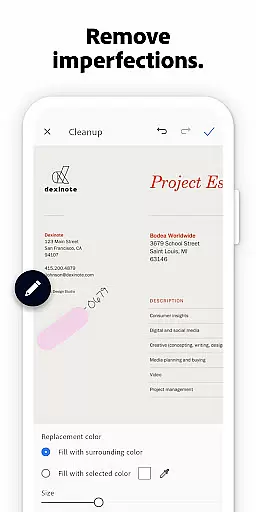
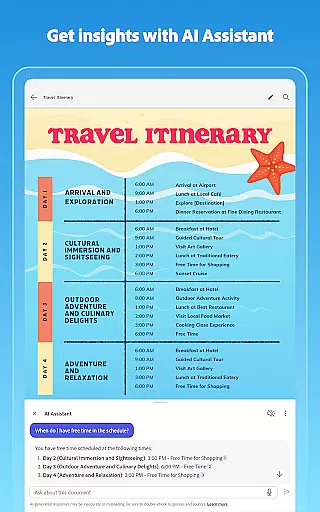
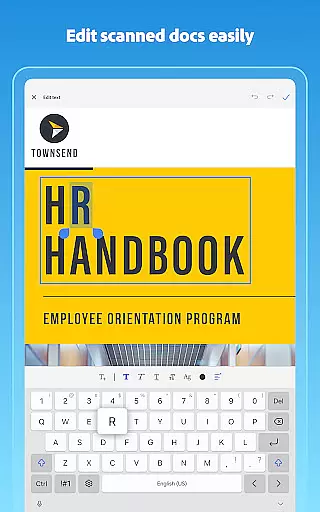
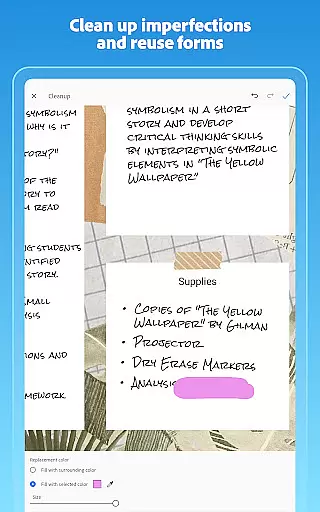
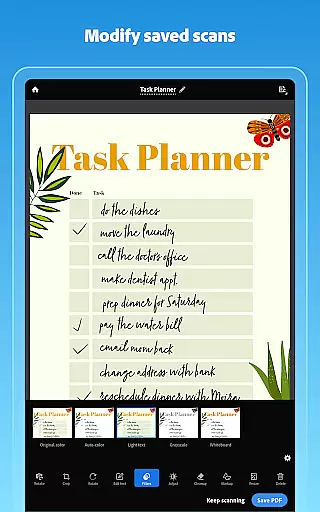
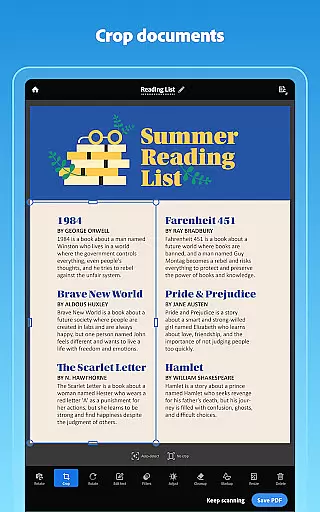
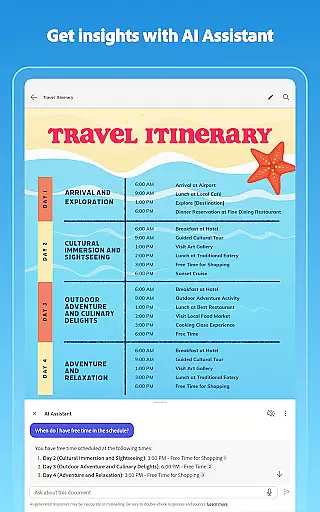
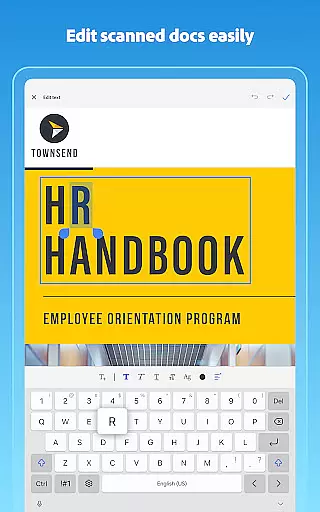
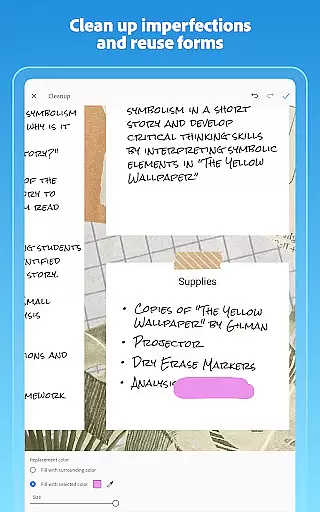
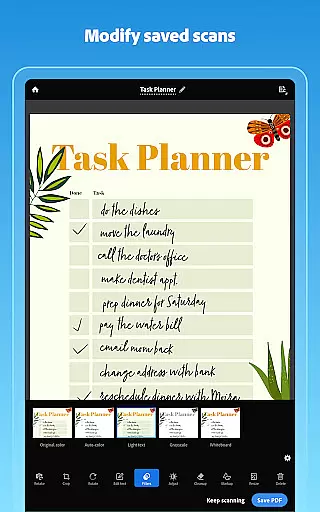
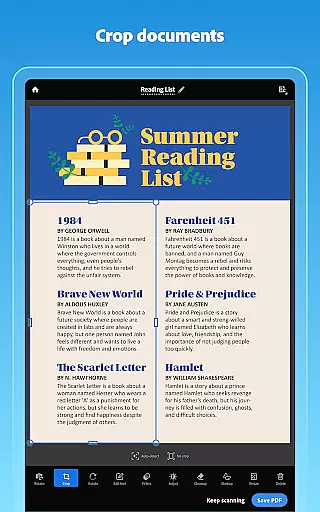
The application incorporates AI-driven tools that enhance productivity. The Generative summary feature automatically extracts key points from any scan, while the AI Assistant can help draft emails and reports based on scanned content. Advanced editing tools provide precise control over document appearance, including cropping, color adjustment, and imperfection removal. These capabilities, combined with cloud integration and cross-platform support, make Adobe Scan an indispensable tool for modern document management.
Adobe Scan AI PDF Scanner offers robust collaborative work features that are essential for modern business environments. The application allows multiple users to access and work on the same scanned documents, which is particularly useful for teams working remotely or across different locations.
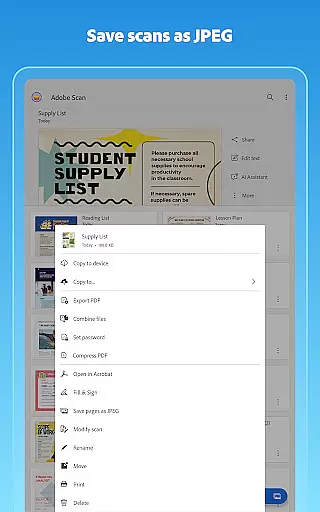
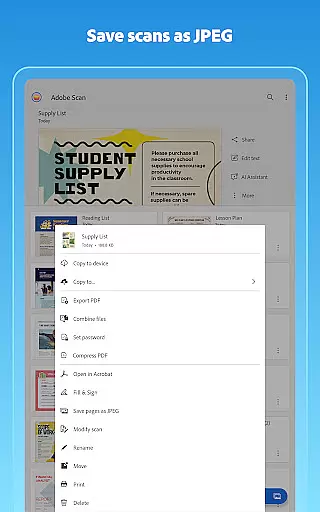
The app's integration with Adobe Document Cloud ensures that all team members have instant access to the latest versions of scanned PDFs and JPEGs. This seamless synchronization facilitates real-time sharing and collaboration, allowing teams to make quick decisions based on the most up-to-date information.
Furthermore, Adobe Scan supports document annotation and editing through Acrobat Reader. Users can highlight important sections, add comments, and even fill out forms directly within the scanned documents. These features ensure that all team members can contribute effectively to the collaborative process.
By enabling efficient teamwork and reducing the need for physical document exchanges, Adobe Scan enhances productivity and ensures that collaborative projects progress smoothly and efficiently.
Task management is a critical component of Adobe Scan AI PDF Scanner, aiding users in organizing and tracking their document-related tasks efficiently. The app provides tools that allow users to create custom folders for different types of scans, such as work documents, personal files, and school forms, streamlining task organization.
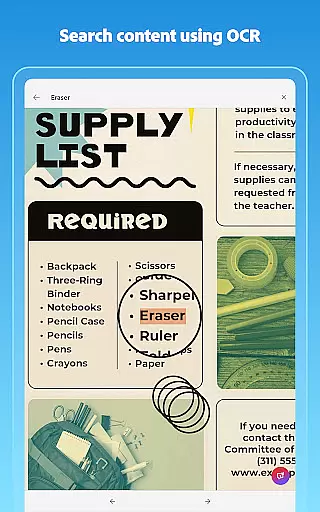
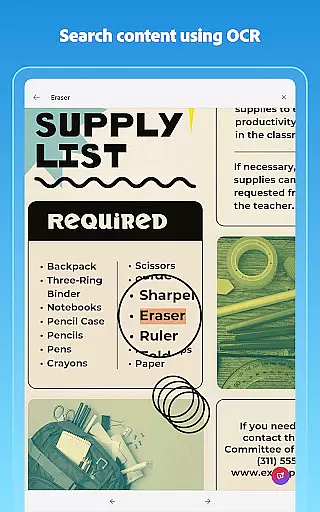
With its advanced OCR capabilities, Adobe Scan makes it easy to convert images to text, thus unlocking the ability to search and edit content within scans. This feature is invaluable for managing tasks that involve large volumes of paperwork, as it allows users to quickly locate specific information within their digital documents.
In addition, the app's ability to reorder pages and preview scans before saving helps users manage multi-page documents more effectively. This ensures that all task-related documents are well-organized and presented professionally, enhancing overall task management efficiency.
Adobe Scan also offers cloud storage integration, automatically saving scans to Adobe Document Cloud. This feature not only provides a secure backup solution but also enables users to access their documents from any device, ensuring that task management is not hindered by location constraints.
User-friendly interface
Advanced OCR capabilities
AI-powered summarization
Cloud integration
Cross-platform support
Premium features locked
Requires subscription
Limited free OCR pages
Occasional bugs
Internet dependency

 4.70
4.70
Formerly Facebook Ads Manager. Manage and create ads on the go.
4.20
Windows App allows you to connect to remote PCs and virtual apps.
3.70
Simple, Fast & Lightweight
3.90
A secure, all-in-one team collaboration app
4.30
view, manage, and share every PDF file you have
3.60
Smarter career moves start here. AI job alerts, insights & the right tools.
4.20
On the go? Take FedEx with you.
4.00
We help people get jobs
4.70
GoTo Mobile is a simple & secure calling, messaging & meetings solution
4.80
Recover what matters — quickly and easily.
4.70
Grow your business and connect with more people with Meta Business Suite.
4.60
Chat, meet, and collaborate to achieve more together, all in one place on Teams
4.60
Manage work life on the go
4.50
ADP Mobile Solutions is an employee self service app
4.50
One marketplace. Hundreds of services. Unlimited possibilities. All on Fiverr.
4.40
Build a store in minutes with our full suite of AI tools. Start for free!
4.20
Access All PDF Files
3.40
Delivery Track App - Tracking with Fedex, USPS, UPS, DHL. Monitor your Orders.
3.20


User Reviews