



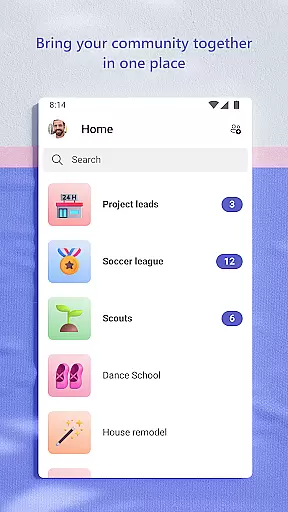
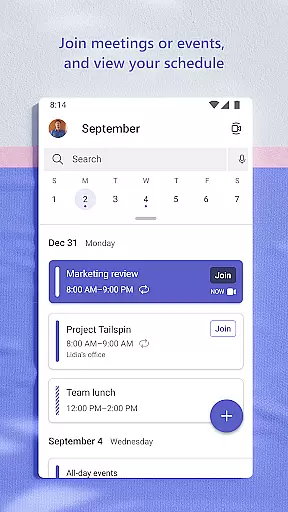
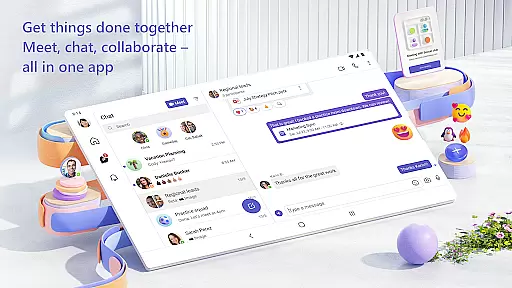
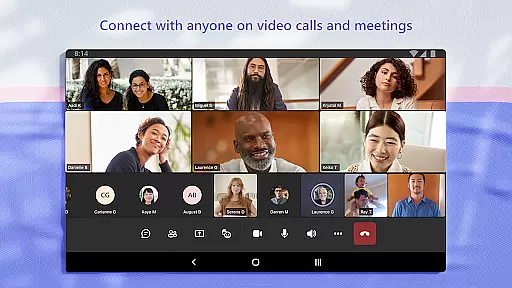
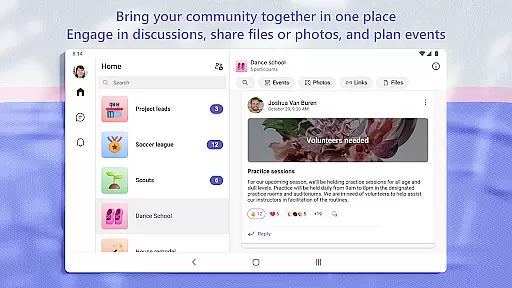
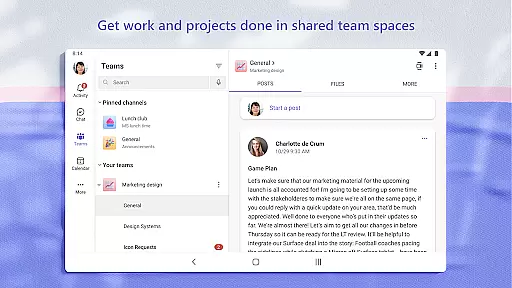
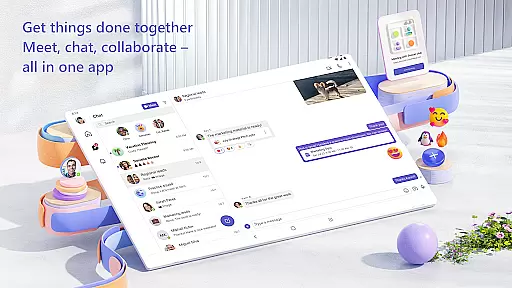
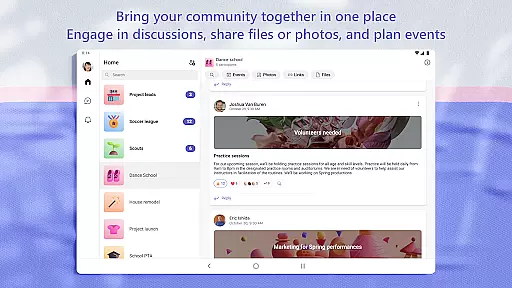
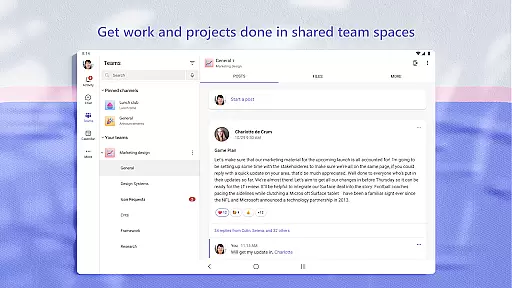
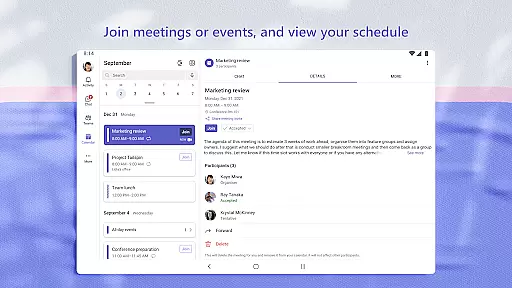
Microsoft Teams is a comprehensive business communication platform that integrates communities, events, chats, channels, meetings, storage, tasks, and calendars in one place. It enables users to connect with their community for activities or collaborate with teammates on projects efficiently. The app provides secure audio and video calls, document collaboration, and built-in cloud storage, making it an all-in-one solution for both personal and professional communication needs.
With features like dedicated communities for specific topics, organized conversations through teams and channels, and seamless transition from chats to calls, Microsoft Teams ensures smooth interaction and project management. Its ability to maintain enterprise-level security while allowing flexible data control makes it suitable for various organizational structures. Whether you're working with family, friends, or colleagues, this app helps accomplish tasks, share ideas, and make plans effectively.
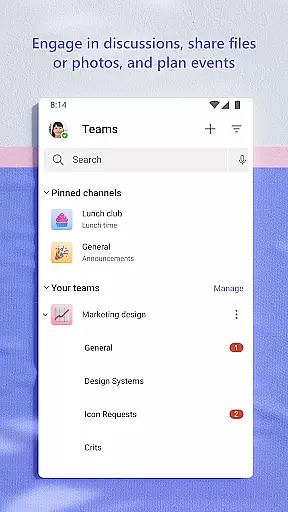
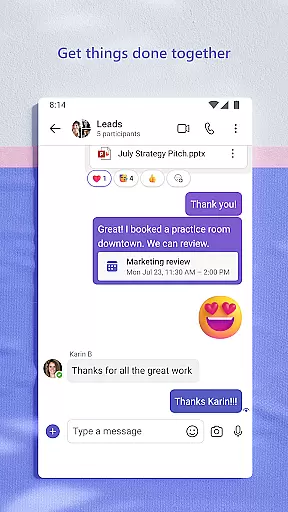
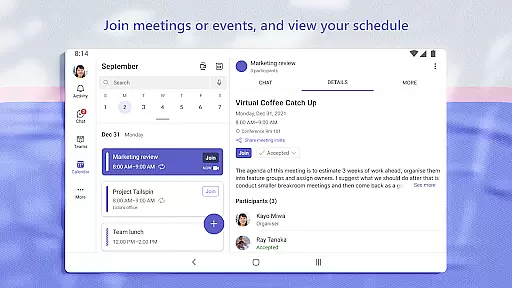
Microsoft Teams stands out with its unique combination of communication tools and project management features. The integration of Skype into Teams allows users to continue their chats, calls, and contacts seamlessly. Users can set up meetings quickly by sharing links or calendar invites and organize conversations by specific topics using teams and channels. The app supports direct video or audio calls and enables instant conversion of group chats into calls.
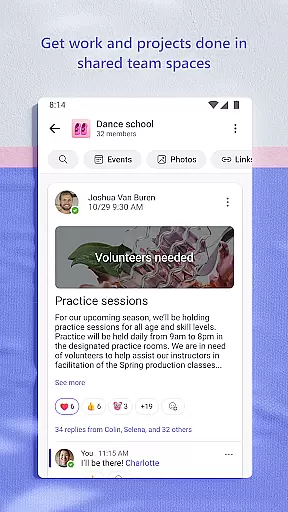
For project execution, Teams offers functionalities like sending photos and videos in chats, accessing shared documents via cloud storage, and organizing shared content within communities. Advanced meeting features include screenshare, whiteboard, and breakout rooms. Task lists help keep track of projects by assigning tasks, setting due dates, and monitoring progress. With enterprise-level security and compliance, the app ensures safe collaboration while maintaining control over sensitive data.
Microsoft Teams stands out in the Business category by offering robust collaborative work features that are essential for modern teams. The platform allows users to create teams and channels dedicated to specific projects or topics, ensuring that conversations remain organized and relevant.
The app integrates seamlessly with other Microsoft 365 tools, providing a centralized location for chats, meetings, file storage, and task management. This integration ensures that team members can access necessary documents and information without switching between multiple applications, thus enhancing productivity.
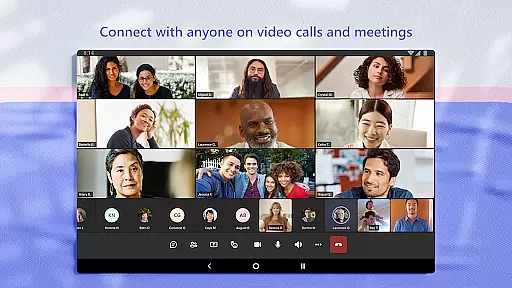
One of the key benefits of using Microsoft Teams is its ability to facilitate secure and efficient communication. Users can join audio and video calls, collaborate on documents in real-time, and store files with built-in cloud storage. These features ensure that all team members, regardless of their location, can contribute effectively to the project at hand.
Moreover, the app supports setting up meetings within seconds and inviting participants via a simple link or calendar invite. This ease of use helps streamline workflows and ensures that teams can quickly adapt to changing project requirements, making Microsoft Teams an invaluable tool for businesses looking to enhance their collaborative efforts.
In the realm of task management, Microsoft Teams offers a comprehensive suite of tools designed to keep teams aligned and projects on track. The app includes task lists that allow users to assign tasks, set due dates, and monitor progress, ensuring that everyone is aware of their responsibilities and deadlines.
With its intuitive interface, Microsoft Teams makes it easy to manage access to information, even as team members join or leave projects. This dynamic access control ensures that only authorized individuals can view or edit sensitive documents, maintaining data integrity and security throughout the project lifecycle.
Another significant advantage of using Microsoft Teams for task management is its ability to integrate with other Microsoft 365 services. This integration provides users with a seamless experience when managing tasks alongside emails, calendars, and files, reducing the need to switch contexts and thereby increasing overall efficiency.
Furthermore, the app's enterprise-level security and compliance standards offer peace of mind to businesses concerned about data protection. By leveraging these advanced security features, organizations can focus on achieving their goals without worrying about potential breaches or unauthorized access, solidifying Microsoft Teams' position as a leading solution in the Business category.
User-friendly interface
Integrated communication tools
Secure collaboration environment
Flexible project management options
Enterprise-level security features
Requires paid subscription for full features
Steep learning curve for new users
Limited functionality on mobile devices
Occasional connectivity issues
High resource consumption

 4.70
4.70
Zoom built for Chrome OS
3.90
Get your benefits on-the-go.
3.80
Paychex Flex - Save Time and Stay Connected
4.60
A secure, all-in-one team collaboration app
4.30
All your team communication in one place
4.70
Find jobs near you and temp work in minutes, from your phone.
4.50
All-in-one Mobile solutions for employees & managers to succeed at work
4.30
Make money as a delivery driver with DoorDash and work when you want as a Dasher
4.30
Start earning fast. Apply Today.
4.80
Recover what matters — quickly and easily.
4.70
Access to Paylocity, empowering employees with information they need 24/7.
4.70
Make invoices, bills, receipts & estimates on the go with Invoice Generator.
4.70
Your employer must have UKG Ready software configured for Mobile.
4.60
No more passwords, easier sign-in, and greater protection for your accounts.
4.60
From Gone to Back Again — In Just a Few Taps
4.50
One marketplace. Hundreds of services. Unlimited possibilities. All on Fiverr.
4.40
All Your Gig Work. One App.
4.30
Shop, deliver, and earn with the Spark Driver™ App
4.10


User Reviews