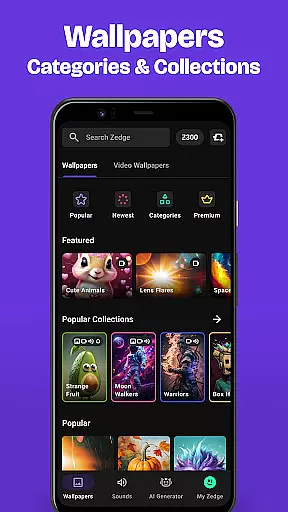
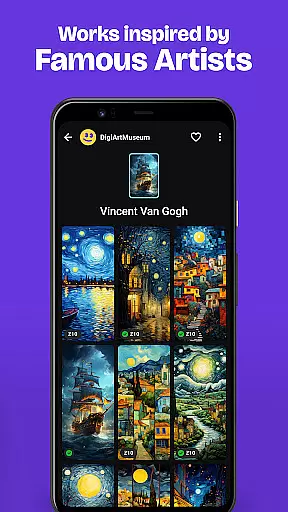
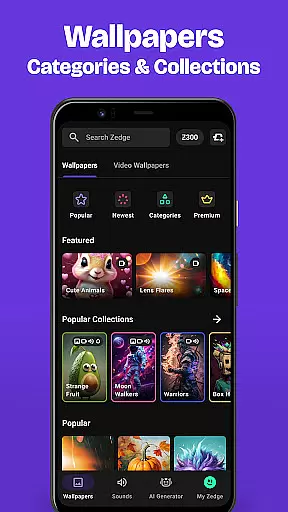
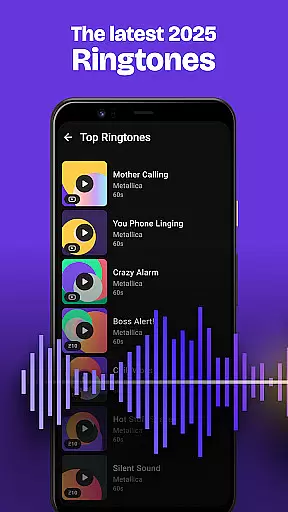
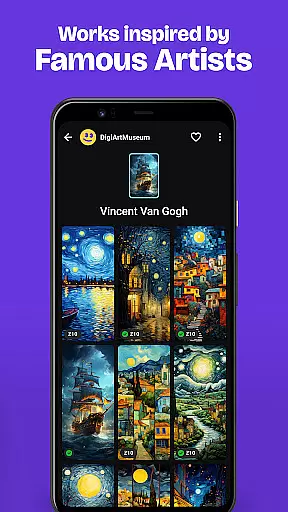
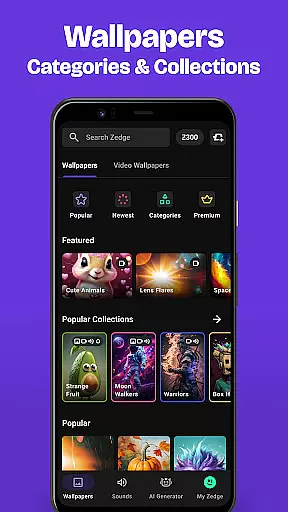
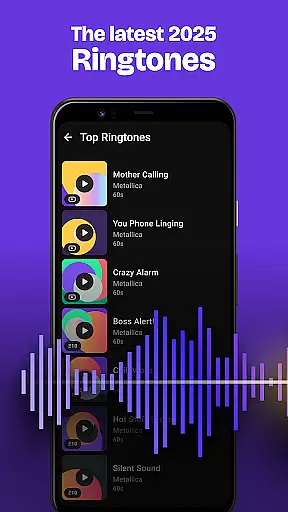
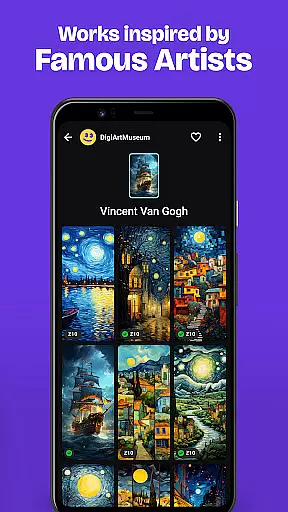
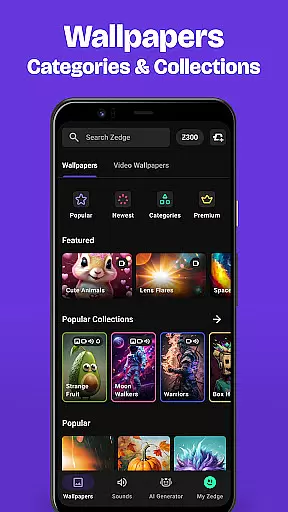
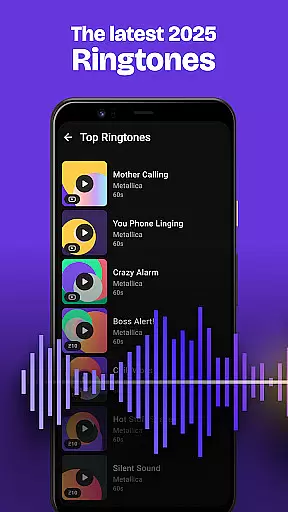
Zedge Wallpapers & Ringtones is a leading personalization app that offers an extensive library of HD and 4K wallpapers, live wallpapers, ringtones, alarm sounds, and notification tones. With millions of free digital artworks from global artists to local creators, Zedge allows users to customize their mobile devices extensively.
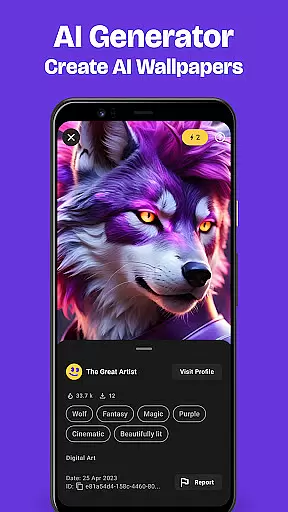
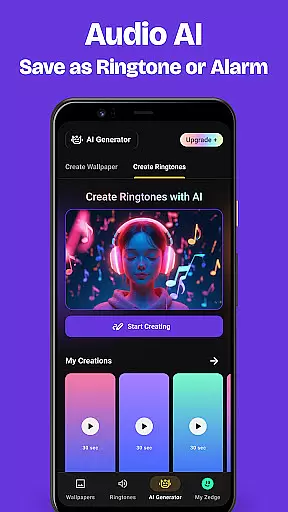
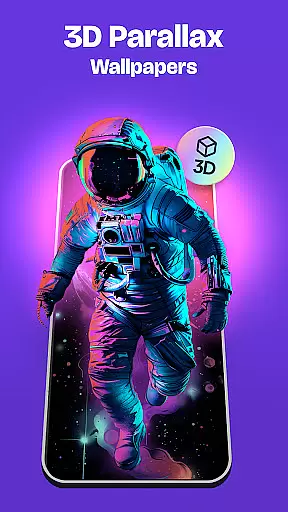
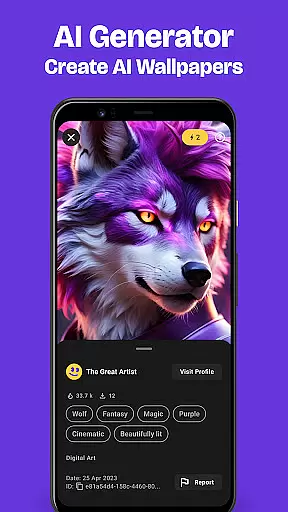
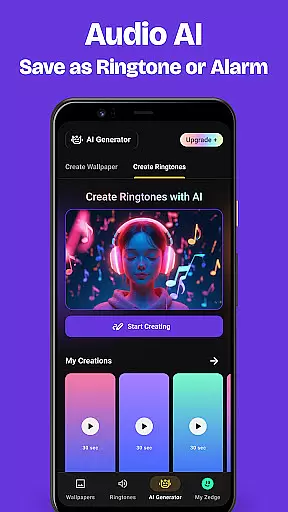
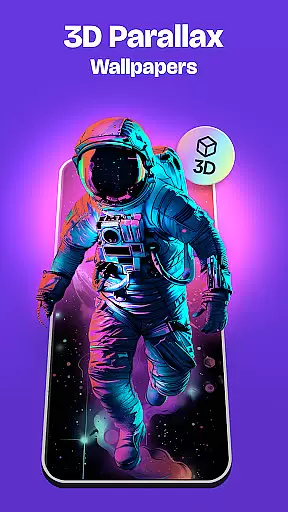
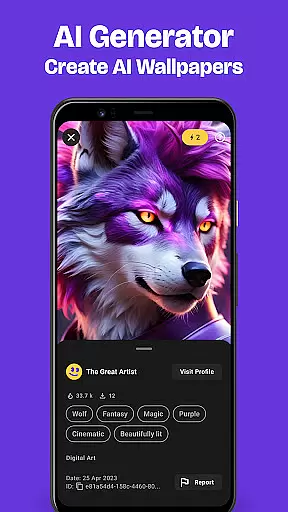
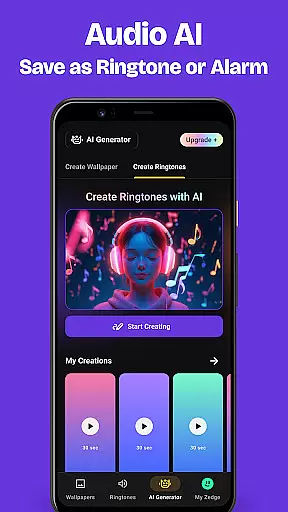
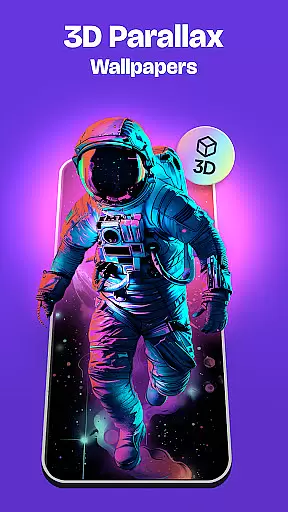
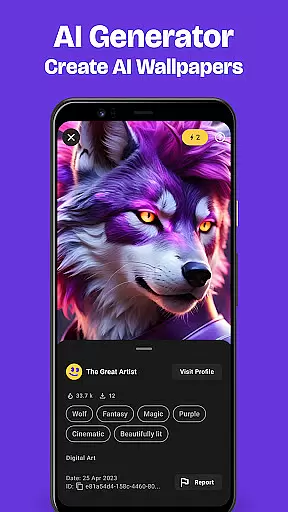
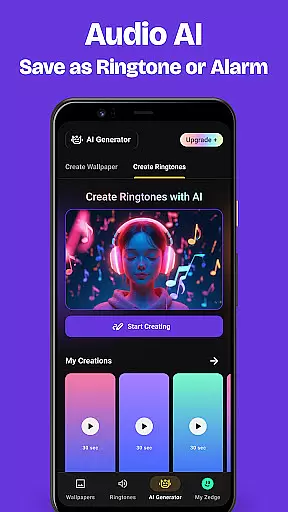
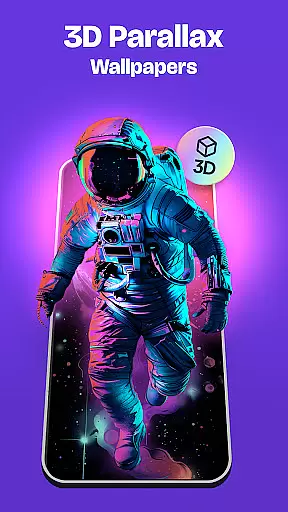
One standout feature is the Parallax Wallpapers, which creates an immersive 3D effect by moving background images differently from the foreground. Additionally, the Zedge AI Generator lets users create unique, customized wallpapers by simply describing their desired theme or aesthetic. This makes Zedge not just a tool for personalization but also a platform for creativity and artistic expression.
Whether you're looking to set custom ringtones for individual contacts or schedule rotating wallpapers, Zedge provides a seamless experience across all devices. Its vast content library and innovative features make it ideal for anyone wanting to personalize their phone with high-quality, diverse options.
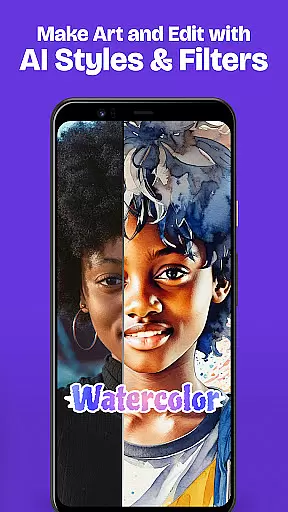
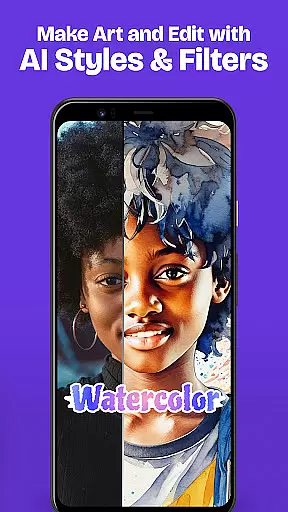
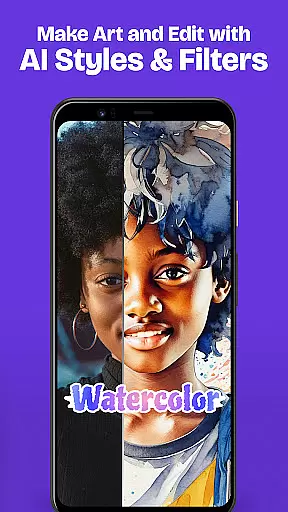
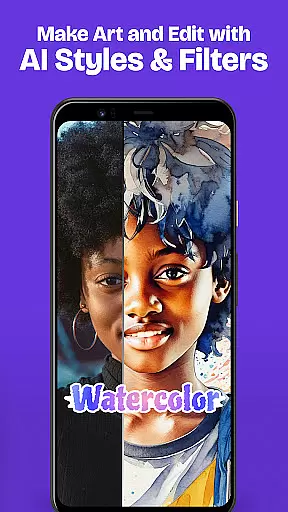
Zedge stands out with its massive collection of personalization options, including millions of wallpapers and ringtones. The app offers full HD and 4K wallpapers across various themes like Sci-Fi, anime, and urban art, ensuring there's something for everyone. Users can further enhance these wallpapers with cool filters and stickers, adding a personal touch to their device screens.
The app also includes live wallpapers that provide dynamic video effects without draining the battery. These wallpapers only play once when turning on the home screen, offering both visual appeal and energy efficiency. Moreover, Zedge’s AI Generator allows users to design custom wallpapers by inputting text descriptions, transforming creative ideas into reality.
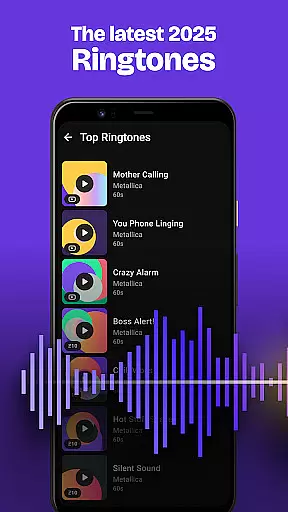
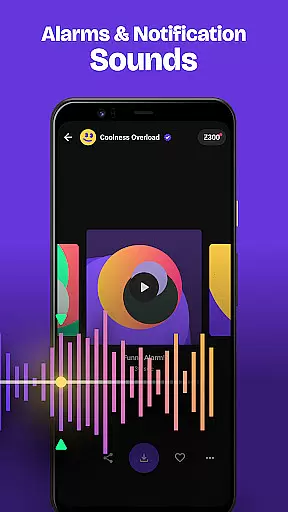
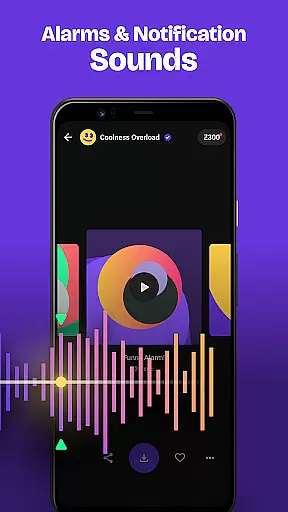
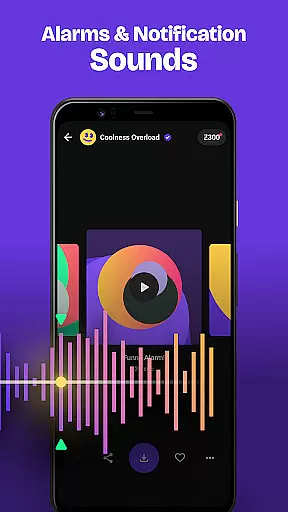
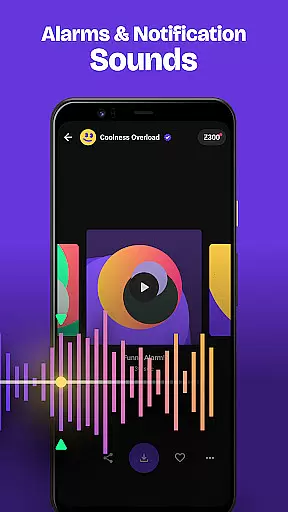
Beyond wallpapers, Zedge delivers an impressive selection of ringtones, alarm sounds, and notifications. From popular music tracks to funny tones, users can assign specific sounds to contacts or use them as default alerts. With bonus features like cross-device syncing and limited-edition seasonal content, Zedge ensures a comprehensive and engaging user experience.
Customization is at the heart of personalizing your mobile experience, and Zedge Wallpapers & Ringtones excels in providing a vast array of options. With millions of HD and 4K wallpapers, live wallpapers, and an extensive collection of ringtones and notification sounds, users can tailor their devices to reflect their unique style and preferences.
The app goes beyond static images by offering Parallax Wallpapers, which create an immersive 3D effect as you move your device. This feature not only enhances visual appeal but also makes the interaction with your phone more engaging. Additionally, Zedge's AI Generator allows for creative freedom, turning imaginative descriptions into custom wallpapers that are exclusively yours.
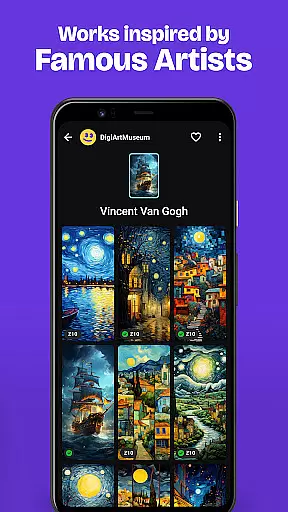
Moreover, Zedge supports diverse artistic expressions through its wide range of content from popular artists to niche genres like urban artwork, Sci-Fi themes, anime, and even custom sound effects. Users can apply cool filters and stickers or choose video-like live wallpapers that won't drain battery life. The sheer variety ensures there is something for everyone, making it easy to refresh the look and feel of your device whenever desired.
Theme compatibility is crucial when selecting customization options for your smartphone, ensuring that all elements work seamlessly together. Zedge Wallpapers & Ringtones offers extensive support across different themes, allowing users to maintain a cohesive aesthetic throughout their deviceu2019s interface. Whether you prefer iconic art styles or specific color schemes, Zedge has collections such as Banksy-inspired pieces or themed selections around holidays and special occasions.
Zedge stands out by enabling cross-device synchronization, so whether on Android or iOS, your personalized settings remain consistent. You can easily set customized wallpapers to rotate at intervals, keeping your home screen fresh without manual updates. Furthermore, individual contact ringtones and alarm sounds ensure each auditory cue aligns perfectly with your chosen theme.
In addition to visual and auditory theming, Zedge provides functional consistency too. By favoriting items within the app, they become accessible across all linked devices after a simple login. Notifications about limited-edition releases further enhance thematic continuity, giving users timely access to seasonal designs that keep their devices current and stylish year-round.
Extensive wallpaper library
Versatile sound options
Creative AI generator
User-friendly interface
Energy-efficient live wallpapers
Ads may disrupt experience
Premium content requires payment
Occasional bugs in live wallpapers
Limited offline functionality
AI feature has usage limits

Classic analogue watch face. For wear os devices.
 4.60
4.60
Vertically oriented rectangular icons
4.70
Beautiful realistic hybrid watch face with numerous customization options.
4.50 3.50
3.50
300+ Beautifully crafted widgets inspired by OneUI.
4.60
Handcrafted pixel art icons, widgets & wallpapers
4.60
Struggling to find apps? Use this app to locate and open any app on your phone!
2.20
set a new experience for the Android mobile phone
4.20
Transform your phone with stylish zipper lock themes and 4D live wallpaper
4.10
Only for Wear OS devices!
4.90
Dark icon pack based on One 8
4.80
Enjoy a variety of amazing live wallpapers and colorful EDGE lighting borders!
4.80
300+ Stunning and well-designed widgets inspired by NOTHING.
4.70
Icons made of colorful linear lines
4.60
Unleash Your Creativity and Connect with Loved Ones with Lockscreen Drawing!
4.20
Ultimate widget creator. Design custom widgets for a truly unique home screen!
3.90
Capture moments that pass like a storm, second by second.
4.0
⭐ OneUI inspired Fluffy Icon Pack – Soft. Stylish. Standout. ⭐
4.5
Modern Glass Icon Pack with glossy icons, clean minimal theme & aesthetic style
4.4


User Reviews