
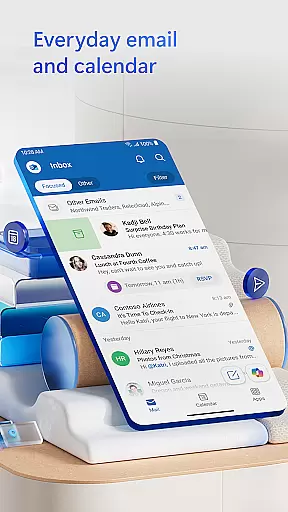
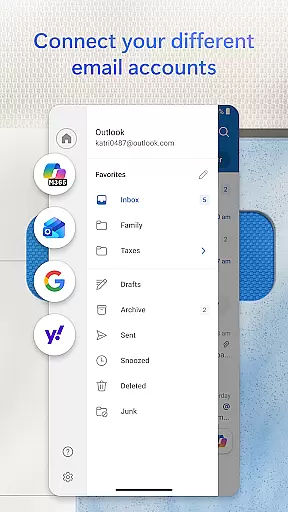
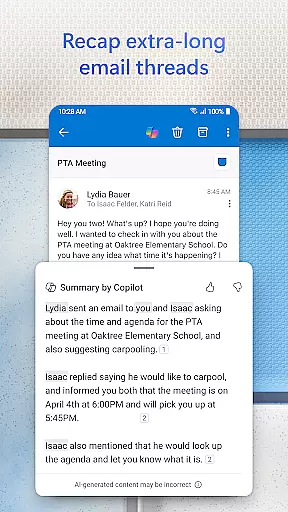
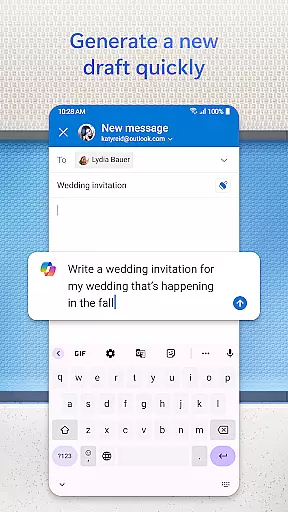
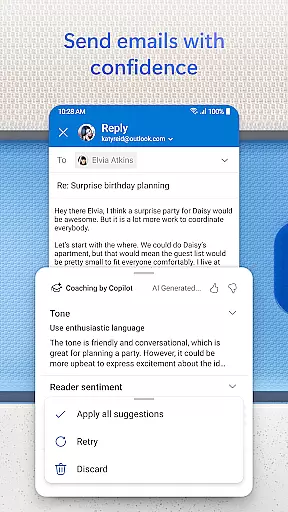
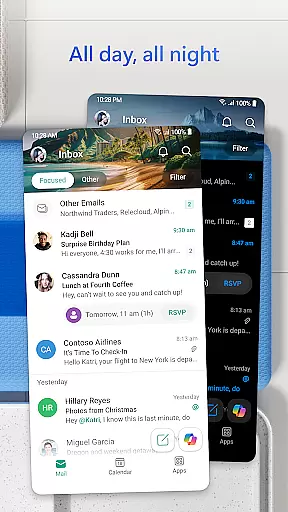

Microsoft Outlook is a comprehensive email and calendar app designed to streamline your busy life. It consolidates your emails, files, and calendar into one secure platform, ensuring you stay productive. Whether managing work, school, or personal accounts, Outlook helps organize your inbox intelligently with features like Focused and Other filters, making it easy to prioritize important messages.
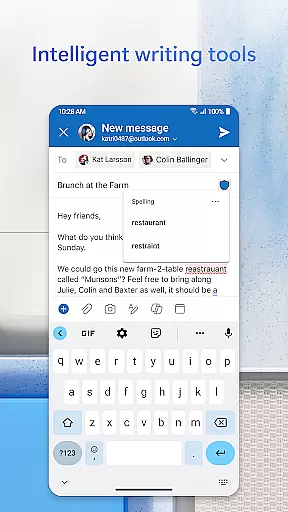
The app supports multiple account integrations including Microsoft Exchange, Gmail, Yahoo Mail, and iCloud, offering flexibility for users on the go. With built-in intelligent editing tools, you can craft professional-quality emails effortlessly. Additionally, Outlook allows you to handle documents directly from your inbox, enhancing productivity by integrating seamlessly with Word, Excel, and PowerPoint.
Outlook stands out with its robust feature set tailored for efficiency and organization. The app provides advanced email management through intelligent filters and folders, helping you declutter your inbox effectively. Swipe gestures enable quick actions such as deleting, archiving, or moving emails, ensuring a streamlined workflow.
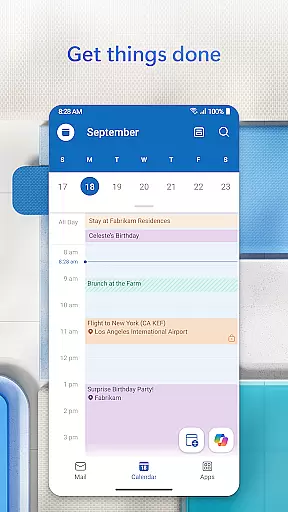
For planning and coordination, Outlook offers side-by-side calendar views, simplifying day-to-day scheduling. Integration with video calling platforms like Teams, Skype, and Zoom ensures seamless communication. Moreover, the app's task organizer groups similar emails and conversations, while voice search capabilities allow hands-free operations, keeping you productive throughout the day.
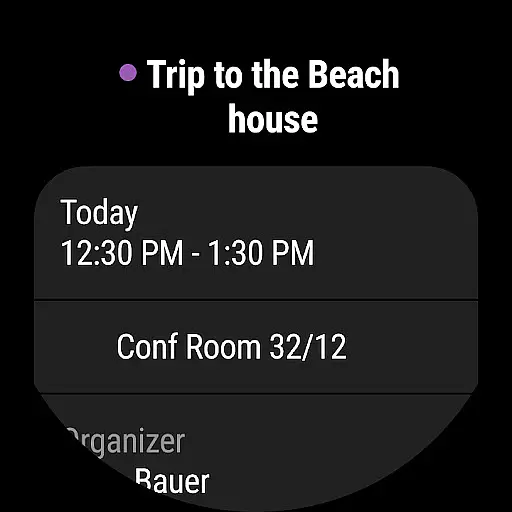
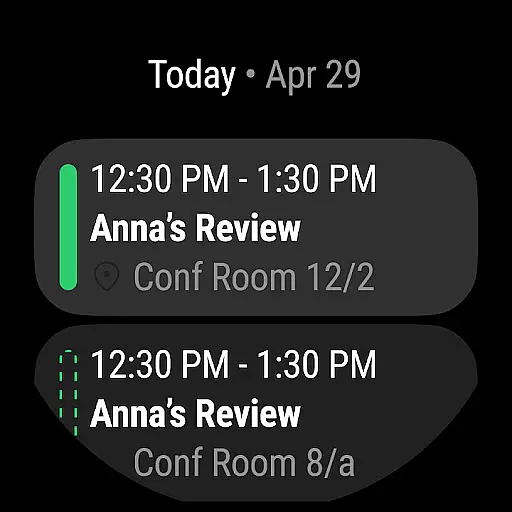
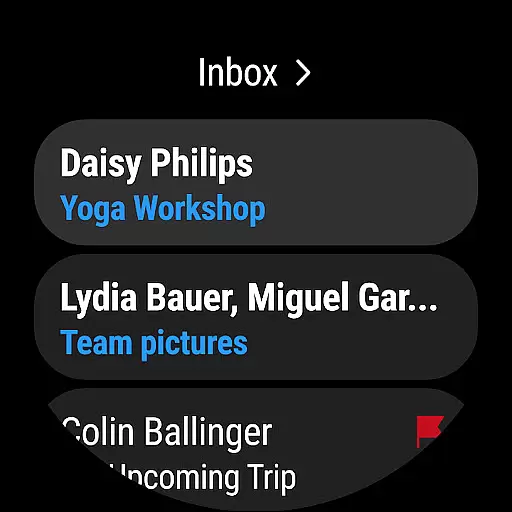
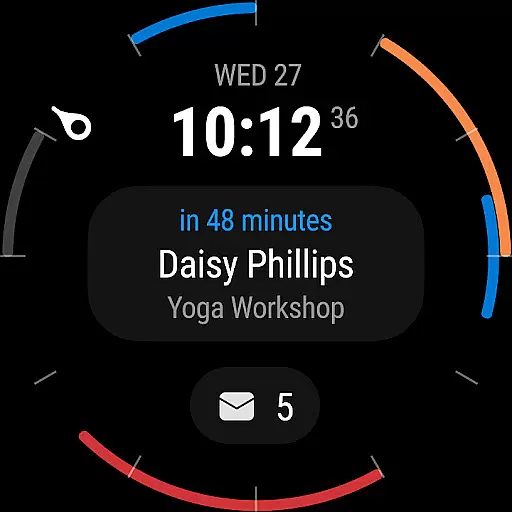
Companion app integration is a crucial feature for wearable devices, ensuring seamless synchronization between the main application and its wearable counterpart. Microsoft Outlook excels in this area by providing users with an intuitive Wear OS companion app.
The integration allows users to view their emails and calendar events directly on their smartwatch. This means you can quickly check your schedule or preview important emails without needing to take out your phone. The companion app maintains the same level of security and reliability as the main application, protecting your data while offering convenience.
Outlook's Wear OS app goes beyond basic notifications by providing interactive features. Users can respond to emails using pre-written responses or voice commands, ensuring they remain productive even when on the move. This deep integration creates a unified experience across devices, making it easier to stay organized.
By maintaining consistent functionality and design language between devices, Microsoft ensures that users enjoy a cohesive experience. Whether you're viewing your inbox or managing calendar invites, the transition between phone and watch feels natural and intuitive.
Device compatibility is essential for any application targeting wearable technology. Microsoft Outlook demonstrates excellent compatibility with Wear OS devices, supporting a wide range of smartwatches from different manufacturers.
The application automatically detects connected Wear OS devices and prompts users to install the companion app. This process is straightforward and ensures that all devices are properly synchronized. Once set up, users can access their email and calendar information directly from their wrist, regardless of their specific smartwatch model.
Outlook's compatibility extends beyond just displaying notifications. The application supports advanced features like voice commands and gesture controls, taking full advantage of the hardware capabilities of modern smartwatches. These features enhance usability while maintaining optimal performance.
Microsoft regularly updates the application to ensure compatibility with new Wear OS devices and software versions. This commitment to ongoing support guarantees that users can continue to rely on Outlook as their primary communication tool, regardless of changes in their wearable technology ecosystem.
User-friendly interface
Multi-account support
Advanced security features
Integrated document handling
Efficient email management
Limited offline functionality
Occasional sync issues
Subscription required for full features
Heavy on storage
Complex setup for beginners

Beautiful artistic animated digital watch face, with a customizable layout!
 4.40
4.40
Sleek, highly customizable watch face inspired by Galaxy Watch Circle Dashboard.
4.1
Let's celebrate Thanksgiving - Wear Os watch face
4.20
Your second brain for organizing your life: to-do, calendar, reminder.
4.70
Nutrition, Macro tracker: Food, fitness & healthy diet tracking for weight loss
4.60
Professional weather radar and more
3.90
A white realistic classic analog watch face with many customization options.
4.40
Track your active life in one place and share the journey with friends.
4.40
Fitbit is dedicated to helping people lead healthier, more active lives.
4.10
The Chevron App allows you to pay for fuel from the comfort of your car!
4.80
Diet tracker for weight loss - track calories, food and macros. Simple and easy!
4.70
Easy Voice Recorder is your everyday companion to record important moments.
4.70
Bold, Modern Hybrid Watch Face for Wear OS. 10 Colors, Rich Info Display.
4.30
Find EV charging stations
4.30
Calming & relaxing sounds for sleeping and stress relief. Stay focused all day!
4.20
Wear Os Watch Face - Animated Snow Effect & Magic Spark - 6 Scenes
4.10
Structured watch face with seven complications and modular UI elements
3.90
A full-featured Amazon Alexa voice assistant that can show you things.
3.70
Analog watch face with 8 complications and expedition styling
4.4


User Reviews