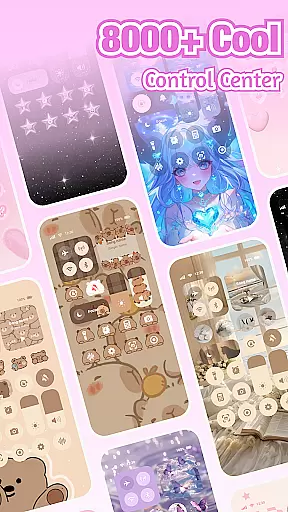
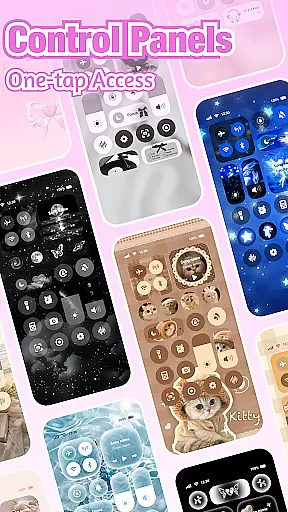

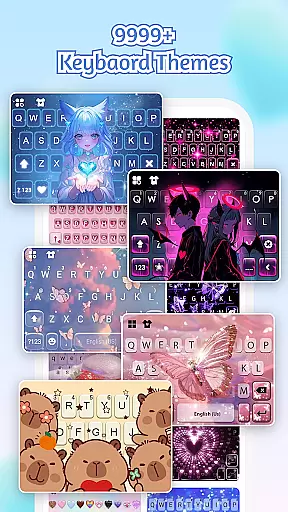
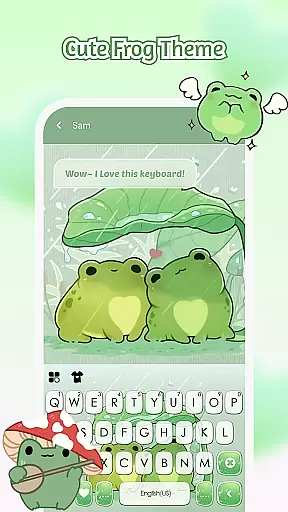
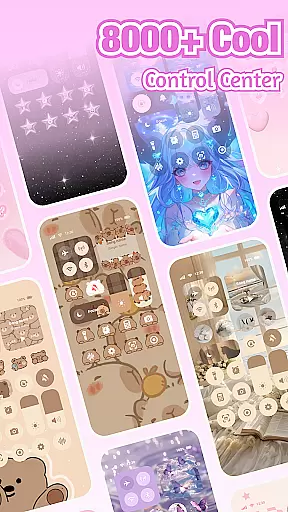
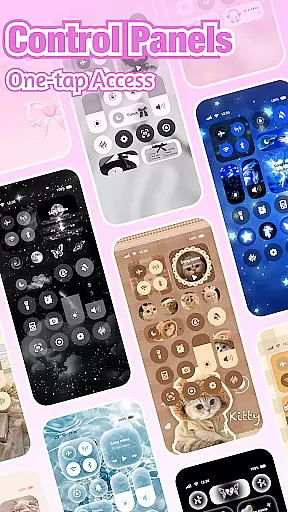

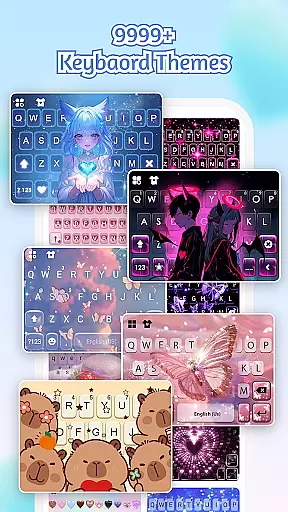
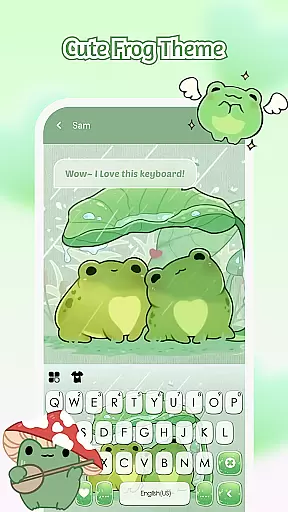
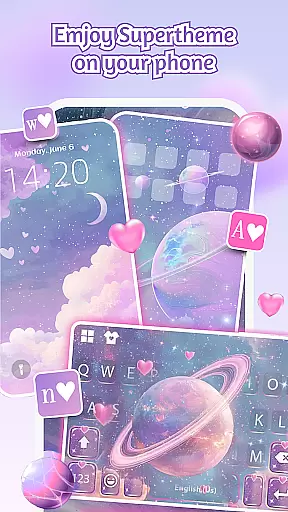
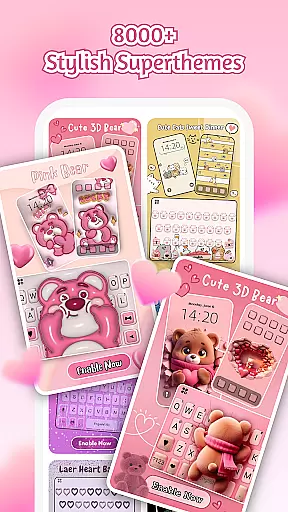
iControl is a professional theme app for Android that allows users to personalize their phones with aesthetic control packs and keyboard themes. The app offers a range of stylish designs, including simple, trendy, and unique styles, turning your phone into a canvas for creativity.
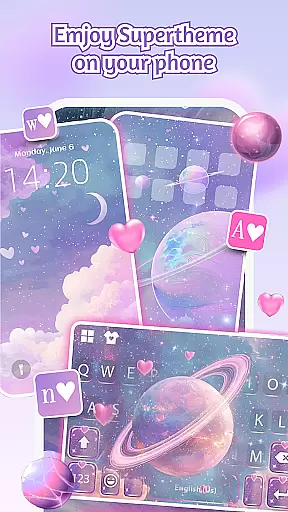
With features like the Control Center, users can access smart tools such as brightness and volume adjustment, dark mode switch, Wi-Fi and Bluetooth connectivity, Do Not Disturb mode, screen rotation lock, airplane mode, and flashlight. Additionally, iControl provides custom keyboard options, fast and smart typing capabilities, multi-language support, and unified aesthetics through its SuperTheme feature.
The app also ensures privacy and security by not collecting personal information or photos set as keyboard backgrounds. It uses Accessibility Services to display the Control Center on the Android screen, enabling features like music and volume control without storing any related data.
iControl stands out with its comprehensive theming capabilities, offering users the ability to customize their device's appearance extensively. The Control Center provides essential tools in an elegant interface, allowing quick adjustments to settings like brightness, volume, and connectivity options.
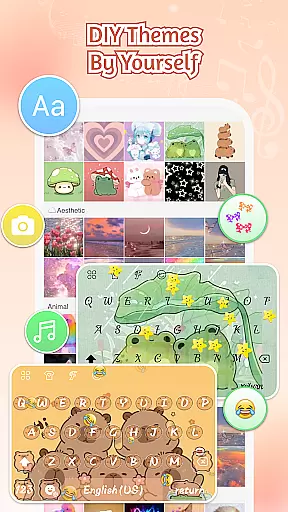
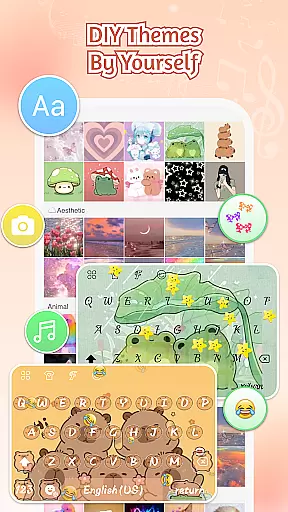
The custom keyboard feature lets users choose photos or pictures to create exclusive keyboard themes with customizable colors, backgrounds, sounds, effects, fonts, and layout. Fast and smart typing enhances user experience with functionalities like clipboard for multiple fast copy-paste actions, swipe-to-type gestures, contextual prediction, auto-correction, and cloud-based next-word prediction.
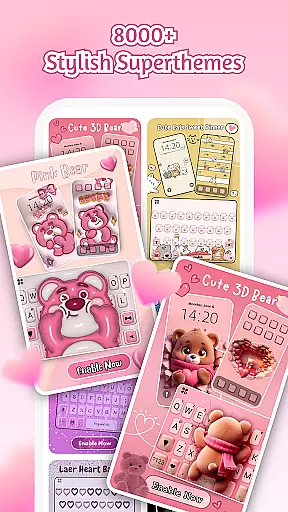
Supporting over 150 languages, iControl caters to a global audience, ensuring inclusivity. Its SuperTheme feature unifies aesthetics across the device, while Zero-Skill DIY empowers everyone to become a designer with easy customization options and AI-generated art for professional-level designs.
Customization is at the heart of iControl, allowing users to tailor their Android experience like never before. With a plethora of aesthetic control packs and keyboard themes, this app transforms your phone into a personalized gadget that reflects your unique style.
The app offers extensive customization features including the ability to adjust brightness and volume with simple sliders, toggle dark mode to match your environment, and manage connectivity options such as Wi-Fi and Bluetooth effortlessly. These smart tools are not only stylish but also enhance usability by providing quick access to essential functions.
For those who love expressing themselves through their device's appearance, iControl provides an exclusive keyboard creation tool. Users can customize colors, backgrounds, sounds, effects, fonts, and layout, ensuring that every aspect of typing is tailored to individual preferences. This level of personalization empowers users to be creative while maintaining functionality.
iControl ensures seamless theme compatibility across various aspects of your smartphone interface. Whether you're looking for cohesive aesthetics or specific design elements, this app delivers a unified look that ties everything together beautifully.
With SuperTheme, users can enjoy over 500 designer templates updated daily, which guarantee visual harmony between different components such as galaxy keyboards mirroring starry themes or sakura keys blending into forest-themed backgrounds. The attention to detail in these designs creates an immersive experience that feels both professional and personal.
Moreover, iControl supports zero-skill DIY customization, enabling everyone to become a designer without needing technical expertise. From reshaping keys to tweaking transparency and adding touch effects/sounds, users have full control over how their themes appear and function. This flexibility guarantees that all customizations will work smoothly on any supported device, offering peace of mind alongside endless creativity.
Highly customizable
User-friendly interface
Extensive language support
Privacy-focused design
Vibrant theme options
Requires accessibility permissions
Some features may need premium access
Occasional performance lags
Limited offline functionality
Designs might not appeal to all

A retro cartoon style watch face and a punch right in the face of the copyright
 4.60
4.60
Prank your friends with realistic broken screen and cracked HD effects!
4.3
A launcher for Samsung Good Lock and Good Guardians modules without ads
4.70
Add cute Shimeji pets to screen, interact with them and relax with cute motions
4.60
Turn text & photos into stunning AI videos, art, and creative visual stories.
4.50 4.50
4.50
⭐ OneUI inspired Fluffy Icon Pack – Soft. Stylish. Standout. ⭐
4.2
400+ Beautifully crafted widgets inspired by NOTHING.
4.70
Transform your phone with stunning video wallpapers and a unique, personal touch
3.80
Customizable Glass widgets. Over 360+ stunning widgets and more!
4.70
Bring adorable pets to life on your screen. Playful, interactive and full of fun
4.60
Zip lock screen with magic wallpaper to decorate your phone with fun zipper lock
4.60
Choose your keyboard with RGB colors effect, themes, fonts, emojis.
4.60 4.50
4.50
The definitive Icon pack maker and editor
4.30
Create unique, fun emojis with Funny Emoji Maker! Unlimited creativity!
4.00
Interactive Miniature Painting Catalogue
3.30
Custom edge gestures for volume control, brightness, apps, and shortcuts.
4.3
Modern Glass Icon Pack with glossy icons, clean minimal theme & aesthetic style
4.4


User Reviews