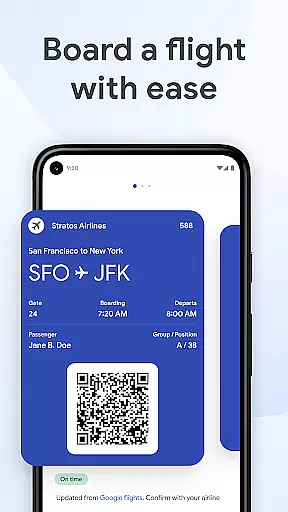
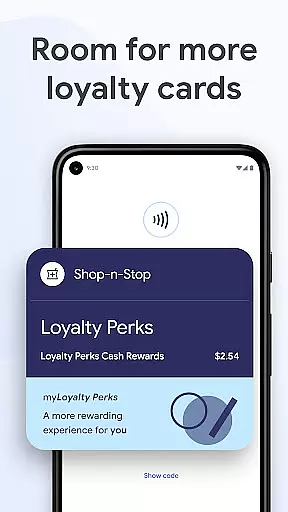
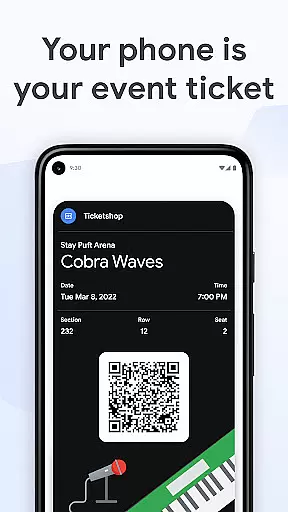
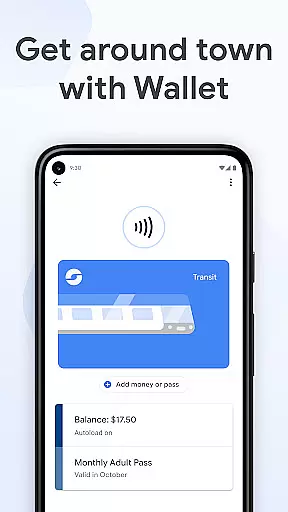
Google Wallet is a versatile digital wallet solution that allows users to store and access various essentials such as payment cards, tickets, passes, and even digital car keys. Designed for Android devices running Lollipop 5.0 and above, as well as Wear OS and Fitbit devices, it provides a convenient way to manage everyday transactions and beyond.
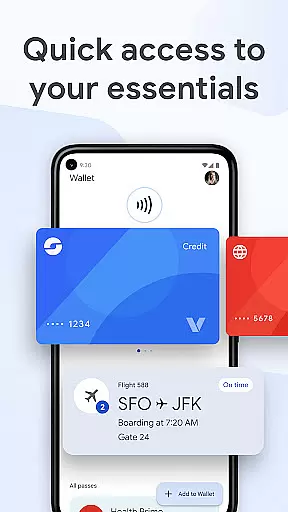
The app offers multiple quick-access methods including phone quick settings, the Wallet app homescreen, and Google Assistant integration. It also features helpful suggestions like boarding pass notifications on travel days, making it an indispensable tool for modern mobile users seeking both convenience and security.
Google Wallet stands out with its comprehensive feature set tailored for convenience and security. The app supports multiple access points including Wear OS watch complications and phone quick settings, ensuring users can retrieve their essentials quickly in any situation.
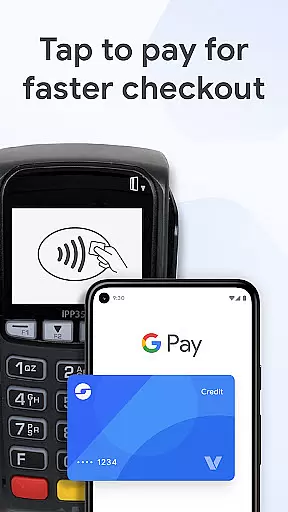
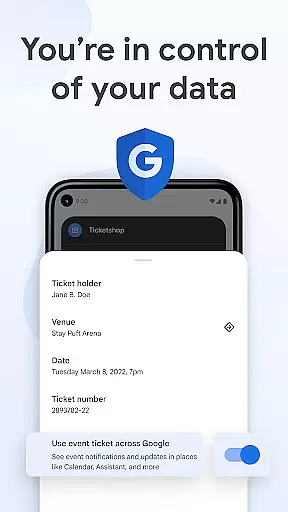
Beyond basic card storage, the wallet suggests relevant items based on context - such as displaying boarding passes on travel days. Integration with other Google services like Calendar and Assistant keeps users updated with real-time information such as flight changes. Advanced security features include 2-Step Verification and remote data erasure capabilities, while tap-to-pay functionality protects card information during transactions.
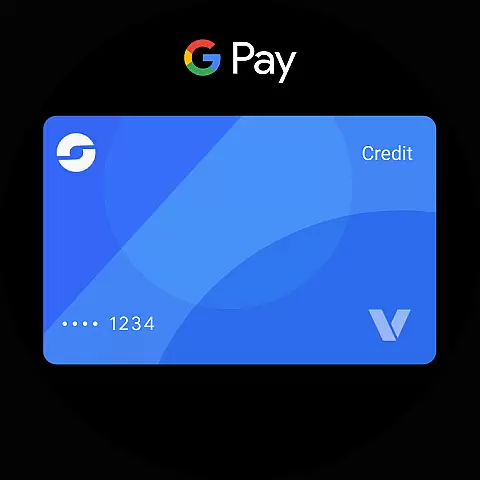
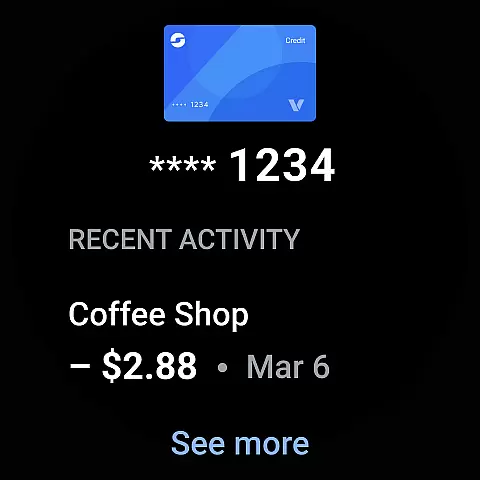
Google Wallet offers seamless companion app integration, ensuring that your essential information is always accessible across multiple devices. This means you can easily sync and access your cards, tickets, and passes between your Android phone and Wear OS watch.
The integration extends to other Google services as well, such as Calendar and Assistant, providing you with up-to-date information like flight updates and event notifications. This interconnected ecosystem ensures that you are always informed and prepared, no matter which device you are using.
Setting up Google Wallet is straightforward, thanks to its ability to import various items you've saved in Gmail, including cards, transit passes, and loyalty cards. This makes the initial setup process quick and hassle-free, allowing you to enjoy the benefits of companion app integration almost instantly.
With extensive compatibility across Wear OS and Fitbit devices, Google Wallet ensures that you can access your digital essentials on your preferred wearable technology. Whether you're using a smartwatch or a fitness tracker, Google Wallet adapts to provide a consistent and reliable experience.
This compatibility is not limited to just Wear OS; Google Wallet is also available on all Android phones running Lollipop 5.0 and above. This broad device support ensures that you can utilize Google Wallet's features regardless of your specific device, making it a versatile choice for managing your digital life.
Security remains a top priority, even as Google Wallet extends its functionality across different devices. Advanced Android security features, such as 2-Step Verification and Find My Phone, ensure that your data stays protected, giving you peace of mind while enjoying the convenience of cross-device compatibility.
Fast access to essentials
Secure payment system
Seamless Google integration
Contextual suggestions
Advanced security features
Limited to Android ecosystem
Not all features supervised
US-only driver license
Device compatibility issues
Occasional sync problems

Gym Log & Workout Tracker | Fitness Journal, Training & Weight Lifting Planner
 4.90
4.90
A modern premium sporty hybrid watch face for Wear OS by Ballozi
4.70
Digital watch face with big numbers and many customization for Wear OS devices
4.40
Hyperlocal rain alerts by MyRadar using patent-pending technology, radar & more
4.80
Connect to your Bluelink equipped Hyundai vehicle from your smartphone.
4.50
The Chevron App allows you to pay for fuel from the comfort of your car!
4.80
A digital watch face that celebrates Christmas.
4.00
Track airplanes and follow flights with our real-time flight tracker
4.50
Spam call blocker and caller ID for automatic call protection!
4.40
WTW M17 is a premium and luxurious hybrid watch face
4.70
Be an elegant and classy secret agent, with this carefully detailed watch face
4.70
Embrace the holiday spirit with this magical animated watch face!
4.40
Christmas watch face. For Wear OS devices.
4.30
Locate your family members by GPS phone location tracker everywhere and anytime
4.30
The ultimate destination for kids ages 3-8 to explore the Marvel Universe!
4.30
sleep, alarm, snoring, stress, healing, focus, sound therapy, circadian rhythm
4.10
Christmas and New Year - Themed Watchface
4.4
A watch face that fuses motorsport precision with contemporary smartwatch design
4.1
Hybrid Vibrant Health Watch Face for Wear OS
4.5


User Reviews