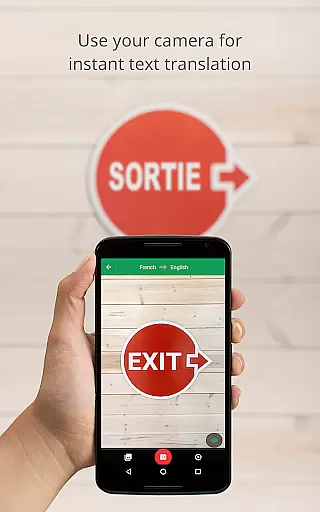
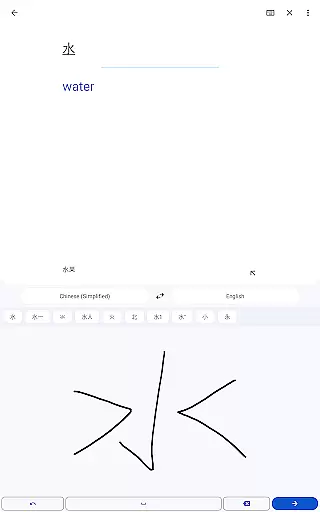
Google Translate is a versatile translation tool that supports text translation between 108 languages. The app offers multiple ways to translate, including typing, camera translation, and even handwriting recognition. With features like offline translation for 59 languages and instant camera translation for 94 languages, it ensures usability in various scenarios.
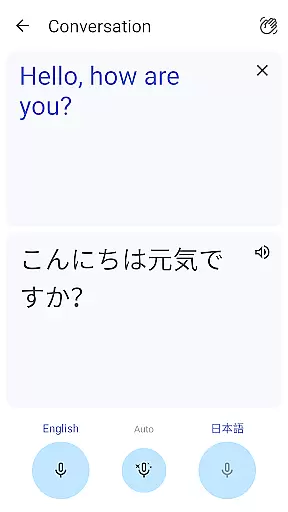
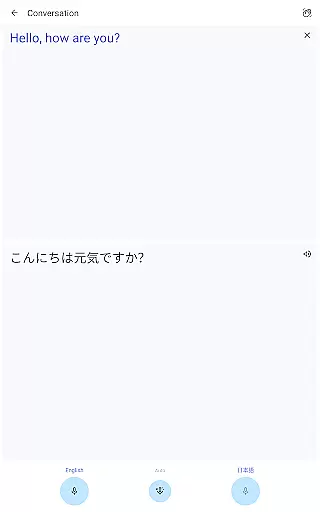
The application stands out with its ability to handle bilingual conversations in real-time, making it an essential tool for travelers and professionals. Its phrasebook feature allows users to save frequently used translations, while cross-device syncing ensures seamless access across multiple devices. Whether you need to translate menus, signs, or have a conversation, Google Translate provides reliable support.
This app is particularly useful for international travelers and language learners. By offering high-quality translations through photos and supporting transcription in near real-time, it bridges communication gaps effectively. The app's comprehensive language coverage and intuitive features make it an indispensable tool for overcoming language barriers in everyday situations.
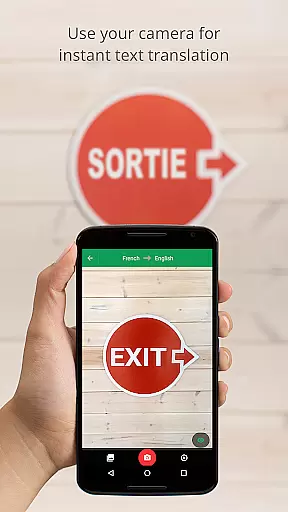
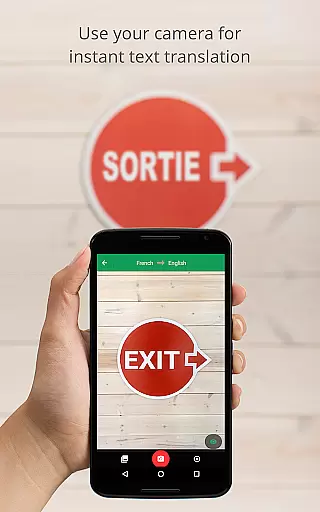
Google Translate boasts an impressive array of features designed to make translation as seamless as possible. One of its standout capabilities is the instant camera translation, which translates text from images in 94 languages simply by pointing your camera. This feature is especially helpful when navigating foreign environments or deciphering complex documents.
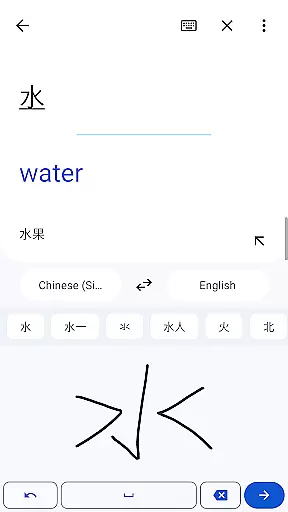
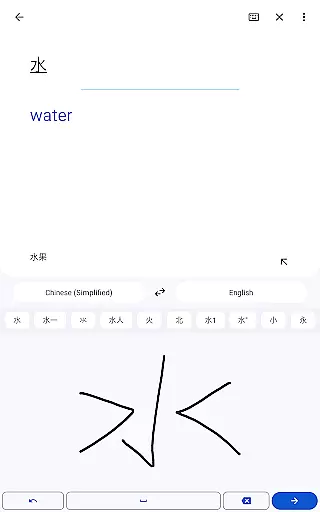
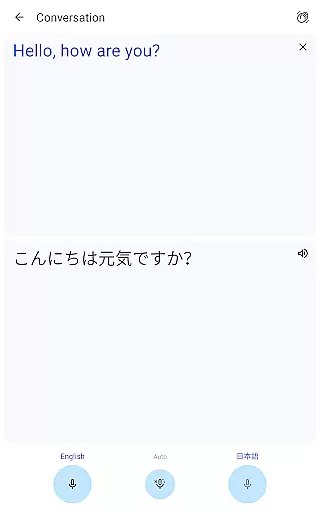
The app also supports offline translation for 59 languages, ensuring functionality even without internet access. Its conversation mode facilitates real-time bilingual communication in 70 languages, while the handwriting feature recognizes text characters in 96 languages. Additionally, the phrasebook function lets users save important translations for future reference, and cross-device syncing keeps everything accessible across platforms.
Another innovative feature is the transcription capability, which provides continuous translation of spoken language in near real-time for 8 languages. These robust features collectively enhance the user experience by providing flexible, accurate, and timely translation options for various needs and contexts.
Google Translate's core functionality lies in its ability to deliver accurate translations across 108 languages. This is achieved through Google's advanced machine learning algorithms, which continuously improve translation quality based on user input and corrections.
The app offers multiple translation modes including text, voice, camera, and even offline translations. Each mode employs specialized processing - for instance, the instant camera translation uses optical character recognition (OCR) combined with translation algorithms to provide real-time results.
Users benefit from an effective translation experience that maintains context and meaning across different languages. The bilingual conversation mode allows for fluid communication between speakers of different languages, while the phrasebook feature lets users save frequently used translations for quick reference.
The app's effectiveness is further enhanced by its cross-device syncing capabilities, allowing users to access their saved translations across multiple devices. This comprehensive approach to language translation ensures users can communicate effectively in various scenarios, from travel to business interactions.
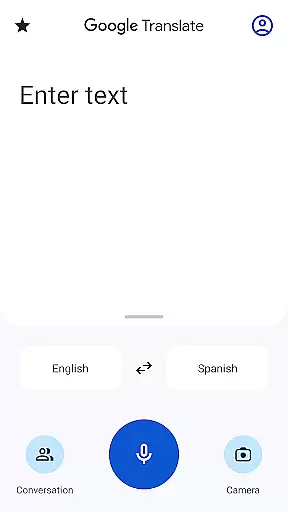
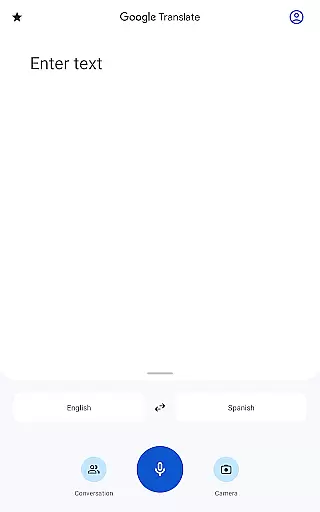
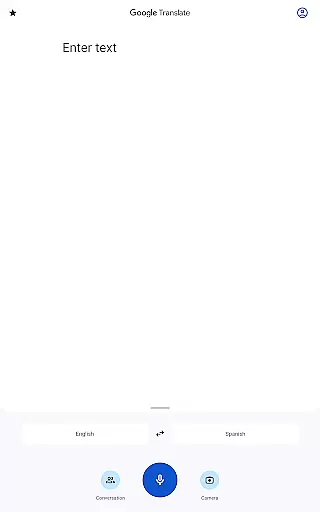
The interface of Google Translate has been carefully designed to provide a simple and intuitive user experience. The main translation screen presents only essential elements - source and target language selectors, input field, and microphone button for voice input.
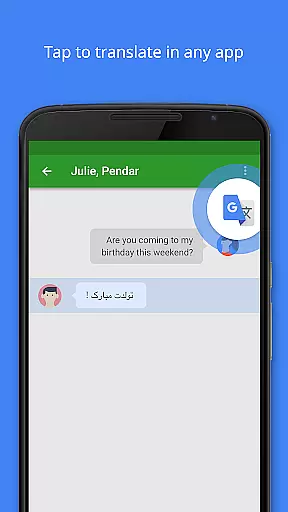
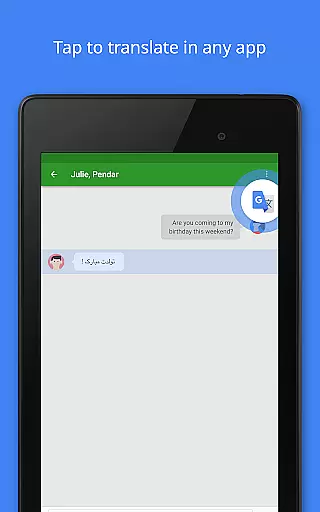
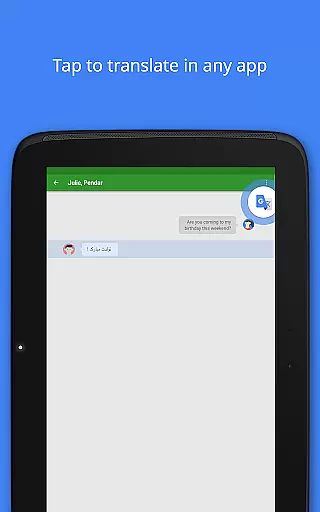
Key features are easily accessible through clear icons and minimalistic design. The tap-to-translate functionality integrates seamlessly with other apps, allowing users to translate text without leaving their current application.
Navigation throughout the app follows standard mobile design patterns, making it easy for new users to discover additional features like handwriting input or photo translation. These features are presented in a straightforward manner that doesn't overwhelm users with complex options.
The app's intuitive design extends to its offline functionality, where users can download language packs with clear storage information and progress indicators. This thoughtful approach to interface design ensures that both casual users and frequent travelers can utilize the app's full capabilities with minimal learning curve.
User-friendly interface
Wide language support
Offline functionality
Instant camera translation
Cross-device syncing
Limited offline languages
Occasional inaccurate translations
Requires internet for best results
Transcription limited to few languages
Ads in free version

HD Camera captures every special moment.
 4.60
4.60
Just swipe the edge to do something!
4.40
Safely recover deleted photos, videos, and files with a single easy tap.
3.70
Carry a FTP server in your pocket and avoid USB cables for file transfer
4.20
MS-DOS in your pocket. Play old DOS games anywhere you are ;)
4.10
View detailed information about your Nissan Leaf the dealer never shows you.
4.10
Bedrock Together: Join any bedrock server on Xbox/PS
4.80
Pro Emulator is an easy to use game console emulator for a range of consoles.
4.40
Screen recorder with audio to record high-quality videos and take screenshots.
4.40
The one-and-only remote control for PC, Mac, and Linux
4.70
Learn the vast amount of system information about device and monitor it's state
4.70
Planner and Tracker for Stardew Valley
4.60
Quickly switch to an encrypted DNS server on Android TV
4.50
Remote for Roku, Fire TV, Samsung TV, LG TV, Android TV, Chromecast and VIZIO TV
4.20
Effortlessly run ADB commands directly on your device without a PC.
4.20 4.10
4.10
1-Click close all background apps on Android TV
3.90
Amateur Radio app for APRS: Track friends, exchange messages, get tactical info.
3.90
Save any video in HD - paste the link, download fast and watch offline.
4.5


User Reviews