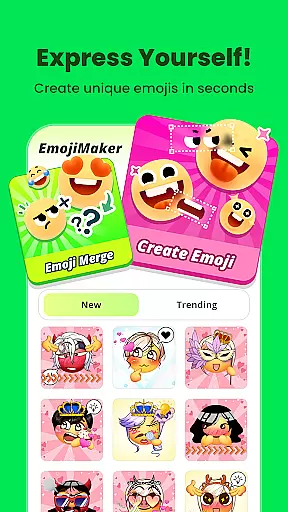
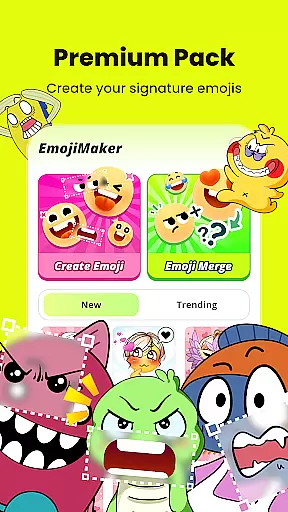
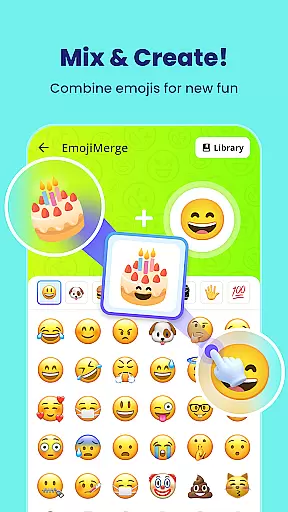
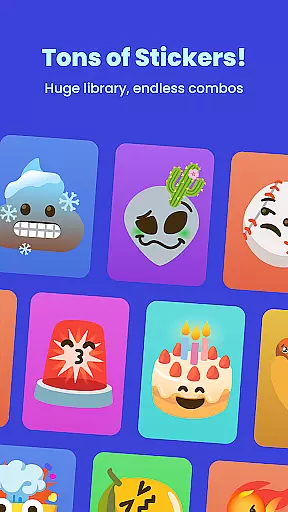
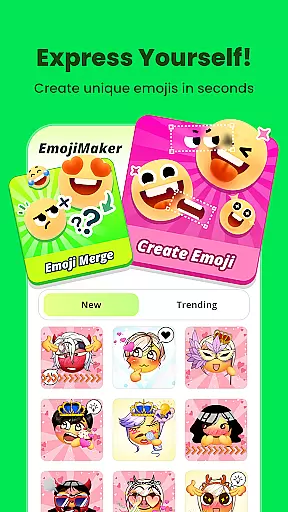
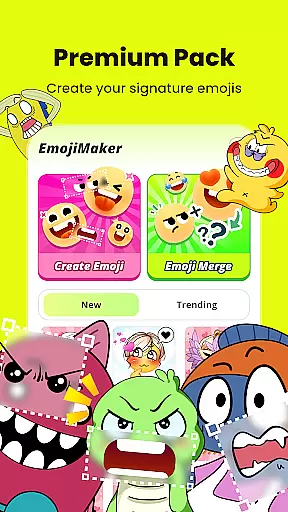
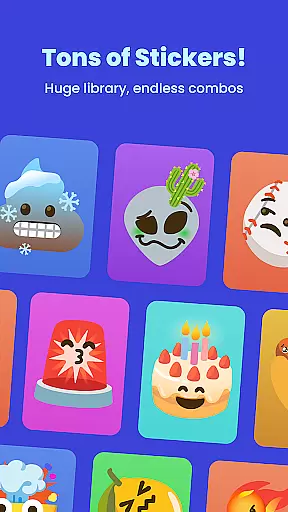
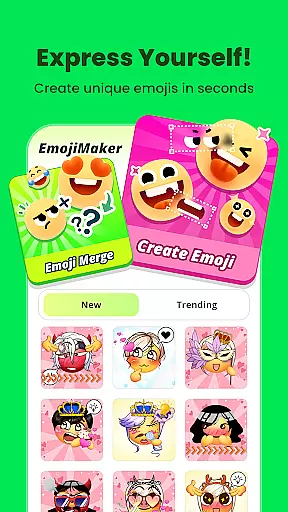
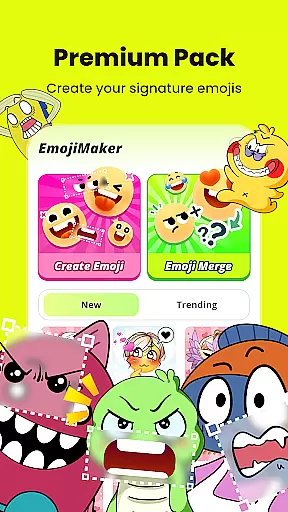
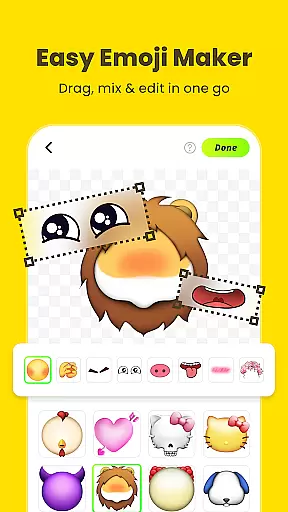
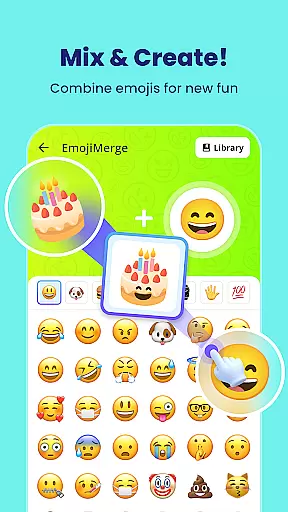
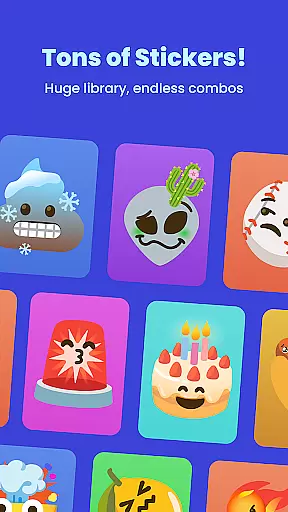
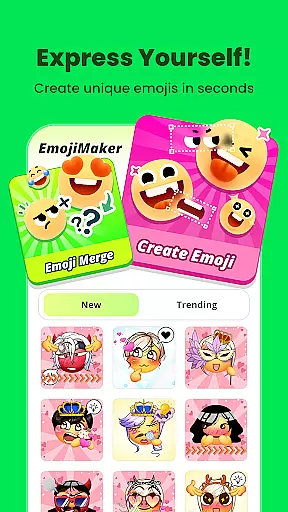
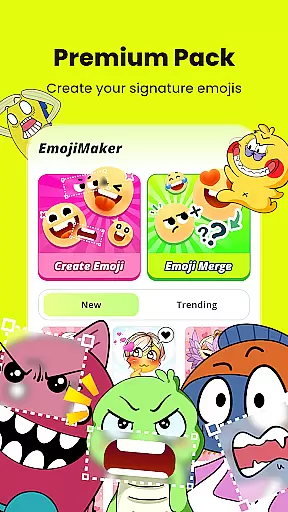
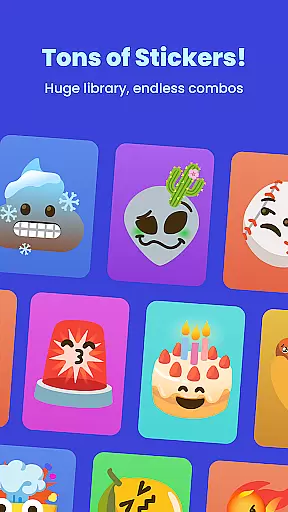
Gemoji is a creative emoji maker app that allows users to design personalized emojis and stickers. With an extensive library of components, the app enables customization of facial features, accessories, and colors, catering to various moods and occasions. The intuitive interface ensures ease of use while providing real-time previews of creations.
Whether you're crafting unique emojis for messaging apps or designing custom stickers for social media, Gemoji offers a seamless experience. Its standout feature is the ability to express individuality through bespoke designs, making it perfect for enhancing digital communication with a personal touch.
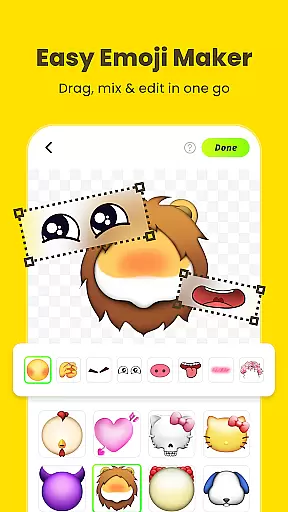
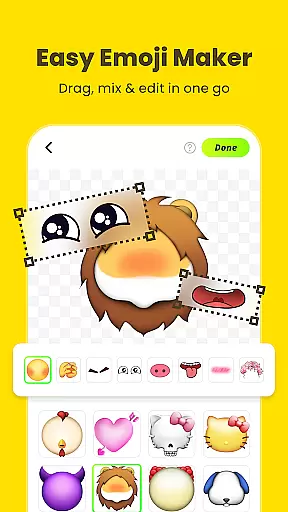
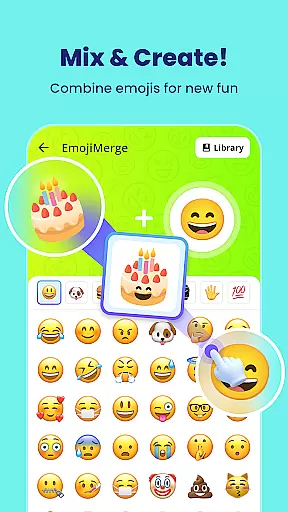
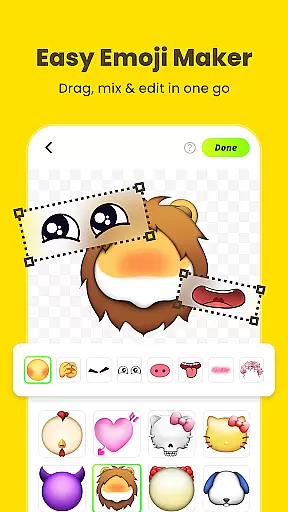
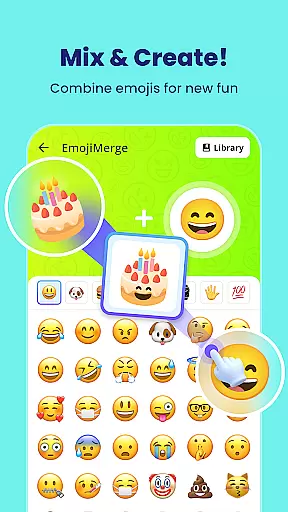
Gemoji stands out with its rich set of features tailored for creativity. Users can mix and match different elements such as eyes, mouths, and accessories from a vast selection. The app provides a wide array of vibrant colors and playful expressions, allowing for endless customization possibilities.
One of the key highlights is the real-time editing feature, where changes appear instantly, giving immediate feedback on your designs. Additionally, Gemoji supports transforming your custom emojis into stickers, which can be shared across various platforms. Frequent updates introduce new components and seasonal themes, ensuring the content stays fresh and engaging for continuous use.
Customization is at the heart of Gemoji, allowing users to express their unique style and creativity through emojis. With a vast array of options, users can mix and match different elements such as eyes, mouths, accessories, and more, ensuring that each emoji is one-of-a-kind.
The app provides an extensive selection of colors and design components, enabling creators to craft emojis for every mood, season, or special occasion. This level of personalization ensures that whether you're looking to design cute characters, quirky faces, or unique stickers, Gemoji accommodates all creative expressions.
By offering frequent updates with new components and seasonal themes, Gemoji keeps the content fresh and engaging. Users can continually explore new possibilities and expand their emoji library, making communication more personalized and fun.
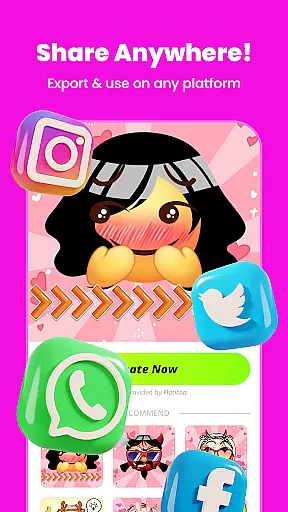
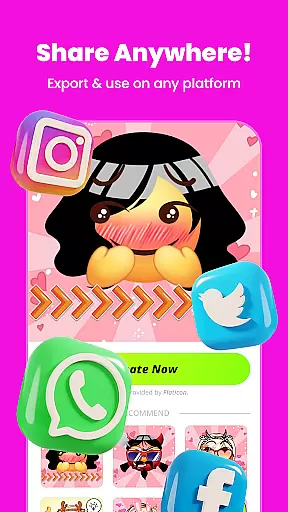
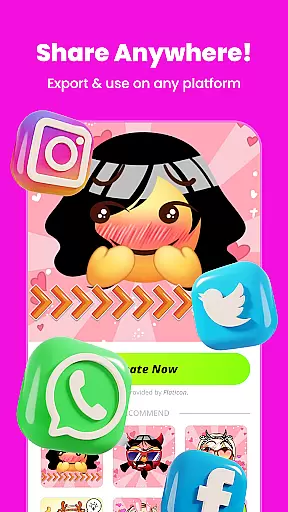
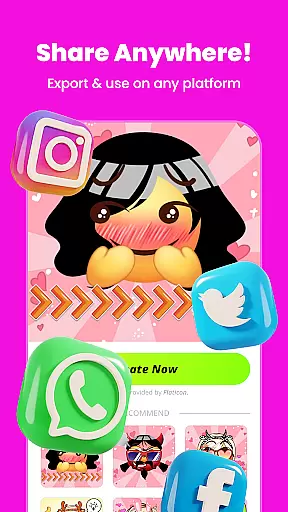
Gemoji excels in theme compatibility, providing a seamless experience across various messaging platforms. Once you've crafted your custom emojis, they can be transformed into fun stickers ready for use in your favorite messaging apps.
The app's design supports high-quality downloads of your creations, which means that when shared with friends and family, your emojis retain their vibrant look and playful essence. This ensures that no matter where you choose to use your emojis, they will appear just as you intended.
Moreover, Gemoji's compatibility extends beyond messaging; it allows for saving and sharing your emojis as stickers or images, integrating effortlessly into different digital environments. Whether it's for birthdays, holidays, or everyday chats, Gemoji ensures that your personalized emojis enhance any conversation.
User-friendly interface
Extensive customization options
Vibrant color palette
Real-time design preview
Frequent content updates
Limited free features
In-app purchases required
Occasional bugs reported
High storage usage
Learning curve for beginners

Winter's Journey: digital watch face for Galaxy Watch & Wear OS
 4.80
4.80
Wear Os Watch Face - Seasonal - Animated Snow Effect - 9 Animals
4.20
Make your phone look simple & luxury, like iDevice
4.60
Ultimate widget creator. Design custom widgets for a truly unique home screen!
3.90
Struggling to find apps? Use this app to locate and open any app on your phone!
2.20
400+ Beautifully crafted widgets inspired by NOTHING.
4.70
Transform your device in a game console
4.40
Modern Glass Icon Pack with glossy icons, clean minimal theme & aesthetic style
4.1
Your home screen, just the way you like it.
4.30
Sparkle your screen with Glitter Wallpapers For Girls and Cute Backgrounds!
4.80
Bring adorable pets to life on your screen. Playful, interactive and full of fun
4.60
Choose your keyboard with RGB colors effect, themes, fonts, emojis.
4.60
Ultra realistic gold analog watch face with lots of customization options.
4.50 4.50
4.50
Fingerprint Lock Screen & Live Animations with 4K Wallpapers as Live Wallpaper
4.40
Art & Emoji Keyboard with Cool Fonts, Cute Themes and Custom Designs.
4.40
Your go to Weather App & Home Screen. Get your weather at a swipe of a finger!
3.80
Interactive Miniature Painting Catalogue
3.30
Prank your friends with realistic broken screen and cracked HD effects!
4.1


User Reviews