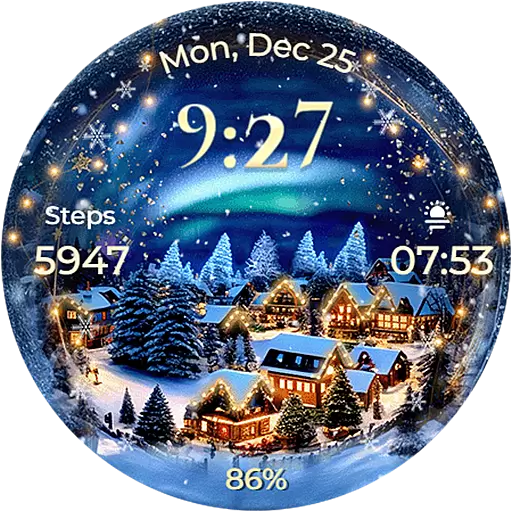
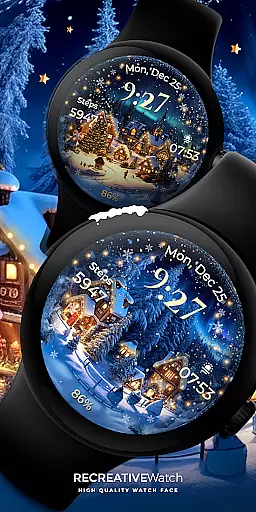
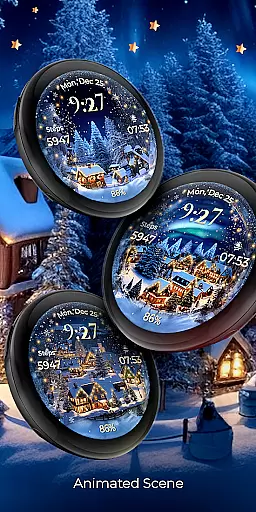
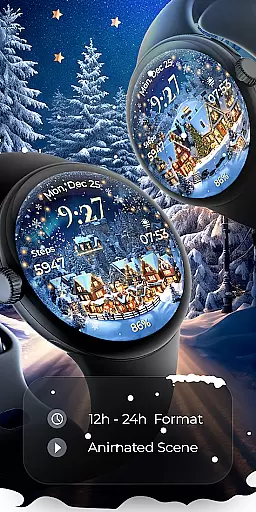
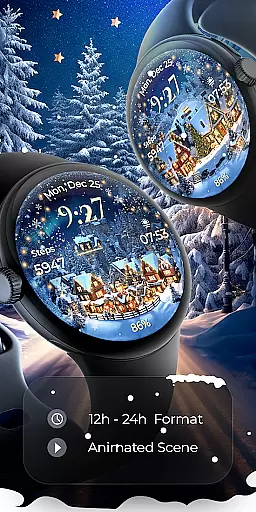
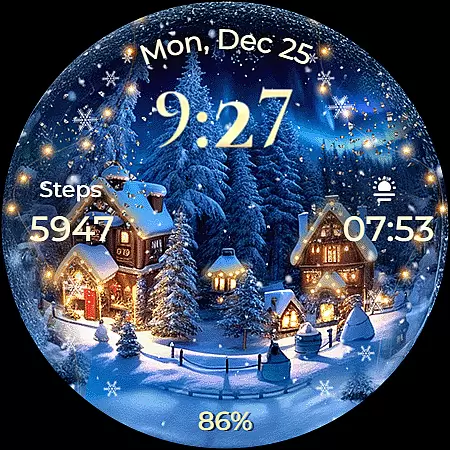
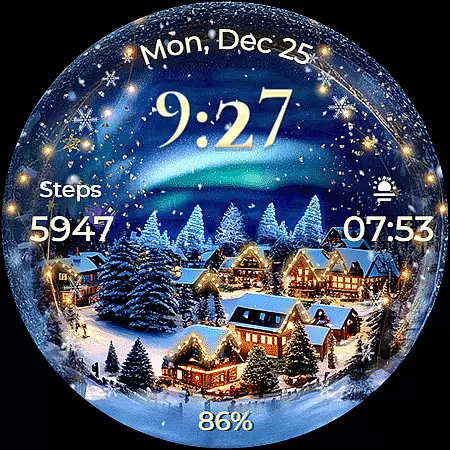
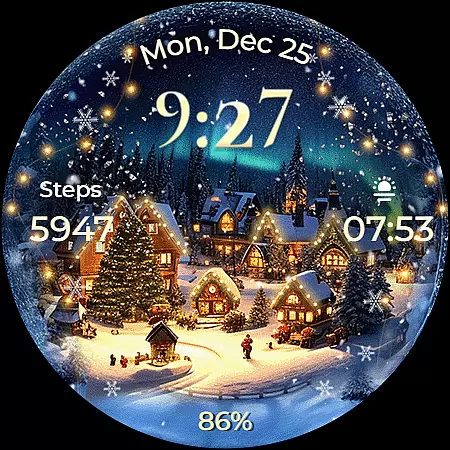
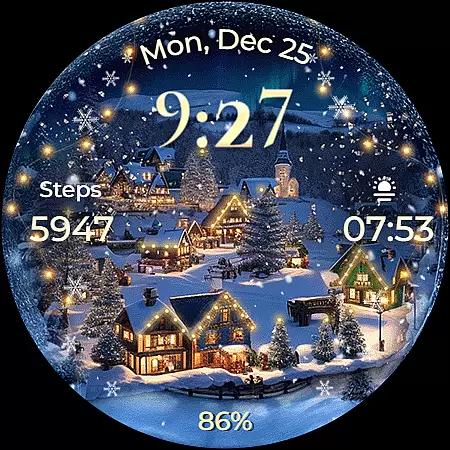
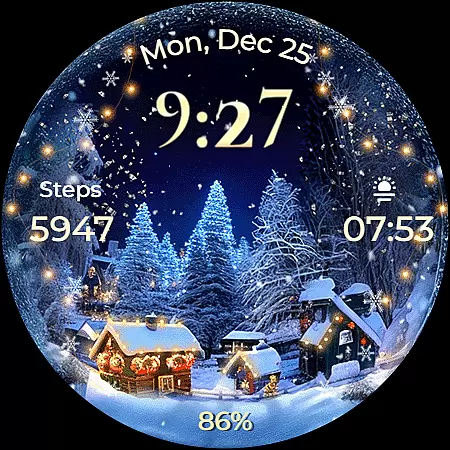
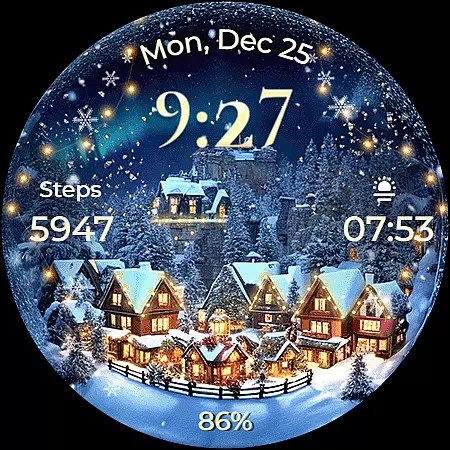
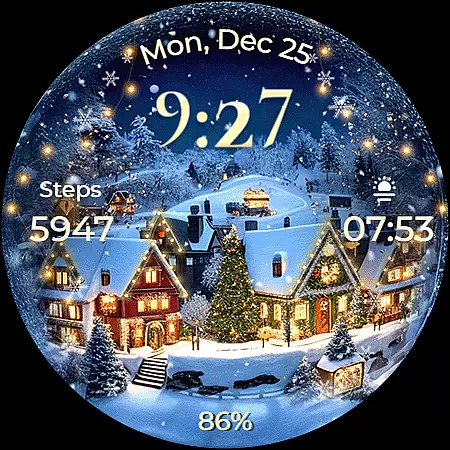
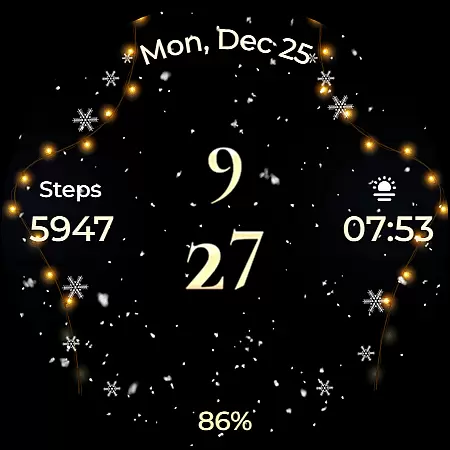
Animated North Pole Christmas is a festive Wear OS watch face that brings the magic of the holiday season to your wrist. Featuring animated snowfall and a magical sparkle, this app captures the essence of winter cheer with Santa's journey through snowy landscapes.
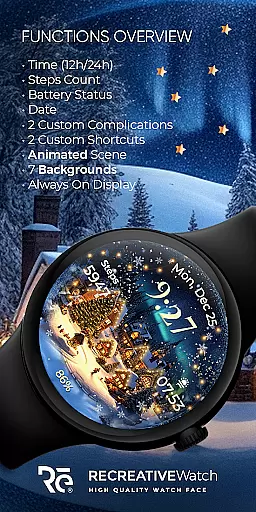
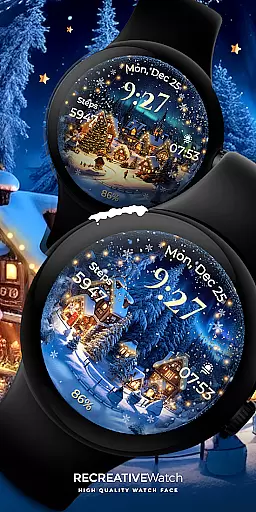
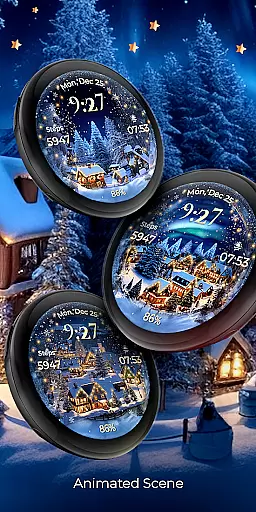
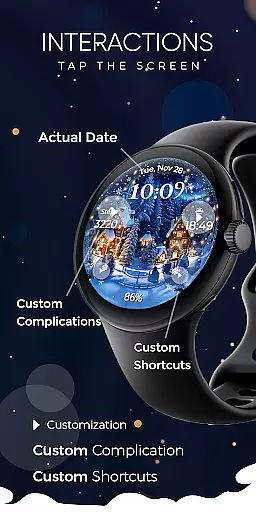
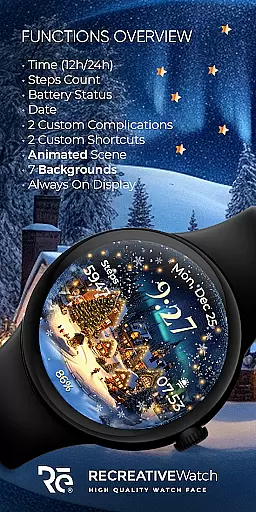
The watch face offers essential functionalities such as 12/24h digital time, date, battery status, and step count. Users can customize their experience with two complications and shortcuts, choose from seven different backgrounds, and enjoy an always-on display mode with changeable colors and modes.
Perfect for those who love the holiday spirit, this app ensures you carry the joy of Christmas wherever you go while providing practical utility on your smartwatch.
This Wear OS watch face stands out with its unique Christmas theme. The animated snowfall and magical sparkle create an enchanting visual effect that captures the festive season's charm.
Functionality-wise, it includes a 12/24h digital clock, displays the date and battery level, tracks steps, and supports up to two customizable complications and shortcuts. With seven different backgrounds and an always-on display option, users can tailor the appearance to their preferences.
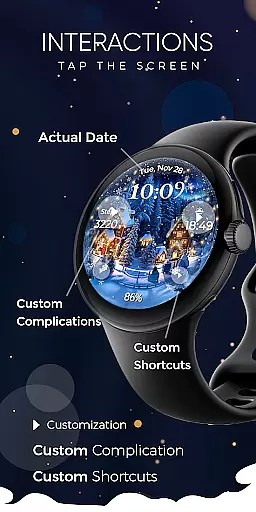
The customization process is straightforward - simply touch and hold the display to access options like changing background or setting complications. For optimal battery performance, users are advised to disable the always-on display mode when not needed.
Companion app integration is essential for ensuring seamless functionality between wearable devices and smartphones. Animated North Pole Christmas offers a dedicated mobile app that simplifies the installation process and helps users locate the watch face on their Wear OS devices.
The phone app serves as a bridge, enabling users to access additional features and settings not directly available on the watch interface. This ensures that users can customize their experience while maintaining ease of use.
While the mobile app contains ads, it enhances user convenience by providing quick access to customization options and troubleshooting guides. This strategic design choice keeps the watch face itself free from distractions, focusing purely on delivering an immersive holiday experience.
Device compatibility is crucial for ensuring optimal performance across various Wear OS devices. Animated North Pole Christmas supports API level 33+ devices, including Google Pixel watches and Samsung Galaxy Watch series 4, 5, and 6.
This broad compatibility range allows users with different Wear OS devices to enjoy the festive watch face. The application's support for Always ON Display with customizable colors and modes further enhances its versatility across supported devices.
By maintaining compatibility with multiple devices, the watch face ensures that users can embrace winter magic regardless of their specific Wear OS device model. This inclusive approach maximizes the potential user base while maintaining high-quality performance standards.
Unique Christmas theme
Customizable features
Always ON Display
Animated effects
User-friendly interface
Battery consumption
Limited to Wear OS
No automatic application
Fewer features in AOD
Premium feel but free

Christmas Theme Watch Face for Wear Os
 5.00
5.00
Embrace the festive spirit with our Christmas Countdown watchface for Wear OS
4.10
Watch face designed for Thanksgiving Day. 7 Background Styles included.
3.20
Let's celebrate Thanksgiving - Wear Os watch face
4.20
Authentic military-tactical design with ZULU time! Realistic and functional!
3.80
Retro digital watch face with customizable colors and a unique lighting effect
4.60
A digital watch face that celebrates Christmas.
4.00
A white realistic classic analog watch face with many customization options.
4.40
Back up your contacts & access them anywhere
4.30
Easy Voice Recorder is your everyday companion to record important moments.
4.70
The most customizable hybrid watch face. For Wear OS 5.0, API 34+ and later
4.70
Kia Access makes getting your vehicle information easier than ever
4.60
To-Do List: daily schedule planner, task organizer, to do reminder app, calendar
4.60
Beautiful artistic animated digital watch face, with a customizable layout!
4.40
Digital watch face. For Wear OS devices.
4.40
Watch face for Wear OS.
4.20
Watch the sharpness of the sky on your wrist..
3.70
Sleek, highly customizable watch face inspired by Galaxy Watch Circle Dashboard.
4.5
Fitness interactive virtual pet super fighter boy watch face
4.2


User Reviews