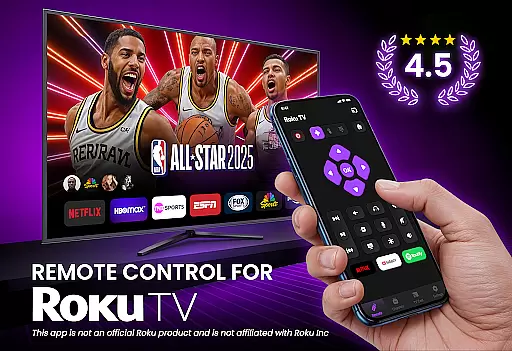
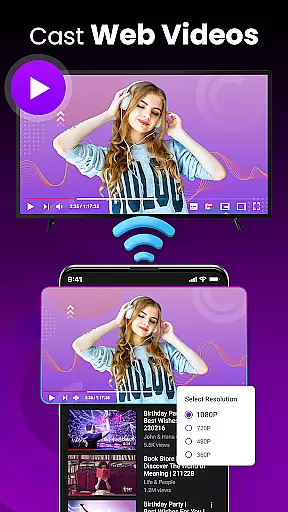
TV Remote Control for RokuTV transforms your smartphone into a powerful universal remote, offering complete control over your Roku TV. The app provides all essential remote functions including navigation, media playback, volume control, and channel switching.
With advanced features like screen mirroring, quick-launch shortcuts for popular apps, and an integrated smart keyboard, this tool streamlines your entertainment experience. Its intuitive swipe-based touchpad and automatic device detection make it the most convenient way to operate your Roku TV.
Ideal for those who frequently misplace their physical remotes, this app ensures you'll always have a reliable control solution in your pocket. Compatible with all Roku TV models from major brands, it represents the ultimate smart TV companion.
This app stands out with its comprehensive feature set designed specifically for Roku TV users. The automatic Wi-Fi based device detection system instantly connects your phone to your TV without complex pairing procedures.
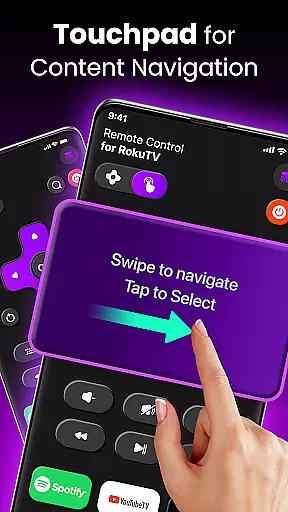
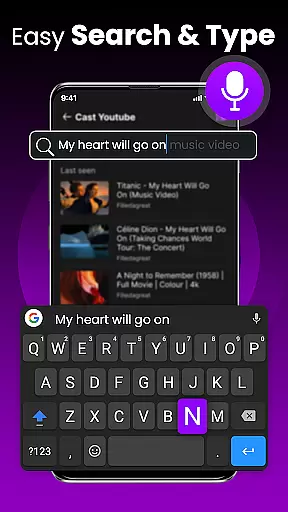
Users benefit from complete remote functionality including playback controls, volume management, and channel switching. The innovative swipe pad navigation offers a modern alternative to traditional button-based controls, while the smart keyboard enables fast text entry for searches and logins.
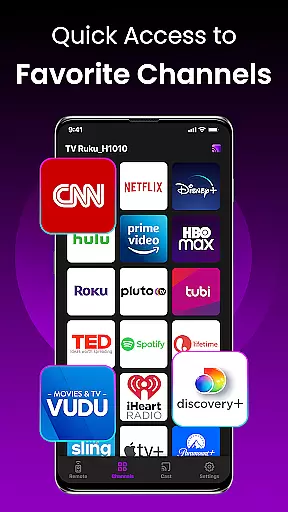
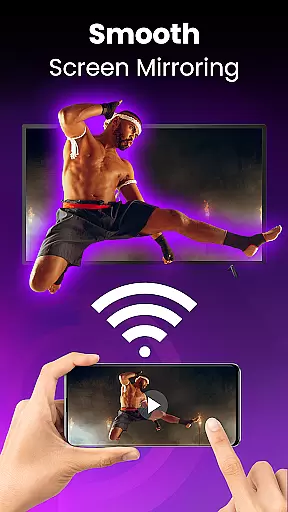
Additional premium features include screen mirroring capabilities for sharing mobile content on the big screen, and customizable quick-launch buttons for instant access to favorite streaming services like Netflix and Hulu.
TV Remote Control for RokuTV ensures precise and effective core functionality by offering a comprehensive set of features that replace the traditional remote. The app provides complete control over your Roku TV, including play, pause, volume adjustment, and channel switching, all through an intuitive interface.
The swipe pad navigation feature allows users to smoothly browse Roku's interface without the hassle of physical buttons. This modern touch-based approach guarantees responsive interaction, making menu navigation effortless and enhancing the overall user experience.
Additionally, the app includes a smart keyboard for fast typing, which simplifies searching for content and entering passwords. By integrating these advanced functionalities, the app delivers a seamless and efficient way to interact with your TV, ensuring every command is executed accurately and swiftly.
The interface design of TV Remote Control for RokuTV emphasizes simplicity and intuitiveness, ensuring users can easily navigate and utilize its features. With a clean layout and straightforward controls, the app minimizes the learning curve, allowing users to quickly adapt to its functionalities.
Upon opening the app, users are greeted with an auto-connect feature that detects their Roku TV within seconds, provided both devices are on the same Wi-Fi network. This immediate connection reduces setup time and offers a hassle-free start to managing your TV activities.
Moreover, the app's one-tap shortcuts to popular channels like Netflix and Hulu exemplify its user-centric design. These shortcuts not only save time but also enhance accessibility, making it simple for users to access their favorite content without unnecessary steps. Such thoughtful design elements underscore the app's commitment to providing an intuitive and user-friendly experience.
User-friendly interface
Quick device connection
Comprehensive remote functions
Smart keyboard integration
Universal Roku compatibility
Requires Wi-Fi connection
Phone-only functionality
No physical buttons
Third-party application
Basic free version

 4.50
4.50
Unlock your Essential Key. Create custom shortcuts to your favorite apps!
4.2
HD Video player and downloader for all formats, fast & smooth 4K video playback.
4.60
Amateur Radio app for APRS: Track friends, exchange messages, get tactical info.
3.90
Create your own live wallpaper or check out thousands already made presets
3.90
Mirror your screen to Chromecast and Android TV - Super fast and simple
4.60
The one-and-only remote control for PC, Mac, and Linux
4.70
Play your X-Box games remotely in 1080p with any controller and zero latency
4.60
Automate everything from settings to photos, SMS to speech. ADC2 prize winner.
4.10
Easily install aab(Android App Bundle) files on your Android device with our app
4.80
Monitor car performance in real time and troubleshoot malfunctions.
4.80
Small and simple app to Verify Root Access and BusyBox Install!
4.70
App to pay for FUTO Keyboard
4.60
Button mapper, mouse toggle, sleep timer and a lot of another features
4.50
Use your phone as a webcam on your computer over WiFi or USB.
4.40
Create your own custom widget with endless possibilities
3.90
Undelete and recover your lost or deleted files with DiskDigger!
3.40
card-reader app
2.20
Download any file easily and quickly with Downloader
4.0


User Reviews