
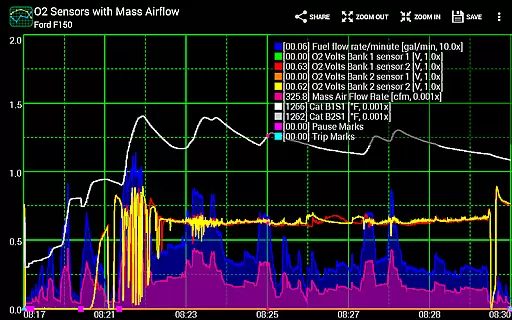
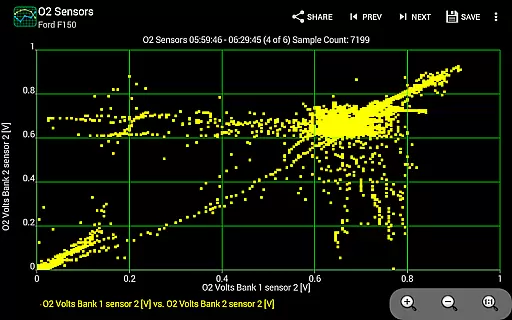
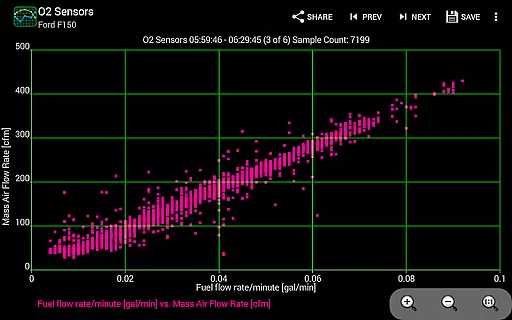
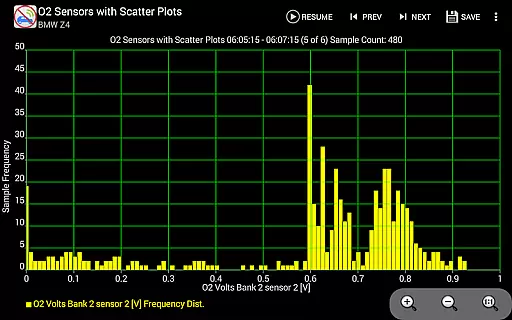
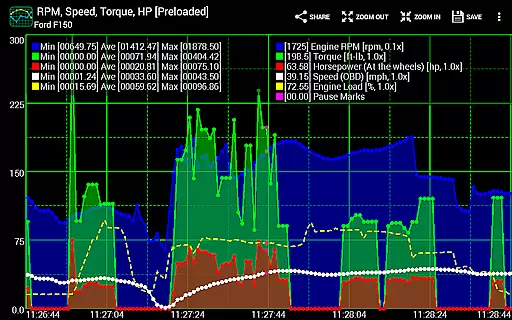
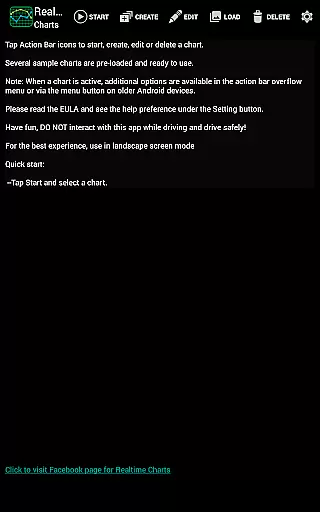
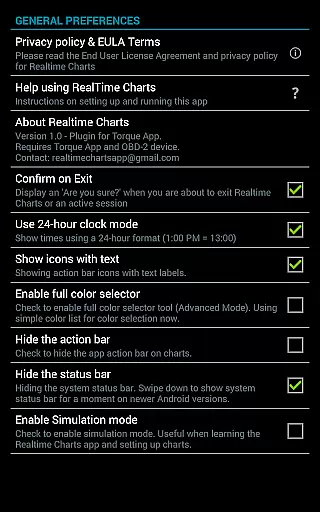
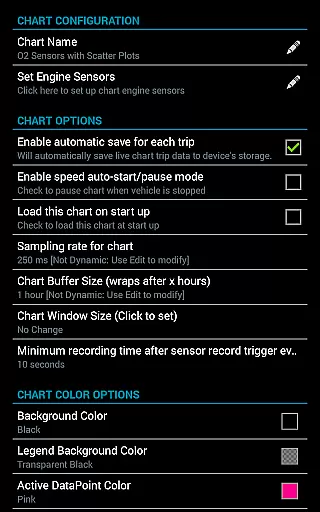
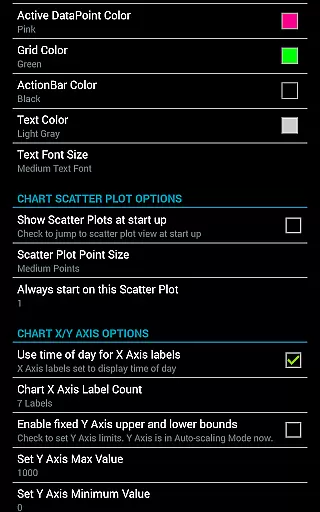
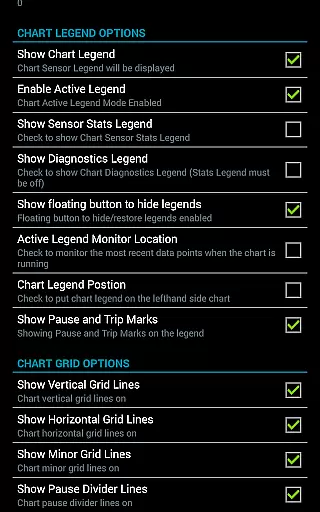
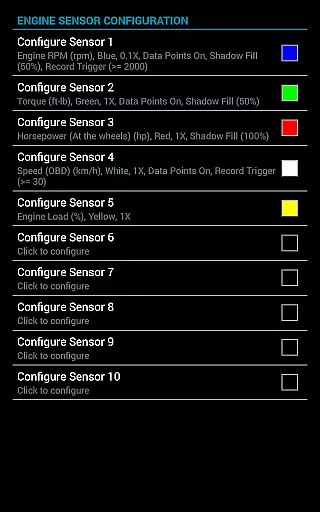
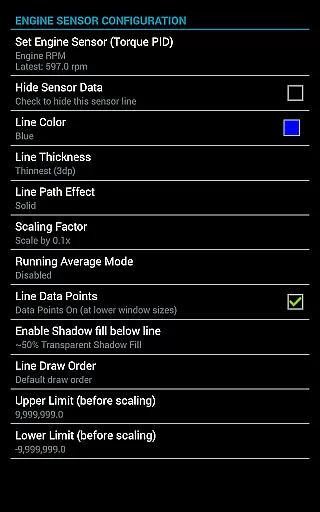
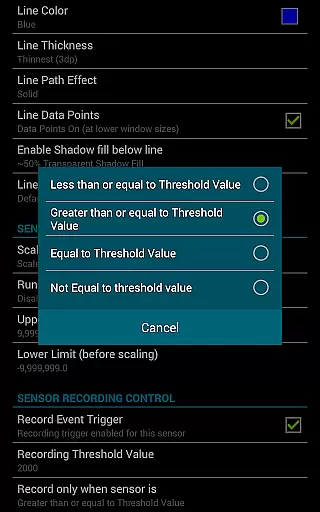
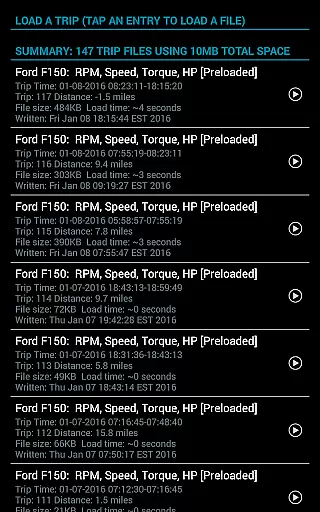
Realtime Charts for Torque Pro is a specialized plugin designed to enhance vehicle performance monitoring for automotive enthusiasts and professionals. This app allows users to graph up to 10 engine sensors simultaneously, providing real-time data visualization on Android devices. Key functionalities include custom chart creation, scatter plot analysis, and sensor data capture based on specific criteria.
The application supports advanced features such as dynamic scaling, running averages, and session management. It serves as an essential tool for in-depth vehicle diagnostics, making it valuable for tuning and analysis purposes. Users can create professional visualizations and share them across various platforms, enhancing collaboration and discussion within the automotive community.
Realtime Charts offers an extensive feature set tailored for automotive diagnostics. The app enables real-time monitoring of multiple engine parameters, including RPM, speed, and MPG, through customizable charts. With support for scatter plot analysis and frequency distribution, users can perform detailed performance evaluations.
Additional capabilities include trigger-based data capture, auto-pausing during vehicle stops, and background sensor recording. The app provides flexible chart customization options, allowing users to adjust sampling frequencies, axis scaling, and visual attributes. These features collectively enable comprehensive performance tracking and facilitate sharing detailed analyses with peers.
Realtime Charts for Torque Pro offers unparalleled access to detailed vehicle information, making it an essential tool for automotive enthusiasts and professionals. The app allows users to monitor up to 10 engine sensors simultaneously, providing real-time data on crucial parameters such as RPM, speed, MPG, horsepower, and torque.
This level of detail empowers users to analyze their vehicle's performance with precision. By graphing multiple engine sensors as distinct series, the app enables in-depth monitoring that can help diagnose issues, fine-tune performance, or simply satisfy curiosity about how different systems interact under various driving conditions.
Moreover, the ability to create custom charts means that each user can tailor the displayed information exactly to their needs. Whether you're a DIY mechanic looking to troubleshoot a specific problem or a professional tuner aiming to optimize engine output, Realtime Charts provides the necessary insights through its comprehensive sensor coverage and customizable visualization options.
While Realtime Charts for Torque Pro itself is a plugin that requires purchase, it promotes price transparency by clearly stating its prerequisites. Users need a wireless OBD2 adapter and the Torque Pro app installed on their Android device, ensuring there are no hidden costs or surprises when acquiring the toolset needed for effective use.
The app also supports cost-effective vehicle maintenance and tuning by enabling precise diagnostics without the need for expensive dealership visits. With features like scatter plot analysis and custom sensor threshold triggers, users can pinpoint issues before they become costly repairs, saving both time and money in the long run.
Additionally, Realtime Charts offers flexible purchasing options for those interested in exploring automotive data analysis without breaking the bank. By providing extensive functionality within a single purchase and encouraging community sharing of chart configurations, the app delivers significant value while maintaining clear communication regarding associated costs for additional resources or accessories.
User-friendly interface
Highly customizable charts
Real-time data visualization
Advanced diagnostic tools
Excellent social sharing options
Requires separate OBD adapter
Torque Pro app dependency
Complex for beginners
Specific hardware needed
No iOS version available

Taximeter; the professional's choice
 4.30
4.30
OBD1 ECMs application. Data log or tune directly from your phone or tablet!
4.60
Launcher for use in the car
4.40
The Texaco App allows you to pay for fuel from the comfort of your car!
4.80
Get your personalized financing options and shop for used cars today!
4.20
Digital Car Key/Launcher, Screen Mirror, Android Dashboard, Remote Wireless Link
4.40
Car Values, Research and More
4.80
Secure mobile payments & fuel savings at Phillips 66®, Conoco® and 76® stations
4.40
Take state-specific DMV permit tests and ace the exam.
3.90
Marathon ARCO Rewards members earn rewards & apply the rewards for fuel savings!
4.80
Trip computer+car diagnostic tool with widest variety of features and dashboard!
4.70
Shop cars & see your financing
4.60
Your car is talking. Start listening.
4.30
Control maps, media and messaging, with the Google Assistant while you drive
4.10
PayByPhone: A quick and easy way to pay for parking.
3.80
Club Car Wash Mobile App—the fast lane to managing your wash membership.
3.30
Better fuel to help keep you on the road
3.20
Theme for Car Launcher
4.0
DIY Vehicle Wheel Alignment
4.2


User Reviews