
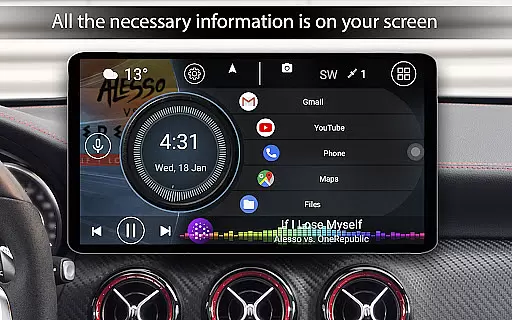
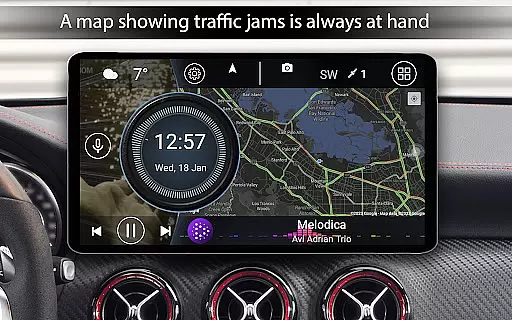
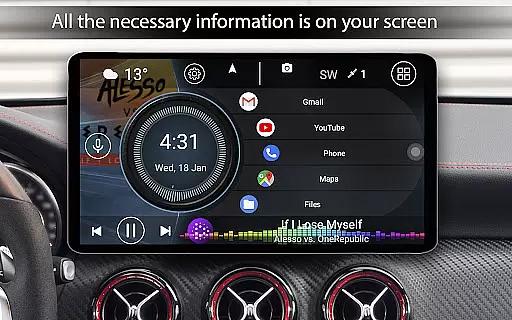

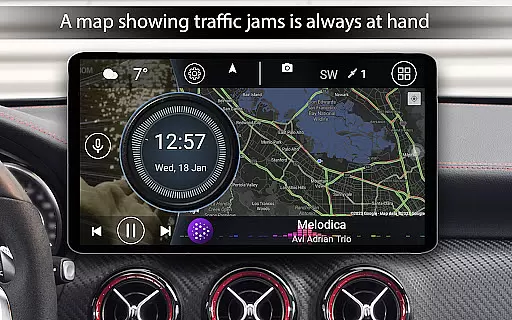
Car Launcher Pro is a specialized application designed for automotive use, enabling seamless control of Android-based car systems. The app serves as an all-in-one solution for managing your in-car entertainment and information systems efficiently.
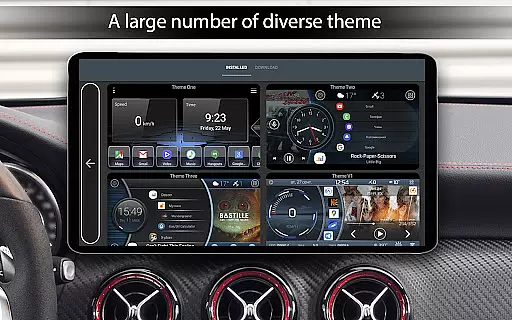
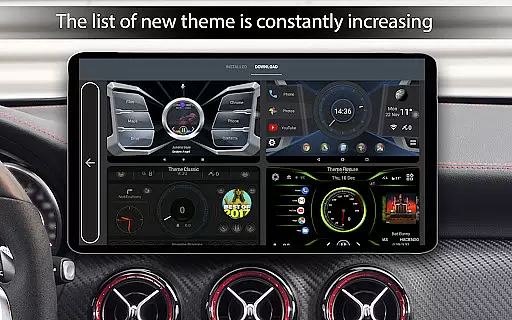
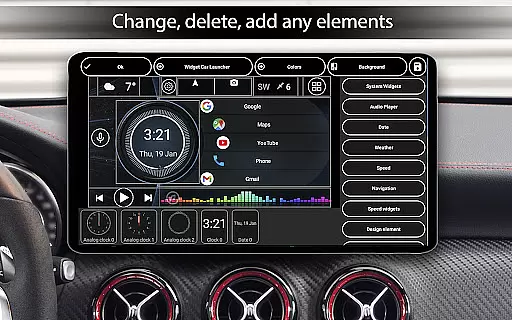
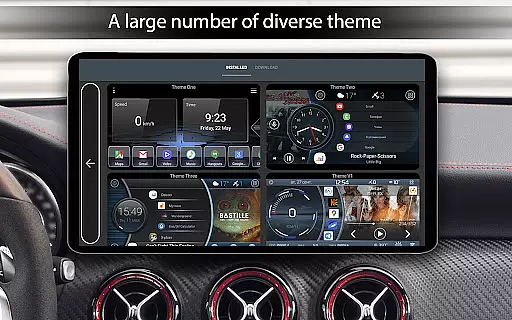
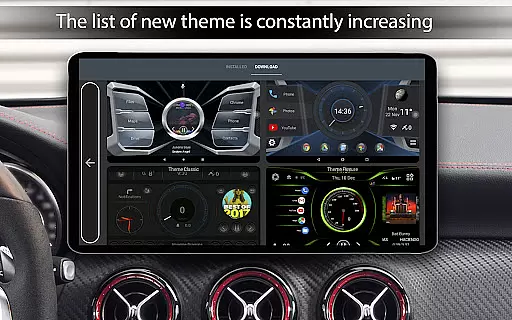
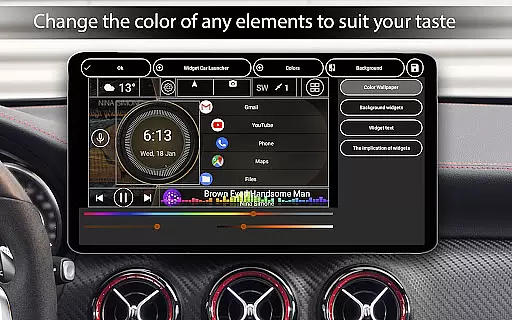
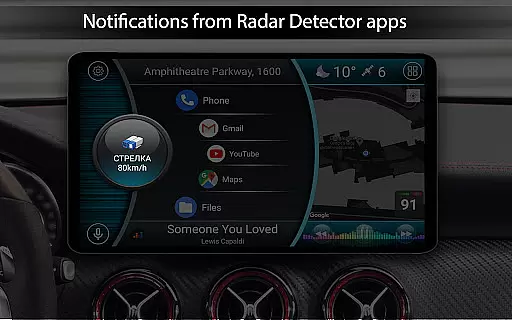
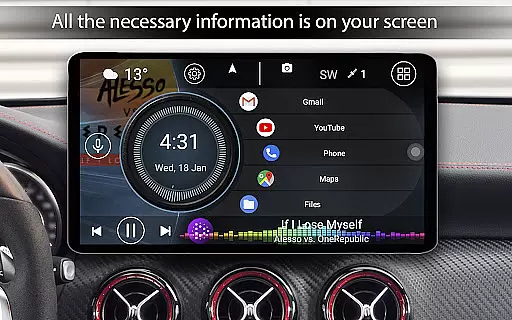
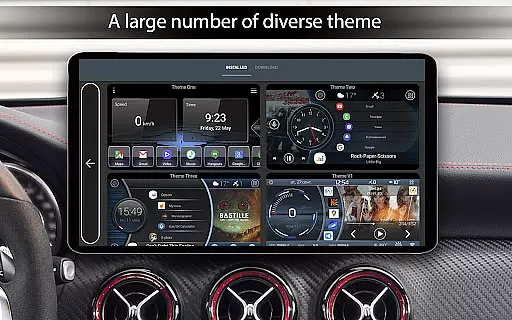
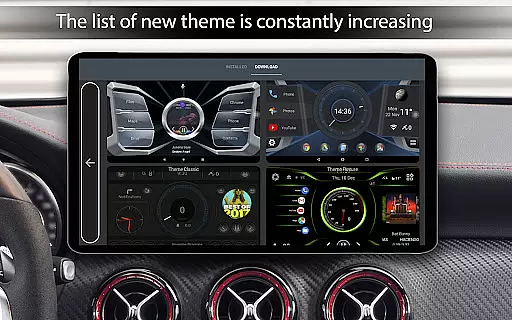
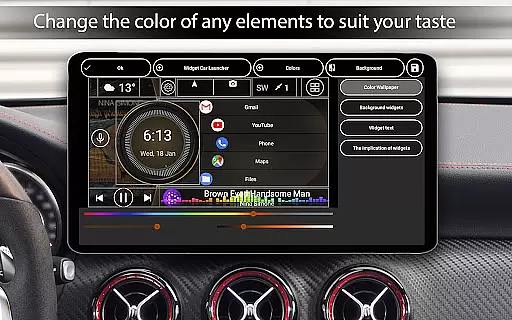
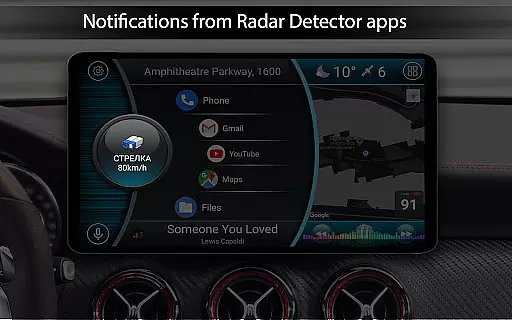
Core functionalities include the ability to customize quick-access apps on the main screen, display real-time vehicle speed, and access an onboard computer with detailed trip statistics. It also supports third-party themes, widgets, and players, enhancing user experience through personalization.
Ideal for road trips or daily commutes, Car Launcher Pro transforms your car's interface into a personalized hub, offering both utility and convenience while driving.
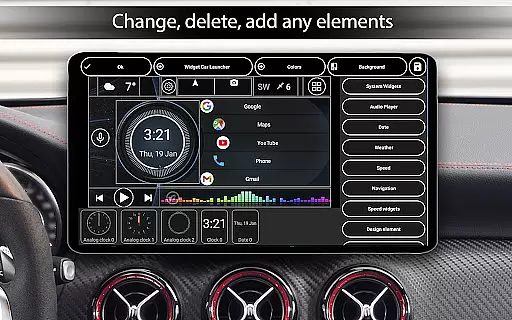
Car Launcher Pro stands out with its comprehensive feature set tailored for drivers. One key aspect is its highly customizable home screen, allowing users to organize apps into folders and switch between them effortlessly.
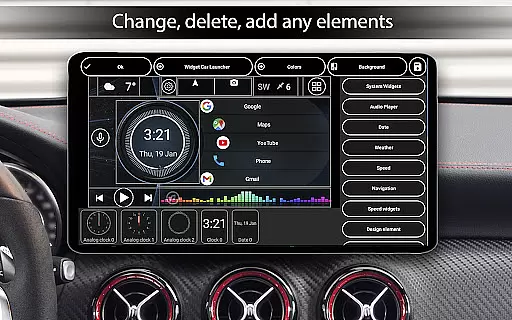
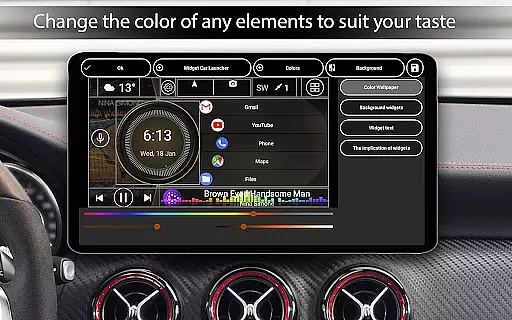
The app provides advanced vehicle data tracking, such as trip distance, average speed, and acceleration metrics. Users can configure display settings for speed in km/h or mph, and choose from multiple dashboard themes. Additionally, it offers extensive widget support, including analog speedometers and address widgets, making it a versatile tool for any car.
These features collectively ensure that drivers have quick access to essential functions while maintaining focus on the road, significantly improving both safety and convenience.
Car Launcher Pro provides comprehensive vehicle data through its advanced interface, making it an essential tool for drivers who want to stay informed about their car's performance. The application uses GPS data to display real-time speed, distance traveled, and average speed directly on the home screen.
The level of detail extends to specific metrics like acceleration times from 0 to 60, 100, and 150 km/h, as well as maximum speeds and best times for quarter-mile runs. These features allow users to monitor their vehicle's capabilities with precision, offering insights that are particularly valuable for performance driving or diagnostics.
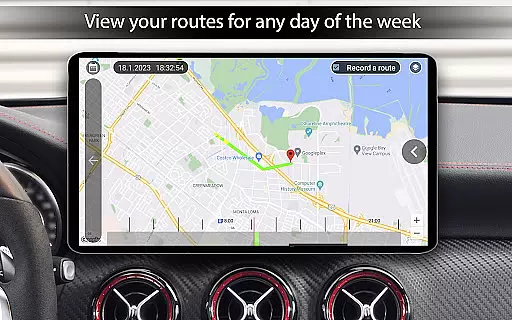
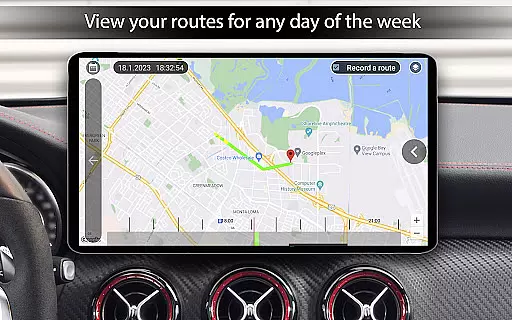
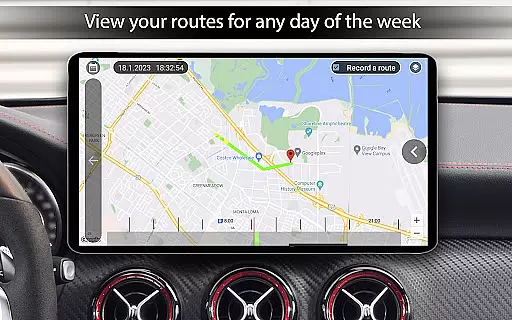
Users can customize the timeframes for these metrics, choosing to view data for a single trip, daily, weekly, monthly, or over the vehicle's entire usage period. This flexibility ensures that drivers have access to relevant information whenever they need it.
By integrating detailed vehicle statistics with user-friendly customization options, Car Launcher Pro transforms how drivers interact with their vehicle's data, providing both practical utility and enhanced driving enjoyment.
One of Car Launcher Pro's notable advantages is its transparent pricing model for premium features. While the basic version offers substantial functionality, the PRO version unlocks advanced capabilities without hidden costs or complex subscription plans.
The PRO version allows users to create multiple folders for organizing applications on the main screen, providing better workspace management. It also enables more sophisticated customization options for widgets, including resizing, relocating, and assigning multiple actions to a single widget.
Users can preview all available features within the app and make informed decisions about upgrading. This approach eliminates surprises and ensures customers understand exactly what they're paying for when choosing to enhance their experience.
With clear distinctions between free and paid features, Car Launcher Pro maintains honest communication with its users while delivering exceptional value through its comprehensive automotive interface solutions.
User-friendly interface
Highly customizable
Real-time speed tracking
Extensive widget options
Supports third-party themes
Complex for beginners
Requires GPS access
Premium features locked
Occasional bugs
Heavy on system resources

Ultimate OBD2 Car Scanner: Diagnostics, Service and Modification Tool
 4.30
4.30
OBD diagnostics, Live Data, DPF regeneration for BMW
4.00
DIY Vehicle Wheel Alignment
4.0
Play what you want through Android Auto
4.90
Read and delete OBD codes with any ELM327 OBD scanner. Coding functions included
3.40
View your car’s service records and find out when maintenance is due.
4.70
Your Path to Driving Licensing Success Begins Here! Develop your driving skills.
4.40
Shop cars & see your financing
4.60
Autotrader is your online solution for buying and selling new and used cars.
4.40
The ExtraMile App allows you to pay for fuel from the comfort of your car!
4.70
On the CarShield app, you can view contracts, make payments, & request roadside.
4.40
A full featured, real-time transit locator system
4.30
Your car is talking. Start listening.
4.30
myAudi offers users services and Audi connect services for Audi drivers
4.10
Mobile Phone Parking - So easy to park
3.70
Earn and save with Fuel Rewards®
3.20
App Mirroring for Tesla Car's Browser
2.80
Monitor specific TOYOTA parameters by adding this plugin to Torque Pro.
2.00
Theme for Car Launcher
4.2


User Reviews