




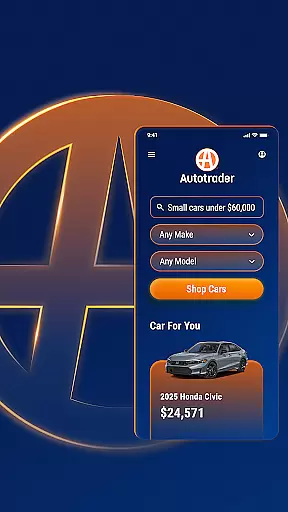



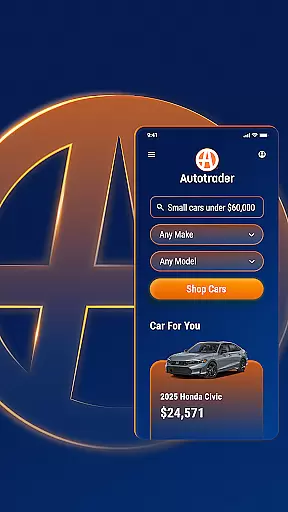


Autotrader is a premier automotive marketplace app that connects car buyers with a vast network of dealers and private sellers. With over 6 million listings across 20,000 sellers, the app provides an extensive inventory of new, certified, and used vehicles including cars, trucks, and SUVs. The integration with Kelley Blue Book® Price Advisor ensures users can make informed decisions about fair pricing on every listing.
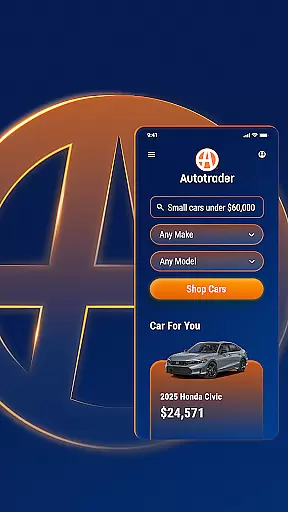
The app's powerful personalization features create a tailored shopping experience. Users can pick up where they left off, receive personalized recommendations based on preferred features, and get alerts for price drops on saved searches. Unique filtering options allow shoppers to refine their search by specific criteria including technology features, safety equipment, and even interior color options.
Whether you're searching for your next vehicle from home or on-the-go, Autotrader's comprehensive tools provide vehicle condition reports, price analysis, and dealer information at your fingertips. The app's mobile functionality makes it easy to compare vehicles, track favorites, and contact sellers through multiple communication channels.
Autotrader stands out with its innovative features designed to streamline the car-buying process. The app's advanced filtering system includes unique options like Delivery to Your Door, allowing users to shop for vehicles that can be shipped directly to their home without visiting a dealership. The comprehensive search capabilities extend to specific vehicle attributes including roof racks, safety features, and technology packages.
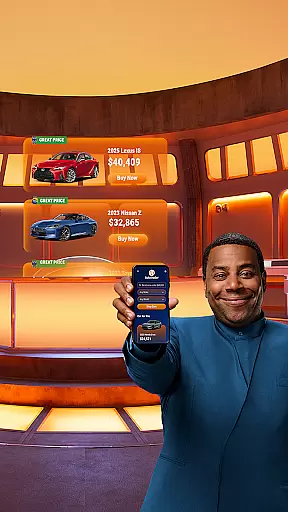
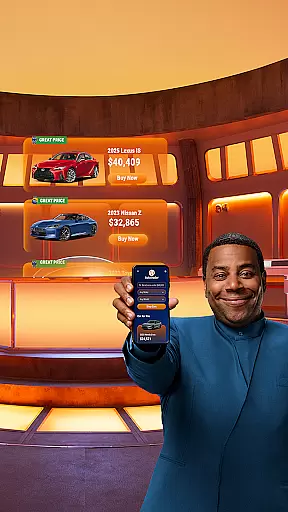
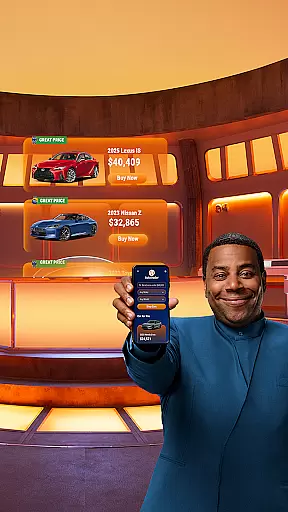
The integration with Kelley Blue Book® Price Advisor provides real-time pricing guidance on every listing, helping users identify Great Price and Good Price deals through visible badges. The app's personalization engine learns user preferences and serves relevant recommendations while enabling price drop notifications and new listing alerts based on saved search criteria.
Additional features include multi-channel seller communication options (phone, text, email), social sharing capabilities for vehicle listings, and cross-device synchronization through My Autotrader accounts. Users can access their saved searches and favorite vehicles from any device, making the car shopping experience seamless across mobile and desktop platforms.
When searching for a used car, truck, or SUV, having access to detailed vehicle information is crucial. Autotrader provides comprehensive data on over 6 million cars, including specifics about the vehicle's condition, history, and features. This level of detail ensures that buyers can make informed decisions based on accurate information.
The app goes beyond basic details by offering vehicle info and condition reports when available. These reports give potential buyers insights into any past accidents, service history, and title information. With this knowledge at hand, users can confidently assess whether a particular vehicle meets their standards and requirements.
Autotrader also incorporates Kelley Blue Booku00ae Price Advisor for every listing, empowering users with fair pricing guidance. By highlighting listings with Good Price or Great Price badges, the app makes it easier for shoppers to identify deals that offer value for money. This feature not only enhances transparency but also streamlines the decision-making process for buyers.
Price transparency in the automotive marketplace is essential for buyers seeking fair deals. Autotrader addresses this need by integrating Kelley Blue Booku00ae Price Advisor into its platform. This tool evaluates market conditions and provides recommended price ranges for each listed vehicle, ensuring that users have a benchmark for fair pricing.
For added convenience, Autotrader highlights listings with green badges indicating Good Price or Great Price. These visual cues allow users to quickly identify vehicles that are competitively priced relative to their market value. Such transparency empowers buyers to negotiate from an informed position or feel secure in making immediate purchasing decisions.
Moreover, Autotrader enables users to set up alerts for price drops on specific models they're interested in. This proactive approach ensures that buyers never miss out on a good deal. By combining these features, Autotrader fosters an environment where price transparency leads to more confident and satisfying car-buying experiences.
User-friendly interface
Extensive vehicle inventory
Price advisor tool
Advanced filtering options
Cross-device synchronization
Occasional listing inaccuracies
Some features require account creation
Dealer quality may vary
Limited classic car selection
Ads can be intrusive

Easily notify car owners in urgent situations, safe, fast, multilingual.
 4.5
4.5
Attention! This is the theme for the Car Launcher app
4.4
Realtime Charts is a plugin for the Torque Pro App (OBD 2 & Car)
4.20
Wonder how much horsepower and torque your car/truck makes? Look no further.
3.40
* This app needs an adapter cable and a certain OBD2 adapter to work *
4.20
CVT diagnostics with ELM327 for Nissan-based vehicles
4.40
Control maps, media and messaging, with the Google Assistant while you drive
4.10
By enthusiasts, for enthusiasts
4.00
Instant diesel savings. No credit checks or fees. Nationwide growing network.
4.40
Your go-to app for car, truck & SUV parts, DIY tools, and expert repair help.
4.70
Easy connect & control your cars from afar. Remote Lock & unlock car and carplay
4.60
Get price alerts, vehicle history details and more for cars near you!
4.50
Launcher for use in the car
4.40
Digital Car Key/Launcher, Screen Mirror, Android Dashboard, Remote Wireless Link
4.40
Your Path to Driving Licensing Success Begins Here! Develop your driving skills.
4.40
Secure mobile payments & fuel savings at Phillips 66®, Conoco® and 76® stations
4.40
myAudi offers users services and Audi connect services for Audi drivers
4.10
OBD diagnostics, Live Data, DPF regeneration for BMW
4.00
BlueDriver® is a Premium Diagnostic OBD2 Scan Tool. www.BlueDriver.com
3.90


User Reviews