
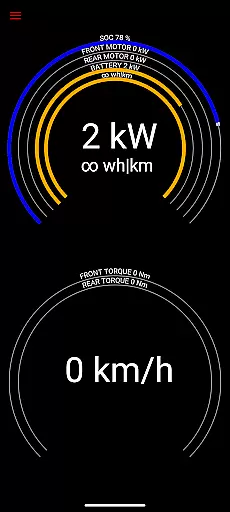
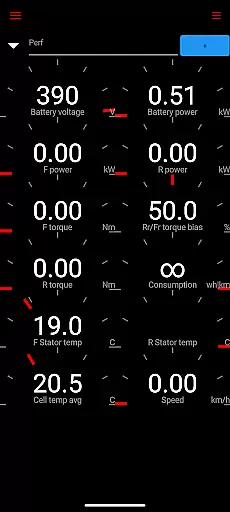
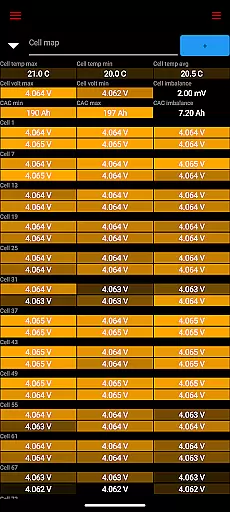
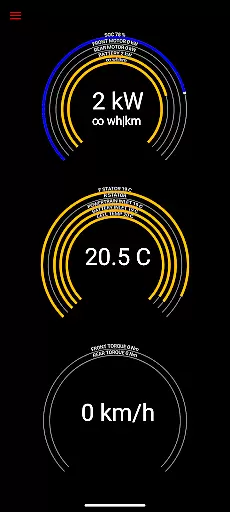
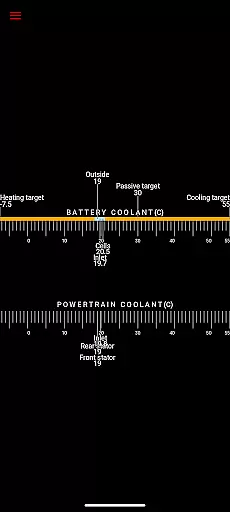
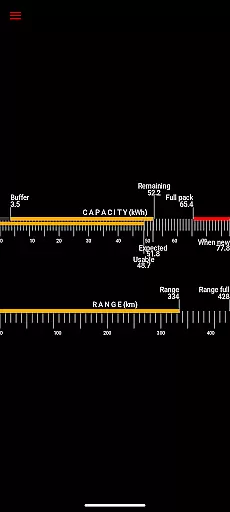
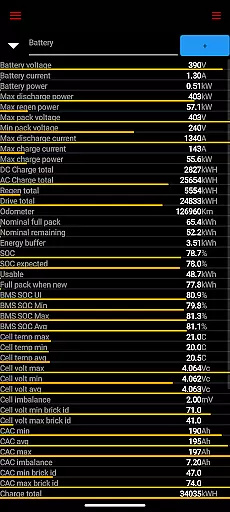
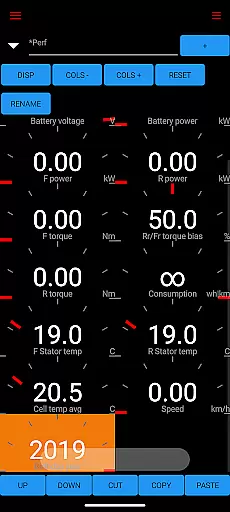
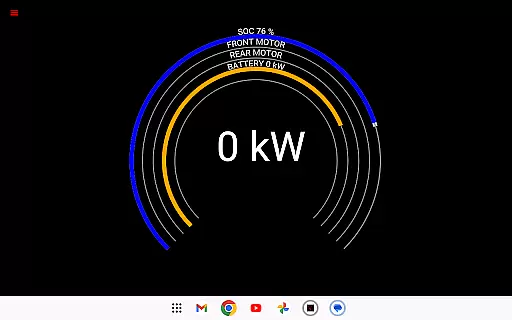
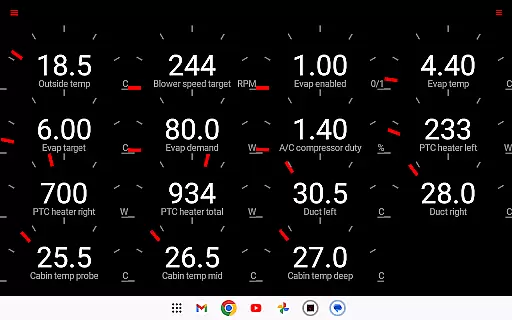
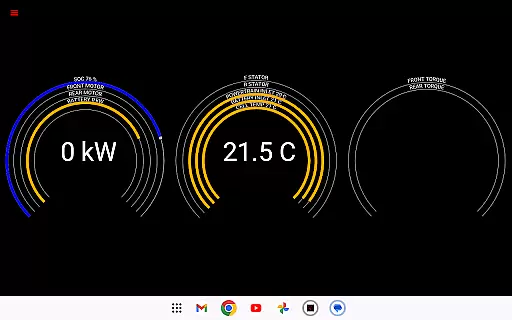
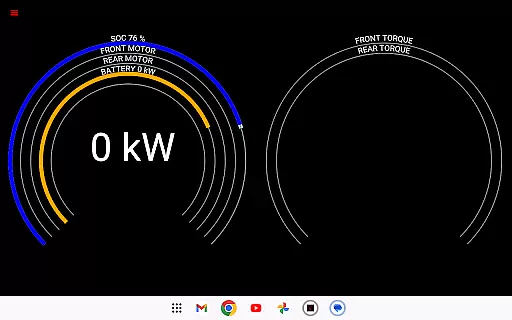
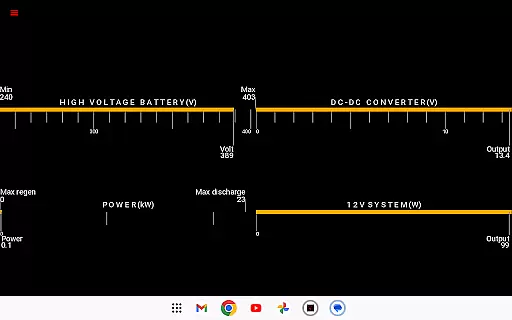
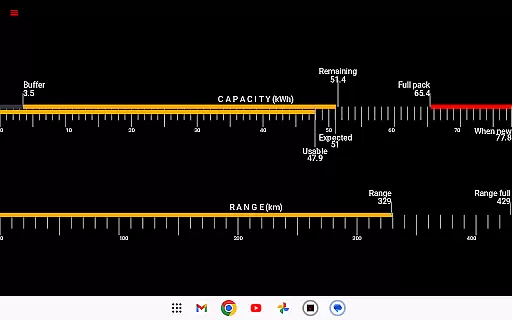
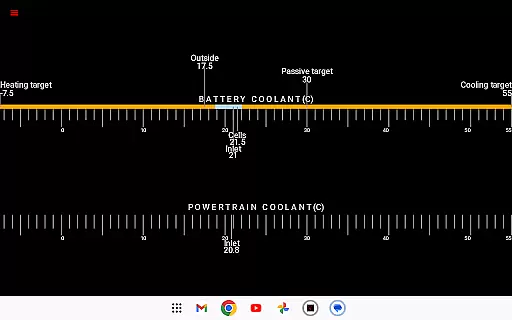
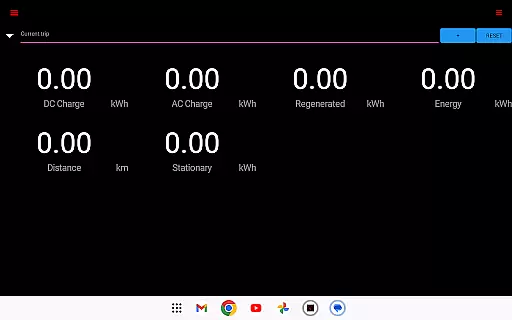
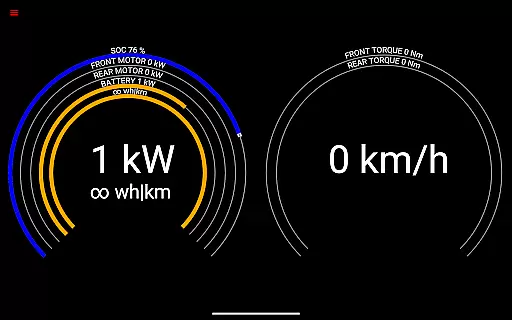
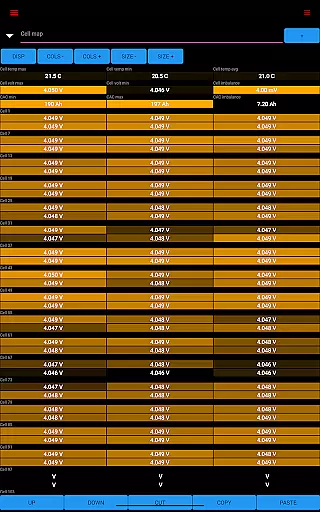
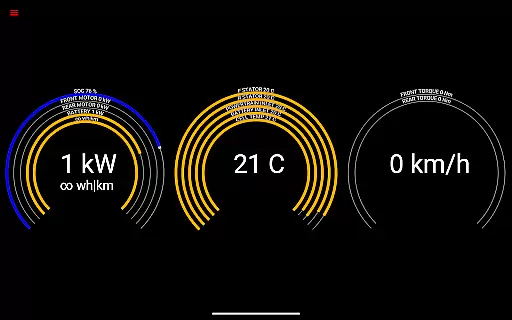
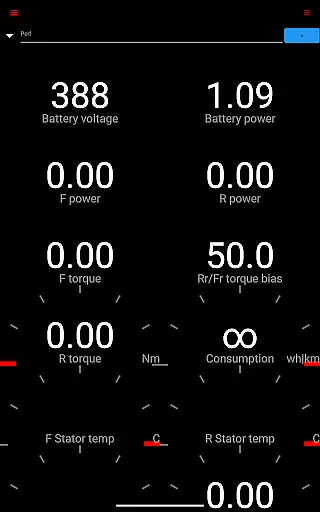
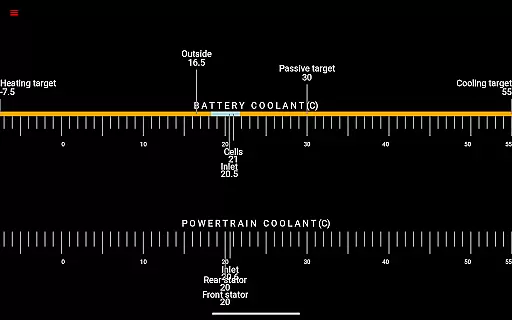
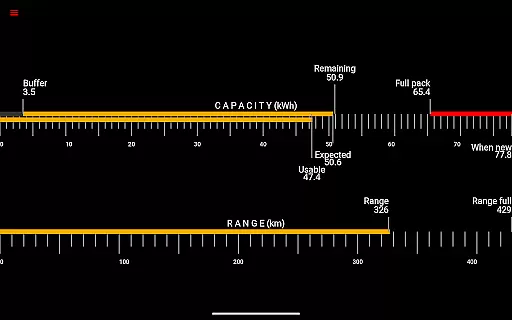
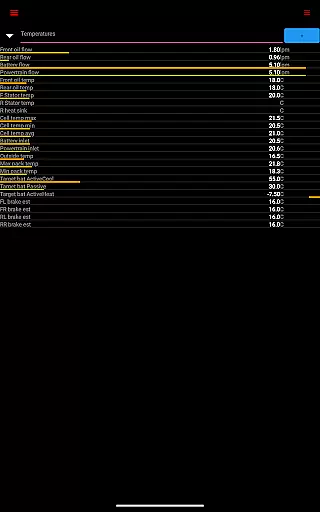
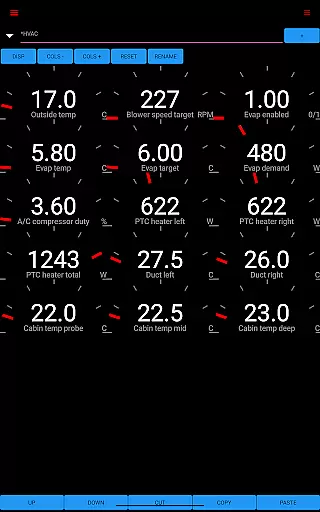
Scan My Tesla is a specialized diagnostic tool designed exclusively for Tesla Model S, 3, X, and Y owners. This application provides real-time readings from the vehicle's diagnostics port, offering users valuable insights into their car's performance metrics. With the help of an adapter cable and OBD2 adapter, it delivers detailed analytics on battery power, voltage, current, temperatures, and more.
The app stands out with its ability to present visually appealing data representations and log information for future analysis. Whether you're monitoring battery lifetime stats, capacity estimates, or tracking trip statistics including regenerated and charged energy, Scan My Tesla serves as an essential tool for Tesla enthusiasts seeking in-depth vehicle analytics.
Scan My Tesla boasts an impressive array of features that cater to the technical needs of Tesla owners. The app decodes numerous CANBUS packets, providing live statistics such as Drive Unit electric power, torque, RPM, and temperatures. It also offers crucial data on the 12V system's current, voltage, and temperature, ensuring comprehensive vehicle monitoring.
One notable feature is the trip recording system, allowing users to track energy usage over time. Additionally, the app integrates community-led decoding efforts, particularly for Model 3, enhancing its data accessibility. These features collectively enable users to better understand their vehicle's operational dynamics and optimize its performance accordingly.
Scan My Tesla provides comprehensive real-time data directly from your Tesla's diagnostics port, offering unprecedented insight into your vehicle's performance. The app delivers detailed statistics on crucial components such as battery power, voltage, current, and temperature readings, allowing users to monitor the health of their car's most vital systems.
In addition to battery metrics, the app also tracks drive unit performance, presenting live data on electric power output, torque, RPM, and temperature levels. This level of detail enables Tesla owners to understand their vehicle's operational efficiency and make informed decisions about maintenance and driving habits.
The app goes beyond basic diagnostics by providing battery lifetime stats, capacity estimates, and mileage tracking. These features help users maintain an accurate record of their vehicle's aging process and plan for future battery replacements or upgrades. With this wealth of information at their fingertips, Tesla drivers can ensure optimal performance and longevity of their vehicles.
While Scan My Tesla focuses primarily on vehicle diagnostics, it also emphasizes price transparency through its open communication about necessary accessories. The app requires specific adapter cables and OBD2 adapters to function correctly, with full details provided on the official website. This upfront disclosure ensures users understand all associated costs before committing to the purchase.
The application maintains transparency by directing users to a dedicated page (https://www.scanmytesla.com/adapters) where they can find comprehensive information about compatible adapters and their prices. This approach allows potential users to make informed decisions about the total investment required to utilize the app's full capabilities.
Furthermore, the app's developers maintain open channels of communication through various platforms, including their official website, Facebook page, and community forums. These resources provide additional cost-related information and help users understand the value proposition of the required accessories, ensuring complete transparency throughout the user journey.
User-friendly interface
Comprehensive diagnostic data
Real-time performance tracking
Active community support
Regular feature updates
Requires additional hardware
Limited Model 3 compatibility
No official Tesla affiliation
Potential data inaccuracies
Complex for novice users

Practice the drills within MotoJitsu Master Riding Program Volume 1 & 2!
 4.80
4.80
Listings of Tesla's with FSD - Included package
4.60
Play what you want through Android Auto
4.90
DMV Test Pro offers all the updated FREE DMV tests online.
4.60
Read and delete OBD codes with any ELM327 OBD scanner. Coding functions included
3.40
Car Values, Research and More
4.80
Car Sounds Engine Sounds app welcomes Auto Lovers to feel Car Simulator Sound
4.20
Mobile Phone Parking - So easy to park
3.70
Monitor your behind-the-wheel behavior to become a safer driver and save.
4.10
Marathon ARCO Rewards members earn rewards & apply the rewards for fuel savings!
4.80
Quick and easy car diagnostics to get you the right fix.
4.70
Find Your Local Store or Shop Online for the Car, Truck, or SUV Parts You Need
4.70
Automotive Electrical Wiring Diagrams
4.40
Launcher for use in the car
4.40
Get your personalized financing options and shop for used cars today!
4.20
myAudi offers users services and Audi connect services for Audi drivers
4.10
Boost profits and hit your goals faster with GigU's amazing tools for gigworkers
4.00
BlueDriver® is a Premium Diagnostic OBD2 Scan Tool. www.BlueDriver.com
3.90
Attention! This is the theme for the Car Launcher app
4.4


User Reviews