
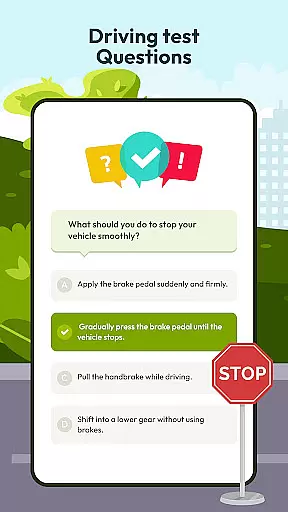
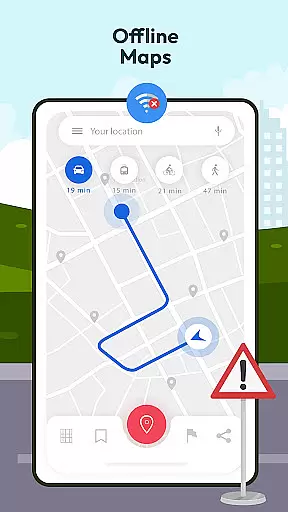
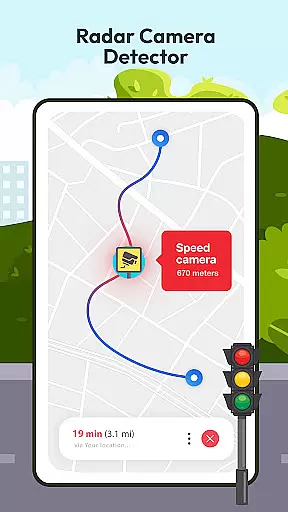
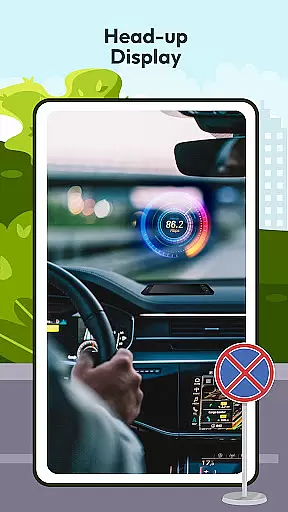

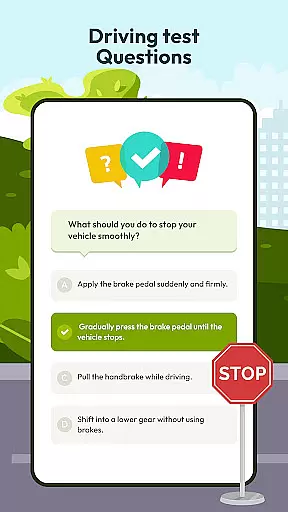
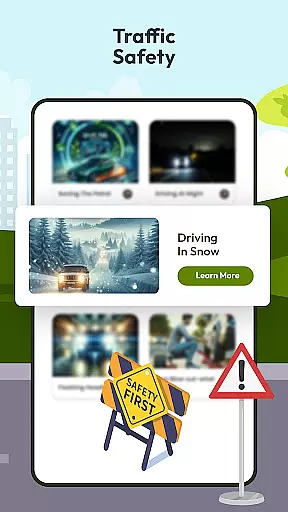
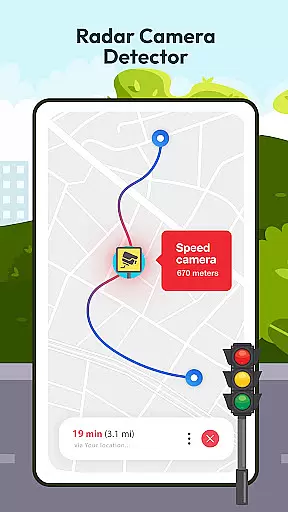
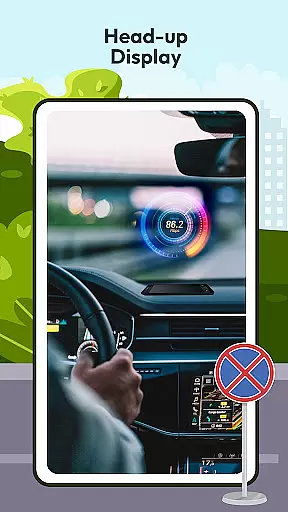

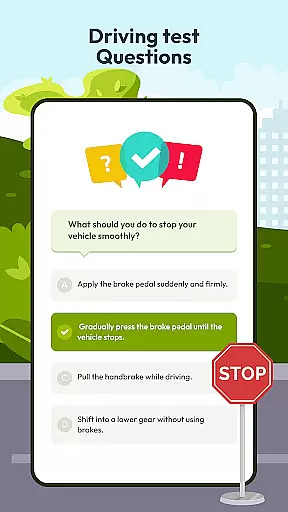
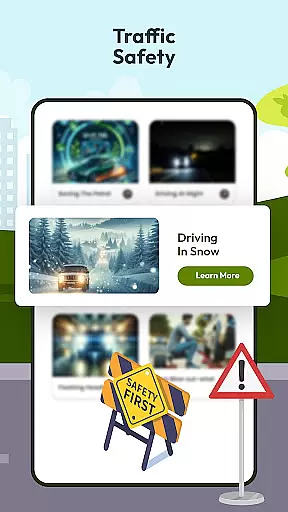

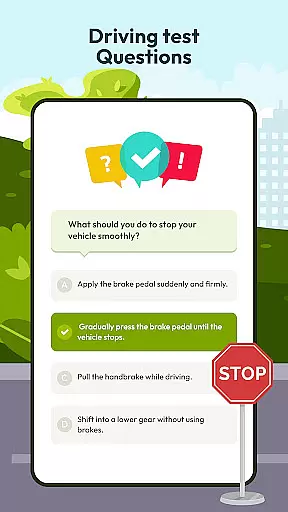
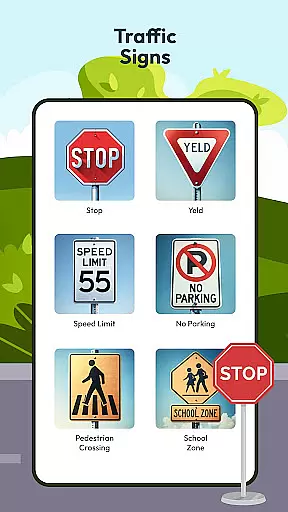
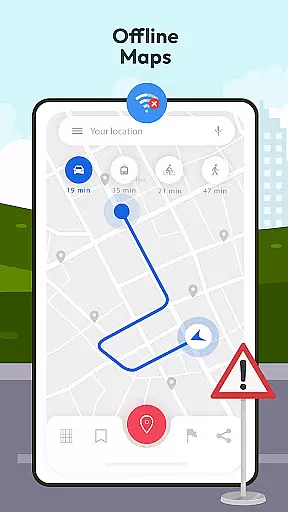
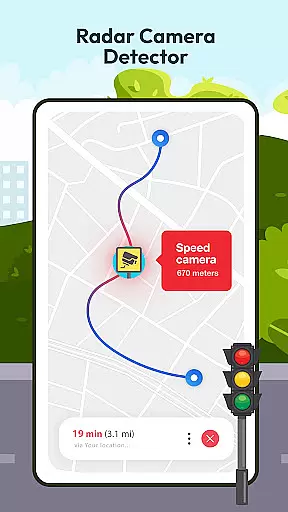
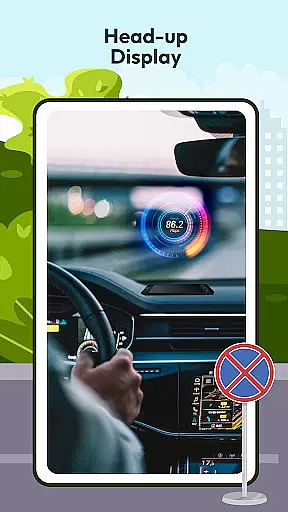

Driving Instructor-Theory Test is a comprehensive traffic app designed to enhance driving skills and knowledge. The app offers an extensive selection of test drive questions covering all critical areas of driving, ensuring users are well-prepared for both their driving test and real-world scenarios. With features like radar, speed camera detection, and HUD (Head Up Display), it provides crucial information directly to the driver without distraction.
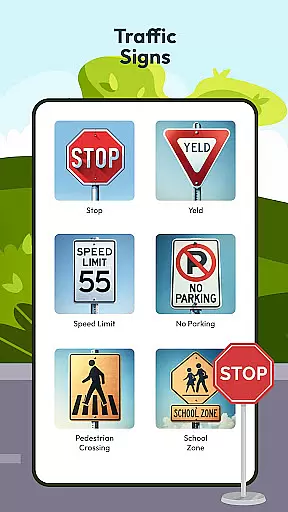
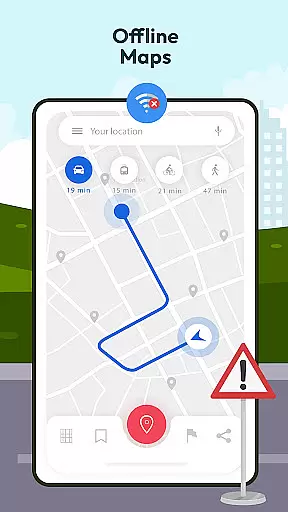
In addition to its testing and safety features, the app includes offline map and GPS functionality, allowing drivers to navigate confidently even without an internet connection. Users can also expand their knowledge of international traffic signs and understand vehicle controls better through dedicated sections within the app. These tools collectively ensure that drivers are informed, safe, and capable on the road.
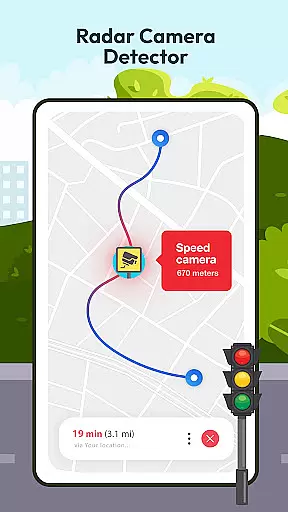
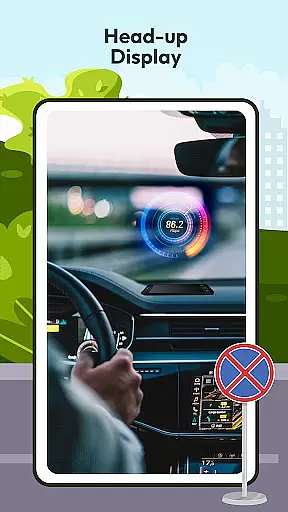
The Driving Instructor-Theory Test app boasts several key features that set it apart in the Auto & Vehicles category. One standout feature is its advanced radar and speed camera detector, which alerts drivers about speed limits and potential penalties, promoting safer driving habits. The inclusion of a HUD (Head Up Display) projects vital information onto the windshield, allowing drivers to maintain focus on the road while staying informed.
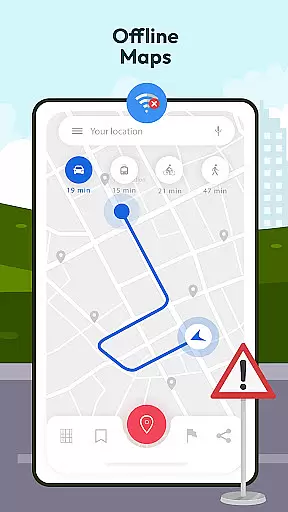
Another significant feature is the offline map and GPS functionality, enabling users to access detailed maps and directions without needing an internet connection. This ensures reliable navigation regardless of location. Additionally, the app provides comprehensive guides on traffic signs and vehicle controls, enhancing overall driving knowledge. Each feature is meticulously designed to improve user experience by combining safety with convenience.
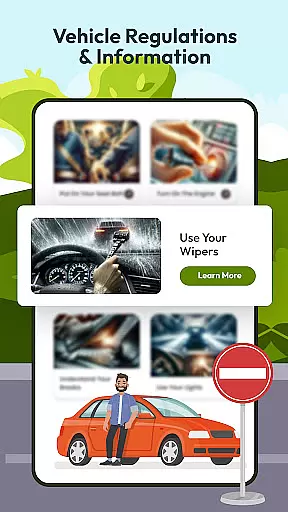
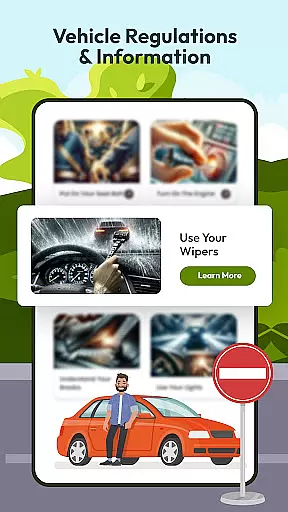
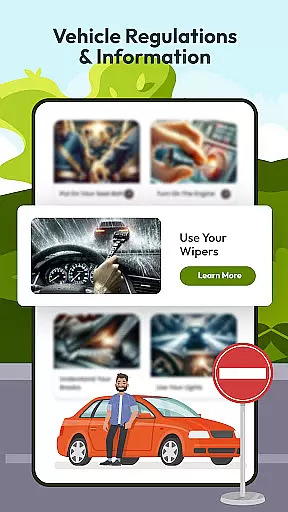
Understanding your vehicle's specifications and operational parameters is crucial for safe driving. The Driving Instructor App provides comprehensive details about various car controls, speed monitoring, and essential driving mechanisms. This feature ensures that drivers can familiarize themselves with their vehicle's unique characteristics and handling.
The app includes an integrated speedometer feature that allows users to monitor their speed accurately. By understanding how different speed levels affect driving conditions, users can make informed decisions on the road. Additionally, detailed explanations of vehicle controls help drivers handle their cars more effectively in diverse situations.
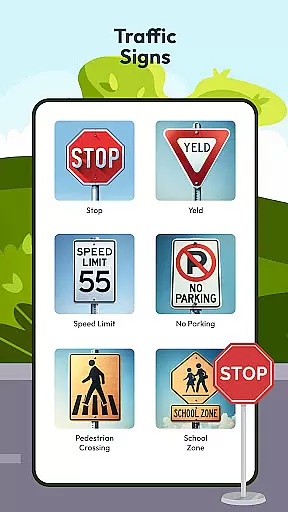
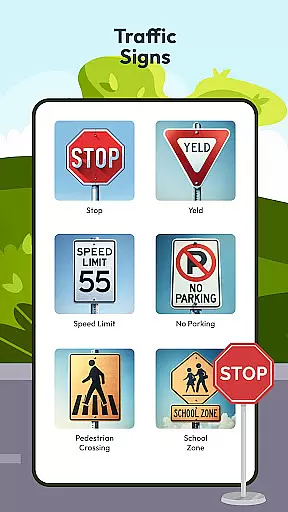
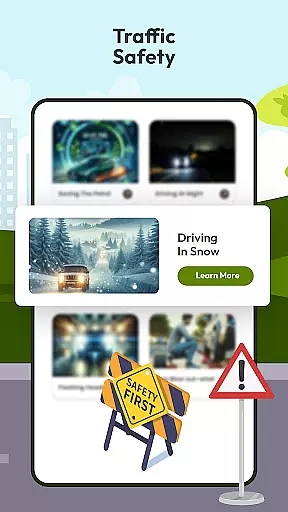
With sections dedicated to traffic signs and international driving directions, the app enhances driver knowledge beyond just their vehicle. Users gain insights into navigating roads worldwide, making them more confident and prepared drivers. This extensive information coverage ensures drivers are well-equipped for both local and global driving environments.
While the Driving Instructor App offers a wealth'th of features to enhance driving skills, it maintains complete transparency regarding its pricing structure. Users can access the app knowing exactly what features are available and if any costs are associated with premium services or content.
The app provides clear information about any potential costs involved in accessing advanced driving questions or specialized training modules. This upfront approach ensures there are no hidden fees or unexpected charges during usage. Drivers can plan their learning journey effectively, knowing precisely what financial commitment is required.
Moreover, by offering substantial free content alongside optional paid features, the app empowers users to choose according to their needs and budget constraints. This balanced strategy between free educational resources and premium offerings makes it an accessible tool for all aspiring drivers looking to improve their skills without compromising financial clarity.
User-friendly interface
Comprehensive test questions
Advanced safety features
Offline map availability
Detailed traffic guidelines
Limited vehicle compatibility
Occasional GPS inaccuracies
Basic design aesthetics
Premium feature costs
Heavy battery usage

Theme for Car Launcher
 4.3
4.3
Listings of Tesla's with FSD - Included package
4.60
Autolist - The Largest Selection of Local Used Cars and Trucks
4.50
Discover new and used cars in Syria easily! Browse ads and connect with sellers.
3.70
Your car is talking. Start listening.
4.30
Available in select states.
4.00
Trip computer+car diagnostic tool with widest variety of features and dashboard!
4.70
Shop, finance, or sell today.
4.80
Get price alerts, vehicle history details and more for cars near you!
4.50
Marathon ARCO Rewards members earn rewards & apply the rewards for fuel savings!
4.80
OBD1 ECMs application. Data log or tune directly from your phone or tablet!
4.60
Automotive Electrical Wiring Diagrams
4.40
Autotrader is your online solution for buying and selling new and used cars.
4.40
Realtime Charts is a plugin for the Torque Pro App (OBD 2 & Car)
4.20
Control maps, media and messaging, with the Google Assistant while you drive
4.10
Boost profits and hit your goals faster with GigU's amazing tools for gigworkers
4.00
BlueDriver® is a Premium Diagnostic OBD2 Scan Tool. www.BlueDriver.com
3.90
Monitor specific TOYOTA parameters by adding this plugin to Torque Pro.
2.00
Theme for Car Launcher
4.1


User Reviews