
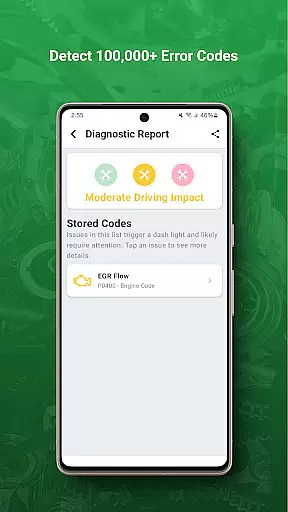
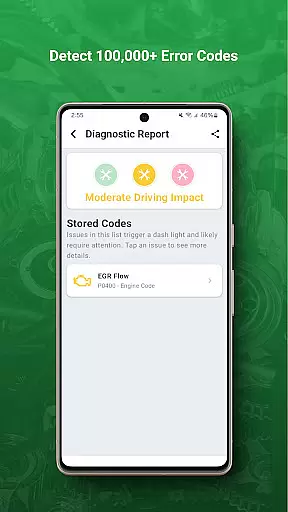
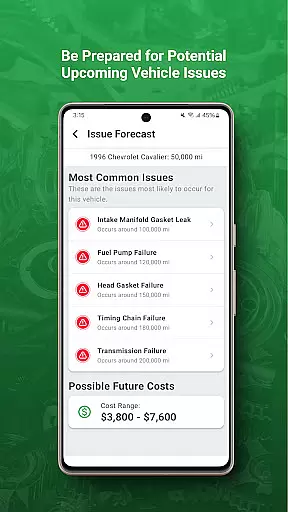
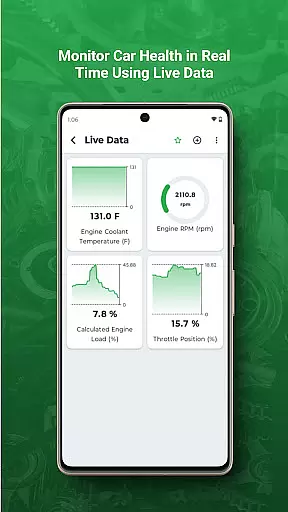
FIXD OBD2 Scanner is an innovative automotive diagnostic tool designed to help vehicle owners understand their car's health better. The app works in tandem with the FIXD sensor, translating complex check engine lights into easy-to-understand language. This empowers drivers to make informed decisions about necessary repairs and maintenance.
The application not only deciphers error codes but also tracks scheduled services, helping users maintain their vehicles proactively. Whether you're a daily commuter or a road trip enthusiast, FIXD ensures your vehicle remains in optimal condition by providing timely alerts and detailed explanations of potential issues.
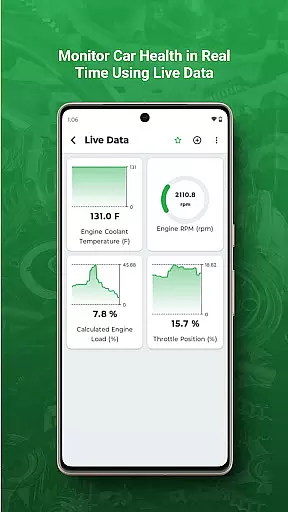
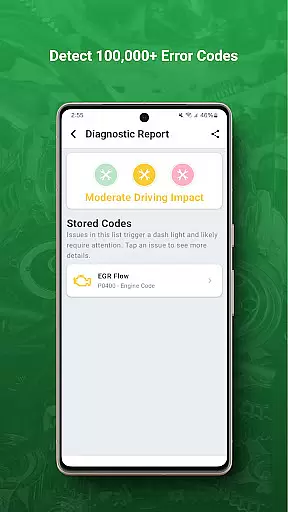
FIXD stands out with its comprehensive diagnostic capabilities that go beyond simple code reading. The app provides detailed explanations for over 7,000 engine problems, complete with severity levels and repair urgency recommendations. Its intuitive interface presents professional-grade diagnostics in a user-friendly format that any driver can understand.
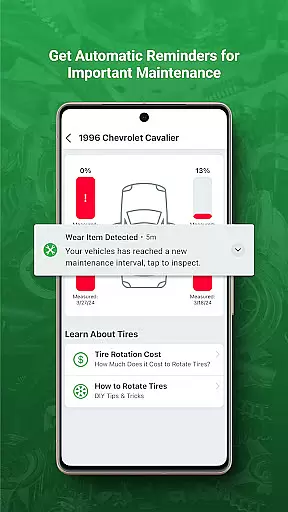
One of the most valuable features is the maintenance tracking system, which sends reminders for oil changes, tire rotations, and other essential services based on your vehicle's mileage and usage patterns. The app also includes a unique feature called "Car Health Meter," which provides a visual representation of your vehicle's overall condition at a glance.
Modern vehicles come equipped with complex diagnostic systems that monitor various components and trigger warning lights when issues arise. FIXD OBD2 Scanner specializes in decoding these signals, particularly the often cryptic check engine light, and translating them into clear, actionable information for vehicle owners.
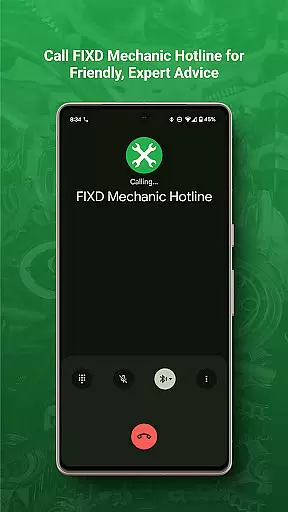
The app works in tandem with the FIXD hardware device, which plugs into your car's OBD-II port. When a fault is detected, FIXD provides detailed explanations of the problem, including possible causes and severity levels. This empowers users to make informed decisions about necessary repairs or maintenance without relying solely on professional mechanics' interpretations.
FIXD goes beyond just identifying problems; it also tracks scheduled service intervals based on mileage and time. Users receive timely reminders for routine maintenance tasks such as oil changes, tire rotations, and brake inspections. This proactive approach helps prevent minor issues from escalating into major repairs while maintaining optimal vehicle performance.
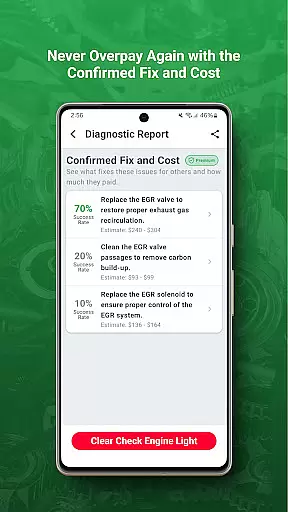
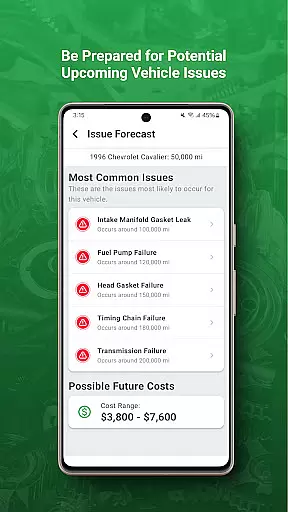
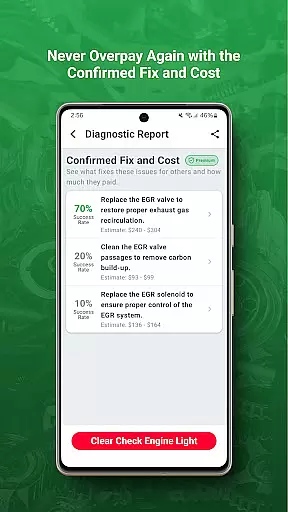
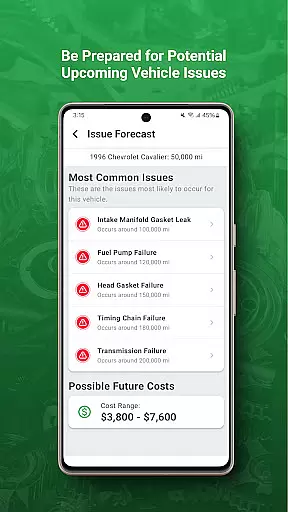
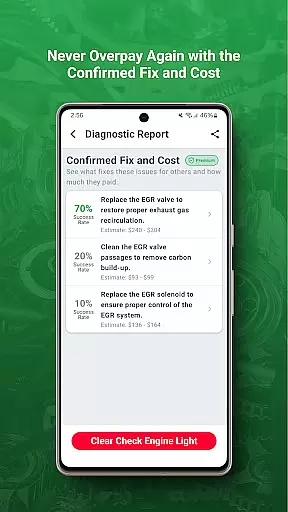
One of the most frustrating aspects of car ownership is dealing with unexpected repair costs and unclear pricing structures at service centers. FIXD addresses this challenge by providing transparent information about potential repair costs associated with specific diagnostic trouble codes (DTCs).
When FIXD identifies an issue through its diagnostic capabilities, it not only explains the problem but also offers estimated repair costs. These estimates are broken down into parts and labor expenses, giving users a comprehensive understanding of what they might expect to pay at different types of repair facilities, from dealerships to independent shops.
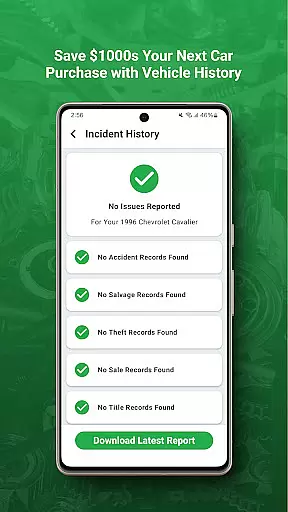
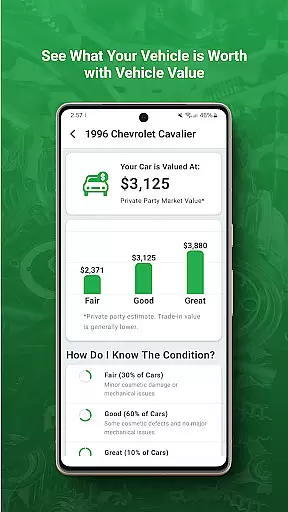
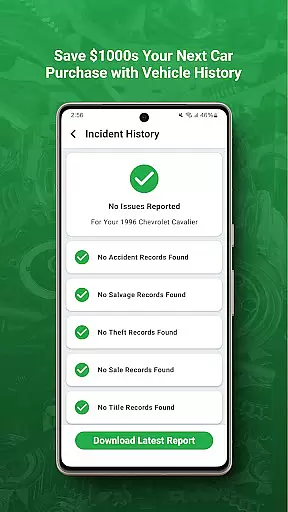
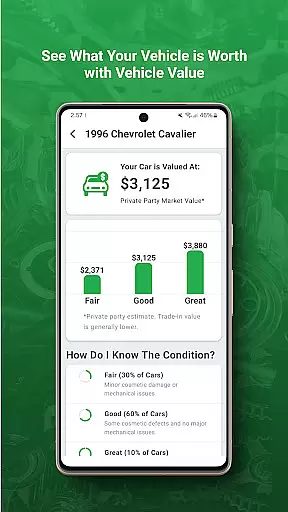
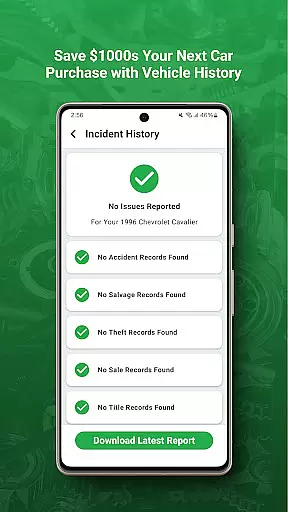
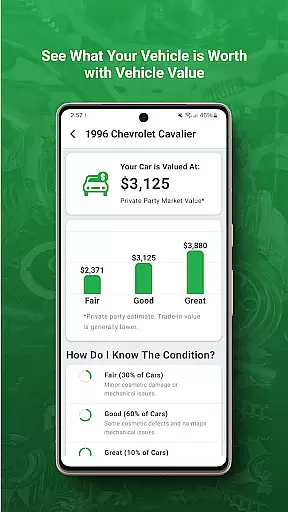
This price transparency feature enables users to shop around for the best deals, negotiate more effectively with service providers, and avoid being overcharged for simple fixes. Additionally, FIXD's tracking of maintenance history helps users demonstrate their vehicle's care during resale negotiations, potentially increasing its market value.
User-friendly interface
Comprehensive diagnostic reports
Proactive maintenance alerts
Multi-vehicle compatibility
Professional repair cost estimates
Requires separate hardware purchase
Limited functionality without FIXD sensor
No support for older vehicles
Subscription fees for premium features
Occasional connectivity issues

OBD diagnostics, Live Data, DPF regeneration for BMW
 4.00
4.00
Get more out of your AAWireless adapter with this companion app | aawireless.io
4.80
AI Powered - Automotive Mechanic Assistant
4.30
Lexus app currently supports 2010 or newer vehicles (2018 or newer for Hawaii).
4.80
Monitor your behind-the-wheel behavior to become a safer driver and save.
4.10
Shop cars & see your financing
4.60
Trip computer+car diagnostic tool with widest variety of features and dashboard!
4.70
Find Your Local Store or Shop Online for the Car, Truck, or SUV Parts You Need
4.70
Marathon ARCO Rewards members earn rewards & apply the rewards for fuel savings!
4.80
OBD1 ECMs application. Data log or tune directly from your phone or tablet!
4.60
CVT diagnostics with ELM327 for Nissan-based vehicles
4.40
Launcher for use in the car
4.40
Your Path to Driving Licensing Success Begins Here! Develop your driving skills.
4.40
Ultimate OBD2 Car Scanner: Diagnostics, Service and Modification Tool
4.30
A full featured, real-time transit locator system
4.30
Get your personalized financing options and shop for used cars today!
4.20
Boost profits and hit your goals faster with GigU's amazing tools for gigworkers
4.00
Wonder how much horsepower and torque your car/truck makes? Look no further.
3.40
Monitor specific TOYOTA parameters by adding this plugin to Torque Pro.
2.00


User Reviews