
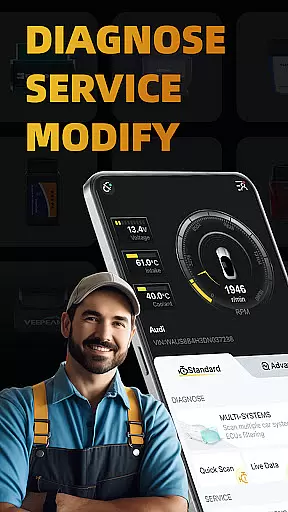
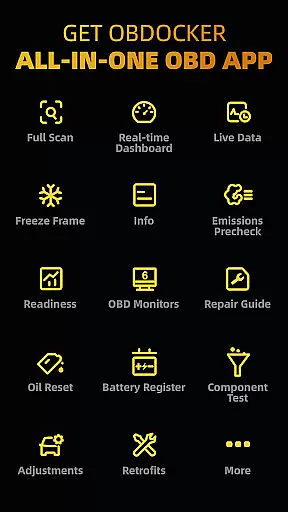
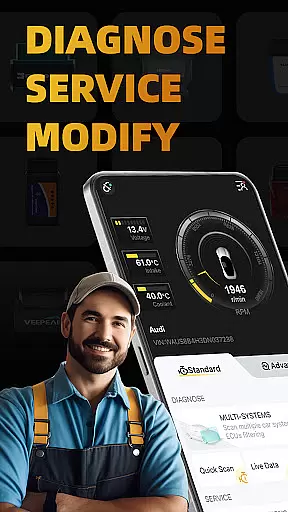
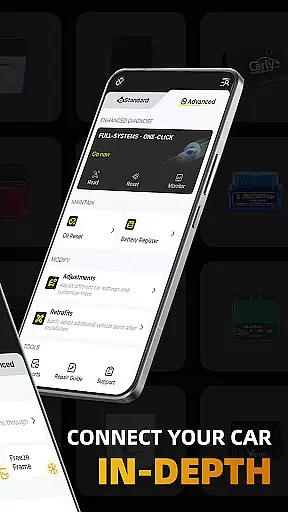
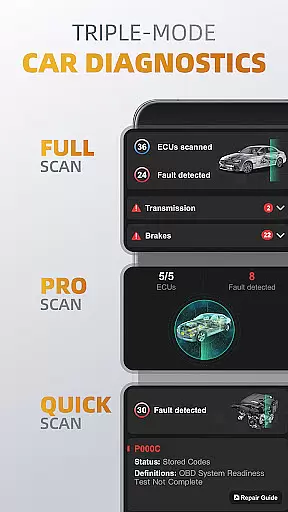
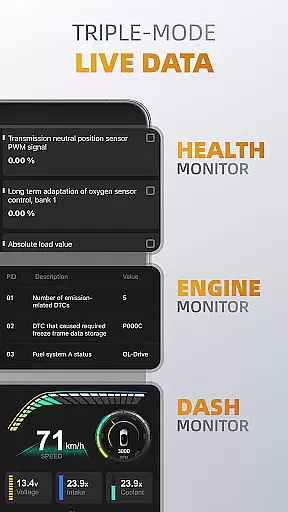
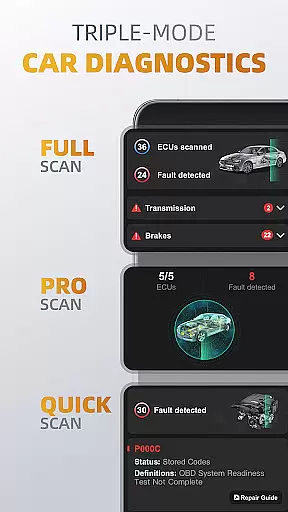
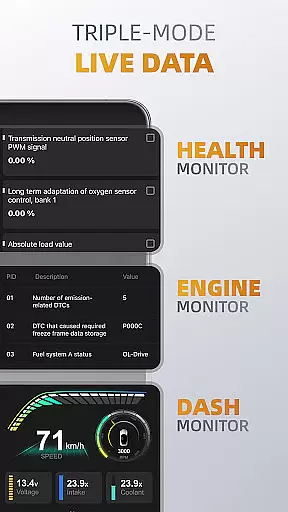
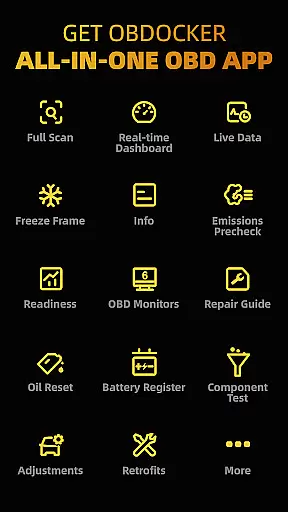
OBDocker is a professional OBD2 car scanner app designed for vehicle diagnostics, servicing, and customization. It offers triple-mode diagnostics including full-systems, multi-systems, and quick scans to efficiently identify and resolve issues. The app also provides real-time monitoring of vehicle performance through its triple-mode live data feature.
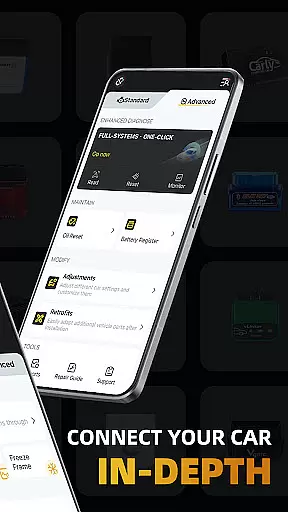
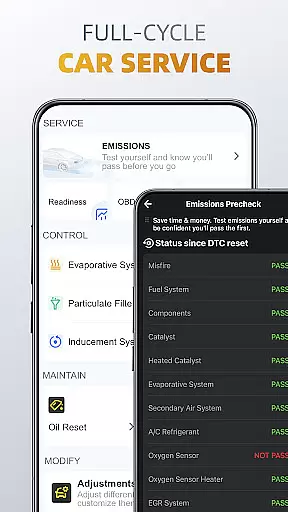
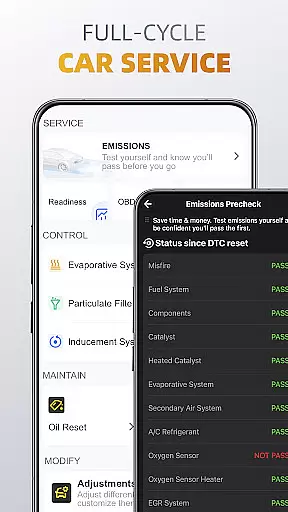
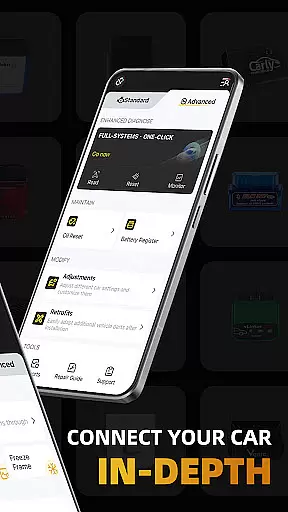
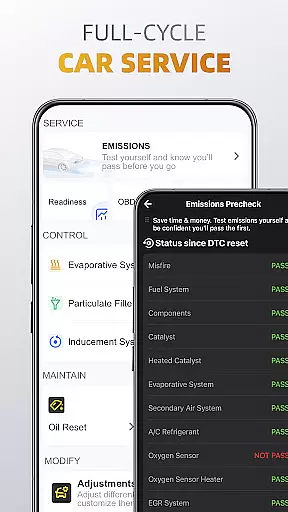
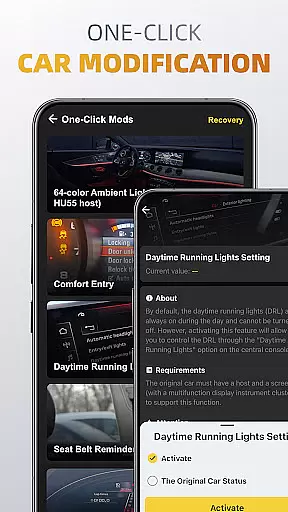
With functionalities like emissions pre-check, control tests, oil reset, and battery registration, OBDocker supports comprehensive vehicle maintenance. Additionally, it allows one-click modifications for adjustments and retrofits. To operate, the app requires a compatible OBD adapter, with recommendations favoring high-performance options for optimal results.
This application is suitable for both personal and professional use, ensuring vehicles run smoothly while empowering users with precise control over their car's settings and health.
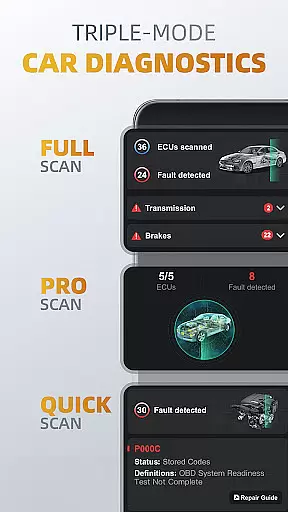
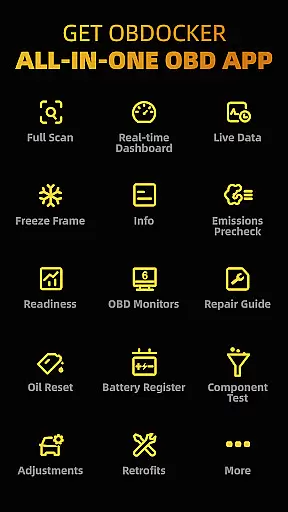
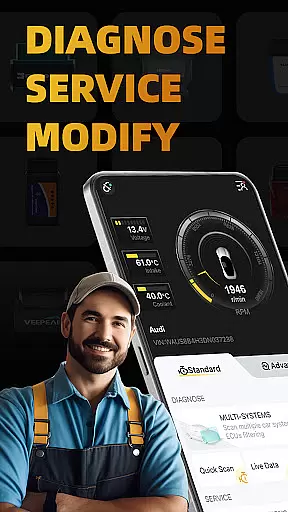
OBDocker stands out with its advanced diagnostic capabilities, offering three distinct scanning modes that cater to various needs. The Full-Systems Diagnose performs OE-Level diagnostics at the touch of a button, while Multi-Systems Diagnose filters through ECUs such as TMS, SRS, ABS, providing targeted assessments. Quick Scan swiftly addresses engine fault codes, maintaining vehicle performance.
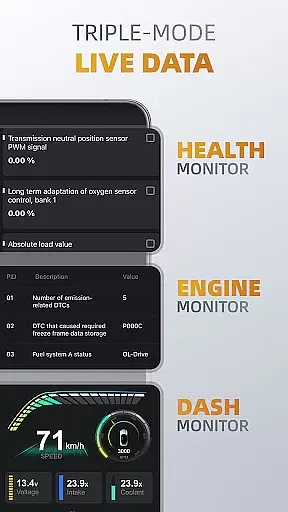
The triple-mode live data functionality delivers real-time insights into vehicle systems' health, engine performance, and metrics visualization. This empowers users to make informed decisions about their vehicle's maintenance and upgrades. Furthermore, features like Emissions Pre-check, EVAP Leak Test, DPF Reinitialization ensure readiness for official inspections and help maintain peak condition.
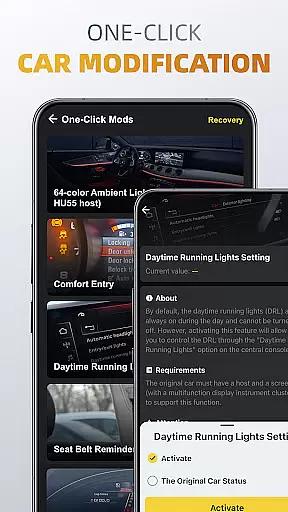
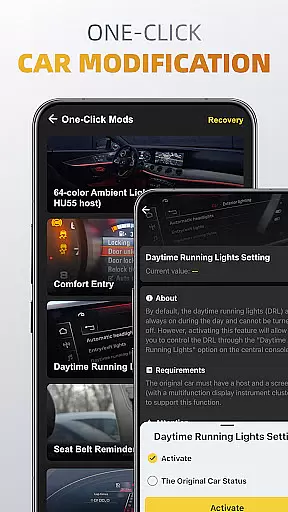
Customization is streamlined with one-click modifications for different car settings and retrofits, enhancing user experience by simplifying complex processes. These innovative tools provide an edge in managing vehicle health effectively.
Accessing detailed vehicle information is crucial for effective car maintenance and diagnostics. OBDocker provides comprehensive data across multiple systems, allowing users to understand their vehicle's condition at a granular level.
The app's triple-mode diagnostics feature enables users to perform full-system scans, multi-system checks through ECUs filtering, and quick engine fault code readings. This ensures that every aspect of the vehicle, from TMS to SRS and ABS, is thoroughly examined and reported.
With real-time parameter tracking in its Health Monitor and Engine Monitor features, OBDocker empowers users with actionable insights into their vehicle's performance metrics. These tools help preemptively identify issues before they escalate, saving both time and repair costs.
By offering such detailed vehicle information, OBDocker not only enhances user understanding but also enables precise servicing actions like EVAP Leak Tests, DPF reinitialization, oil resets, and battery registration. This precision ensures optimal vehicle health and longevity.
Price transparency in automotive services ensures that users can make informed decisions without hidden costs. OBDocker addresses this by providing clear information on its pricing plans directly within the app.
The app offers a free trial period, allowing users unrestricted access to all features. This trial empowers potential long-term users to evaluate the appu2019s capabilities fully before committing financially, ensuring satisfaction and trust.
For continued use, OBDocker presents two subscription options: Pro and Pro Max. Each plan is clearly outlined with associated benefits, enabling users to choose based on their diagnostic needs and frequency of use.
This transparent approach extends to recommending high-performance OBD adapters like Vlinker Series or OBDLink Series while cautioning against low-performance alternatives. By doing so, OBDocker ensures users are well-informed about necessary accessories, further enhancing their diagnostic experience without unexpected expenses.
User-friendly interface
Comprehensive diagnostic tools
Real-time vehicle monitoring
Wide range of compatible vehicles
One-click modification options
Requires separate OBD adapter
Premium features need subscription
Performance varies with adapter quality
Advanced mode has limited brand support
Complexity may overwhelm beginners

On the CarShield app, you can view contracts, make payments, & request roadside.
 4.40
4.40
OBD2 car scanner and diagnostics: read Check Engine, DTC, economy....
4.30
Attention! This is the theme for the Car Launcher app
4.3
Realtime Charts is a plugin for the Torque Pro App (OBD 2 & Car)
4.20
App Mirroring for Tesla Car's Browser
2.80
Autolist - The Largest Selection of Local Used Cars and Trucks
4.50
Control maps, media and messaging, with the Google Assistant while you drive
4.10
Get more out of your AAWireless adapter with this companion app | aawireless.io
4.80
Trip computer+car diagnostic tool with widest variety of features and dashboard!
4.70
Practice the drills within MotoJitsu Master Riding Program Volume 1 & 2!
4.80
Marathon ARCO Rewards members earn rewards & apply the rewards for fuel savings!
4.80
Shop cars & see your financing
4.60
Instantly redesign your car with AI. From sporty to futuristic, try it all.
4.50
A full featured, real-time transit locator system
4.30
myAudi offers users services and Audi connect services for Audi drivers
4.10
Available in select states.
4.00
The Smarter Way Forward
3.30
Club Car Wash Mobile App—the fast lane to managing your wash membership.
3.30
DIY Vehicle Wheel Alignment
4.5


User Reviews