
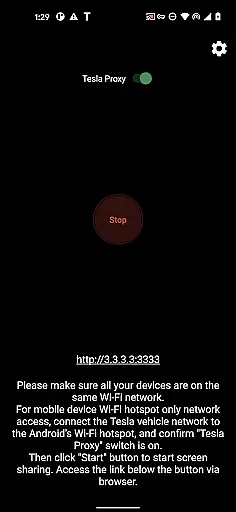
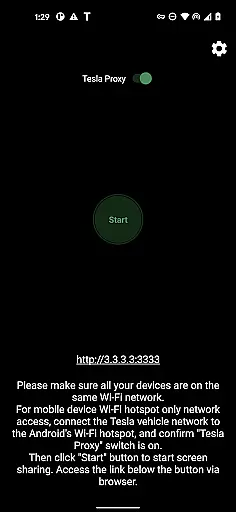
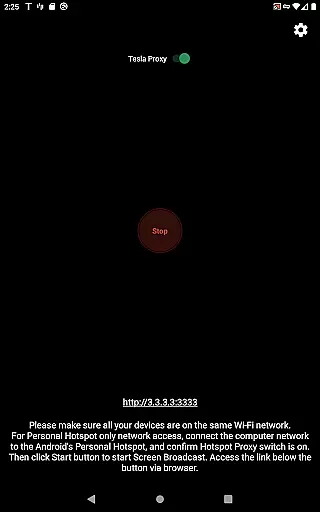
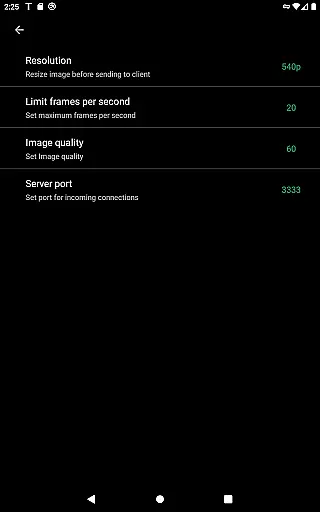
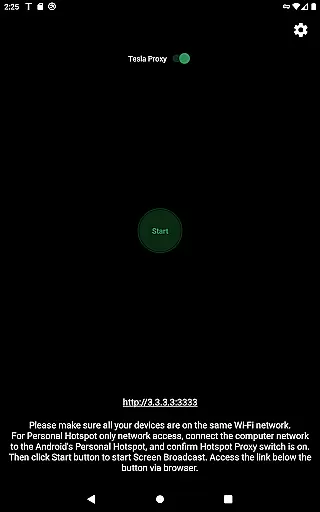
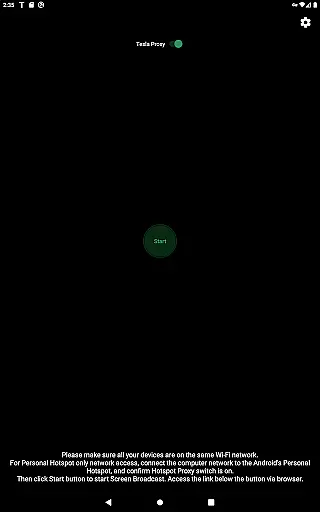
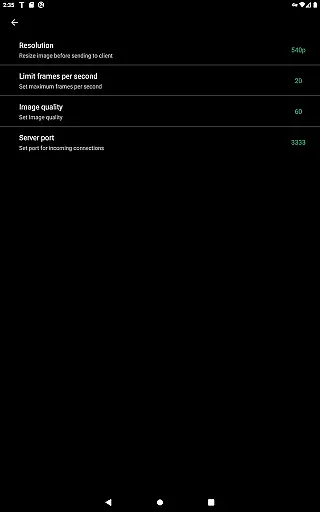
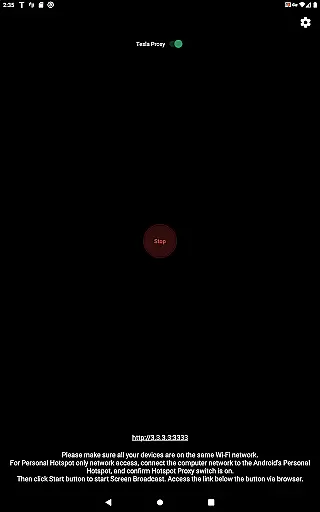
TeslaMirror is an innovative Android application that allows users to mirror their mobile device screens directly onto Tesla vehicle displays. This app supports Tesla models with MCU2/3 hardware, including Model 3, Model Y, and newer versions of Model S and X. With a 144-hour free trial period, users can test its functionality before committing to a purchase.
The app offers multiple streaming modes, including H.264/H.265 for high-quality video and MJPEG mode for basic screen mirroring. It also features remote control capabilities, enabling users to interact with their phones through the Tesla touchscreen. TeslaMirror ensures privacy by running a local web server on the user's device, making it inaccessible from the public internet.
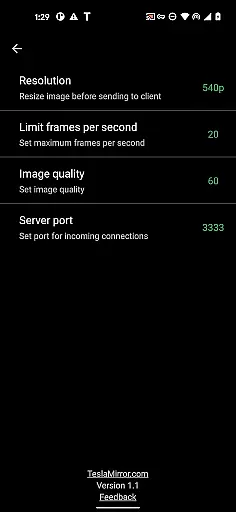
TeslaMirror provides several advanced features tailored specifically for Tesla owners. The app supports different video encoding standards like H.264 and H.265, optimized for various MCU hardware versions. For instance, MCU3 users can enjoy up to 1080p@60fps streaming quality, while MCU2 users can stream at 540p@30fps. Additionally, the app offers lossless audio support for devices running Android 10 or higher.
Another notable feature is the Remote Control functionality, which allows users to control their Android devices directly from their Tesla's touchscreen or via a connected mouse. TeslaMirror also includes a unique VPN service that facilitates secure communication between the phone and the car without using external servers. This ensures a private and efficient connection, enhancing the overall user experience.
TeslaMirror provides comprehensive access to your Android device's screen and audio system within your Tesla vehicle, offering detailed insights into media content, apps, and other functionalities. This ensures that users can seamlessly interact with their mobile applications while parked, enhancing the overall in-car experience.
The app supports advanced streaming protocols like H.264 and H.265, which are optimized for Tesla's MCU2 and MCU3 hardware. Depending on your vehicleu2019s infotainment system, you can stream at resolutions up to 1080p, ensuring crisp and clear visuals. For audio, TeslaMirror delivers lossless sound quality on Android 10+, providing an immersive experience that surpasses traditional Bluetooth audio standards.
By mirroring your phone's display, TeslaMirror allows drivers to view navigation apps, media players, and other services directly on the caru2019s larger screen. This functionality is particularly useful for accessing non-DRM protected content or third-party apps that are not natively supported by Teslau2019s own systems.
With its detailed compatibility guidelines, TeslaMirror ensures users understand the technical requirements for optimal performance. From hotspot recommendations to specific codec support, the app empowers Tesla owners to maximize their vehicle's digital capabilities safely and efficiently.
TeslaMirror offers a transparent pricing model by providing a free 144-hour (6-day) trial period for all users who purchase the app through Google Play. This trial ensures that customers can thoroughly test the appu2019s features and decide if it meets their needs before committing financially.
If unsatisfied, users can request a refund by contacting TeslaMirror support with their order details. This straightforward process demonstrates the developeru2019s confidence in the product while protecting consumers from unwanted charges, promoting trust and satisfaction.
The app clearly outlines its value proposition, emphasizing its unique position as the first Google Play app to support Tesla app mirroring. By detailing both the costs and benefits, TeslaMirror enables informed purchasing decisions without hidden fees or surprises.
Furthermore, TeslaMirror maintains transparency about its technical limitations, such as the lack of DRM-protected content support and the requirement for vehicles to be parked during use. These disclosures help manage user expectations and ensure compliance with legal and safety standards.
User-friendly interface
High-quality streaming
Remote control capability
Secure local connection
Free trial available
No Netflix support
Limited to Tesla models
Requires specific hardware
Complex setup process
Parked vehicle only

Take Control of Your Car
 4.80
4.80
OBD2 car scanner and diagnostics: read Check Engine, DTC, economy....
4.30
Ferrari inspired analog & digital watch face with quick access and premium style
4.1
Theme for Car Launcher
4.4
Autolist - The Largest Selection of Local Used Cars and Trucks
4.50
The Texaco App allows you to pay for fuel from the comfort of your car!
4.80
Shop cars & see your financing
4.60
Autotrader is your online solution for buying and selling new and used cars.
4.40
Get price alerts, vehicle history details and more for cars near you!
4.50
Quick and easy car diagnostics to get you the right fix.
4.70
MySubaru: Download. Connect. Love.
4.70
DMV Test Pro offers all the updated FREE DMV tests online.
4.60
On the CarShield app, you can view contracts, make payments, & request roadside.
4.40
Instant diesel savings. No credit checks or fees. Nationwide growing network.
4.40
Secure mobile payments & fuel savings at Phillips 66®, Conoco® and 76® stations
4.40
Taximeter; the professional's choice
4.30
Simplify your drive
3.90
Earn and save with Fuel Rewards®
3.20
Theme for Car Launcher
4.1


User Reviews