
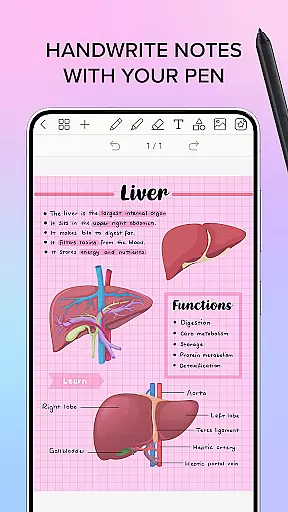
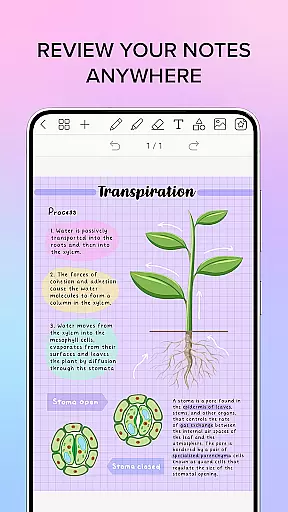
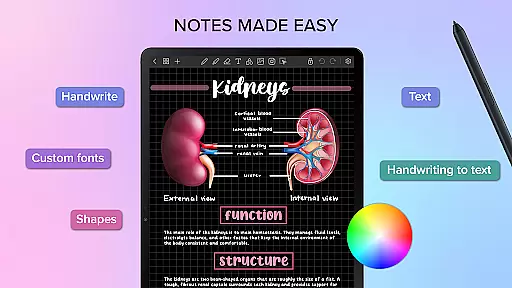
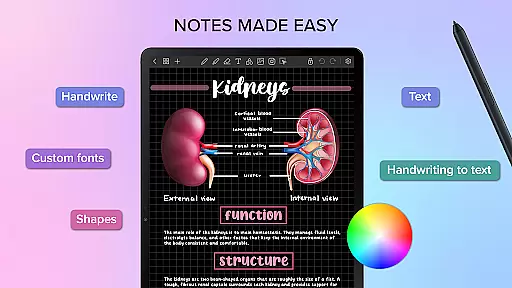
Penly is a comprehensive digital planner, journal, and note-taking app designed to enhance creativity and productivity. The app features an intuitive interface with smooth handwriting capabilities, smart eraser functionality, and tools for text, image, and shape manipulation.
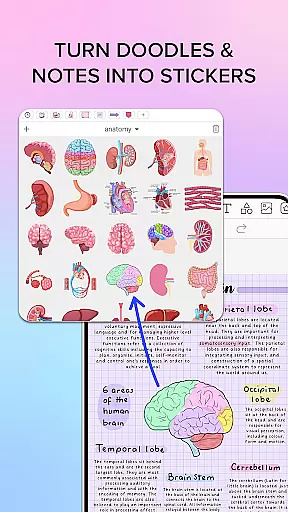
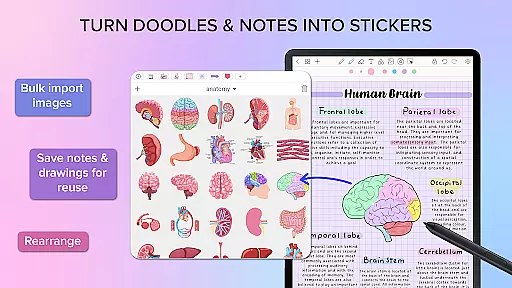
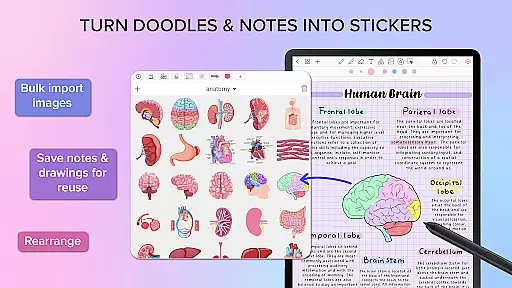
Users can create sticker collections, import custom fonts, and convert handwriting to text automatically. Penly includes four digital planners with hyperlinked pages, undated and reusable templates, and various styles. It supports PDF file imports, hyperlinks creation, and offers extensive organizational features for pages and documents.
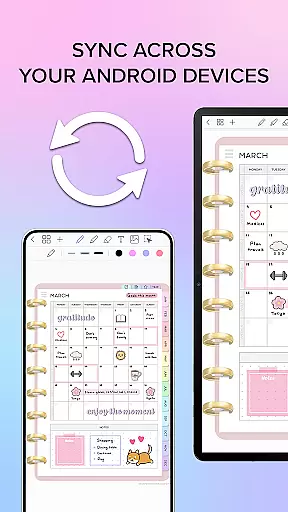
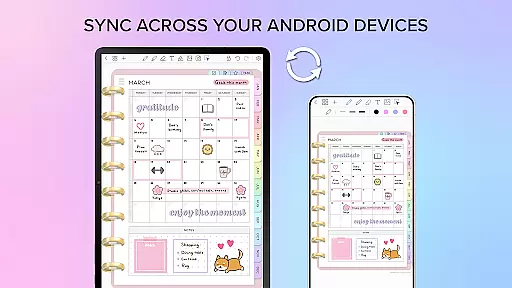
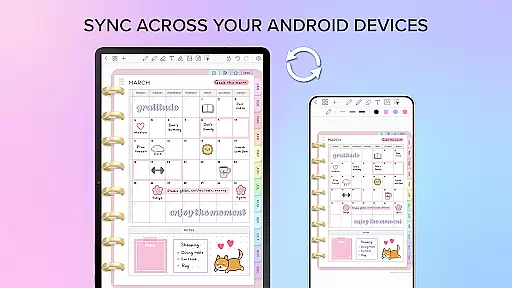
The app allows syncing between Android devices via Google Drive and provides one-time payment for full access, along with a 7-day refund policy. With additional resources like Facebook community groups and tutorial videos, Penly aims to support users in maximizing their digital planning experience.
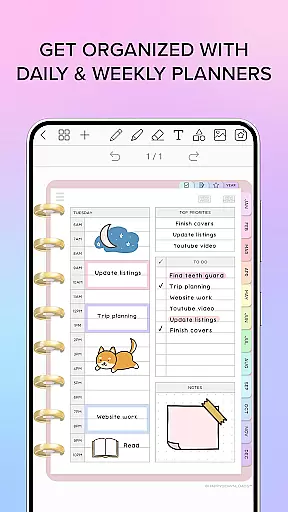
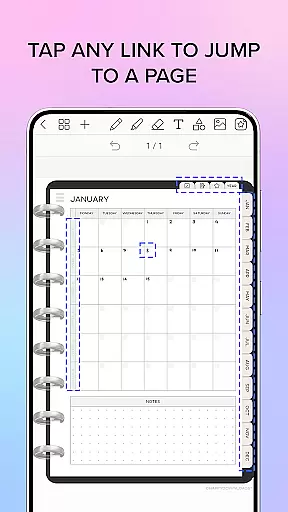
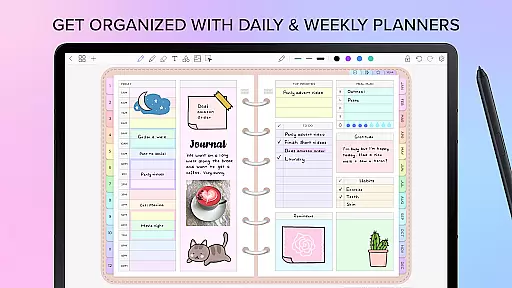
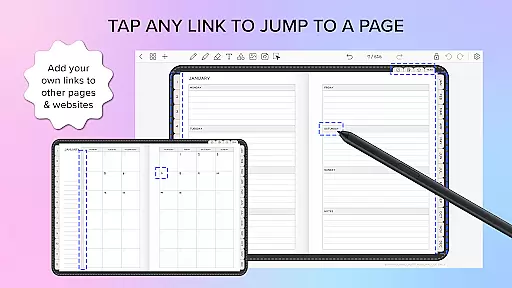
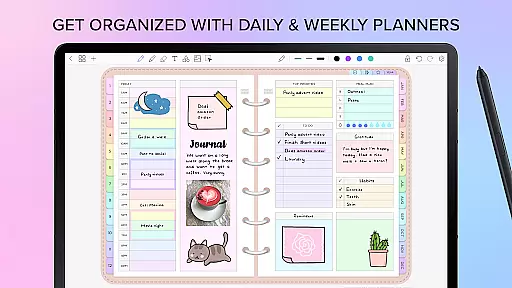
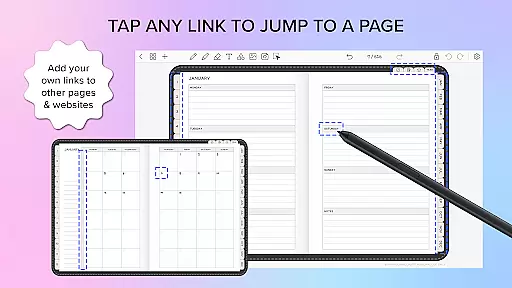
Penly stands out with its robust feature set tailored for productivity enthusiasts. The app's digital planners come with hyperlinked monthly, weekly, and daily pages, available in both landscape and portrait orientations. Users can write in dates manually, choose from rainbow or black minimal styles, and utilize included to-do list and note templates.
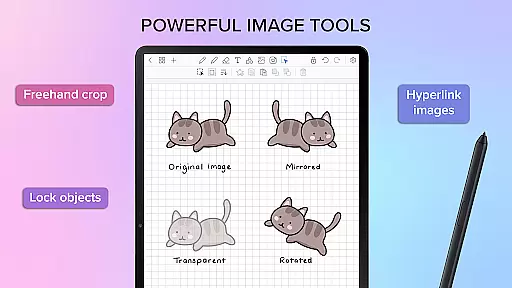
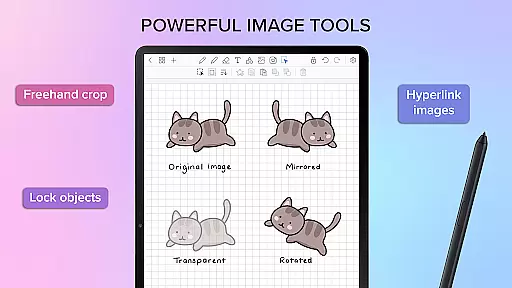
One of the key highlights is the ability to import any PDF file into the app, navigate using existing hyperlinks, and export files as editable Penly files or PDFs. The sticker and image tools allow bulk importing, saving notes and drawings for reuse, and offer editing options like mirroring, flipping, cropping, and adjusting opacity.
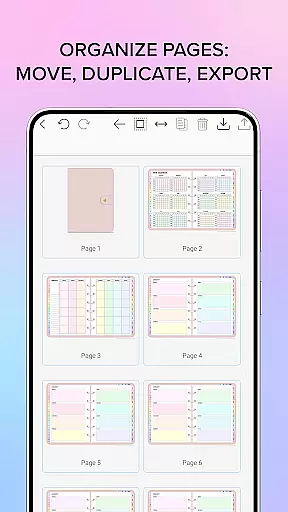
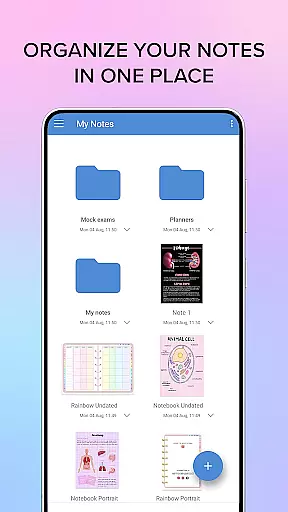
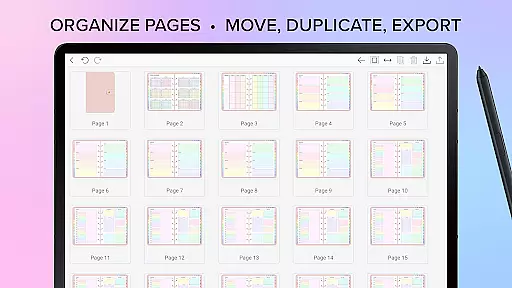
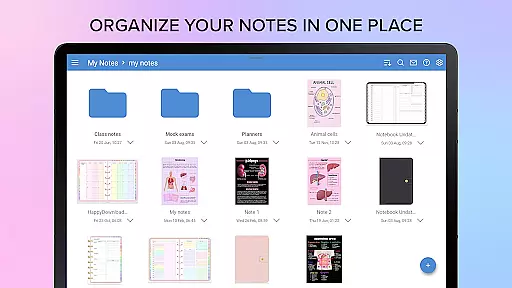
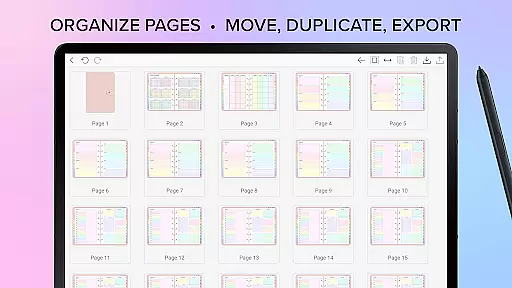
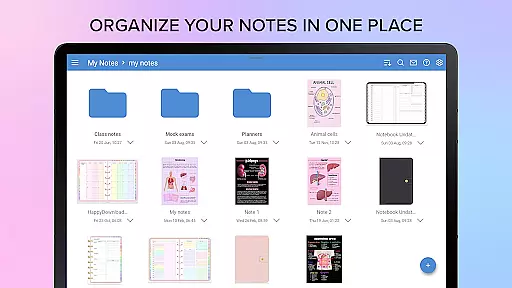
Organization is made easy with features that let users copy, paste, delete, and rearrange pages. Documents are managed through folders and sub-folders, reopening exactly where you left off. Syncing across Android devices ensures seamless access, making Penly a versatile tool for efficient digital planning.
Penly excels in core task management by offering a comprehensive suite of tools designed to enhance productivity. The app provides users with digital planners, including hyperlinked monthly, weekly, and daily pages, which are undated and reusable, allowing for personalized planning.
In addition to its planning capabilities, Penly supports the creation of to-do lists and note templates, ensuring that users can manage their tasks effectively. The ability to transform, group, and lock objects adds another layer of task organization, enabling users to prioritize and categorize their work efficiently.
The app's automatic handwriting-to-text feature streamlines the task management process, making it easier for users to convert handwritten notes into digital text. This functionality not only saves time but also helps maintain a clean and organized digital workspace, enhancing overall productivity.
Cross-device synchronization is a critical feature of Penly, ensuring that users can access their digital planners and notes from any Android device. By linking Google Drive to Penly, users can enable syncing that works either manually or automatically when the app is opened or closed.
This reliable synchronization means that no matter where you are or which device you're using, your data remains consistent and up-to-date. Documents reopen right where you left off, providing a seamless experience across devices.
Moreover, Penly's folder and sub-folder system allows for meticulous organization of documents, facilitating easy navigation and management. With this robust synchronization and organizational structure, Penly ensures that your productivity is never compromised, regardless of the device you choose to use.
User-friendly interface
Extensive customization options
Powerful organizational tools
Seamless cross-device syncing
Comprehensive tutorial resources
Limited to English language
No free version available
Premium price point
Refund period could be longer
Advanced features may overwhelm new users

All in one sketching tool. Technical and General drawing. Online Maps support.
 3.70
3.70
8 custom complications. Custom Time Fonts. Beautiful color schemes. A++ Design.
5.00
Code on-the-go with VScode for Android. Edit,debug and collaborate from mobile!!
3.10
A comprehensive suite of tools designed specifically for Lactation Consultants
4.1
This small app MUST BE INSTALLED after purchase, else license won't work
4.40
Use powerful, industry-leading AI tools to generate visual charts from any data
4.80
Lightweight PDF, Word, Excel reader.
4.60
AI Chatbot and AI writing assistant powered by ChatGPT.
4.60
Browse and view your photos and videos from the phone with photo & video hide.
4.10
Client for Nextcloud Deck
4.60
Stay on top of your to-dos with Google Tasks, part of Google Workspace.
4.60
Calendar 2023 widget for Android. Appointment scheduler, planner, and reminder
4.60
A simple Whisper AI keyboard for reliable speech transcription and rewording
4.60
Fill, sign & send docs, forms, agreements & contracts via electronic signature.
4.50
When you Focus, so will your Bean in this cozy focus timer
4.30
Create and edit presentations with Google Slides, part of Google Workspace.
4.00
The ultimate file manager for rooted devices. The original and still the best.
4.00
AI Video AI Image Private LLM AI Browser Llama Gemma Ollama Connect LLM Studio
4.2
IP Camera Viewer - Android TV : RTSP Surveillance camera viewer for Android TV
4.1


User Reviews