
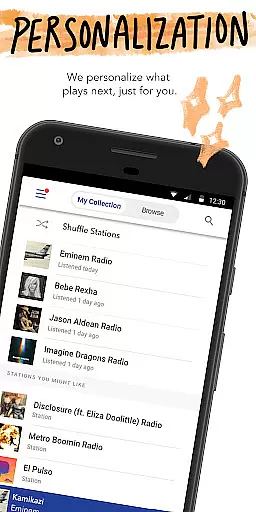
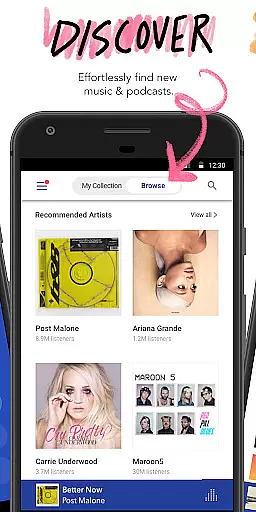
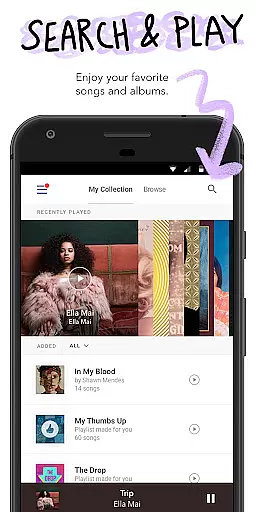
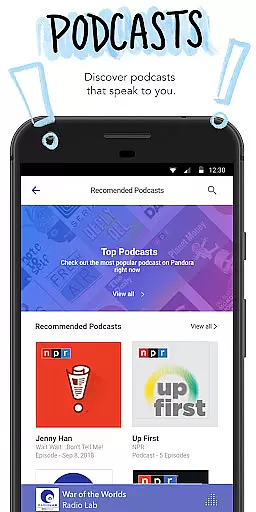

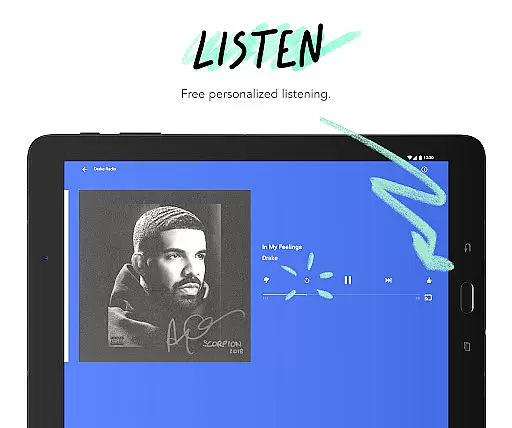
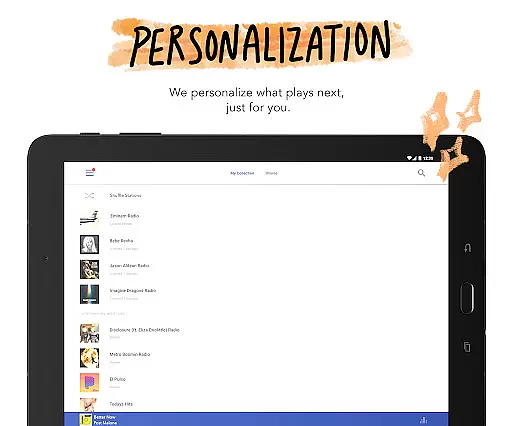
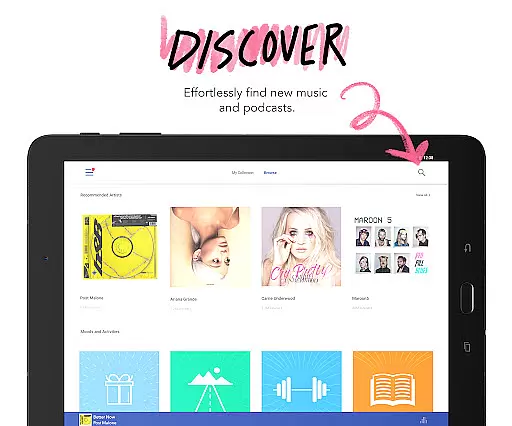
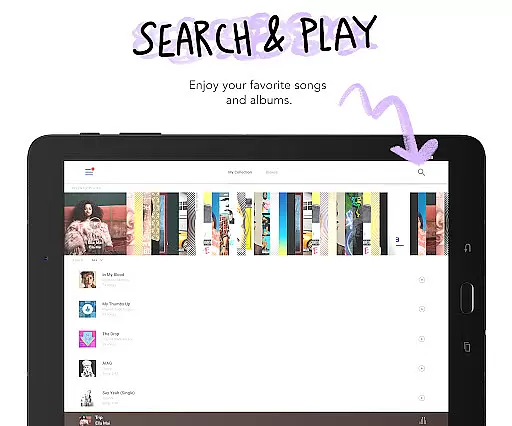
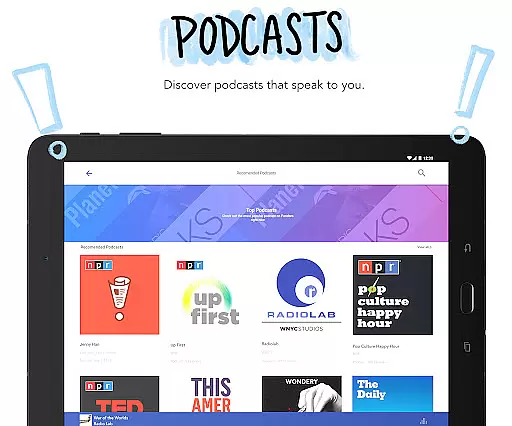

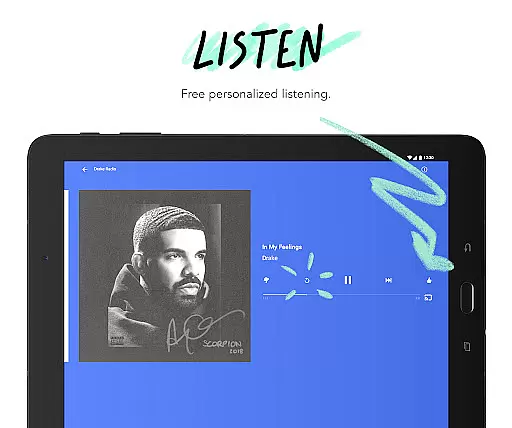
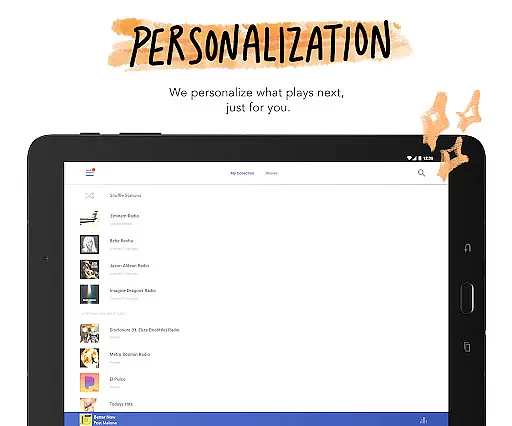
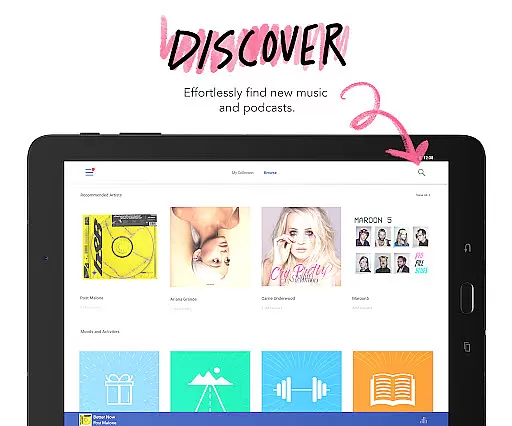
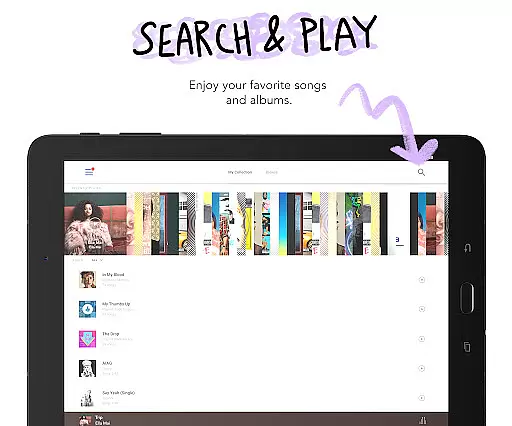
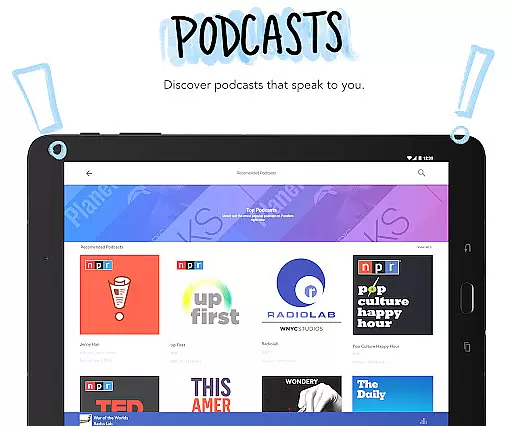

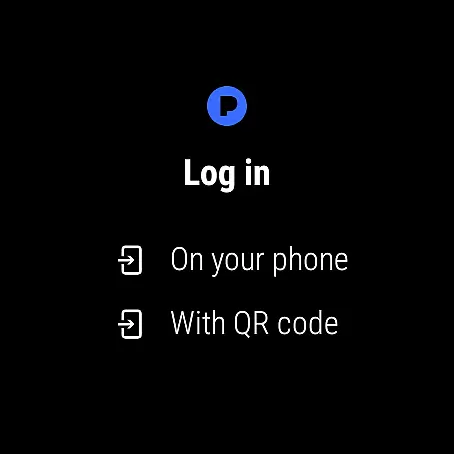

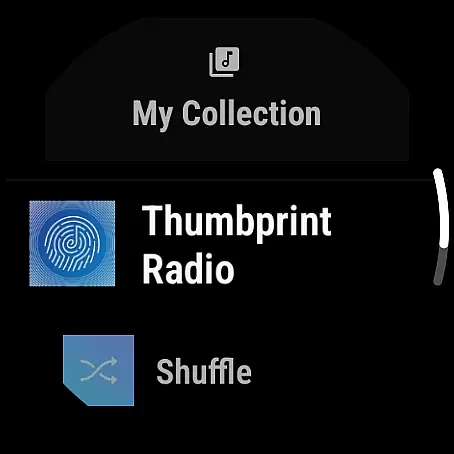


Pandora is a leading music streaming service that offers users a personalized listening experience on Android Wear devices. The app creates customized radio stations based on your favorite songs, artists, or genres, while also providing access to podcasts and music discovery features. With seamless integration across devices, you can enjoy your favorite stations directly from your wrist, making it perfect for workouts or when traveling light.
One of Pandora's standout features is its advanced recommendation engine, which evolves with your listening habits. Whether you're commuting or working out, the app ensures you stay connected to your favorite music and discover new content effortlessly. Additionally, premium subscription options like Pandora Plus and Pandora Premium offer enhanced experiences such as offline listening, ad-free playback, and higher audio quality.
Pandora stands out with its innovative features tailored for Android Wear users. The app allows you to control your music experience using simple voice commands, enabling hands-free operation for playing, pausing, skipping tracks, and adjusting volume. This makes it incredibly convenient for active lifestyles where handling a phone isn't practical.
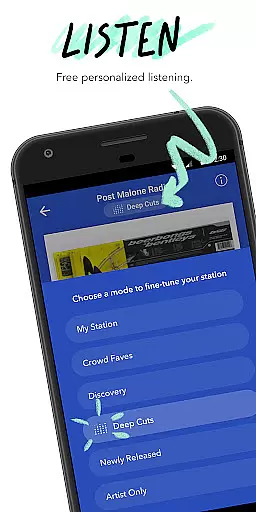
Another key feature is Pandora Modes, which lets you customize your station experience by choosing from six different modes, including Deep Cuts, Discovery, and Artist Only. These modes allow you to explore music in unique ways, ensuring your listening experience remains fresh and engaging. Furthermore, the app supports offline listening via Wi-Fi or cellular connections, so you can enjoy uninterrupted music even without your phone nearby.
Companion app integration is essential for a seamless wearable experience. Pandora excels in this area by offering robust synchronization between its mobile application and Wear OS devices. This ensures that your music preferences, station selections, and listening history are consistently updated across all devices.
The integration allows users to control their music directly from their smartwatch without needing to interact with their phone. Whether you're commuting, exercising, or simply away from your device, the ability to change tracks, adjust volume, or even give feedback on songs through thumbs up or down is readily accessible on your wrist.
This feature significantly enhances user convenience. With Pandora's companion app integration, listeners can enjoy uninterrupted music streaming tailored to their tastes, regardless of whether they have their phone nearby. The cohesive experience ensures that personalization and discovery continue effortlessly, making it easier than ever to stay connected to the music you love.
Device compatibility is crucial for ensuring a smooth user experience on wearable technology. Pandora supports a wide range of Wear OS devices, allowing users to enjoy their personalized radio stations directly from their smartwatches. This broad compatibility means that no matter which Wear OS device you own, Pandora is likely supported, providing an optimized interface designed specifically for smaller screens.
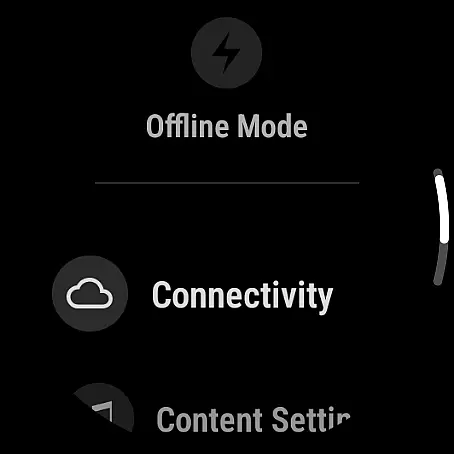
Pandora takes advantage of the unique features offered by Wear OS, such as voice commands and Wi-Fi connectivity. Users can initiate playback, skip tracks, or adjust settings using simple voice prompts, enhancing accessibility and ease of use. Additionally, the capability to stream music over Wi-Fi when not connected to a phone adds another layer of flexibility, perfect for workouts or travel.
By prioritizing Wear OS compatibility, Pandora ensures that users can take full advantage of their smartwatches' capabilities while enjoying a rich audio experience. This commitment to compatibility underscores Pandora's dedication to delivering high-quality, personalized music experiences wherever life takes you.
Personalized music recommendations
Voice command support
Offline listening capability
Wide music library
Seamless device integration
Limited free version features
Subscription costs
US-only availability
Data usage concerns
Occasional skips in free tier

Gym Log & Workout Tracker | Fitness Journal, Training & Weight Lifting Planner
 4.90
4.90
Calming & relaxing sounds for sleeping and stress relief. Stay focused all day!
4.20
Analog watch face with 8 complications and expedition styling
4.3
A watch face that fuses motorsport precision with contemporary smartwatch design
4.4
Authentic military-tactical design with ZULU time! Realistic and functional!
3.80
Stylish digital watch face for Wear OS devices with customizable features
4.3
Digital watch face. For Wear OS devices.
4.40
To-Do List: daily schedule planner, task organizer, to do reminder app, calendar
4.60
Back up your contacts & access them anywhere
4.30
Hyperlocal rain alerts by MyRadar using patent-pending technology, radar & more
4.80
Monitor health with the stress test and pulse checker in the heart rate app.
4.60
MyNISSAN® lets you remotely control your car from your phone.*
4.50
Reliable phone calls with spam protection, caller ID and more helpful features
4.40
Wear Os Watch Face - Animated Snow Effect & Magic Spark - 6 Scenes
4.10
A digital watch face that celebrates Christmas.
4.00
Animated Watch Face and Customizable with 24 Backgrounds. Perfect for Christmas!
3.90
Contemporary digital watch face with five complications
4.3
Simple Analog-Digital Watchface For Wear OS 3.0 and Up Smartwatches
4.5
Minimalistic design modern digital watch face.
4.5


User Reviews