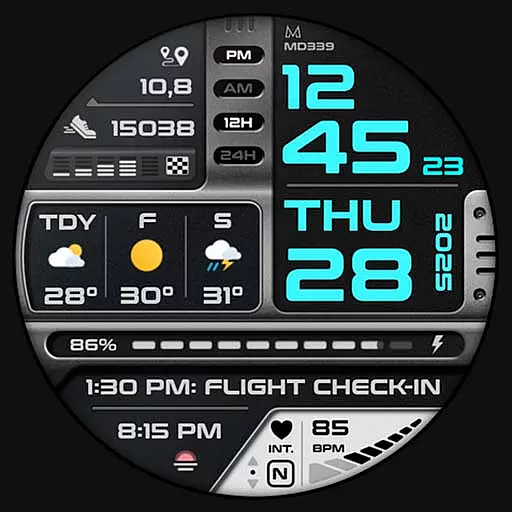
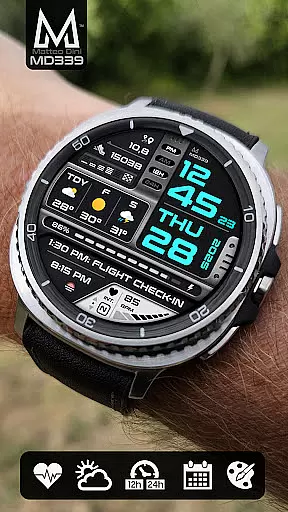
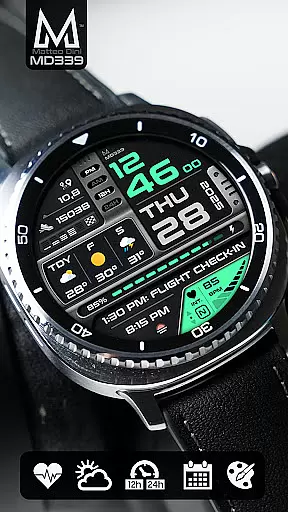
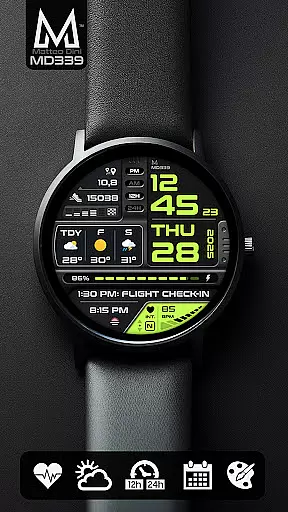
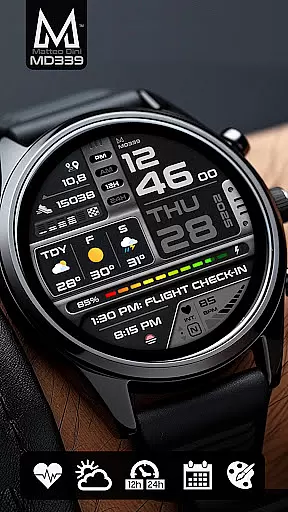
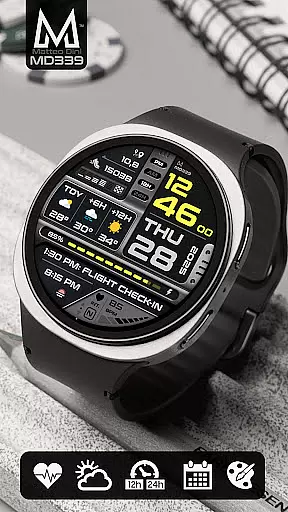
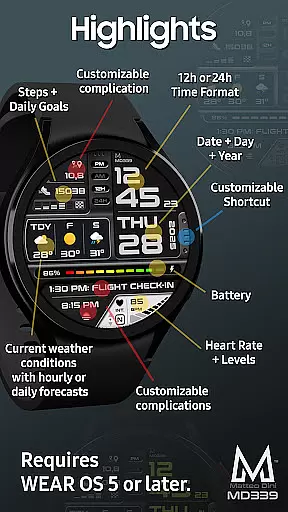
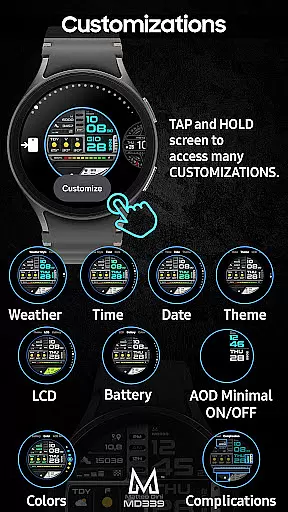
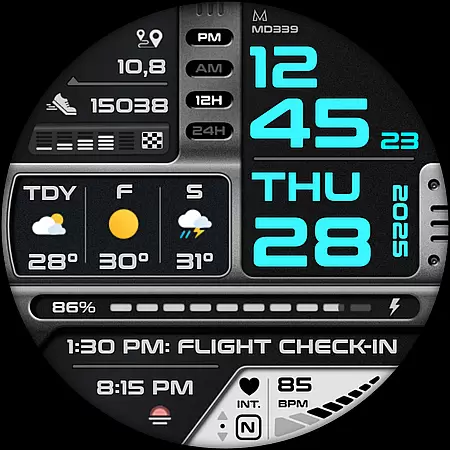
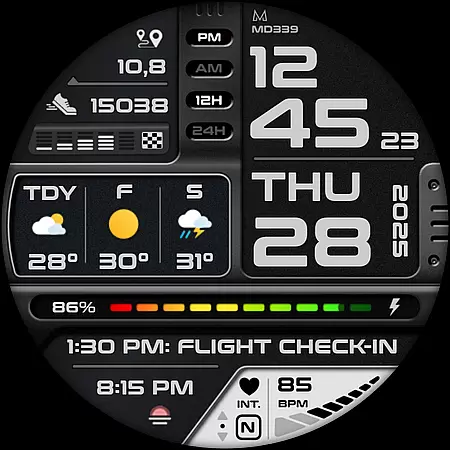
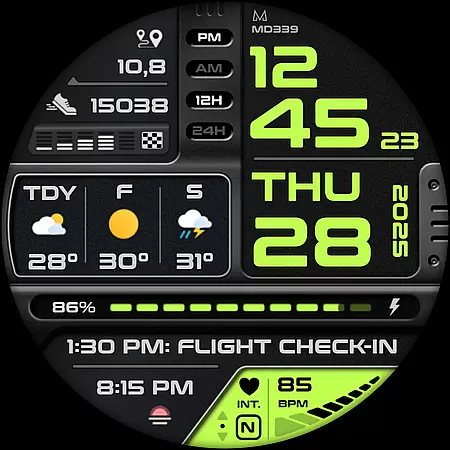
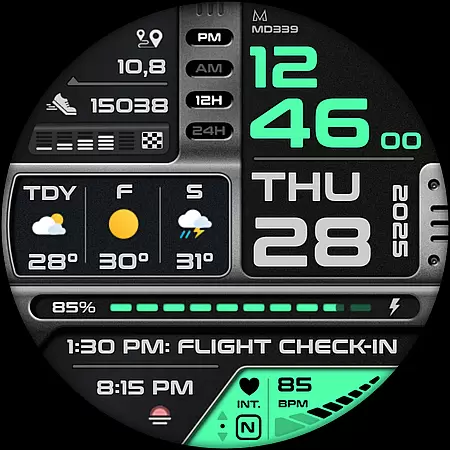
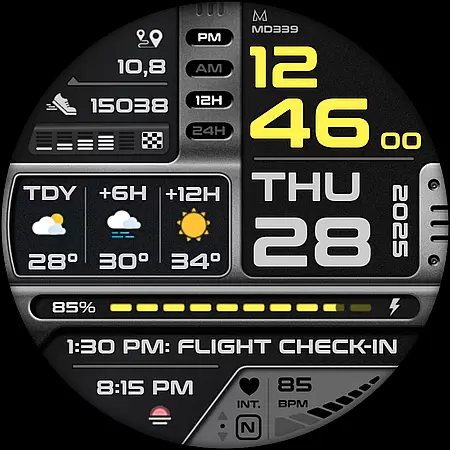
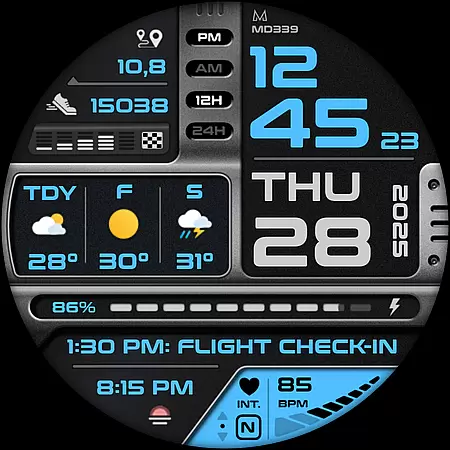
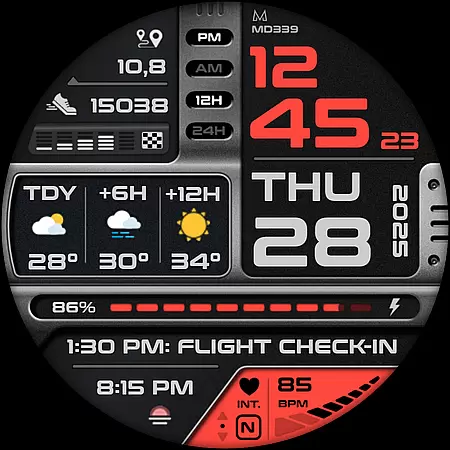
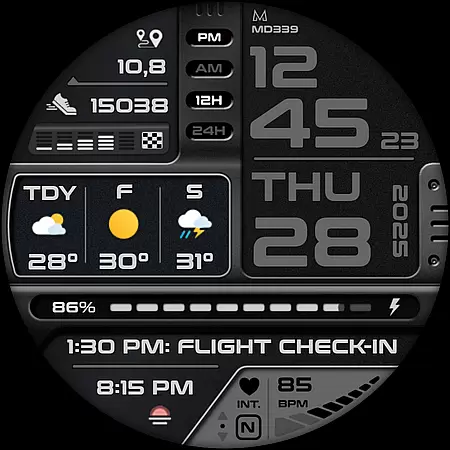
MD339 Digital watch face offers a modern and customizable experience for Wear OS users. This advanced watch face supports devices with API Level 34+ and newer, including Samsung Galaxy Watch series and Pixel Watch. It features six preset app shortcuts, one customizable shortcut, and three complications that display various data such as weather, heart rate, and steps.
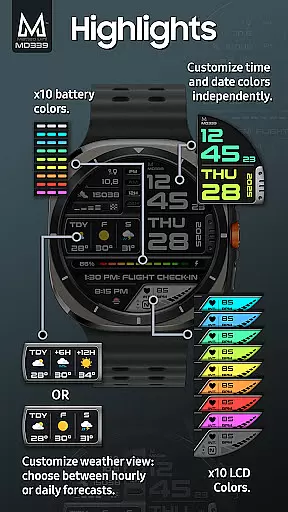
With full customization options, users can independently change colors of time/date, fonts, battery indicator, and more. The Always On Display Mode provides minimal and full modes. Weather forecasts can be displayed hourly or daily based on user preference, syncing with the phone's settings for temperature units and time format.
MD339 stands out with its extensive customization capabilities. Users can personalize their watch faces by setting up to three complications that pull data from external apps, like health metrics or world clock. The watch face syncs with the phone's 12/24hr format and temperature unit settings, offering a seamless experience.
It includes practical features such as heart rate monitoring, step tracking with daily goals, and battery meter. Six preset app shortcuts provide quick access to essential functions like calendar, alarm, and weather. Additionally, an always-on display ensures time and important information are visible at a glance, even when the watch is inactive.
Companion app integration is essential for Android Wear applications as it ensures seamless synchronization between the wearable and its paired smartphone. The MD339 Digital watch face excels in this aspect by leveraging your phone's settings to provide a cohesive user experience.
This watch face syncs with your phoneu2019s time format preferences, weather data, and temperature units, ensuring that all information displayed is both accurate and personalized. By utilizing the phone's built-in weather provider, the watch face can display current conditions and forecasts without requiring an additional internal weather app.
Users benefit from this integration through features like heart rate monitoring intervals, daily step goals, and calendar shortcuts, which are directly linked to corresponding apps on their smartphones. This connectivity not only enhances convenience but also maximizes the utility of both devices.
The ability to customize various elements such as time/date colors, complication fonts, and theme options further exemplifies the strength of companion app integration. Users can personalize their watch face extensively while maintaining functional consistency across their devices.
Device compatibility is a critical factor for Wear OS applications, determining the range of devices that can effectively utilize the software. The MD339 Digital watch face boasts extensive compatibility, supporting all Wear OS devices with API Level 34+ including Samsung Galaxy Watch series and Pixel Watches.
This broad compatibility ensures that users with newer models like Samsung Galaxy Watch 4-8, Ultra, or Pixel Watch can take full advantage of advanced features such as customizable complications and detailed health metrics tracking. These features include heart rate monitoring, step counting, and even barometer readings.
However, it's important to note potential limitations on older models where hardware constraints might affect performance. For instance, Galaxy Watch 4 or 5 owners may encounter customization issues due to less recent hardware capabilities. Despite these challenges, the watch face remains functional and visually appealing across supported devices.
By focusing on wide-reaching device support, the MD339 Digital watch face guarantees that a diverse array of users can enjoy a tailored and efficient wearable experience, enhancing both style and functionality regardless of their specific device model.
Highly customizable
Wide device compatibility
Comprehensive weather integration
User-friendly interface
Multiple app shortcuts
Older model limitations
Weather data dependency
External complication reliance
Premium feel but not free
Complex for beginners

Diet tracker for weight loss - track calories, food and macros. Simple and easy!
 4.70
4.70
Rose gold watch face with festive lights & customizable features.
4.60
Current temperature, weather hourly, weather radar by the weather forecast app
4.40
Easy Voice Recorder is your everyday companion to record important moments.
4.70
Digital, flexibly customizable watch face. For Wear OS 5.0, API 34+ and later.
5.00
Monitor health with the stress test and pulse checker in the heart rate app.
4.60
Bold weather Digital watchface with forecast & optional animated background
4.40
Track your active life in one place and share the journey with friends.
4.40
Back up your contacts & access them anywhere
4.30
Hybrid watch face for Wear OS with customizable complications by Matteo Dini MD
4.70
Real-time results, stats, schedules and player profiles for all leagues
4.60
Connect to your Bluelink equipped Hyundai vehicle from your smartphone.
4.50
Locate your family members by GPS phone location tracker everywhere and anytime
4.30
A customizable Christmas watch face for Wear OS with a countdown.
4.20
Animated video-game inspired “secret agent” simulation, right on your wrist!
4.20
Embrace the festive spirit with our Christmas Countdown watchface for Wear OS
4.10
A full-featured Amazon Alexa voice assistant that can show you things.
3.70
Christmas is near, let's count together the days left until Santa comes
4.5
Hybrid Vibrant Health Watch Face for Wear OS
4.3


User Reviews